Are you someone who is planning to upgrade to a Galaxy device for the first time or making a return to the Galaxy smartphone family? If yes, then the hustle of switching phones might be one of your concerns.
Switching phones always becomes a hectic task as you need to transfer your photos, files, messages and contacts and also learn about the UI experience of your new device. Well, if you are planning to go for a Galaxy smartphone, then here are three features offered by Samsung that make switching simple.
Three features that make switching to the Samsung Galaxy easier
Try Galaxy
Before switching to a Galaxy device, if you want to know what Galaxy is all about, you can do so by trying it on the device you already have. The Try Galaxy feature lets you preview the latest One UI experience on your current device. It stimulates key features, so you can explore how Galaxy works.
The feature is available on supported Android OS smartphones with the latest version of Samsung Internet or Chrome browser, and iPhone 8 and above with the latest version of Safari or Chrome browser. You can check out the video below on how to use this feature.
Smart Switch
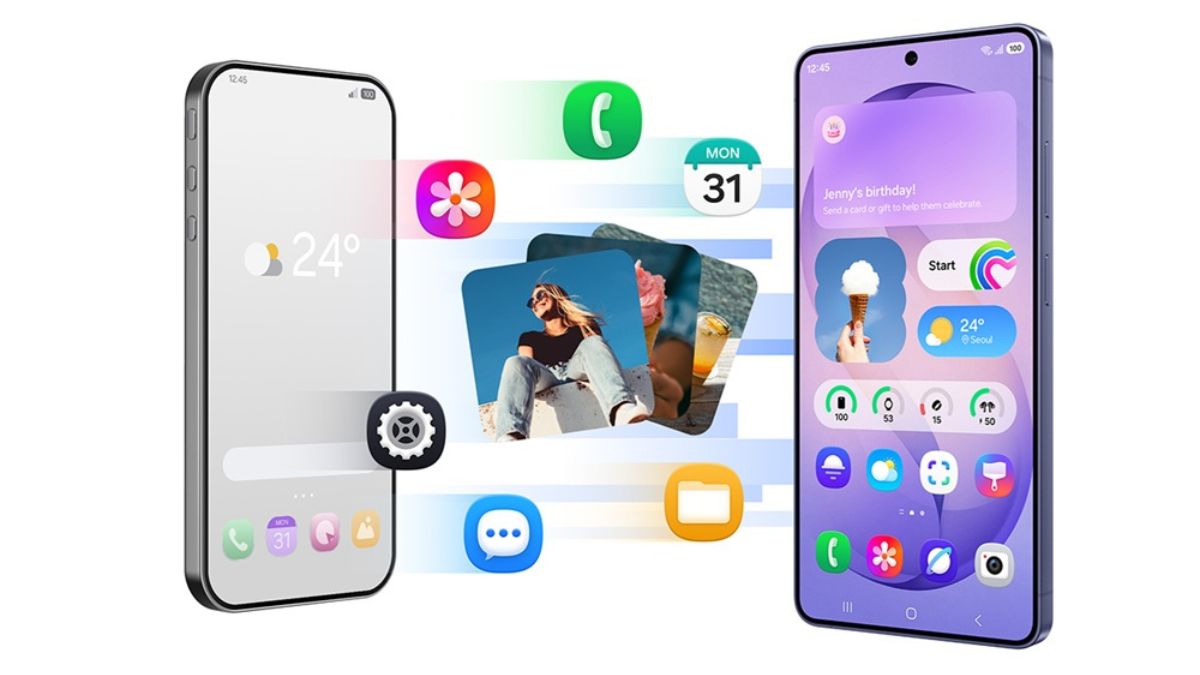
Smart Switch helps you move your contacts, photos, messages, apps, calendars, settings, and more from your old phone to your new Galaxy device. It walks you through everything step by step, and you have the option to transfer wirelessly with a cable or from a cloud backup.
Check out how to use Smart Switch below.
Quick Share
Once you are using Galaxy, you can also take advantage of Quick Share. Samsung’s built-in file sharing feature lets you send photos, videos, and other files seamlessly between Galaxy phones, tablets and PCs. You can share files in full quality using nearby sharing, links or QR codes across devices and ecosystems.
Quick Share also recognises nearby Apple devices, making it AirDrop capable, for a more seamless photo, video, and file transfer experience. It is available between Galaxy smartphones and tablets with Android OS version 20.0 and OneUI 2.1 or above, Galaxy Books released in 2020 or later.
Check out how to use Quick Share below.
https://youtu.be/6WmwMrnpbY4?si=l65TIP_PUlFObFlO