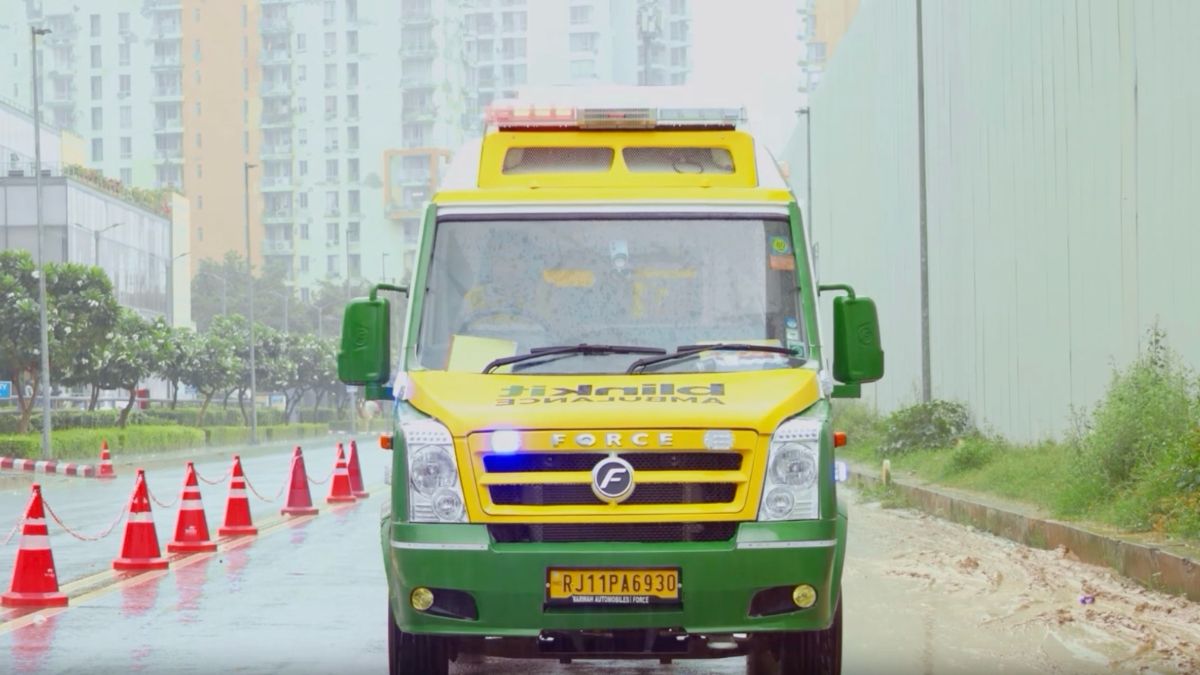
In recent times, Blinkit, which is one of India’s rapidly growing quick-commerce platforms, has also been expanding its ambulance service across certain parts of the country. One of the important things about the service is that, at the moment, it is being offered absolutely free of charge.
While booking an ambulance through the Blinkit app is fairly simple, if you are new to the app or haven’t used this feature before, here is how you can request one.
Read more about it below.
How to Book an Ambulance Through Blinkit
First of all, you will need to have the Blinkit app installed on your smartphone.
If you haven’t downloaded it already, Android users can get the app through the Google Play Store, whereas iPhone users can download it from the Apple App Store.
After installing the app, enter your mobile number and sign up or log in to your Blinkit account. Once you have completed the on-screen instructions, you will be taken to the main Blinkit dashboard.
Blinkit Ambulance
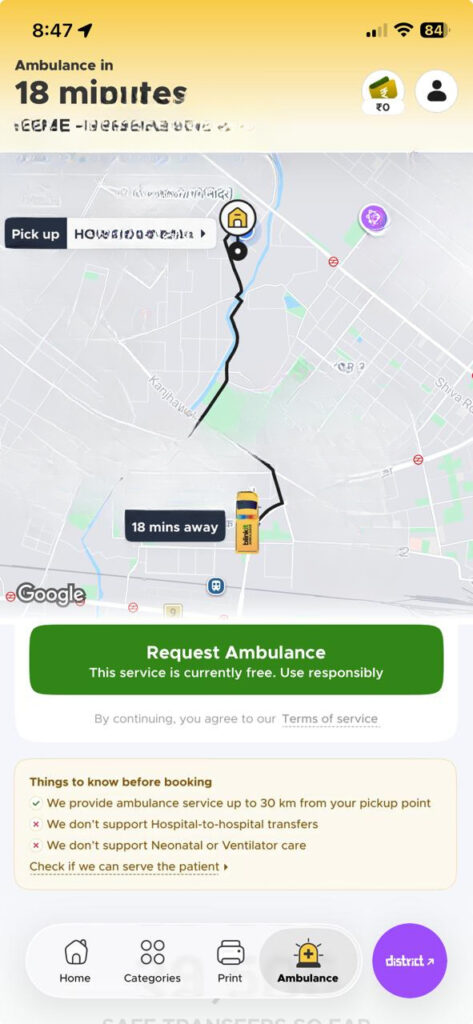
Now, look at the navigation bar present at the bottom of the app. Towards the extreme right, you should see an “Ambulance” option if the service is available in your area.
Tap on it and then select “Request Ambulance.”
Following this, you will need to confirm your exact pickup location. Once the request has been placed, an ambulance will be dispatched to the selected pickup point, while the app will also show you its estimated arrival time.
The hospital destination can also be selected, with Blinkit currently allowing users to choose a hospital located within 30km of the pickup location.
Blinkit Ambulance Service – Key Details
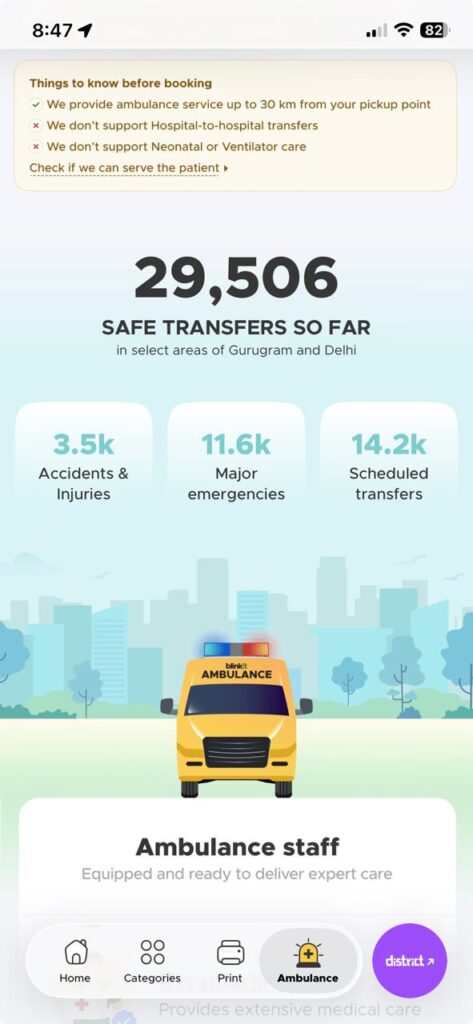
At the moment, the ambulance service is available in select areas of Gurugram and Delhi-NCR and is currently being offered free of charge.
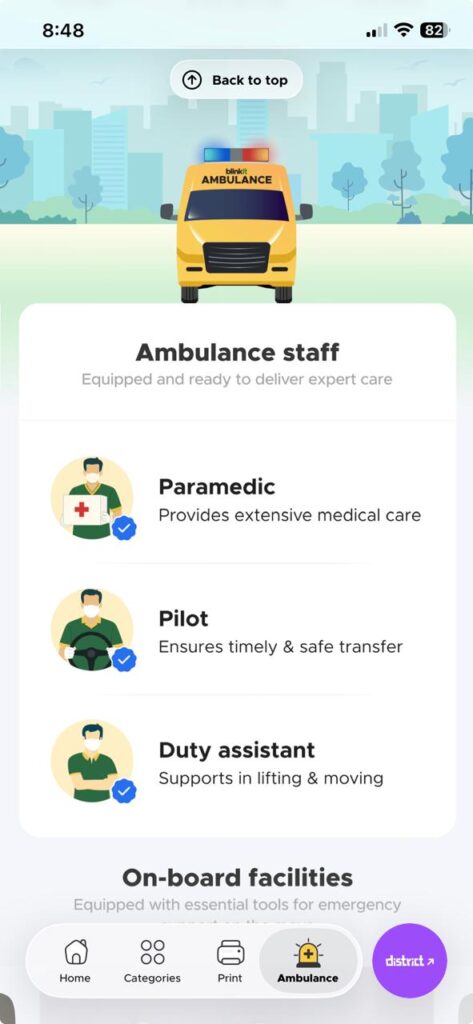
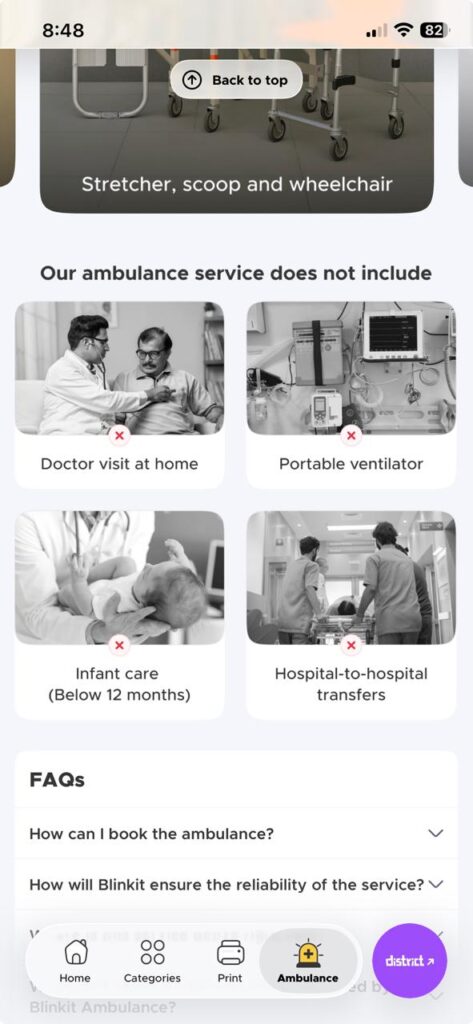
Speaking of the onboard equipment, Blinkit ambulances come equipped with a stretcher, scoop stretcher, and wheelchair, along with other equipment required for patient transportation and emergency care.
The service can also be used in cases such as accidents, injuries, major emergencies, and scheduled patient transfers.
What Isn’t Supported?
Blinkit currently states that its ambulances do not support patients requiring portable ventilator support or infant care for children below 12 months and hospital to hospital transfers.
There is no doctor physically present inside the ambulance, instead, the paramedic can connect with Blinkit’s dedicated emergency doctors for tele-consultation when required.
Since the service is still available only in select regions, the Ambulance option will only appear in the Blinkit app when it is serviceable at your current location.
Blinkit Ambulance service areas
Gurugram
- Golf Course Road
- South City II
- Golf Course Extension Road
- Cyber Hub
- HUDA City Centre
- Badshahpur (SPR Road)
- Old Gurgaon – Sector 9
- Palam Vihar
- Manesar – Sector 84
- Sector 12
Delhi
- Dwarka
- Malviya Nagar
- Lajpat Nagar
- Patel Nagar
- GK-1
- Rajouri Garden
- Janakpuri
- Vasant Kunj
- Safdarjung
- Preet Vihar
- Pitampura
- North Campus
- Rohini
- Mayur Vihar
- Shahdara
- Yamuna Vihar
- Chhatarpur
- Uttam Nagar East
Noida
- Sector 116
Ghaziabad
- Ghaziabad
Note: For critical or life-threatening emergencies, users should also contact the appropriate emergency services or hospital directly rather than relying solely on an app-based ambulance request.