

Recently, some reports have highlighted that a few users have received new smartphones that were already pre-activated, which is a major cause of concern among new buyers as it reduces the warranty period of the device. Say for example, if a buyer purchases a new smartphone from the market or online, and receives a product that was already activated around four months back, then its warranty would be reduced to just eight months instead of the complete 12 months. Not only this, but users may also feel cheated after finding out about it.
Check out more about it below.
How to Check Whether Your Samsung Smartphone is Pre-Activated or Not
Now, some users may not even know about this until they are within their 12-month warranty period and later get to know that even though they bought the device recently, the product was already activated earlier. In order to check whether your phone is already activated, or to know when exactly it was activated, you just need to follow the steps below.
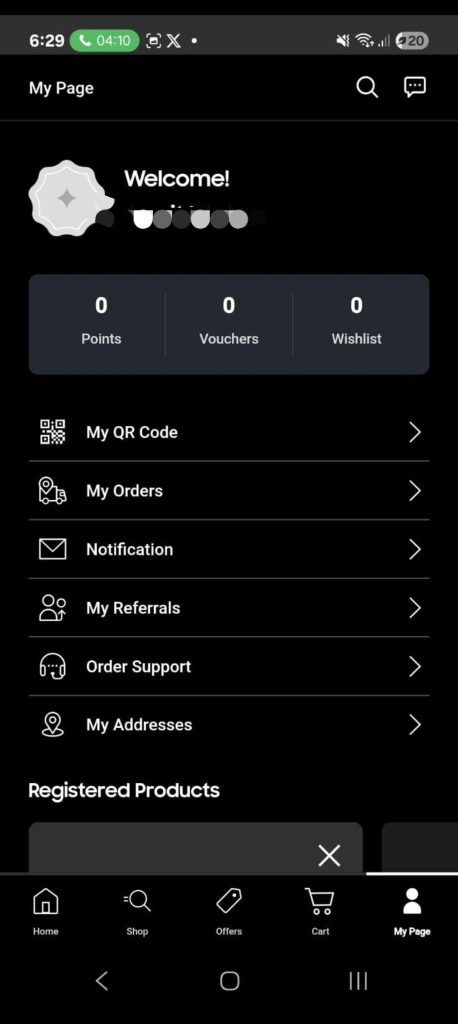
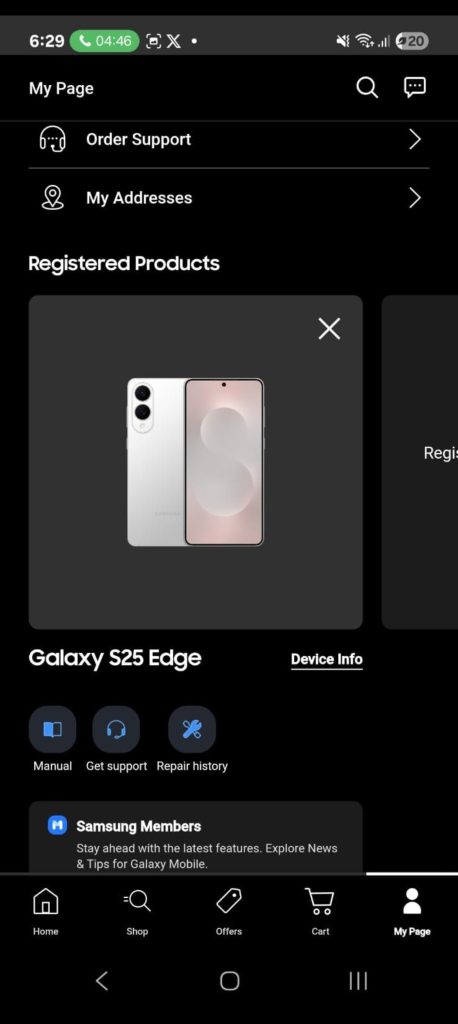
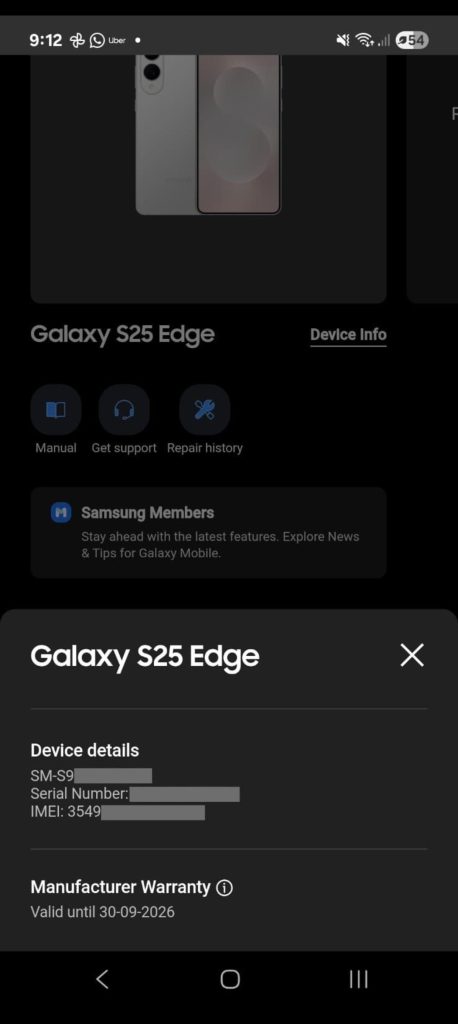
Samsung Shop – My PAge
First of all, you will need to turn on your phone and sign in with your Samsung Account, and then open the Samsung Shop app. After that, go to My Page → Registered Devices → Device Info, and check the Valid Till warranty date.
If the warranty details don’t match the timeline of your purchase, like the date of expiry is shown earlier than expected, then it is most likely a pre-activated unit. If the validity matches the expected warranty period of a new device, then you are good to go.
Stay tuned for more updates.