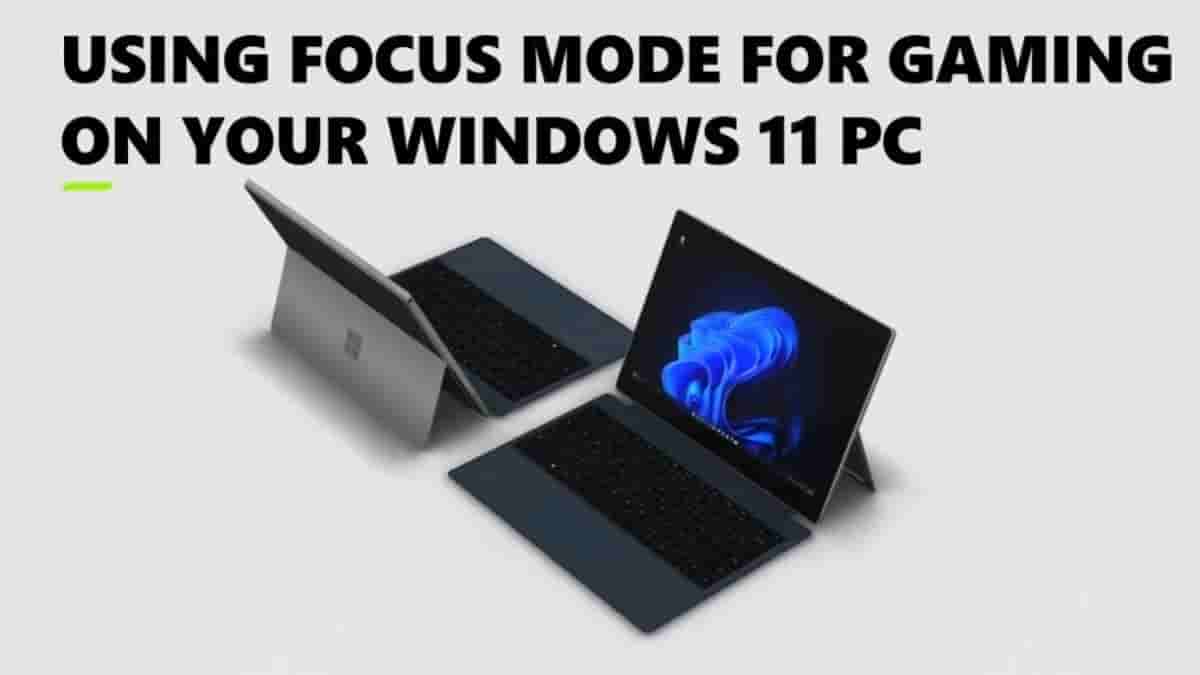
Whenever you are involved in an intense gaming session or concentrating on your work, like an assignment or project on your PC, distraction is the last thing you would want to face in such circumstances. Windows offers many ways to minimize distractions, among which is Focus mode.
The games are calling, but so is graduation. Whether it's the final boss or assignment, make sure you're locked in.
Get started with Focus mode on your Windows PC: https://t.co/l5VxeAvsp8 pic.twitter.com/uGJpJI8QiC
— XBOX Support (@XBOXSupport) April 12, 2025
Focus mode can be used to pause all or some notifications for a set period of time, as well as track what you get done during that time. It integrates with the Clock app focus timer to control the session.
Steps to activate Focus Mode on Windows 11 PC
- Click the time and date display on your taskbar to open the notification center.
- Select Focus to be right away on the default settings.
- To adjust your Focus settings, select Start and go to Settings> System> Focus.
- You can adjust the Session duration and choose if you want to hide badges and flashes on taskbar apps.
- For even more focus, you can turn on Do Not Disturb.
- After all these adjustments, choose Start Focus session.
And now you can just relax and focus on your games or any important work you are doing, like a college assignment or office work.
Stay tuned with The Tech Outlook for more tech updates.