
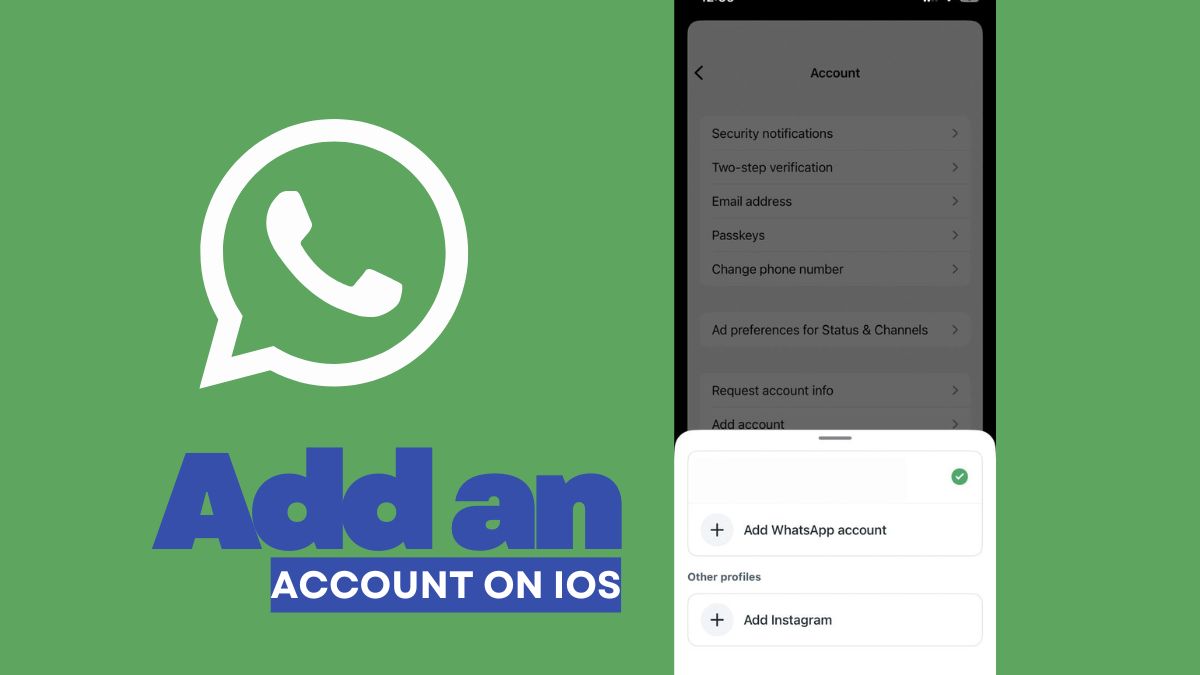
Back in March of this year, Meta had announced that users will be able to add multiple accounts into WhatsApp for iOS users, and now, it seems to be rolling out to users in the India region. This new feature has now appeared in the app of ours, pointing out that the rollout has likely started taking place in the country.
Read more about the update below.
WhatsApp Multiple Accounts Feature – Rolling Out for iOS Users in India
Before getting into how users can add another account, the thing to note is that it is best to make sure that the account backup has been done properly before proceeding. Also, users should make sure that the same iCloud/email account on which the backup has been done is being used, if they want to restore the backup of the new account. Notably, after adding the account, it will be like installing WhatsApp on a new device, so before proceeding, it is best to back it up first.
As mentioned, secondary accounts can only be created from the primary mobile device, and users can also pair a companion device to their secondary account. However, only mobile companion devices will be able to switch between accounts. Also to add, the feature supports a maximum of two accounts, while users will also be able to see activity on idle accounts, but will have to switch accounts in order to see the content.
Speaking more about how to add another account, users will first have to open WhatsApp and tap on Settings. Next to the name, tap on the arrow icon and then select Add Account. After this, tap on Agree and Continue to agree to the Terms of Service and Privacy Policy, select the country, and enter the phone number in international phone number format. Once done, tap on Continue to get the code, or tap on Verify another way to get the code by text or phone call.
Furthermore, users will then have to enter the 6-digit code, enter their name, and tap on Next. They will also be able to add a profile photo and fill in the about field, or tap on Skip to create the profile later. To note, some features such as connecting a payment method are not available for secondary accounts on iOS at this time, and WhatsApp recommends users to keep the app updated on their device to get all features as soon as they are available.
Coming to switching accounts, users can again go to Settings, tap next to their profile, and then tap on the other account. In case users are not able to add a second WhatsApp account, they can try restarting their phone, switching between Wi-Fi and cellular data, or making sure that the latest version of WhatsApp has been installed.
Regarding notifications on idle accounts, users will receive notifications for new messages and calls on their idle account. However, they will have to switch accounts in order to access the content. When someone calls the idle account, users will get a push notification, and they can either tap on Ignore to ignore the call or tap on Switch Accounts to switch to the idle account and select Answer or Decline.
All from just one app.
Stay tuned for more updates.