As our dependency on technology is growing, so is the need for storage to store important files and data. Well, the smartphone brand Xiaomi has this problem solved for its users with the help of its own cloud storage service- Xiaomi Cloud.
What is Xiaomi Cloud?
This is a convenient cloud storage service for Xiaomi users that offers users a safe and secure way to store their data in the cloud, including photos, videos, documents, and much more. Users can access their data from anywhere and anytime as long as there is an internet connection. This service uses encryption technology and two-factor authentication.
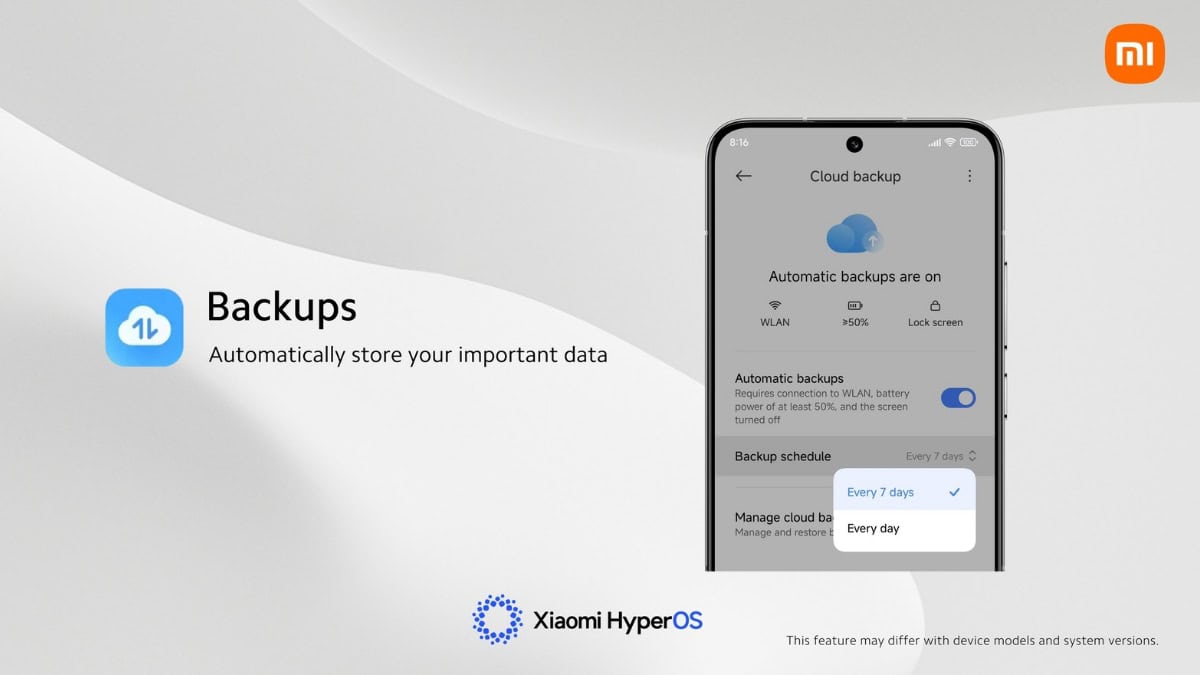
Xiaomi Cloud also offers an automatic backup feature, which makes sure that the data stored is always up to date. Xiaomi users can auto-sync their important files, photos, videos, contacts, and many more in Xiaomi Cloud for easy access.
Auto-sync your important files, photos, contacts, and many more in "Xiaomi Cloud" for easy access.
💡Tips: Go to "Settings" > "Xiaomi Account" > "Xiaomi Cloud" > "Backups"#Xiaomi #XiaomiHyperOS #miui #XiaomiCloud pic.twitter.com/zXij0HWYTF— Xiaomi HyperOS (@XiaomiHyperOS_) June 24, 2024
Steps To Turn On Auto-Sync On Xiaomi Cloud
- Go to Settings
- Go to Xiaomi account
- Tap on Xiaomi Cloud
- Click on Backups
After turning on automatic backup, users can choose whether they want their data to be backed up every 7 days or every day. Xiaomi users should keep in mind that this auto-sync feature may differ with device models and system versions.