Previously WhatsApp introduced its Video Note feature for the users that enabled them to instantly record and share up to 60-second video notes directly in the chat. These video notes are protected with end-to-end encryption to keep your messages secure.
How To Send A Video Note?
- Open the chat you like to send a video note to
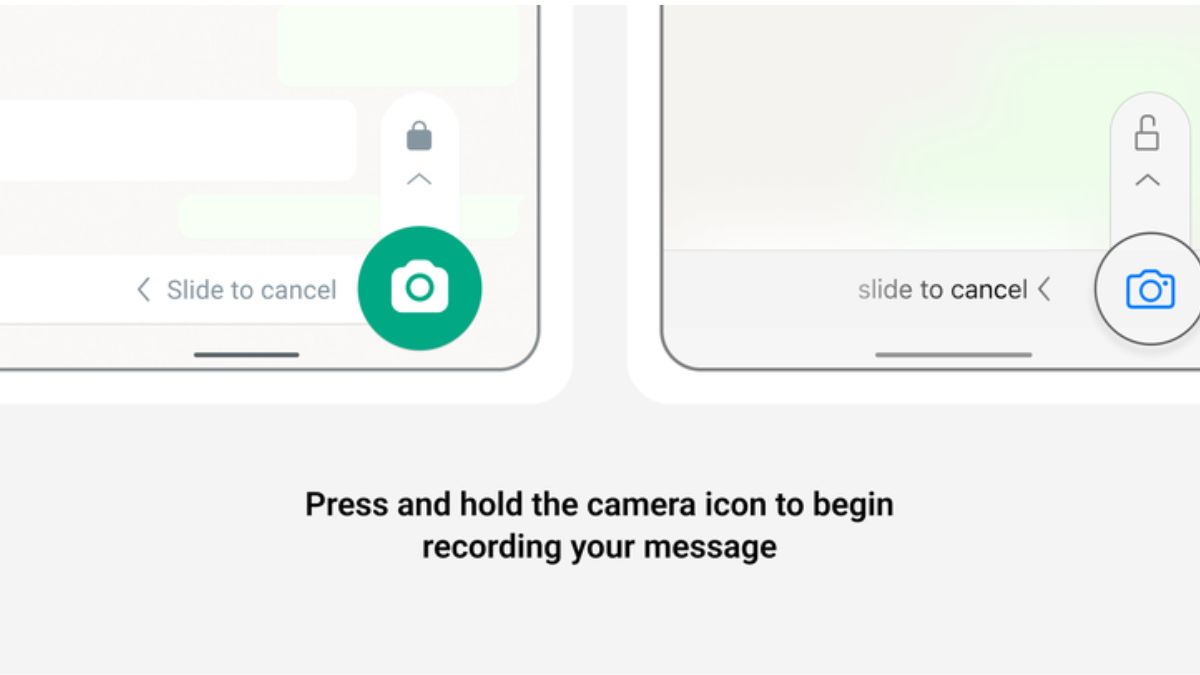
- Press and hold the camera icon next to the text field. The timer will count down to start recording
- You can switch between the front and back cameras before or during the recording
- When finished remove your finer from the camera icon. The video not will automatically be sent
Users can also use lock mode to record hands-free video notes. While in lock mode you can flip the camera though the recording will start from the selfie camera only, tap the stop icon to stop your recording, Tap the bin icon to cancel the recording, or tap the send icon to send it to the chat.
To set up lock mode-
- Open the chat you would like to send a video note to
- Press and hold the camera icon next to the text field, then slide the lock icon upwards to lock hands free recording
- Tap the send icon to send the note
How To Reply To A Video Note?
- Open the chat and view the video note you want to respond to
- Press and hold the camera icon next to the text field to start recording.