In 2023, Microsoft launched an all-new Loop app that served as a shared workspace that included tables, polls, and even third-party apps. This app was built for modern co-creation. After a year, Microsoft has officially unveiled a revamped version of this app- Loop 2.0.
Loop 2.0 is said to arrive with upgraded UI and features to ease the work of users to get their meeting notes, favorites, recent ones, and more.
What’s New in Loop 2.0?
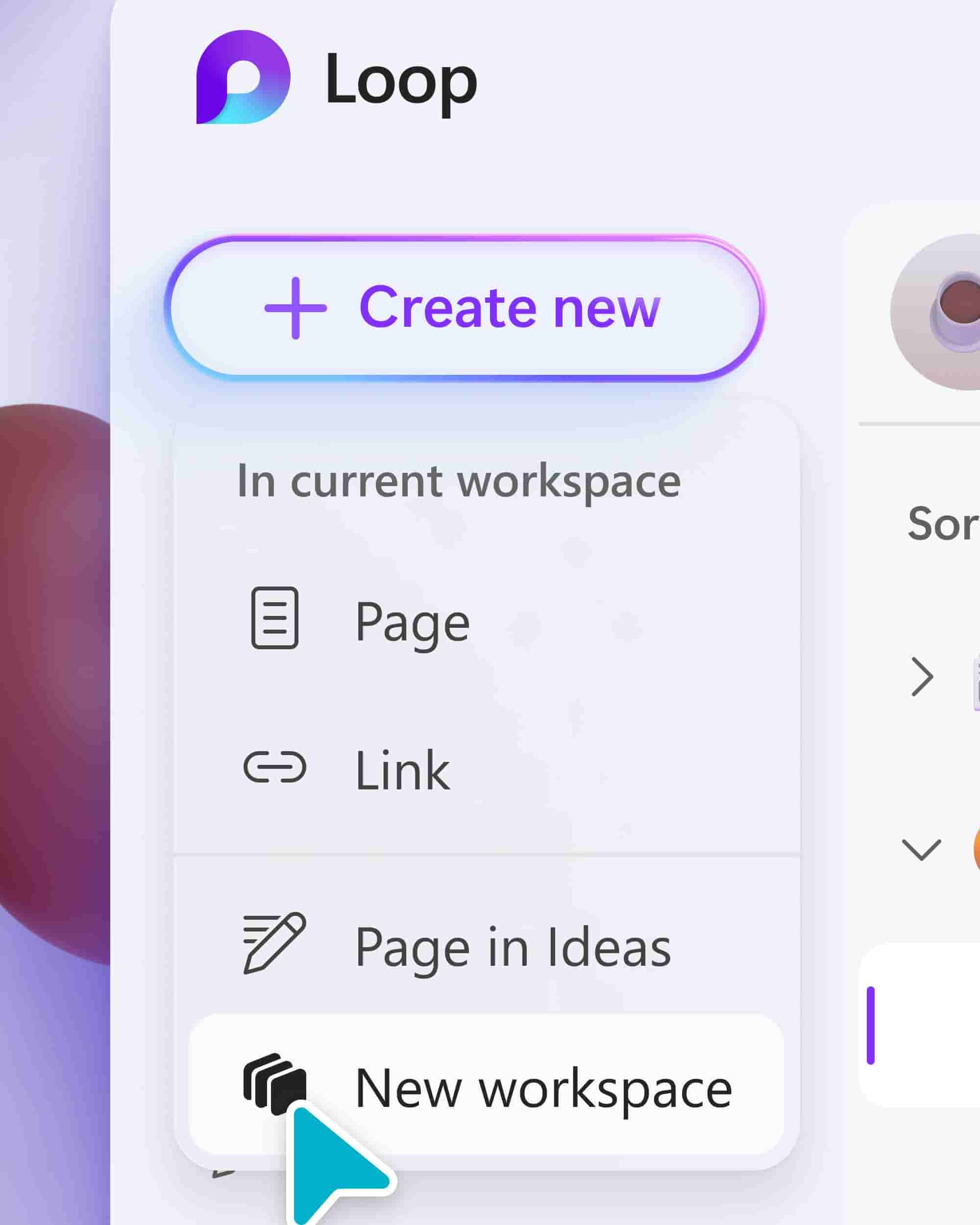
- New Create Button- This allows the users to create workspaces or draft ideas from anywhere in the app and not just the home page.
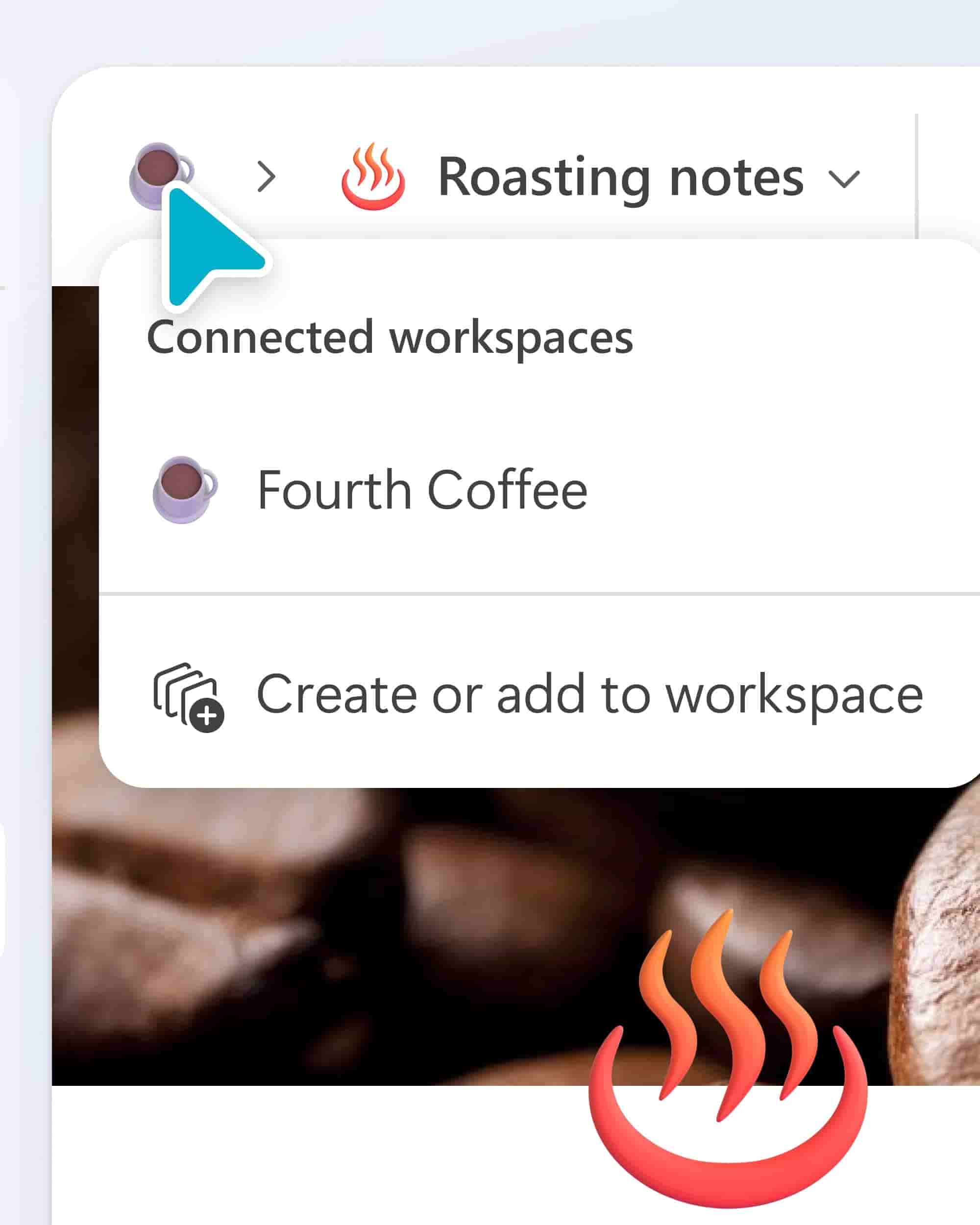
- Add your Loop components, pages, or ideas to a workspace directly from the breadcrumb at the top. You can add it to existing workspaces or create brand-new ones.
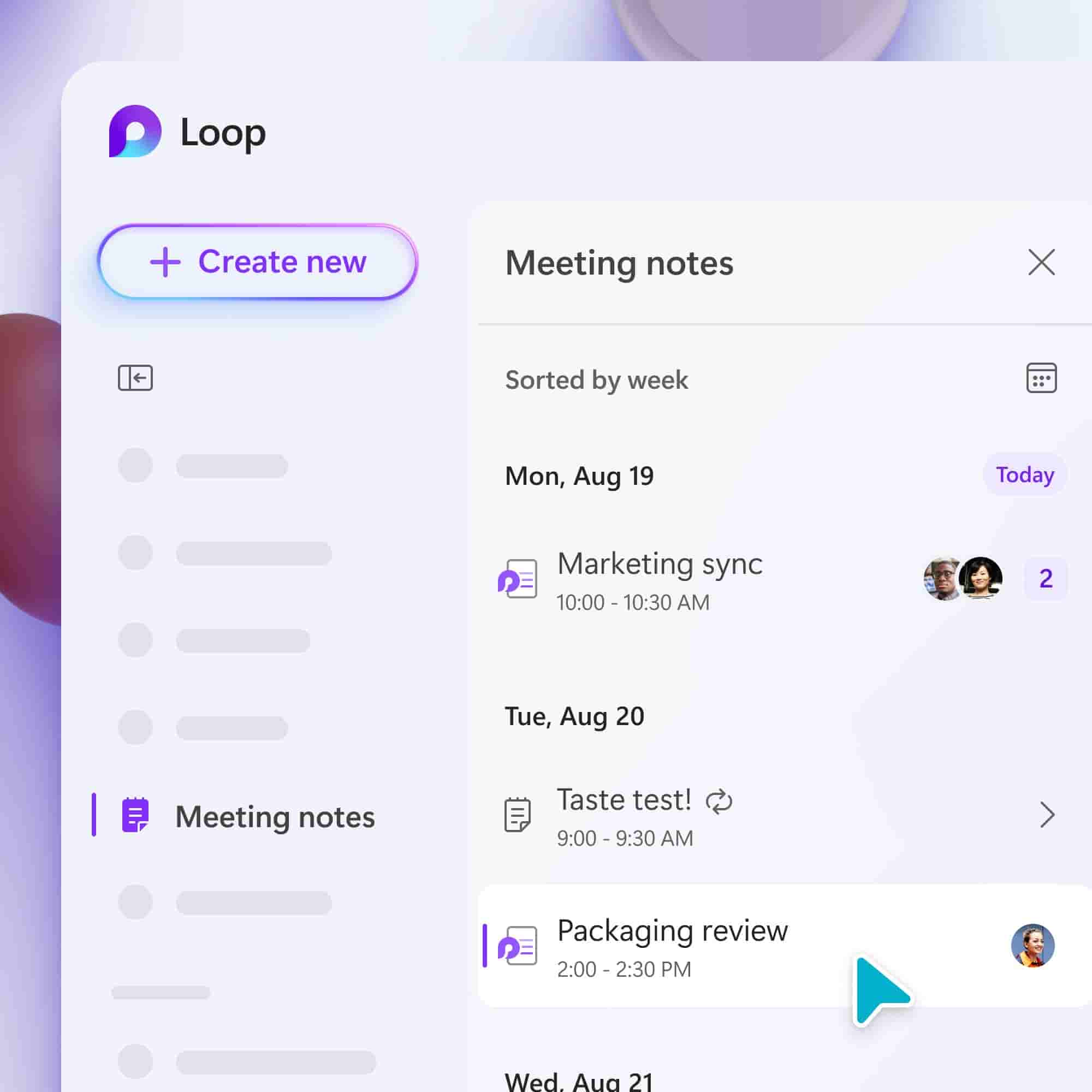
- Meeting Notes Tab- The new home for all your Microsoft Team’s collaborative meeting notes. You can even put in pre-read notes or agenda items for all of your upcoming meetings. Or easily find your meeting notes from weeks ago.
- Favorite Workspace- You can now easily access and switch between your favorite and recent workspaces in the Loop app.
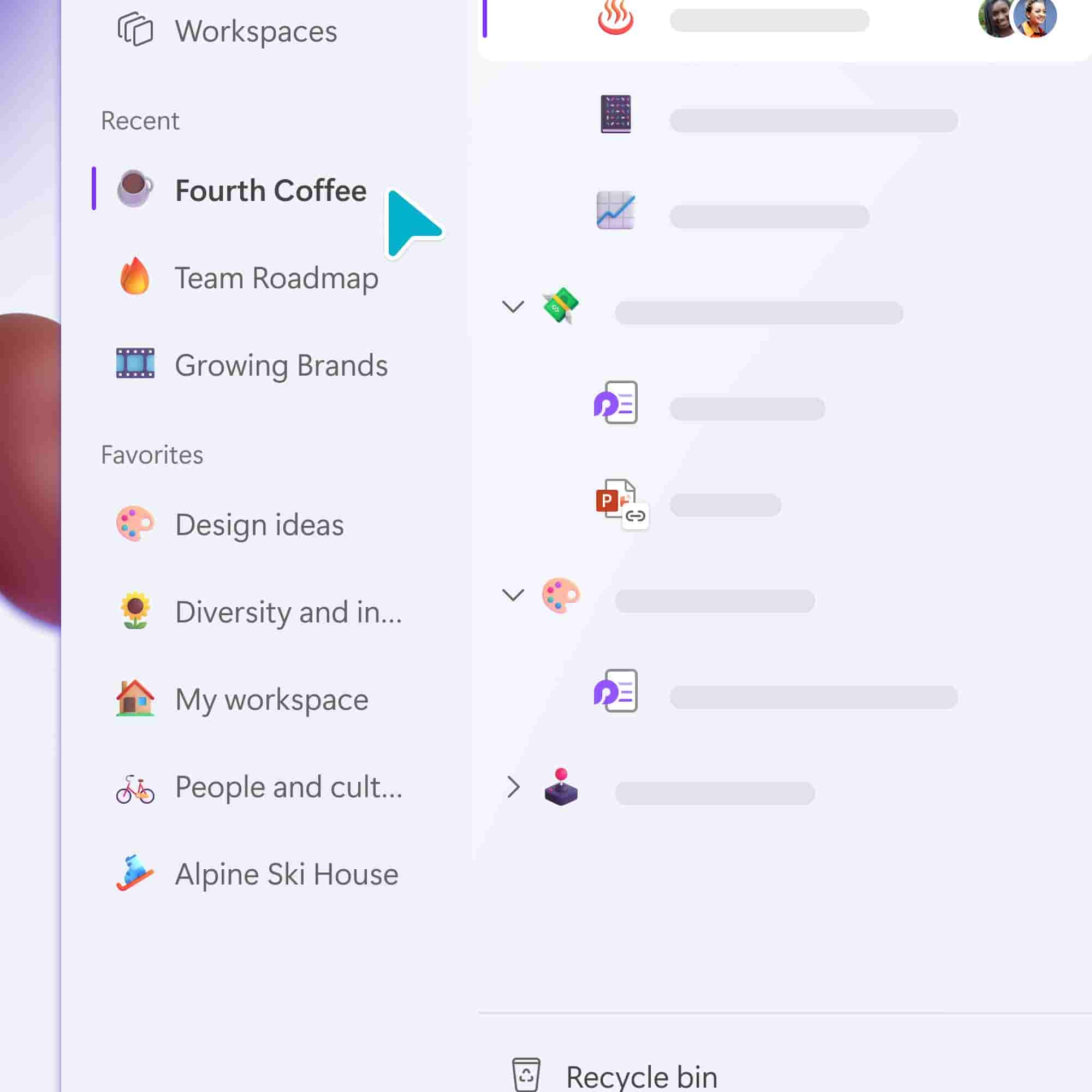
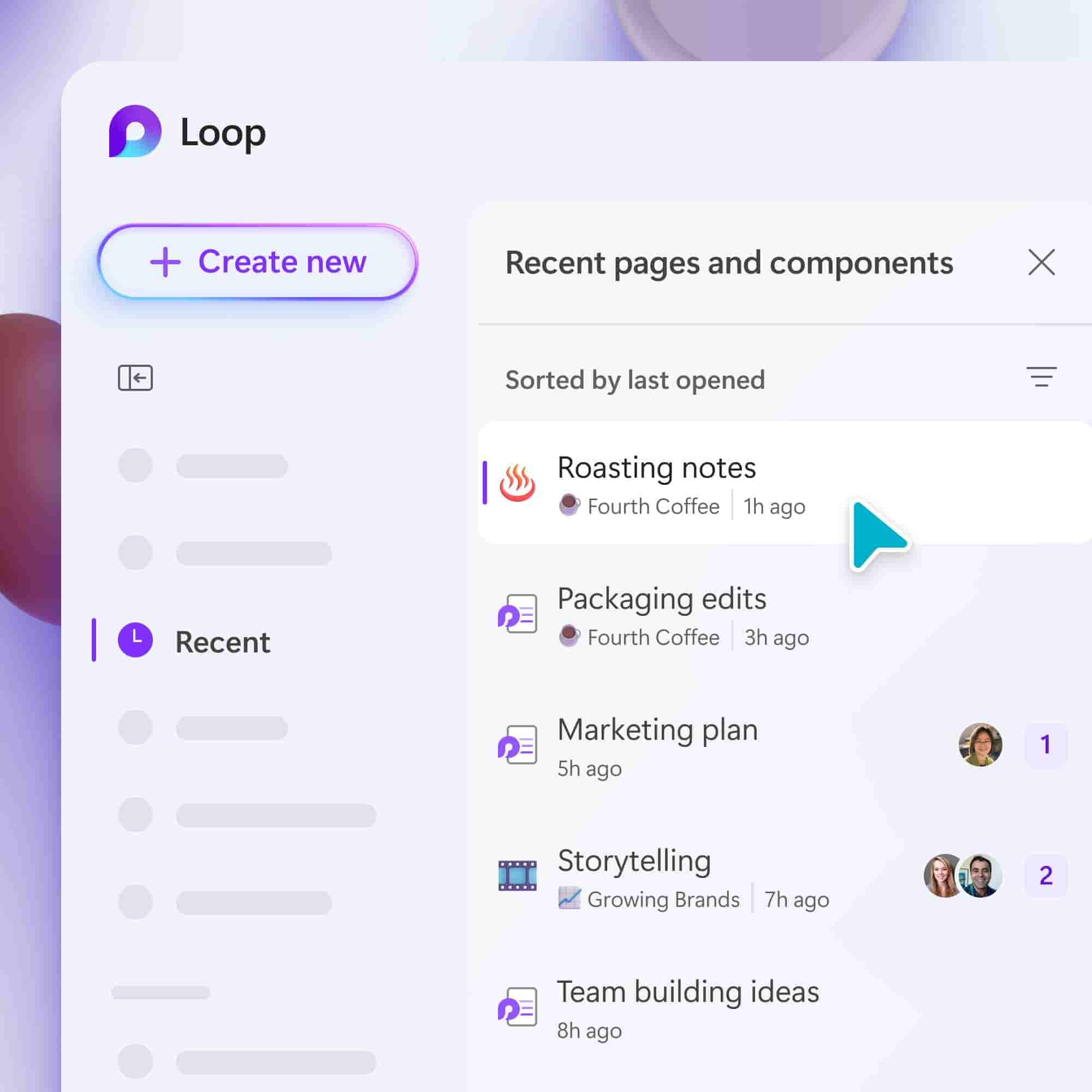
- Recent Tab- Easily find your most recent Loop pages and components across Microsoft 365 in the improved Recents tab. It will even show you Loop components you created directly in Microsoft Teams, Outlook, MS One Note, and Whiteboard.
Introducing Loop 2.0!
We got a fresh new look 🔥🔥🔥
Beyond the new #MicrosoftLoop UI, we've made it easier to get to your meeting notes, favorites, recent, and more. #NewInLoop Check it out: https://t.co/GUtPfhyebT
Here's what we've been brewing 👇 pic.twitter.com/UlYLYIXlpn
— Microsoft Loop (@MicrosoftLoop) August 19, 2024