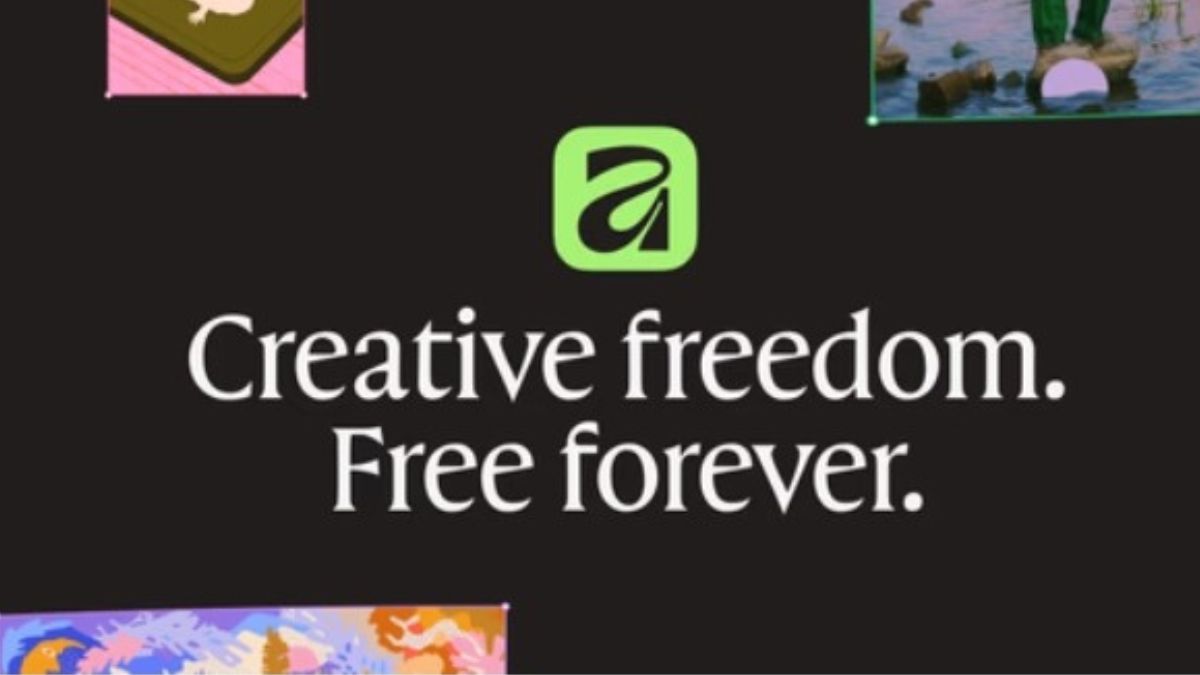
In March 2024, Canva announced the acquisition of its creative software platform Affinity, and now the company has introduced the all-new Affinity, a studio-grade creative app that brings vector, photo, and layout tools together in one-high performance platform.
The all-new Affinity was built in close collaboration with Canva’s community of creators and is said to focus on performance, reliability, and creative freedom.
Affinity app
This app brings professional vector, photo, and layout tools together in one powerful space, featuring everything you need to design, edit, and publish without switching apps or breaking flow. Affinity’s vector tools deliver precision and speed in perfect balance, while Affinity’s award-winning photo editing tools help in every adjustment, from RAW development to retouching and compositing, and are non-destructive, so you can refine endlessly without losing your original work.
Tools like Smart selections, live filters, and batch processing help speed up repetitive edits. The layout tools of this app, you can edit images, graphics, and text directly within your short brochures or multi-page reports and see every change update live. Smart Master Pages, shared text styles, and advanced typographic controls keep everything consistent.
The Affinity app introduces a new level of personalization with fully customizable ideas. Creatives can mix and match tools from Vector, Pixel, and Layout to build a workspace that fits their unique process. Custom studios can also be shared and downloaded to exchange workflows and learn from one another. Built on a high-performance engine, every adjustment updates in real-time, from instant previews and detailed edits at 10,000,000% zoom to projects with thousands of layers.
Affinity and Canva together
Users with a Canva premium account, Canva AI’s tools are now included directly inside Affinity through the new Canva AI Studio. This includes tools like Generative Fill, Expand & Edit, and Remove Background. Canva AI features are built with privacy and control in mind, ensuring that your creative work in Affinity stays secure and is not used to train AI features.
When you are ready to collaborate, scale, or publish, you can export your Affinity projects into Canva in just a few clicks.
Availability
Affinity experience is now available completely free for everyone, forever. The precise, high-performance tools that professionals rely on every day are now open to all. It is available for Mac and Windows, with iPad coming soon. The Canva community can activate Affinity with their existing account, and new users can create a free Canva account to download directly.
Affinity supports PSD, AI, PDF, SVG, TIFF, IDML, and more, making it easy to open, edit, and collaborate without starting from scratch.