Introduction
Detailed product descriptions and press images are usually sufficient to shoot a preliminary product video before actual devices are reviewed.
This way, tech writers will still be able to accompany their stories with short videos when reviewing the newest products, announcements, or tech company new releases.
This guide explains how to make short video variations from current product photographs as well as specifications, including how to select a video format, add product details, reapply a particular video’s style, and prepare output files.
Why You Need Video Before the Product Arrives
You have the specs, pictures, and deadline but no video.
So, three pictures of the product and a spec sheet full of technical details will provide you a great starting point.
But not everything can be done with only images.
A video can give readers a clearer visual idea of the product, its features, and how it may be used. However, to turn those assets into just a short, simple video, you don’t have to have a crew with a camera.
The Old Ways of Getting Product Video
What to do when you need a product video, and you don’t have one? You first try what most writers do: Wait for it, record it yourself, or send the work over to an editor.
It works, but it can also take more time and effort than the story is worth.
Waiting on the Brand’s Official Launch Video: “Maybe the brand will send it soon.” Sound familiar? Waiting for an official video looks easy, but there is never a guarantee that one will be ready when necessary and by the time you get one, the news is old again!
Filming a Quick Unboxing Once the Review Unit Finally Shows Up: After getting the review units, one thing you can do is to start shooting your own clips. Obviously, this creates raw footage of you, yet it is also a process of filming, shooting, file storing, and editing.
Paying an Editor for One 30-Second News Clip: Hiring an editor makes video production much easier for you and also gives the final outcome a more professional finish. However, it means adding an extra person to the team, which increases the project time by another stage.
Spec-Sheet Video vs. Waiting for B-Roll vs. Filming It Yourself
Each option has its pros and cons. Here’s a quick look at how they compare.
| Option | Turnaround | Equipment | Editing Work | Publish-ready? |
| Spec sheet + AI video | Minutes | Product images | Low | Yes |
| Wait for brand B-roll | Hours to days | None | Low to medium | Depends on delivery |
| Film it yourself | Hours to a day+ | Camera/phone, lighting, setup | High | No, editing needed |
Now that you know what’s best for you, let’s start!
Start With the Assets You Already Have
You still can make a helpful product video using images and the details available from the press kit. The secret is keeping things very simple:
Use your crisp product images. You can also cut these up into short video clips, and put several versions together for your write-up and social shares.
Generate Video Variations From a Product Image
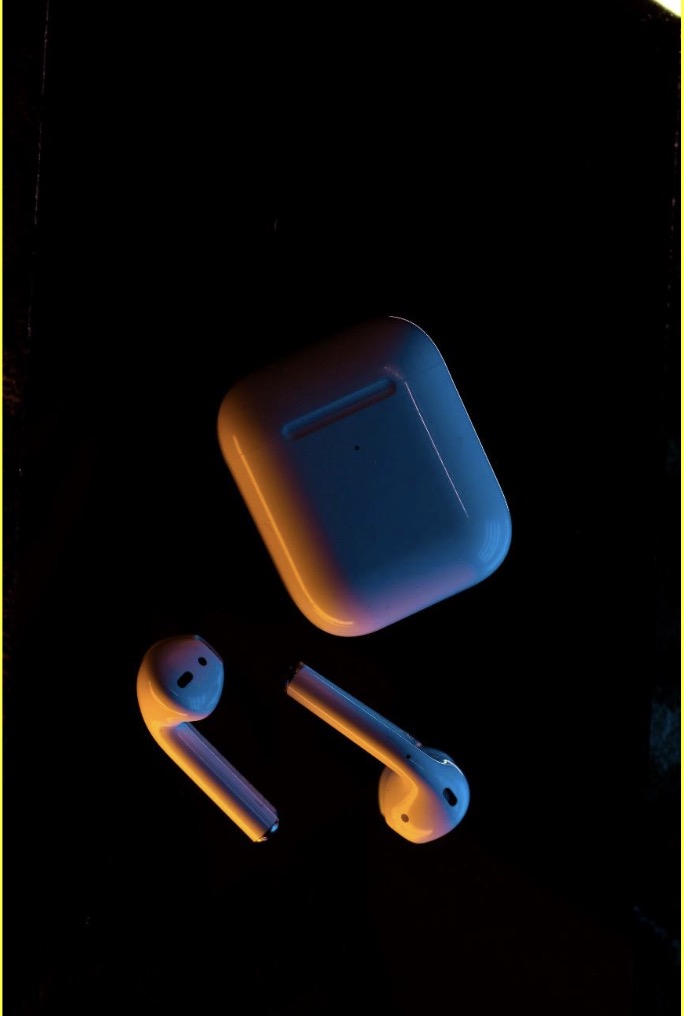
Step 1: Select a product image
You should be looking for images that clearly depict your product from different angles, as well as any images that show the usage of lifestyle or feature shots.
Step 2. Turn Product Images Into Short Video Clips
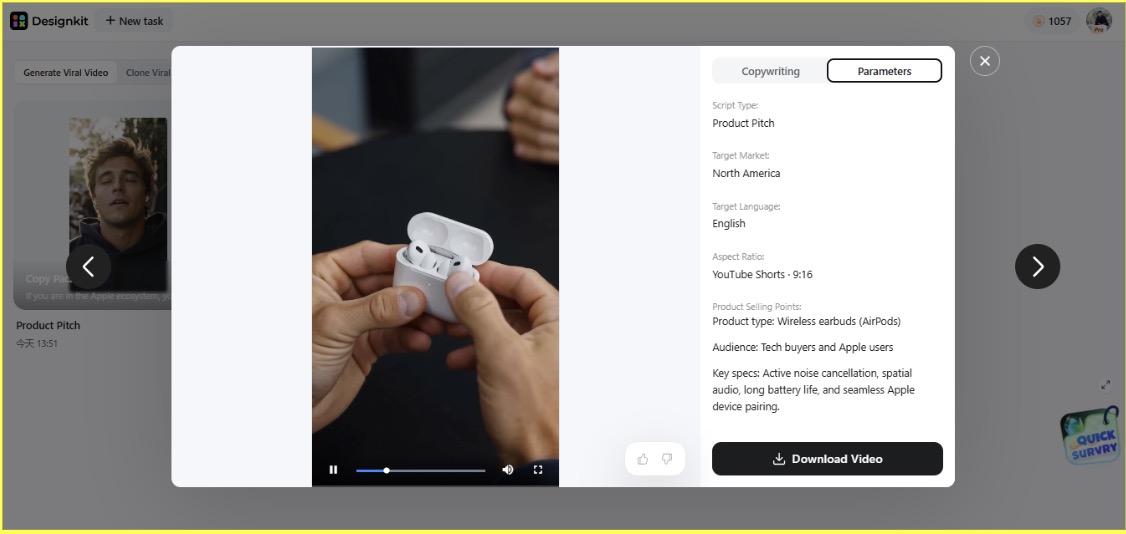
You can simply upload one product photo to a video generator like Designkit AI Viral Video Generator. The tool can produce video variations. You can also choose from options like product demo, user testimonial, unboxing, product reaction, and more.
This gives you several clips to work with without filming anything yourself.
What If You Already Have a Video?
If you have an existing video whose structure fits your intended content, you can use it as a reference. There’s no reason to start from zero.
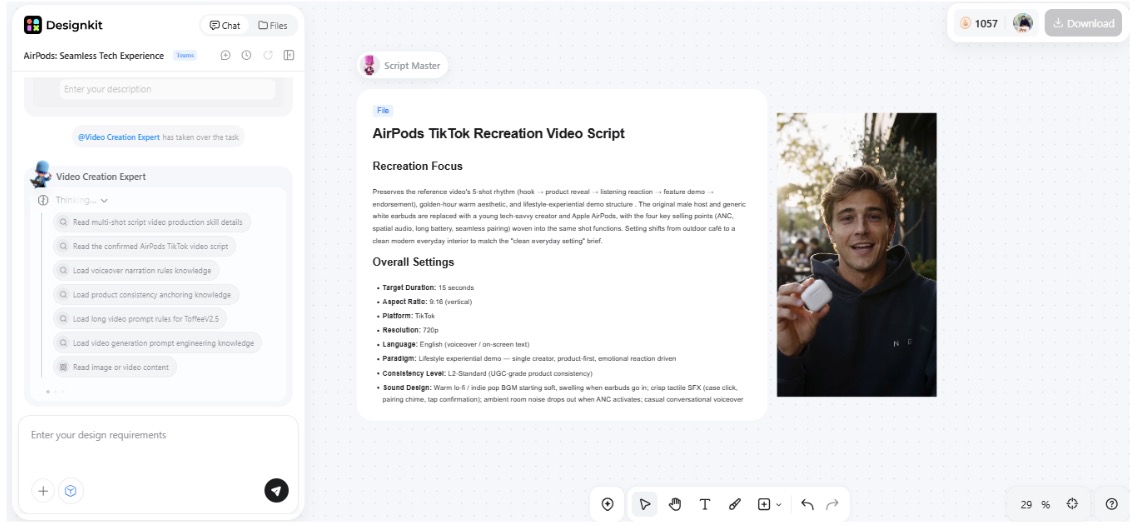
You can upload a video in a similar style that you might find on TikTok or Instagram Reels as an inspiration video. Then use Designkit AI Video ad Recreation to have the AI mimic its pacing, hooks, camerawork, visuals, transitions, etc. for you and apply it to the video with your product on it.
Review and Reuse the Final Video
- Don’t delay your story until tomorrow just because the review unit is missing. A quick video can help you get coverage of the launch while people are still looking for it.
- Use one video in the article, X post, YouTube Shorts, or Reels. Just resize accordingly or change the caption when necessary.
Conclusion
Why wait for the review unit when the story needs to go live now?
A spec sheet, 2-3 decent press shots, and a basic workflow, and you’re in business with a perfectly useful video before the product lands. You can always try different tools that can turn images into several short variations without any filming or much editing, and serve well while you’re waiting to get your hands on actual footage.
Later, you can add hands-on images.
It’s not about replacing the need for footage but about moving forward on the story anyway.