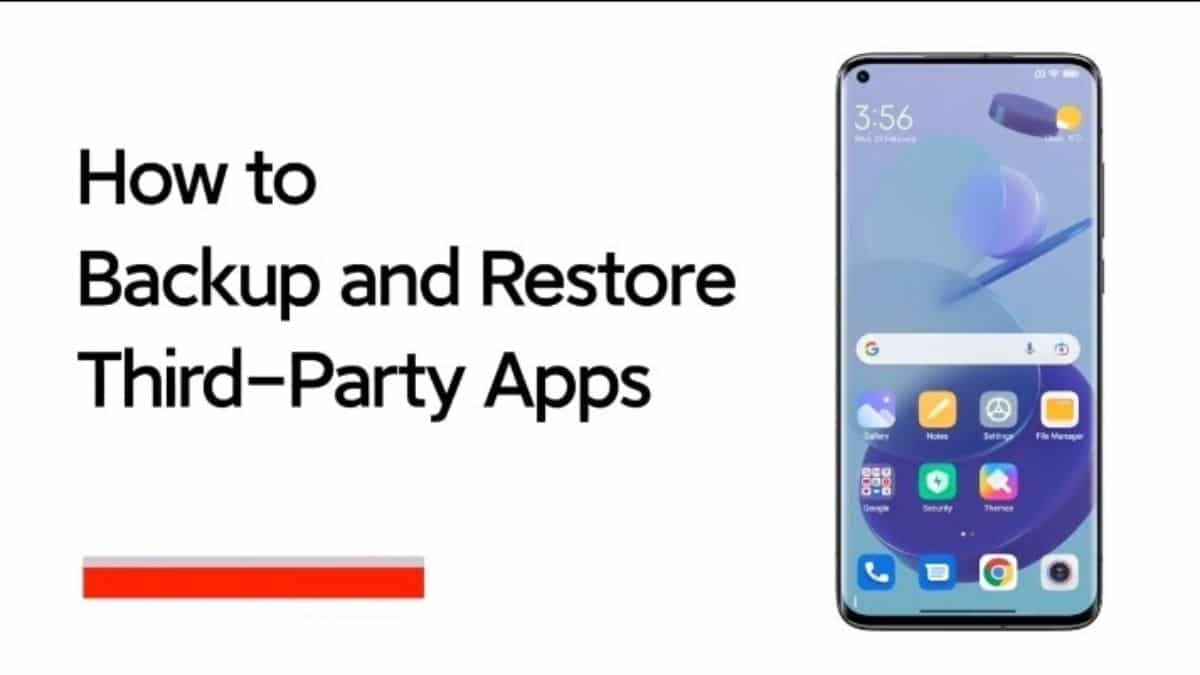
Keeping a backup of all the data on your device is considered one of the most important things in case you damage your device or are planning to change to a new one. Users could also re-configure all the apps they want by simply backing up their app data and restoring it as per their preference. In case you are a Xiaomi user and are confused about how to backup and restore third-party apps on your device then here are some tips shared by the brand to complete the process successfully.
How to Backup and Restore Third-Party Apps?
- Open “Settings”
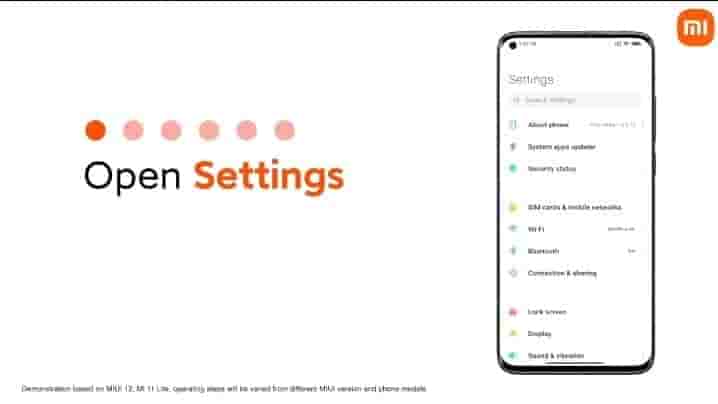
- Tap “Mi Account”
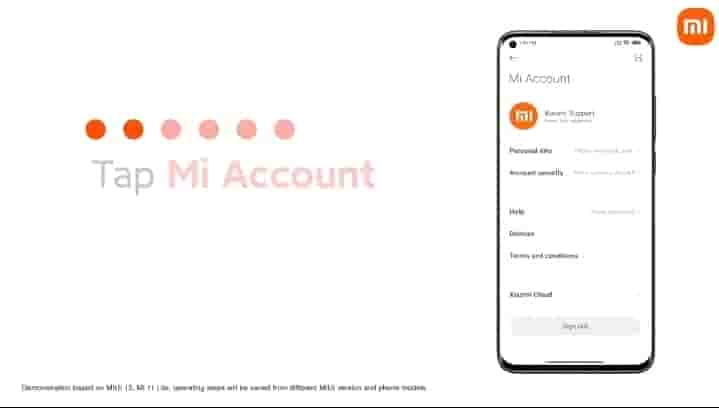
- Tap “Xiaomi Cloud”
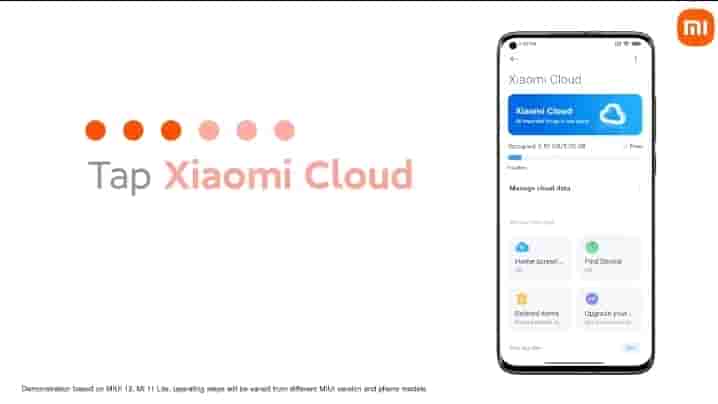
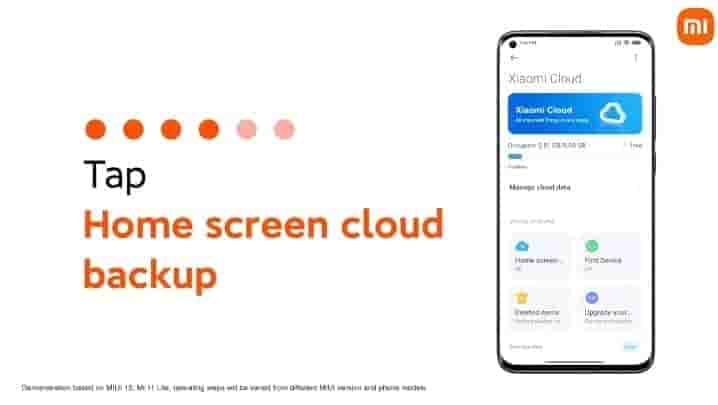
- Tap “Home Screen cloud backup”
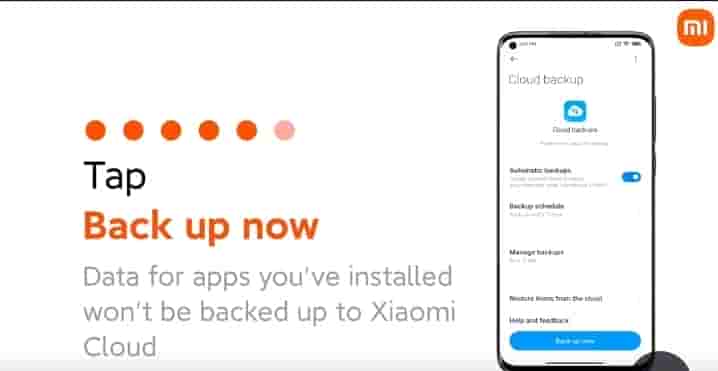
- Tap “Backup Now”
- Tap “Restore Items from the cloud” to restore
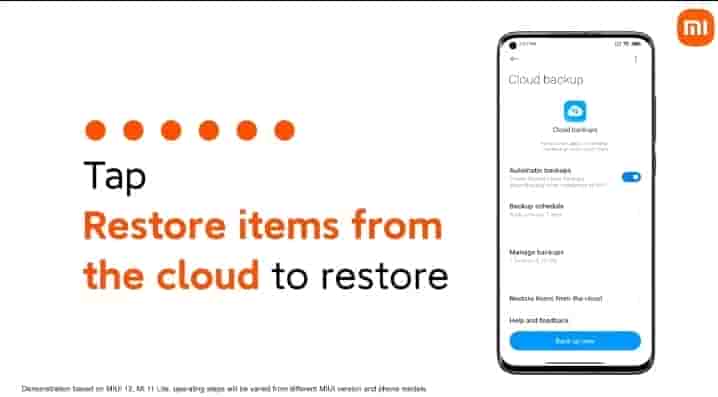
However the users need to keep in mind that the above demonstration is based on MIUI 12, and Mi 11 Lite, hence, the operating steps could be varied from different MIUI versions and phone models.