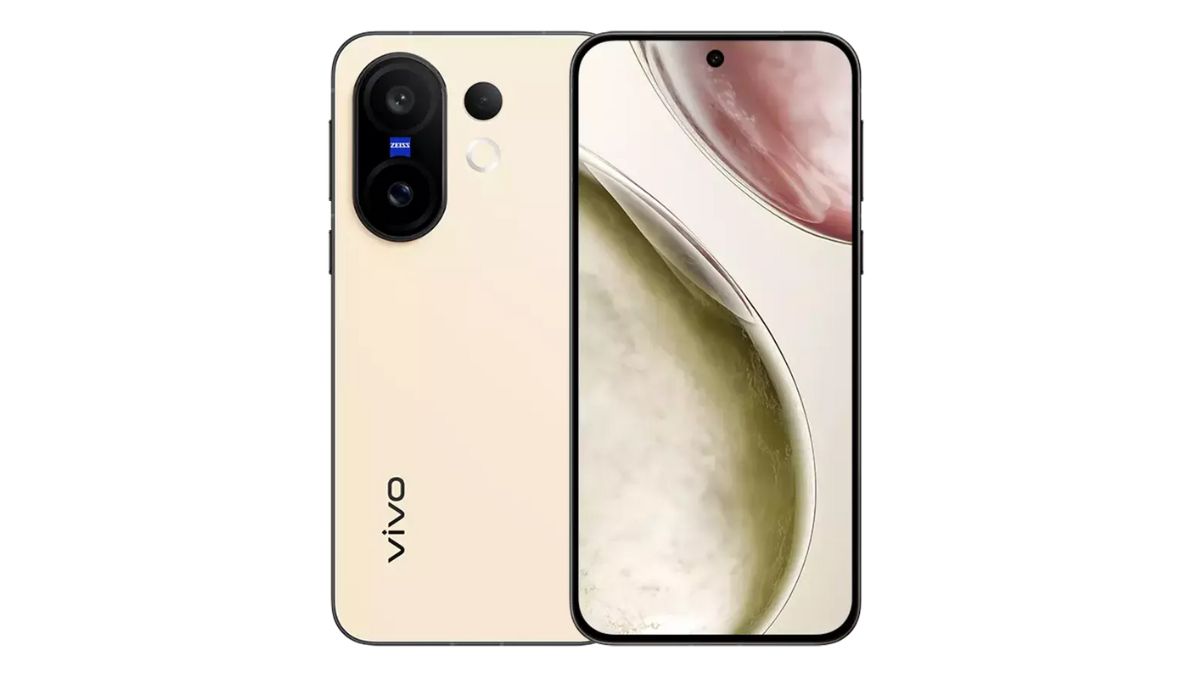
To the Vivo X200 FE compact-sized flagship smartphone that came to India back in July 2025, the brand has now officially rolled out the latest OriginOS 6 update based on the Android 16 operating system as per the roll-out schedule. In related news, the OriginOS 6 update was recently rolled out to the Vivo X200 Pro and the Vivo V60 smartphones, and it is following which the update is being rolled out to Vivo’s X200 FE.
Check out more about the update and its changelogs below.
Vivo X200 FE – OriginOS 6 Update
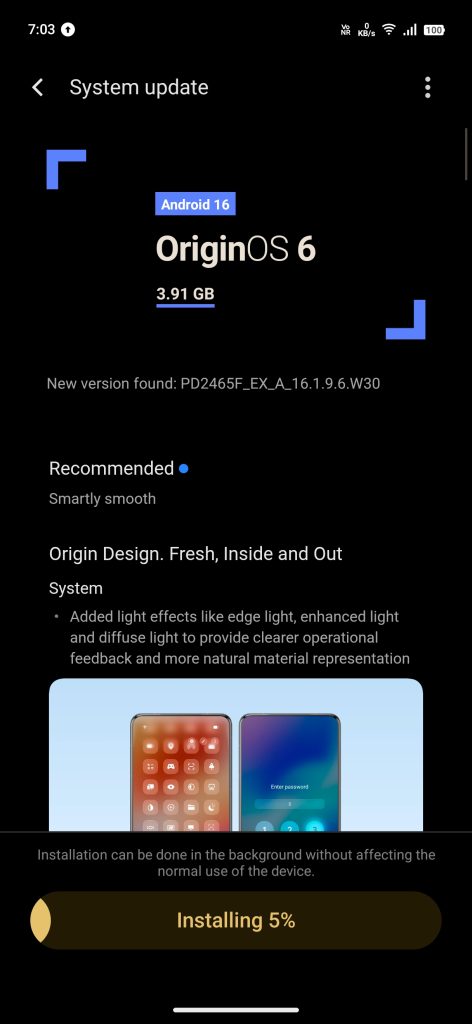
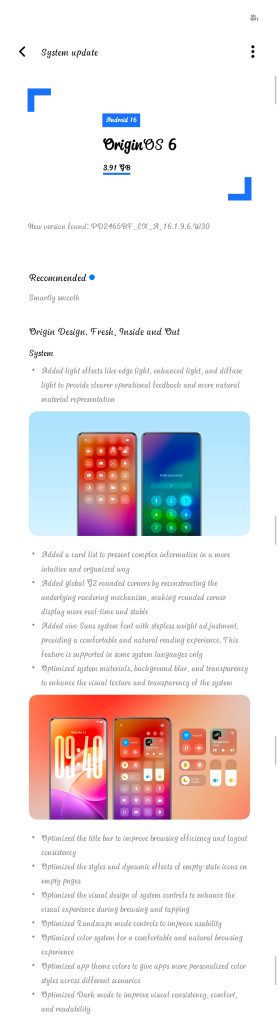
The OriginOS 6 update that has been rolled out to the Vivo X200 FE smartphone has the firmware version of ‘PD2465F_EX_A_16.1.9.6.W30’ / ‘PD2465BF_EX_A_16.1.9.6.W30’, with a total size of 3.91 GB. Also, the brand recommends its users to update their respective devices with the OriginOS 6 update as it is aimed to make its performance ‘smartly smooth’.
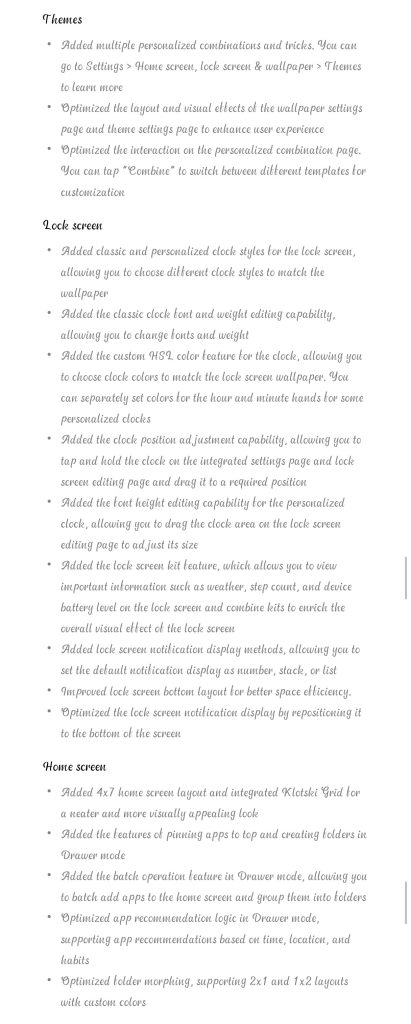
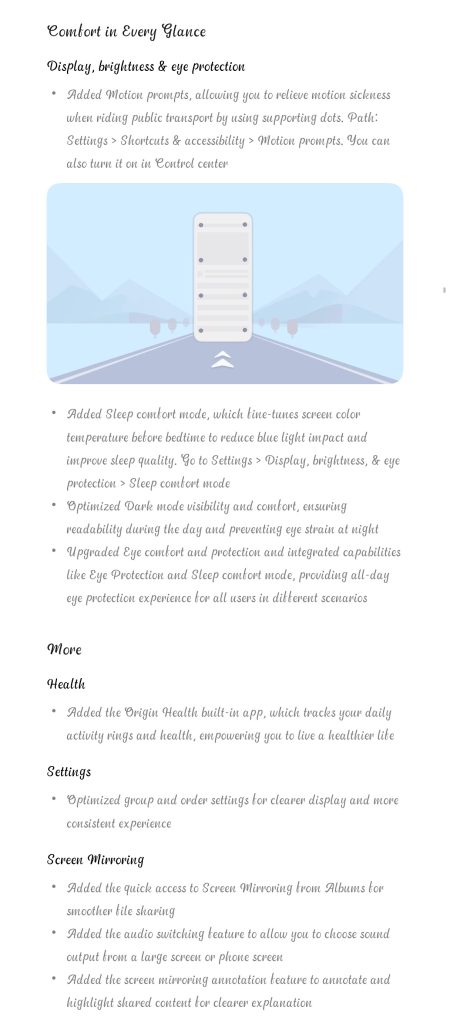
About the changelogs, on the system side, added light effects, added card list, added global G2 rounded corners, added Vivo Sans system font, optimized system materials + background blur + transparency, optimized title bar, optimized styles + dynamic effects, optimized system visual design, optimized Landscape mode controls, optimized color system, optimized app theme colors, and optimized dark mode have been brought. For themes, added multiple personalized combinations and tricks, wallpaper and theme settings page with optimized layout and visual effects, and personalized combination page optimized interactions are also part of the changelogs.
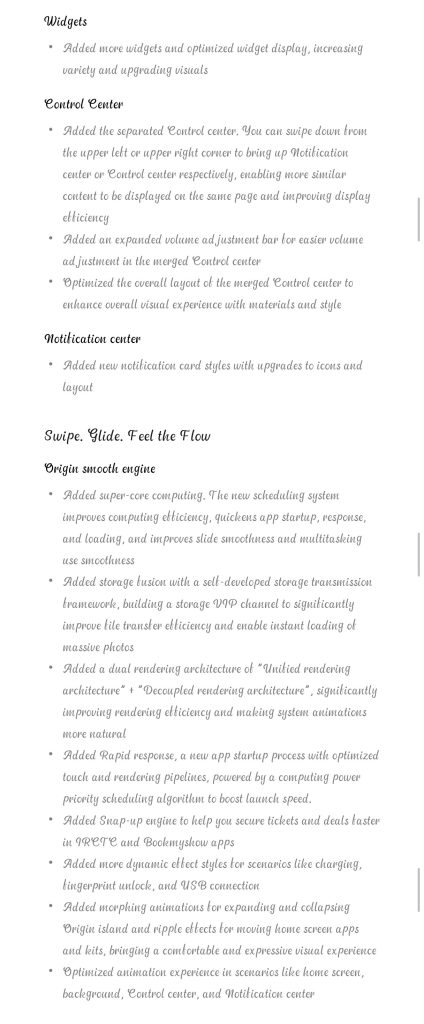
Coming to the changes in the lock and home screens, added classic and personalized clock styles, added classic clock font and weight editing capability, added custom HSL color feature, added clock position adjustment capability, added font height editing capability, added lock screen kit feature, added lock screen notification display methods, improved lock screen bottom layout, optimized lock screen notification display, added 4 x 7 home screen layout + integrated Klotski Grid, added features for pinning apps, drawer mode added batch operation feature + optimized app recommendation logic, and optimized folder morphing (2×1 + 1×2 layouts) are new features. In widgets, the brand has added more widgets and optimized their display.
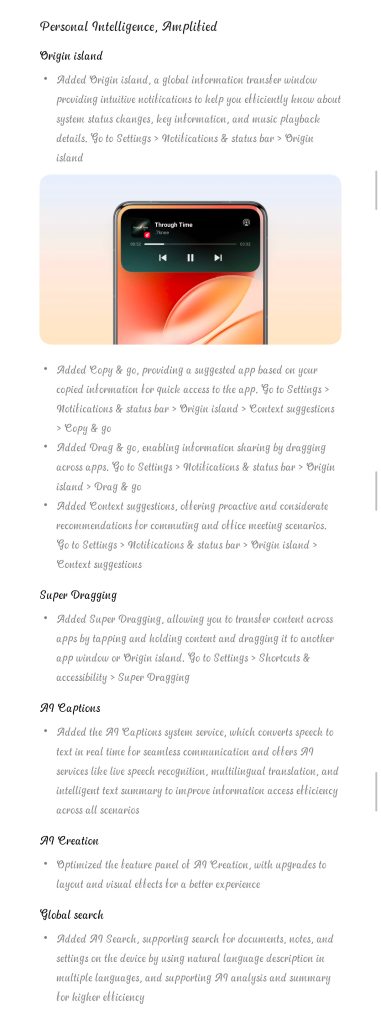
On the control center, added separate control center, added expanded volume adjustment bar, optimized overall layout for merged control center are changelogs. New notification card styles featuring upgraded icons and layouts are also offered within the notification center. About the performance related features, added super-core computing, added storage fusion, added dual rendering architecture, added rapid response, added snap-up engine, more added dynamic effect styles, added morphing animations, optimized animation experience, added Origin island, added copy & go, added drag & go, added context suggestions, added super dragging, added AI captions, optimized AI creation, and added AI search are offered.
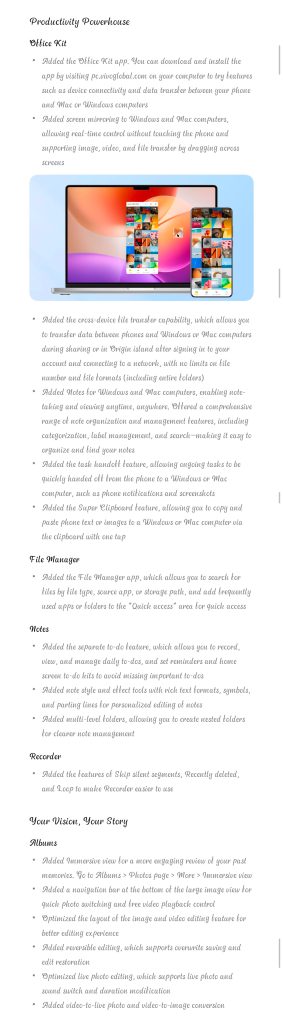
Regarding the productivity and other features, added Office kit app, added screen mirroring to Windows and Mac, added cross-device file transfer capability, added notes for Windows and Mac, added task hand-off feature, added Super Clipboard feature, added File Manager app, added separate to-do feature, added options for Skip silent segments + Recently deleted, Loop to make Recorder, added immersive view + navigation bar + image and video editing optimized layout + reversible editing + optimized Live photo editing on albums, and added video video-to-live and video-to-image conversion capability are brought.
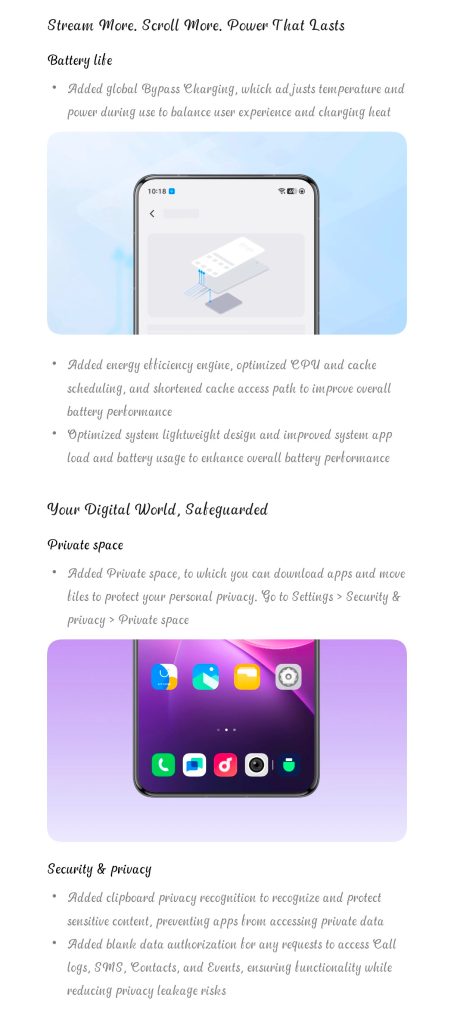
In terms of battery, the update adds global bypass charging and energy efficiency engine, and also optimizes the system’s lightweight design. On the privacy and security side, added private space, added clipboard privacy recognition, and added blank data authorization are more features. Added motion prompts, added sleep comfort mode, optimized dark mode visibility, and upgraded eye comfort and protection are display related features. Added Origin Health built-in app, optimized group and order settings, added quick access to screen mirroring, added audio switching feature, added screen mirroring annotation feature, and many more are also being offered to users with the OriginOS 6 update.
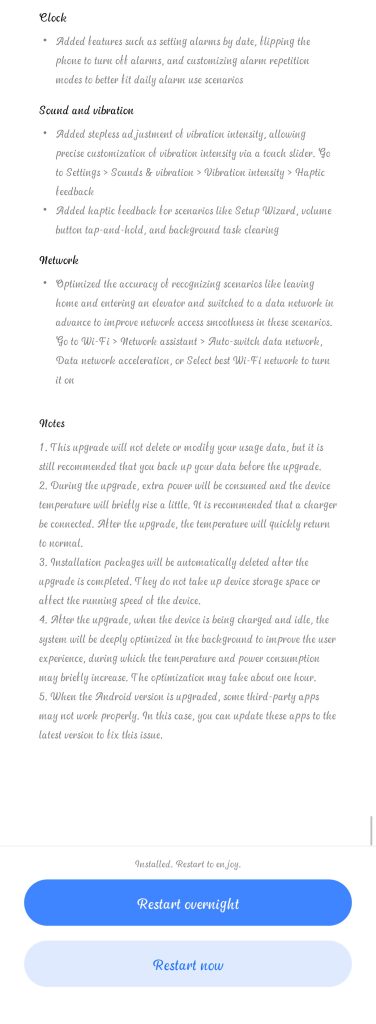
To note, just like all system updates, it is best if users backup their valuable data to prevent data loss. Necessary storage space and battery charge must also be ensured. Also, certain apps may not function properly due to incompatibility with the new OS version.