
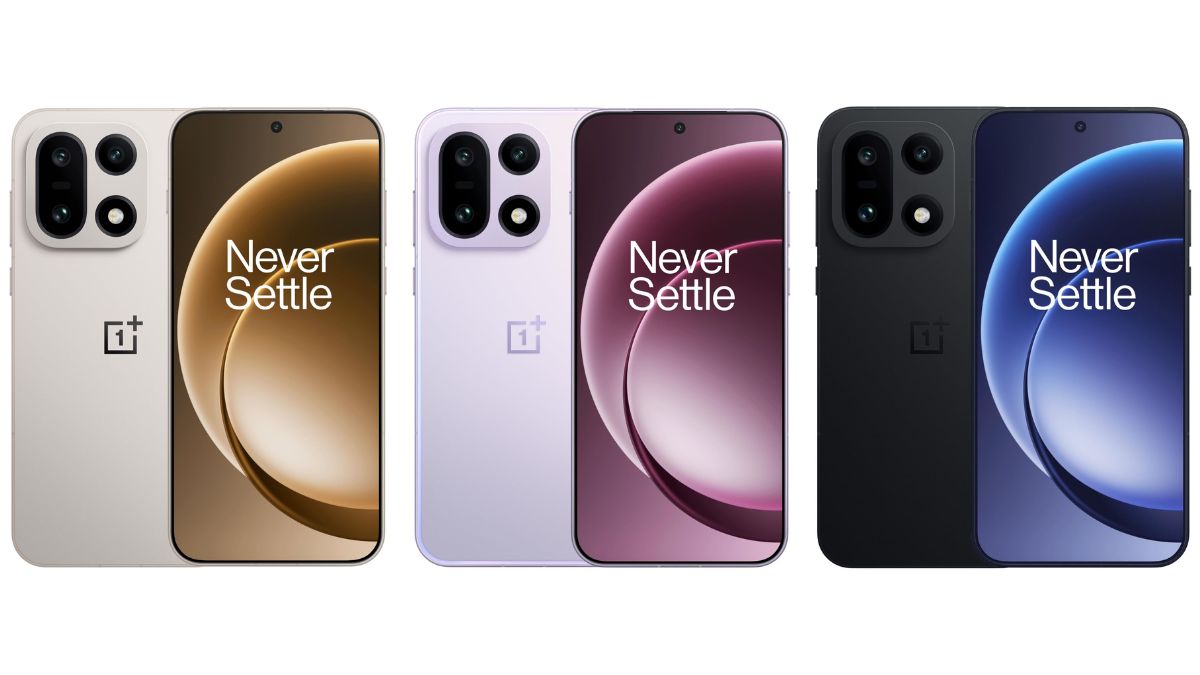
OnePlus recently announced the July 2026 SOTA update for several of its eligible smartphones, and now a new update rollout announcement has been made for the OnePlus 15 smartphone in the Indian region. Not just the July security patch has been included, but the latest update also brings some new features and improvements for this device as well.
You may read about it more below.
OnePlus 15 – OxygenOS 16.0.9.400 Update Rolling Out in India
As per the changelog, the latest update for the OnePlus 15 smartphone is being rolled out with the firmware version “CPH2745_16.0.9.400(EX01)” and is currently limited to the Indian region only.
Speaking about the newly added features, more custom fingerprint icons and animations have been added for users, which can be accessed via Settings > Home screen, Lock screen & style > More > Fingerprint animation.
In addition to this, the update also improves transition animations when opening and switching apps in Recent Tasks.
A new “Primrose” filter, which is said to deliver gentle and warm skin tones in portraits, has been added, along with a “Bold B&W” filter.
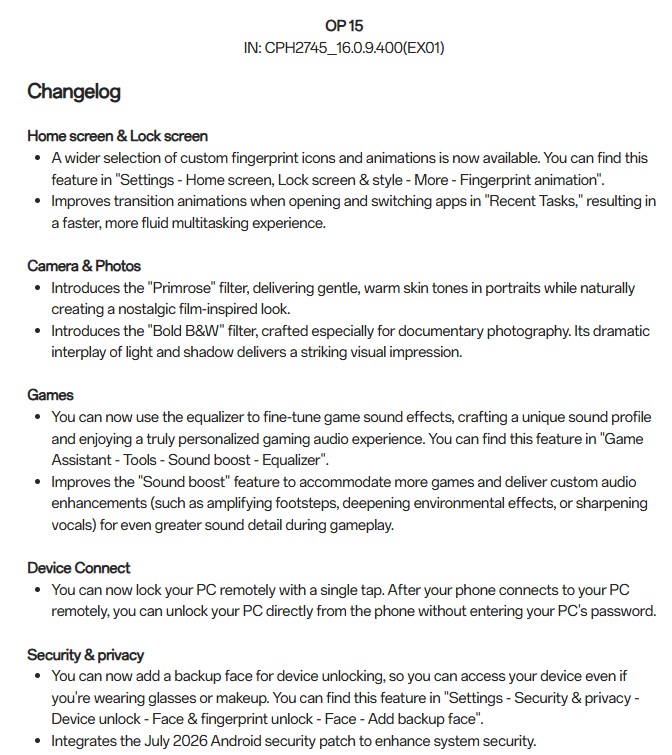
For gaming, users can now use the equalizer to fine-tune game sound effects, which can be accessed via Game Assistant > Tools > Sound Boost > Equalizer.
The Sound Boost feature has also been improved to support more games and deliver custom audio enhancements. These include amplifying footsteps, deepening environmental effects, and sharpening vocals, thereby offering greater sound detail during gameplay.
Notably, OnePlus 15 users will also be able to remotely connect and lock their PC with a single tap without having the need to enter the PC password.
Moreover, users can now add a backup face for device unlocking, which in turn will help users access their device even while wearing glasses or makeup. After updating your smartphone, you will have to go to Settings > Security & privacy > Device unlock > Face & fingerprint unlock > Face > Add backup face.
Since the update rollout has now been announced for the Indian region, OnePlus 15 users in India can check for the update manually by going to the device’s Settings app.
Stay tuned for more updates.