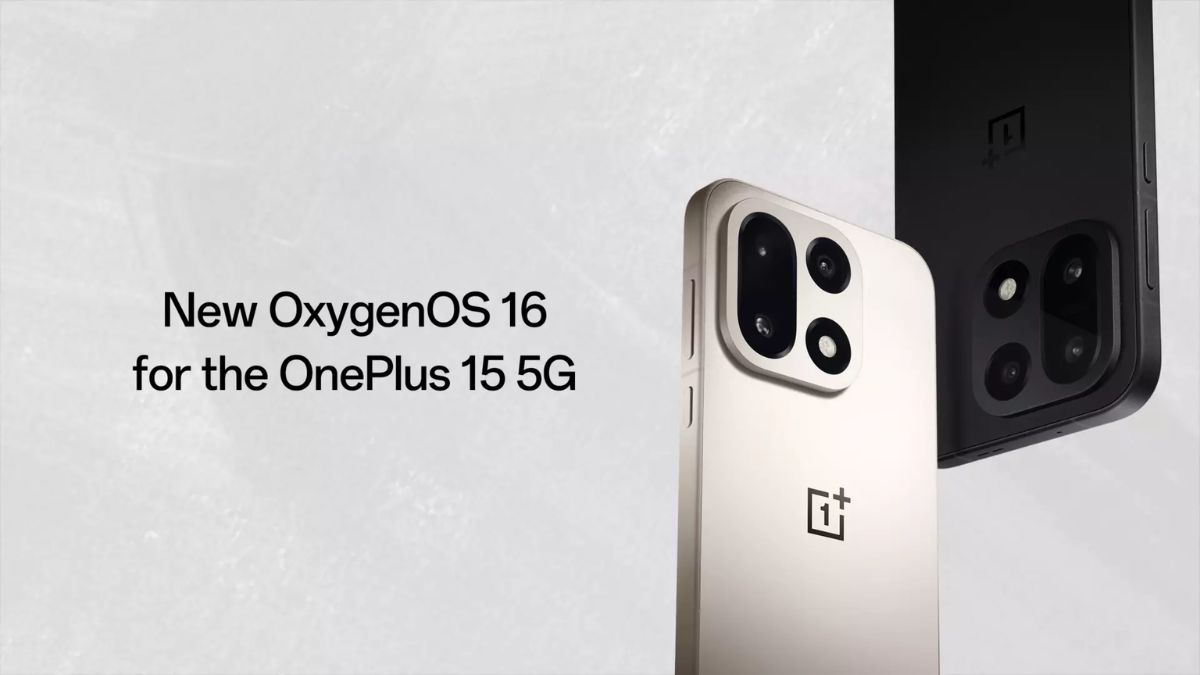
Following the announcement of the Android 17 Beta 3 update for the OnePlus 15 smartphone, a new update rollout based on Android 16 has now been announced for the device. This OxygenOS 16.0.7.201 update is currently meant for the India region alone, and since the rollout has just begun, it may take some time (approximately 2–3 weeks) to reach all users in the given region. For users in other regions, OnePlus is also expected to announce the rollout soon, though as of now, an exact announcement regarding this remains missing from today’s rollout page.
Read more about this latest update below.
OnePlus 15 OxygenOS 16.0.7.201 Update Officially Rolling Out in India
Rolling out with the firmware version “CPH2745_16.0.7.201(EX01)”, this latest update carries a total download size of around 2.30GB and also includes the May 2026 Android security patch update as well.
Other than the latest May security patch, the update also brings several new features and optimizations including Fast & Smooth animations, new OnePlus AI features, a redesigned Live Space experience, Camera refinements, Flux Home Screen customization support, and AI Translate alongside AI Documents features.
Below is the complete changelog of this latest OxygenOS 16.0.7.201 update for the OnePlus 15 smartphone.
Fast & Smooth
Luminous Rendering Engine
- Smoother, more responsive animations now cover all floating window actions in Livestream Assistant, from launch to resize to full-screen toggle.
- Swiping down from the status bar to open the notification drawer or Quick Settings now feels smoother, with more polished pull-down animations.
Trinity Engine
- AI-reconstructed touch recognition eliminates scrolling jitter inside apps for a noticeably smoother experience.
OnePlus AI, Intelligently Yours
AI Translate
- Never struggle with a foreign menu again. Translate menus with AI, complete with dish visuals, allergens, prices with automatic currency conversion, and cart integration.
- The Translate app now includes a dedicated on-device AI model, delivering natural, accurate translations even when you’re offline.
- Live translation sessions now generate automatic titles and AI summaries, making it easy to review and organize translated conversations afterward.
- Live translation now takes context into account to deliver more precise, natural-sounding results in real time.
AI-powered Photos
- More flexibility arrives in Collage’s Popout mode, with borders, directions, and subjects all freely adjustable for limitless creativity.
AI-powered Documents
- Scanned documents are auto-saved to your Documents app right after capture, keeping everything organized without extra steps (Documents – Recents).
- Document scanning is now faster, making back-to-back multi-page captures quicker and more efficient.
- Upgraded scanning algorithms remove wrinkles, shadows, and blur in one tap, producing sharp, clean digital documents.
- Enhanced text scanning now recognizes handwriting, full paragraphs, and tables, with easy one-tap copy or Word document export.
Uniquely Yours
Live Space
- Improves the Lock screen with a dual-mode design featuring a notification capsule that displays notifications and Live Updates without covering the wallpaper. View key information at a glance in immersive mode without unlocking your device.
- Swipe down to collapse Lock screen notifications and Live Alerts into tidy capsules, and swipe back up to expand the full list. Smooth animations make the whole interaction feel effortless.
- Tap the album art or Live Alert capsule on the Lock screen to enter music focus mode, where the album art fills the screen and lyrics appear in full for a fully immersive listening experience.
- Stay on top of your timers without unlocking: Tap a timer in Live Alert to expand your countdown to full screen instantly.
- Switching between Live Space capsules is now smoother and more dynamic with fluid animations.
Flux Home screen
- Organize your Home screen instantly by color or category with a single tap.
- Home screen layouts are auto-saved as you go, so you can revert to any earlier setup with just one tap.
- Find apps by color in Drawer mode for quicker navigation.
Upgrades light field design
- Inspired by how light behaves in the physical world, the new Contour glow option adds organic surface detail to system interfaces, including the Home screen, Lock screen, Quick Settings, Global Search, Quick Glance, Photos, and more.
- HDRUI technology brings expanded color range and greater brightness depth to the Lock screen’s large clock display.
Communication and interconnection
Network optimization
- A Vo5G icon now appears in the status bar whenever your SIM card and current network both support Vo5G calling.
Attention to detail, everywhere
Camera
- Introduces Master presets. You can now save your custom parameters as presets and share them via watermarks.
- Upgrades Camera with cleaner UIs and more natural interactions, resulting in a smoother, more intuitive shooting experience.
Game Assistant
- You can now adjust the speaker’s sound effects via the equalizer. Choose from various effects like Pop and Rock, or customize the effects across different frequency bands. You can find this feature in “Settings – Sound & vibration – Sound effect settings – Custom”.
More
- Battery stats become more informative with new coverage of personal hotspot usage and activity time at the app level.
- Integrates the May 2026 Android security patch to enhance system security.
Security & privacy
Others
- Better protection against unwanted calls: enhanced caller identification can now recognize telemarketing, spam, and suspected fraud calls.
Stay tuned for more updates!