
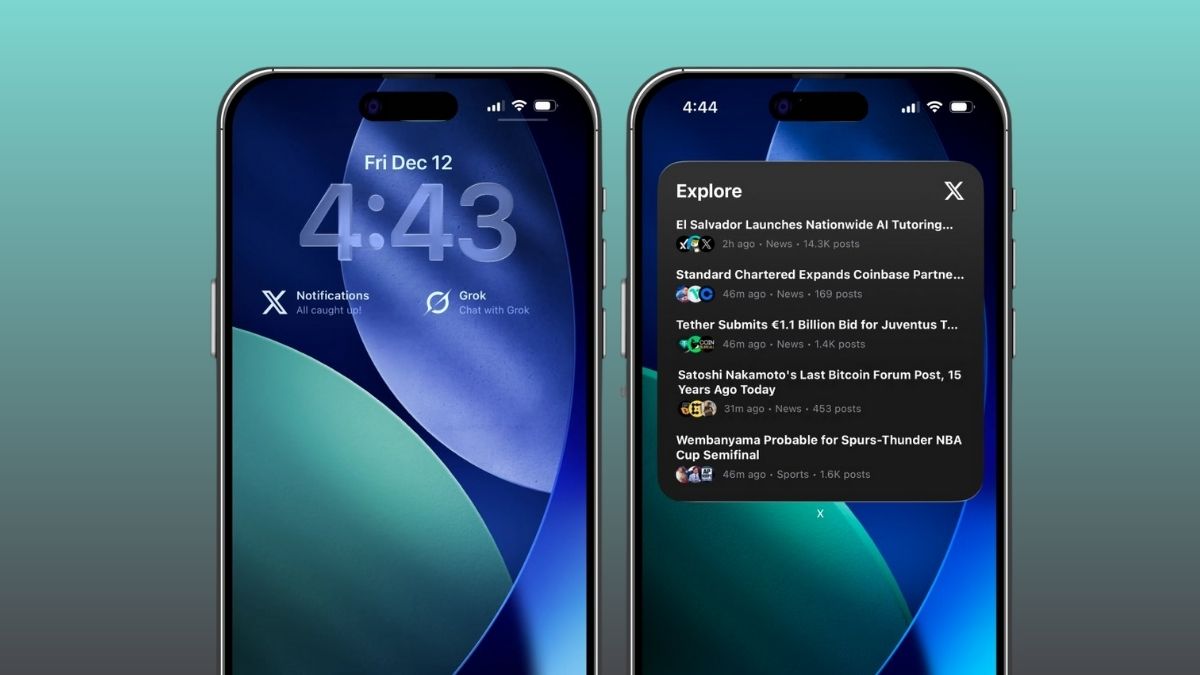
X (formerly Twitter) has officially rolled out a new feature that lets users turn the X app icon into a widget. With the new X widget, users can get quick access to top news, shortcuts, and notifications directly from their Home screen or even the Lock screen.
Here is how you can do it.
- You can quickly create a widget from an app icon.
- Touch and hold the X app icon on your Home screen.
- In the pop-up menu, tap one of the widget icons to choose your preferred widget size.
- Once selected, the app icon will instantly turn into a widget.
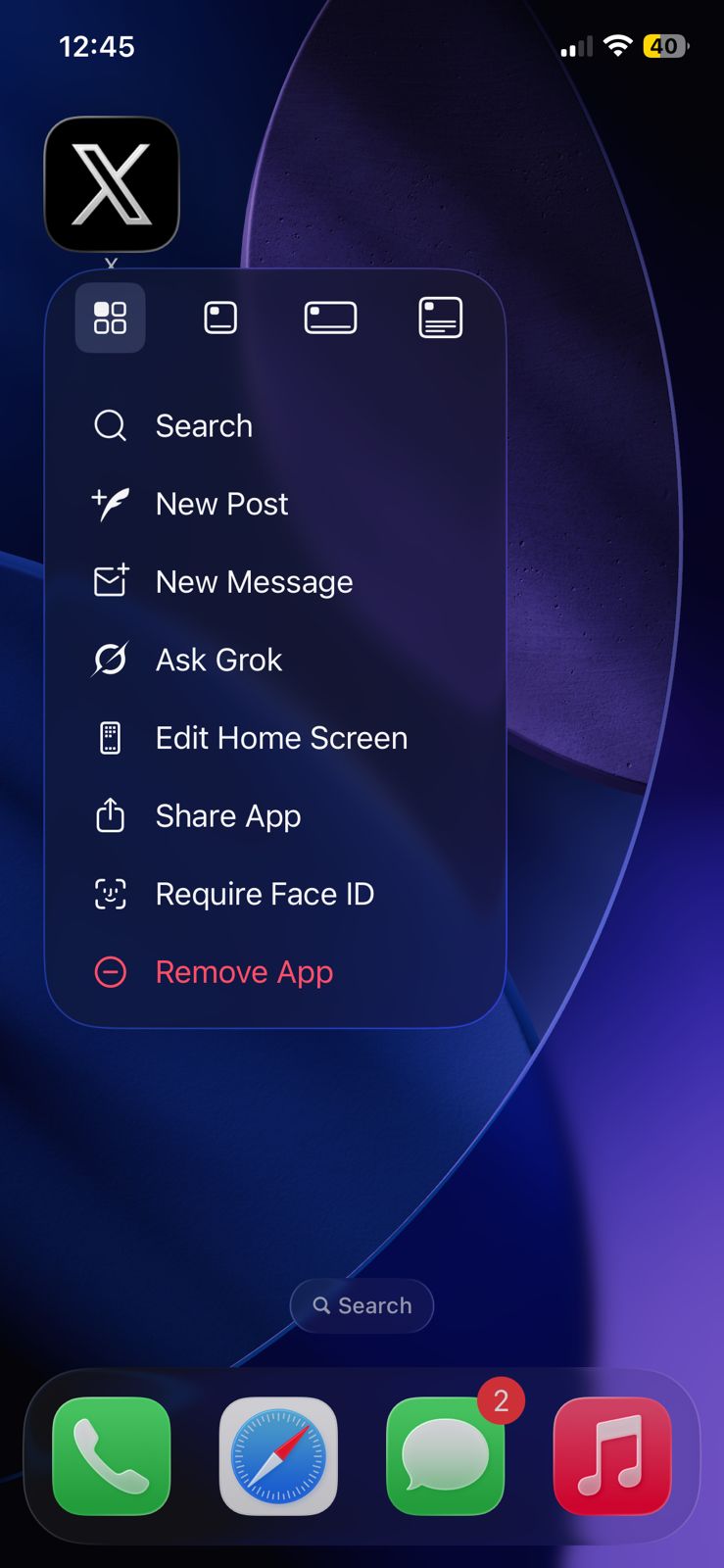
If you ever want to switch back to the normal app icon, just touch and hold the widget and tap the app icon button (the leftmost small icon at the top of the pop-up menu).
Edit a widget on your Lock Screen
- Press and hold your Lock Screen.
- Tap Customise at the bottom.
- If you don’t have any widgets added yet, tap Add Widgets.
- Scroll through the list of available widgets from different apps, including X.
- Select X Notifications or Grok, and you’re all set.
X widgets on iOS are here
access top news, shortcuts, and notifications from your home or lock screen pic.twitter.com/WkdIBYX50H
— X (@X) December 13, 2025