

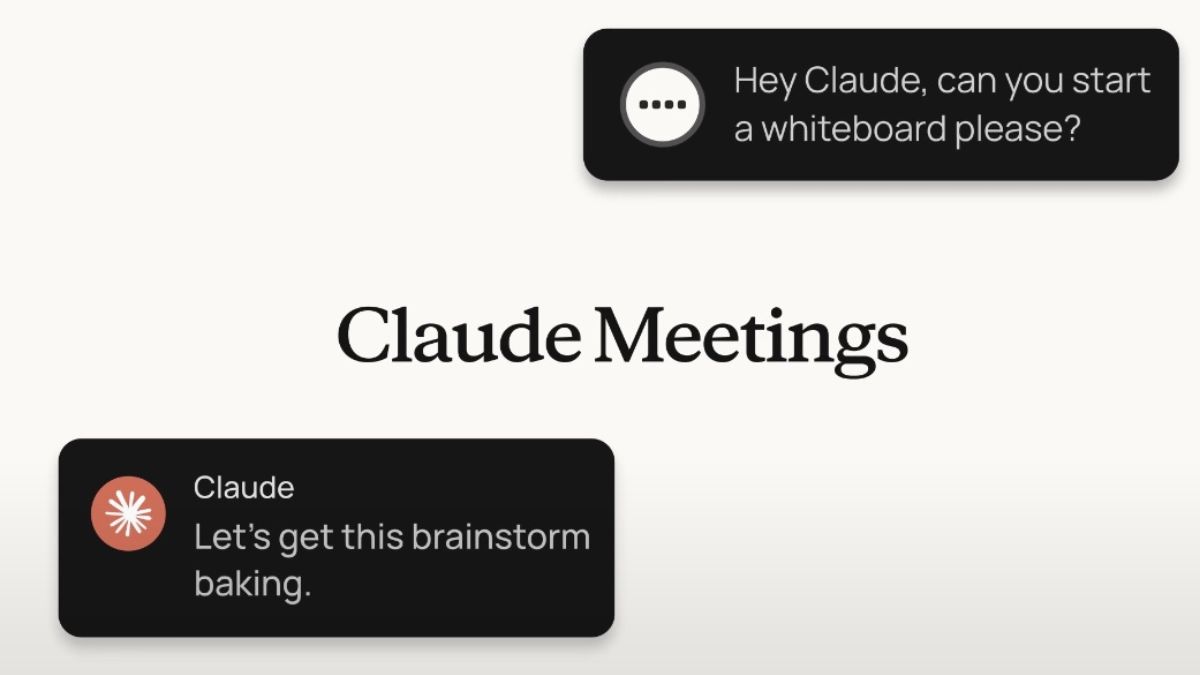
Yesterday, Anthropic introduced Claude Meetings that allows Claude to join your video calls as a visible participant, follow the conversation and start on work during the meeting.
Introducing Claude Meetings: add Claude to your team’s video call and it builds docs, whiteboards, and other artifacts with you while you’re still talking.
Starting to roll out in beta on Team and Enterprise plans. pic.twitter.com/qlZYTcXBsC
— Claude (@claudeai) November 12, 2026
Claude Meetings
With Claude Meetings, Claude joins your video calls as a visible participant. Your team can ask Claude questions during the meeting out loud or in chat. By default, Claude answers in writing, and it can use your connected tools with your permission.
Claude also works with you live to build docs, whiteboards or other artifacts, while teammates on the invite refine them. It writes the notes and action items, so no one on the call has to.
Claude writes up what the team has said so far, and teammates on the invite can edit the plan while you keep talking. When you start discussing timelines, someone asks Claude to put it on a whiteboard, and the team works on the schedule alongside the doc.
Before the meeting ends, someone asks Claude to share a recap with the team. After the call, any notes, action items, plan, and whiteboard are on the meeting’s page in claude.ai. Later, you can go back to meetings you were part of and ask Claude about them, or add Claude to the next one from your calendar in claude.ai.
The company is working with partners like Gong, Attention, Granola, Fireflies.ai, Otter, and Plaud, so you will soon be able to send a meeting’s transcript to the tools your team already uses.
Security and Privacy
Claude adds a separate page for each meeting in claude.ai(opens in new tab) with the notes, transcript, and anything it built. People from your organisation on the invite can see it and edit what Claude made, and it can be shared with others in your organisation from the page.
By default, Claude is set to stay out of calls when someone from outside your organisation is invited, and to leave if someone from outside joins partway through. An admin can allow Claude on calls with outside guests. On those calls, Claude posts its notice in the call’s chat but doesn’t reply there, and what guests say is included in the notes and transcript.
Claude uses each person’s connected tools with that person’s permission. When Claude joins, it appears as a participant and posts a notice in the call’s chat. It saves a transcript, summary, and screen descriptions, not audio.
Before you add Claude or turn on auto-join, make sure everyone on your calls is OK with being transcribed.
Availability
Claude Meeting support is currently available for Google Meet, with other platforms coming soon.
On Team plans, inviting Claude to your meetings is available by default, and an admin can turn it off. On Enterprise plans, an admin turns it on for all or part of the organisation. While it’s in beta, it isn’t available to some organisations, including those with zero data retention, HIPAA-ready configuration, or customer-managed encryption keys.
During the beta, Claude’s notes and transcripts are free on Team and Enterprise plans. So are its answers in your calls, unless an answer uses one of your connected tools, which counts toward your plan’s usage.
The docs, whiteboards and other artifacts Claude makes in a call are free through 10th February, 2027.