Yesterday, XBOX started rolling out a new set of console features designed to give players more choice, more control, and easier ways to stay connected to the games and communities they love.
Console updates are available now for XBOX Insiders:
🔋 Customizable startup animation
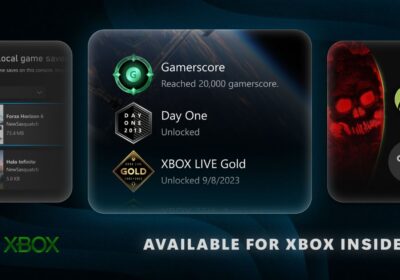
🎖 More options to showcase badges
🔎 Improved search for games and achievements
🗣 Higher voice chat clarityFind out what's new here: https://t.co/ebVjL6avJy
— XBOX (@XBOX) September 9, 2026
New Console updates for XBOX Insiders
Customisable startup animation
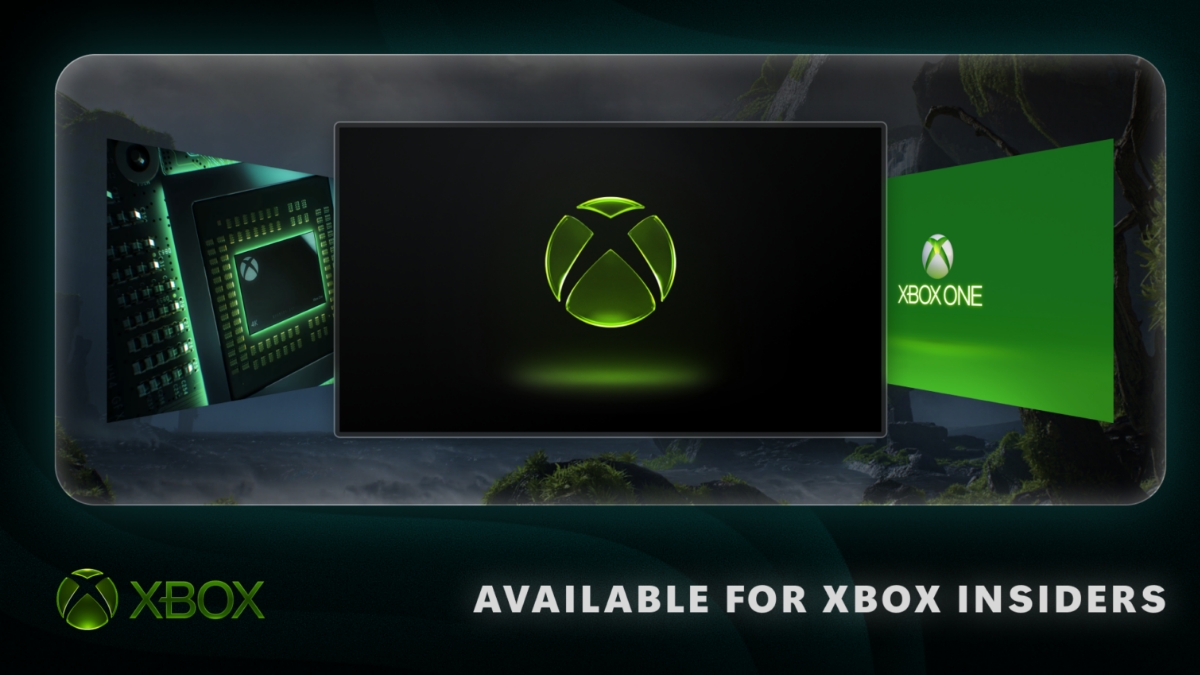
Players can now choose which startup animation they see, with options spanning from XBOX One through the latest generation. This new setting can be found under Settings> System> Startup, where players can also still choose whether the animation plays with sound or not.
More options to showcase badges
XBOX Insiders now have more control over how their earned badges are showcased, with the ability to feature up to 5 badges in their profile card showcase and hide individual badges from their public profile.
Improved search for games and achievements
XBOX Insiders can use a new local search feature to quickly find specific games and achievements within large lists.
Available in My games & apps, official club achievement lists, and profile achievement history, local search works alongside existing filters and sorting options to help players find what they’re looking for faster.
Improved Remote Play Experience
With XBOX Remote Play, players can stream from their XBOX consoles to PCs, phones, TVs, and other devices. Now, XBOX Insiders in Alpha Skip-Ahead and Alpha on XBOX Series X|S can preview higher-quality XBOX Remote Play streaming, with support for up to 1440p resolution and increased video bitrates for sharper visuals and smoother gameplay on supported devices.
During the testing period, some devices may not yet offer separate streaming settings for XBOX Cloud Gaming and Remote Play. If your streaming quality is set to Auto, Remote Play will automatically select the highest resolution and bitrate your device and network connection can support, regardless of the resolution shown in the setting.
If you’re already using Remote Play, make sure your console’s Display resolution is set to 1440p or 4K UHD in Settings > General > TV & display options to take advantage of these improvements.
Continue Downloading while you Play on Cloud
Now downloads can continue in the background while players stream when network conditions allow, helping reduce wait times and keep gameplay uninterrupted. XBOX Series X|S players will see the biggest gains.
Players can find this setting under Settings > Cloud gaming > Streaming preferences and turn it off at any time.
Higher voice chat clarity
XBOX Insiders on Xbox Series X|S can test Voice Clarity, an enhanced audio experience that helps reduce everyday background noise, making it easier for players to stay connected and communicate clearly with friends and teammates.
Voice Clarity will be enabled by default in party chat and in most games released since 2020. Players can manage this setting at Settings > General > Volume & audio output > Additional options.