
The American AI tech brand – Anthropic has now officially introduced its Security Guidance Plugin for Claude Code. It has been made to help users identify and fix vulnerabilities while they are writing code, and works as a lightweight first pass before a full code review. Now available for all Claude Code users, it can be installed from the plugin marketplace.
Read more about it below.
Anthropic’s Claude Code Security Guidance Plugin – Officially Introduced
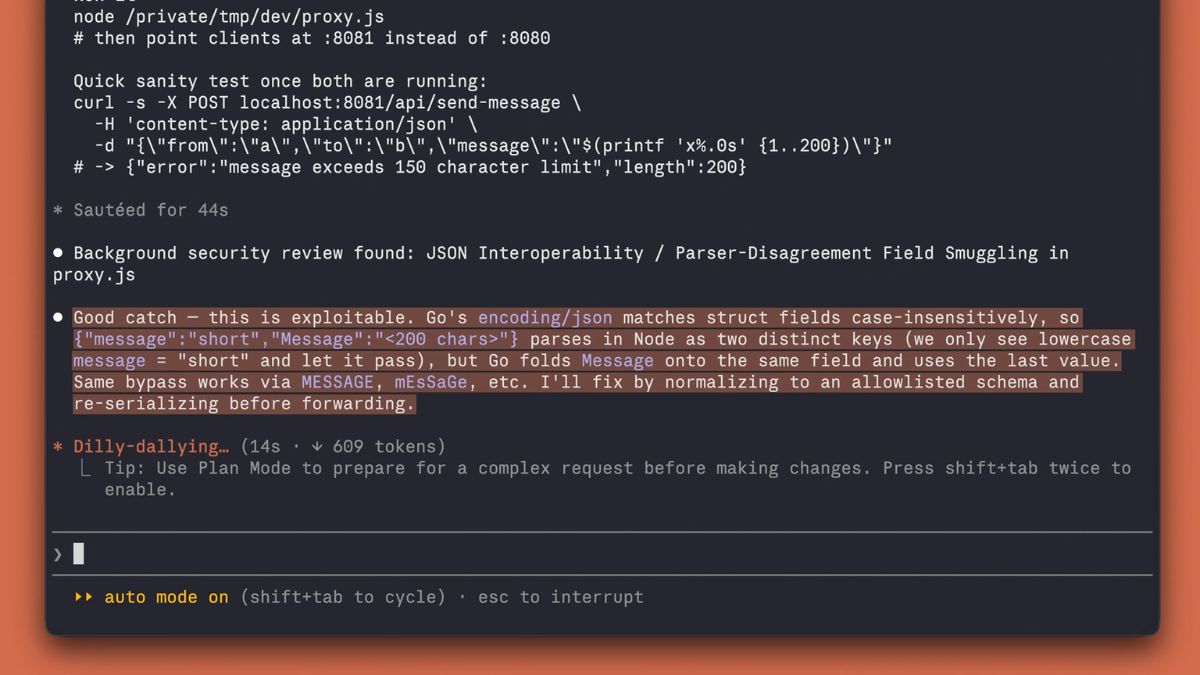
As mentioned, with this newly-introduced Security Guidance Plugin that is made to identify and fix vulnerabilities while users are writing code, Anthropic has optimized Claude Code to review its own code changes for common security issues. Notably, it works in the same session itself, and is capable of catching issues such as commonly misused dangerous libraries, along with other harder-to-spot vulnerabilities.
We’ve shipped a security-guidance plugin for Claude Code that helps identify and fix vulnerabilities as you’re writing code.
Available for all Claude Code users. Install from the plugin marketplace (/plugins). pic.twitter.com/LprgC4m6Kf
— ClaudeDevs (@ClaudeDevs) May 26, 2026
The Security Guidance Plugin reviews code on three essential levels – First, on file edits, it looks for risky patterns like commonly misused dangerous libraries. Second, after model turns, it reviews the full diff for harder-to-spot issues. Third, on commits, it reads surrounding code to validate vulnerabilities. Also, during its internal usage and benchmarks at Anthropic, the plugin was seen reducing security-related comments on PRs opened using it by 30-40%. Moreover, Anthropic’s Security Guidance Plugin is also claimed to serve as a lightweight first pass before a full code review.
In terms of its availability and usage, as listed above, the Security Guidance Plugin is now available for all Claude Code users and can be installed from the plugin marketplace using /plugins. Additionally, users can also add organization-specific rules in a claude-security-guidance.md file. This file can be dropped in the repo or distributed via MDM, following which the plugin will enforce the organization’s policies alongside the built-in checks.