
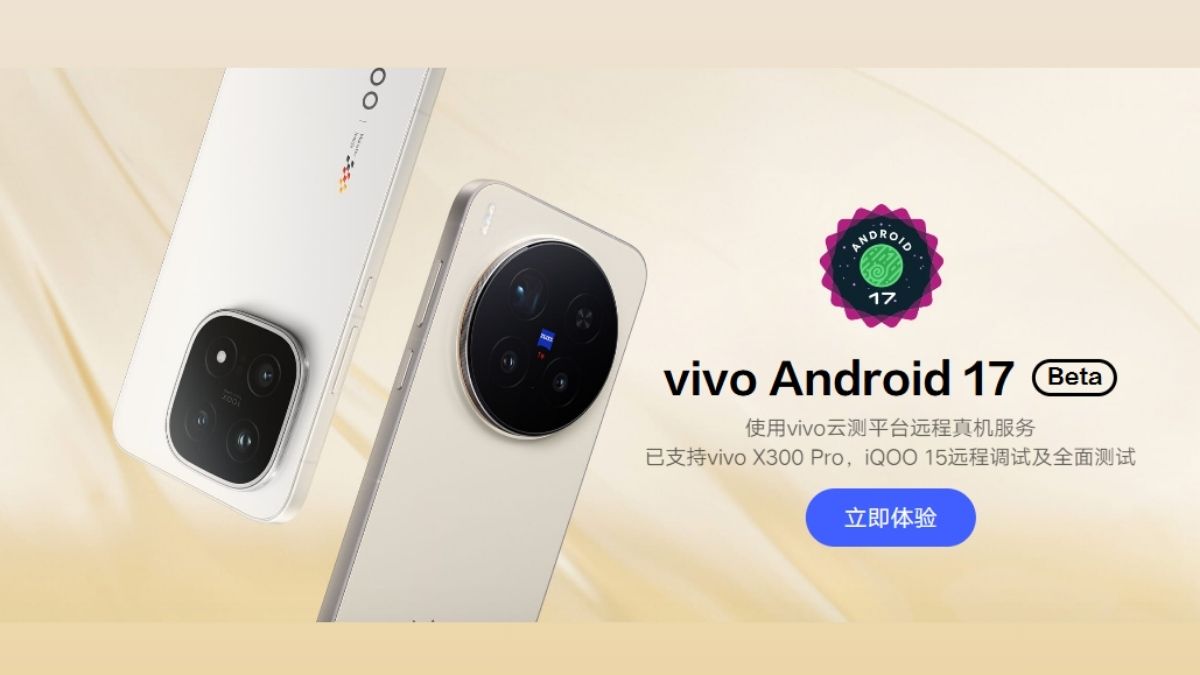
During the end of February 2026, Google announced the Android 17 Beta 2 update for its Pixel series devices, and soon after, other major brands like OnePlus and OPPO also followed. Adding to the list, Vivo has now announced the Android 17 Developer Preview program for its Vivo X300 Pro and iQOO 15 devices. However, as of now, it is limited to the Chinese region, and the brand hasn’t yet revealed the availability of the Android 17 Beta 2 update for the global market.
Here’s more about it.
Android 17 Developer Preview – Vivo X300 Pro and iQOO 15
As per the announcement page, both the devices are now eligible for the Android Developer Preview program, which is based on the Android 17 Beta 2 update, and as mentioned above, it is currently limited to the China region. It has also been confirmed that the update was released on the 2nd of April itself, however, there is no information regarding how many users can access it at the moment.
Speaking more, it is always advisable not to install early beta builds on your primary device, as there are higher chances of bugs and stability issues, and in some cases, the device may even get bricked. Hence, users are advised to proceed with caution.
How to Download and Install?
Speaking about how to download this Developer Preview for the mentioned devices, users can download the package for the Vivo X300 Pro (China) and the iQOO 15 (China) via their respective official links given on the announcement page.
After downloading the package on your system, you can connect your device to a computer using a USB Type-C cable, switch the phone’s USB settings to file transfer mode, and copy the downloaded firmware package to the root directory of the device’s storage.
Following this, head to Settings → System Management and Upgrade → System Upgrade → Upgrade Settings → Local Upgrade, and start the upgrade after the verification process is completed. Once the process begins, users are advised to wait until the device completes the upgrade.
If, for some reason, users wish to downgrade to OriginOS 6, Vivo has provided a detailed process for the same, which can be checked via its official page. As mentioned above, since this is a beta update, it does come with a few known issues. As per Vivo, both the Vivo X300 Pro and iQOO 15 are affected by certain bugs in this current build. The fingerprint feature is currently not working on both devices, and the screenshot function is also unavailable. Additionally, there is a possibility that the small window feature may fail to open, while facial recognition is temporarily unavailable on the iQOO 15 model.
Speaking more, users may also experience app crashes involving both built-in and third-party applications. Certain system settings, such as system style, easy mode, and the privacy system, are also said to cause crashes. Moreover, on the iQOO 15, the Home button may occasionally malfunction, and users are advised to use navigation keys instead.
Vivo has also asked users who face any other issues with this update to report them via the Feedback application. Alternatively, users can also contact the Vivo Open Platform customer service for further support.