

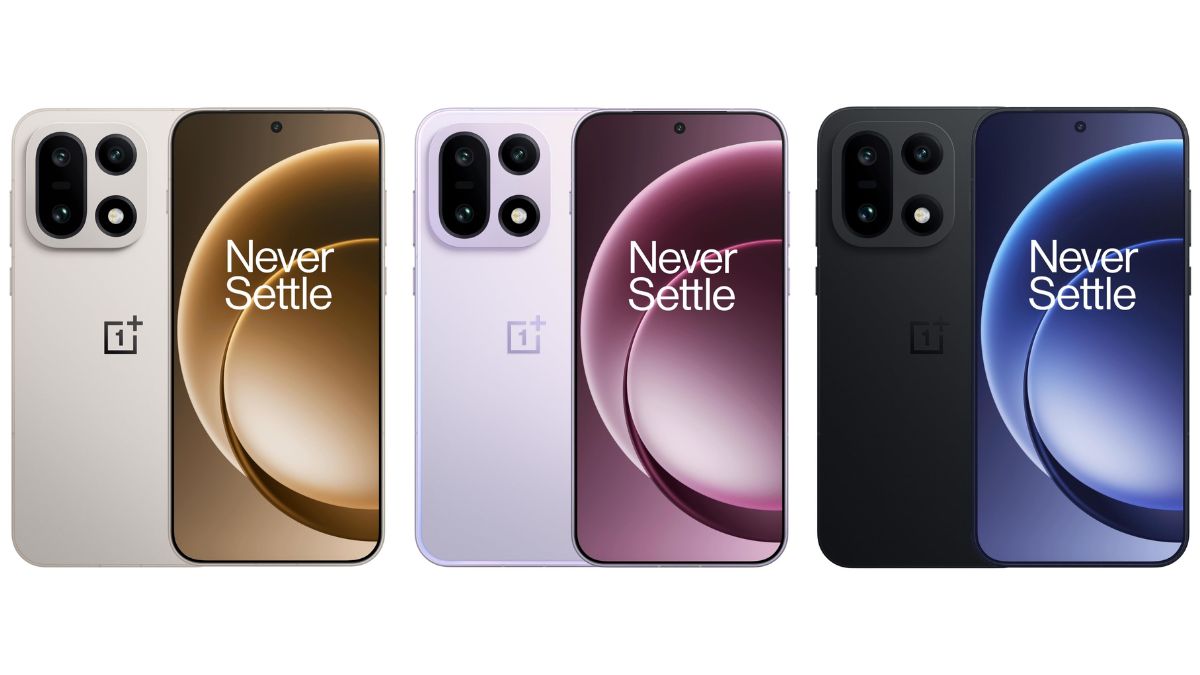
OnePlus 15 users in parts of the EU region had recently started receiving the stable ColorOS 17 update, as we reported yesterday, while Indian users had already received it back in October. Now, the brand has announced a second ColorOS 17 update for the smartphone in India, bringing new features and improvements along with the November 2026 Android security patch.
Check out more about this latest update below.
OnePlus 15 – ColorOS 17.0.1.201 Update Rolling Out in India
As per what has been announced, the latest update for the OnePlus 15 smartphone is rolling out with the software version ‘CPH2745_17.0.1.201(EX01)’, and it is currently meant for users in the Indian region only. The rollout may take a week or two to reach all eligible users, while availability in other regions could follow later, just like the earlier stable update.
Speaking more, the update brings a translucent gradient effect to Fluid Cloud cards, more control over photo quality and resolution when saving edits, and an option to remove local photos after backing them up to the cloud. New Home screen widgets, improvements to Calculator and Translate, and more O+ Connect features are also included.
Moreover, an option to announce incoming callers and a setting to return to the Home screen after exiting a hidden app have been added too. The complete changelog shared on the announcement page is provided below.
Changelog
Performance
Improves the appearance of Fluid Cloud cards on the Lock screen and in the notification drawer with a translucent gradient effect for a more natural look and a cleaner visual experience.
Photos
Improves photo editing in Photos by allowing you to customize the image quality and resolution when saving, giving you more control over the results.
Improves storage management in Photos. After backing up your photos to the cloud, you can remove the local copies to reclaim storage space while keeping the complete backups in the cloud.
OSee
You can now use OSee to scan WeChat Mini Program codes and launch mini programs directly in WeChat.
Home screen & Lock screen
You can now add 2×1 and 2×4 “One-tap boost” and “Storage cleaner” widgets, as well as a 2×1 “Battery usage” widget, to the Home screen and adjust their size by touching and holding a widget, then dragging its edges.
You can now add 2×1 and 2×2 contacts widgets to the Home screen and adjust their size by touching and holding a widget, then dragging its edges.
System tools
You can now view your calculation history on the Calculator home screen and easily resume previous calculations.
Improves the home screen button layout, making frequently used features more accessible and easier to navigate.
Improves the conversion page with better-organized categories, making it easier to find the conversion tools you need.
Improves text translation in the Translate app. Word lookups now provide more comprehensive details, including parts of speech, phonetic transcriptions, key grammatical points, and example sentences. Sentence translations automatically adapt to the appropriate writing style for more natural and accurate results.
Device Connect
O+ Connect now lets you connect your phone and tablet to the same PC at the same time for more convenient cross-device collaboration.
Adds the “Automatically unlock when connected” feature that automatically unlocks your PC with a saved password when it’s remotely connected to your phone. To use this feature, tap the More icon on the floating ball during a remote connection, tap “Unlock PC”, then turn on “Automatically unlock when connected”.
Communication & network
Adds an “Announce incoming calls” feature that automatically announces who is calling when you receive a call. To use this feature, open the Phone app, tap the More icon in the top-right corner, then go to “Settings – Incoming call reminders – Announce incoming calls”.
Security & privacy
Adds a “Return to Home screen when exiting” switch that automatically takes you back to the Home screen when you exit a hidden app. To use this feature, go to “Settings – Security & privacy – Hide Apps”, tap the Settings icon in the top-right corner, and turn on “Return to Home screen when exiting”.
Integrates the November 2026 Android security patch to enhance system security.
Stay tuned for more updates.