

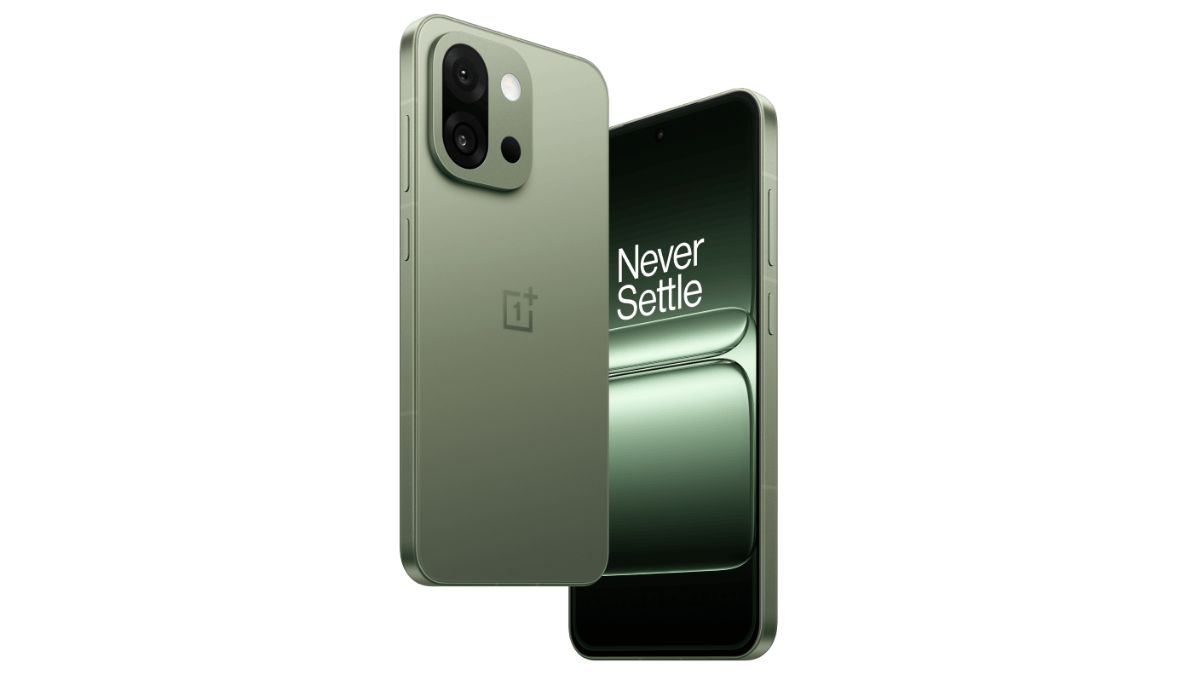
OnePlus’ 13s smartphone has now started receiving the November 2026 ColorOS 17.0.1.201 update in the Indian market. The update will be bringing several new features and improvements, along with the November 2026 Android security patch, which was also recently rolled out for the OnePlus 15R smartphone in India.
Read more about the update below.
OnePlus 13s – November 2026 ColorOS 17.0.1.201 Update Now Rolling Out
As mentioned, the November 2026 ColorOS 17.0.1.201 update is now rolling out for the OnePlus 13s smartphone, and it carries the version number – ‘CPH2723_17.0.1.201(EX01)’ in India. The roll-out process is taking place in a phase-wise manner, and we have not yet come across users reporting receipt of this update. Since the announcement was made only yesterday, it may take a week or two to reach more users, although the exact completion timeline has not been confirmed.
Speaking of the changelogs, several new features and improvements that were recently announced through the November 2026 ColorOS 17 update bulletin are part of this update. A translucent gradient effect for Fluid Cloud cards on the Lock screen and in the notification drawer, image quality and resolution adjustments when saving edited photos, and the option to remove local photos while retaining their complete cloud backups are part of it. OSee also gets support for scanning WeChat Mini Program codes and launching mini programs directly in WeChat.
About the Home screen additions, users can now add 2×1 and 2×4 One-tap boost and Storage cleaner widgets, as well as a 2×1 Battery usage widget. Contacts widgets in 2×1 and 2×2 sizes are also there. Users will be able to resize these widgets by touching and holding them, and then dragging their edges.
The Calculator app now allows users to view their calculation history on its home screen and resume previous calculations. Improvements for its home screen button layout and conversion page categories are also part of the update, making frequently used features and conversion tools easier to access.
Coming to the Translate app, word lookups now provide more details, including parts of speech, phonetic transcriptions, key grammatical points, and example sentences. Sentence translations will also automatically adapt to the appropriate writing style for more natural and accurate results.
Speaking more, O+ Connect now allows users to connect their phone and tablet to the same PC simultaneously. An ‘Automatically unlock when connected’ feature has also been added, which uses a saved password to unlock the PC when it is remotely connected to the phone. Users can enable it during a remote connection through More icon on the floating ball → Unlock PC → Automatically unlock when connected.
An ‘Announce incoming calls’ feature that automatically announces who is calling is also part of this update. It can be accessed through Phone app → More icon → Settings → Incoming call reminders → Announce incoming calls.
For security and privacy, a ‘Return to Home screen when exiting’ switch has been added, which takes users directly to the Home screen when they exit a hidden app. This can be enabled through Settings → Security & privacy → Hide Apps → Settings icon → Return to Home screen when exiting.