
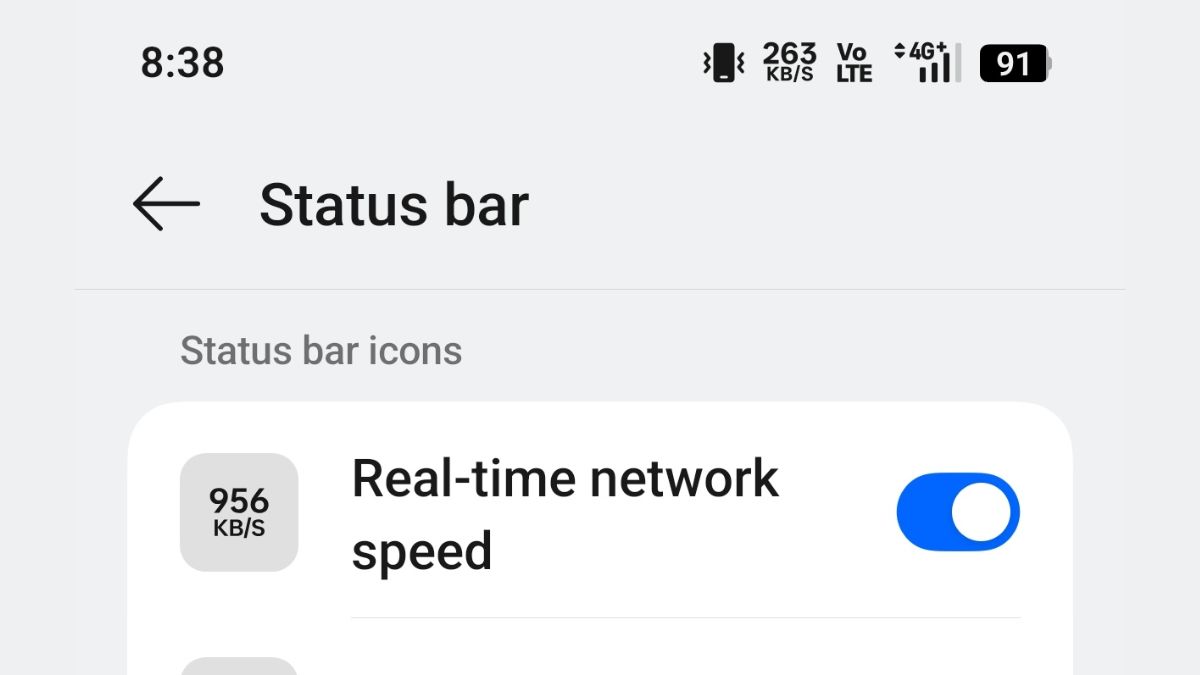
Back in May, Samsung officially announced its One UI 9 beta program based on the upcoming Android 17 operating system for the Galaxy S26 series handsets, and now, a new detail regarding the beta version has surfaced online. As pointed out by users, Samsung has added a new setting that can enable a real-time network speed indicator on supported devices.
Read more about this new feature below.
Samsung One UI 9 Beta – Real-Time Network Speed Indicator Feature
As per what has been revealed, this new feature will allow users of the supported devices to check their network speed in real time directly from the status bar. As the One UI 9 beta program is currently limited to the Galaxy S26 series handsets, the full list of supported devices has not yet been shared.
Speaking more, users who are currently running the One UI 9 beta version on their Galaxy S26 Series can enable this feature via Good Lock. To turn it on, users will have to open the Good Lock app, go to QuickStar, tap on “Visibility of Indicator Icons”, and then turn on the “Network Speed” option.
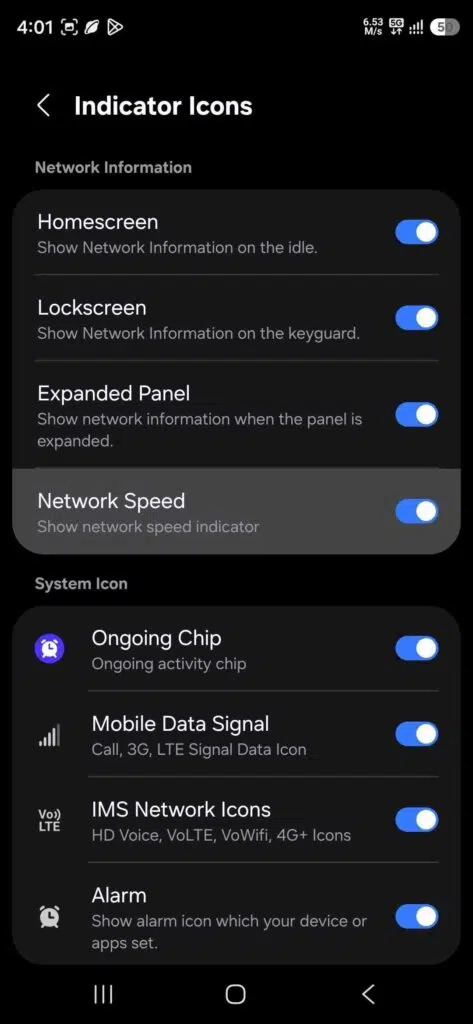
Once enabled, the network speed indicator will appear next to the existing status bar icons. It will show the current network speed when the device is connected to either Wi-Fi or mobile data. The readout can also change between KB/s, MB/s, and GB/s depending on the amount of network traffic.
Additionally, the One UI 9 version of QuickStar also adds a toggle to disable the “ongoing activity” chip. This is an expandable chip that shows live activity from various apps, including ongoing calls, timers, countdowns, voice recordings, and more. For users who do not find this chip useful, Samsung now allows it to be disabled through QuickStar. To note, both the network speed indicator and ongoing activity chip toggle are available only on One UI 9.
Stay tuned for more updates.