
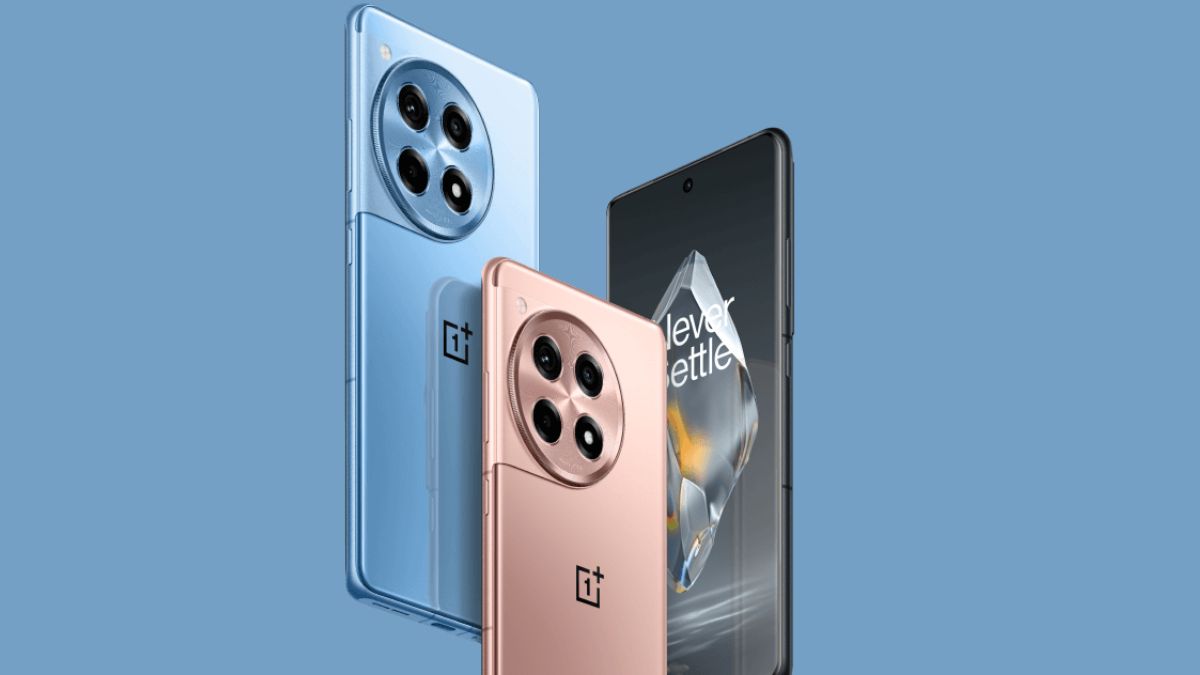
OnePlus released the stable OxygenOS 15 update for the OnePlus 12R in November for Indian users, followed by a North American release last week. Now, the company is rolling out another update, OxygenOS 15.0.0.300, which includes the November 2024 security patch despite being released in December.
The update, with firmware version CPH2573_15.0.0.300(EX01), is currently being rolled out in batches to Indian users, with other regions scheduled to receive it soon. Users who receive early access can report any issues by dialling *#800# and selecting the submit bugs option.
This update introduces several new features and improvements. Users can now share live photos with nearby iOS devices, and a new swipe gesture has been added that enables Split View by swiping up to the left when an application is in full screen. The update also reorganises applications in large folders, displaying them in a 3 x 3 grid layout for improved accessibility. Additionally, the Clock widgets on the Home screen have been optimised.
Also, this update will help with longer battery life and also has the November 2024 security patch.
Changelog
Communication & interconnection
- Now you can easily share live photos with nearby iOS devices.
System
- Now you can swipe up to the left to quickly enable Split View when an app is displayed in full screen.
- Apps in large folders can now be displayed in 3 × 3 grids.
- Optimizes the widgets of Clock on the Home screen.
- Extends battery life in some scenarios.
- Improves system stability and performance. Integrates the November 2024 Android security patch to enhance system security.
How to share photos with nearby iOS devices?
- OnePlus users can access sharing through new “Share with iPhone” option in share menu
- No separate Android apps required for OnePlus users
- iPhone users need to download “O+ Connect” app from App Store
- iPhone users must grant permissions and keep app open during sharing
- OnePlus user selects file and initiates sharing process
- iPhone user must connect to Wi-Fi hotspot created by OnePlus device
- OnePlus device temporarily disconnects from Wi-Fi during transfer
- Feature supports large files including 4K videos