ChatGPT is being used by various users for research, brainstorming or bringing ideas to life with unique creations. Well, to help users create high-quality images, videos, or designs, Adobe has introduced a new Adobe plugin in ChatGPT.
Adobe plugin in ChatGPT
This plugin brings Adobe’s pro-grade tools for creativity and productivity together, that works across ChatGPT Work and Codex. All you need to do is activate the Adobe plugin, describe what you want to create, and it automatically brings together the right Adobe tools to get you there.
The Adobe plugin in ChatGPT supports a wide range of workflows, from editing photos and creating campaign videos to designing marketing assets and generating polished PDFs. The plugin can adapt to the needs of your project, and when you want advanced editing, creative control or pixel-level precision, you can continue your work in Adobe’s apps right where you left off.
What can you create with an Adobe plugin in ChatGPT?
The Adobe plugin in ChatGPT brings together tools Adobe apps previously released for ChatGPT, along with additional tools and capabilities across Adobe Express, Photoshop, Firefly, Premiere, Acrobat, Lightroom, Illustrator, InDesign, Stock and more.
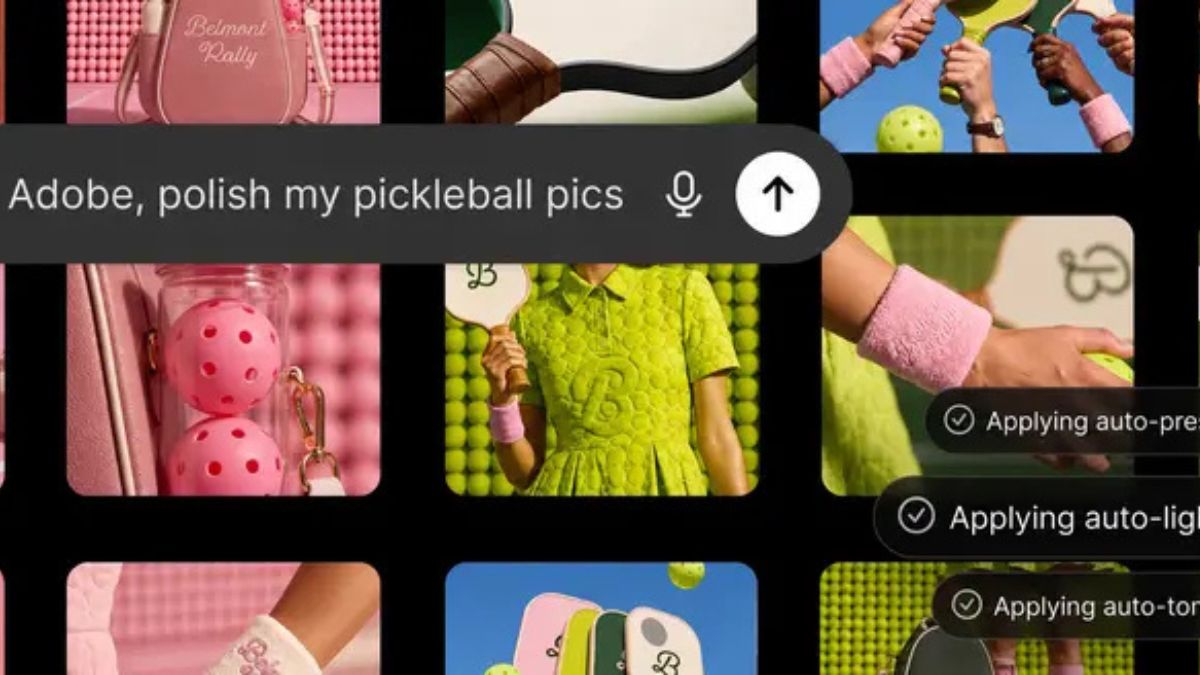
- Create high-quality creative for a campaign: Upload your photos and describe the look you want. The Adobe plugin applies a consistent style across the entire set, saves the finished assets to Creative Cloud and transforms your strongest image into a product or packaging mockup.
- Create eye-catching video for every social platform: Turn a long-form video into an eye-catching highlight reel, then adapt it for YouTube Shorts, Instagram Reels and other social platforms.
- Create a design and share it anywhere: Browse thousands of design templates with interactive previews, select the best one for your project, customise the copy and colours, then animate it for social media or convert it into a polished PDF that’s ready to share or print.
- Transfer data into consumer-ready documents: Upload a spreadsheet or datasheet and describe the result you need. The Adobe plugin transforms your information into professionally formatted PDFs, including event badges, catalogues, infographics and other customer-ready documents.
This plugin brings the same tools and capabilities that power Adobe’s agents in Adobe apps.
Availability
The Adobe plugin in ChatGPT is available globally on the ChatGPT web and app.
How to get started?
- Open ChatGPT, go to Plugins, and add the Adobe plugin
- Start a new chat, then type “@Adobe” and select Adobe from the menu or use the “+” button to choose it from your installed plugins
- Continue as a guest or sign in with your Adobe account for an even richer experience