

OnePlus Nord 6 User Reports Multiple Bugs Including Unnamed Colour Profiles and Incorrect Brightness Percentage Indicator

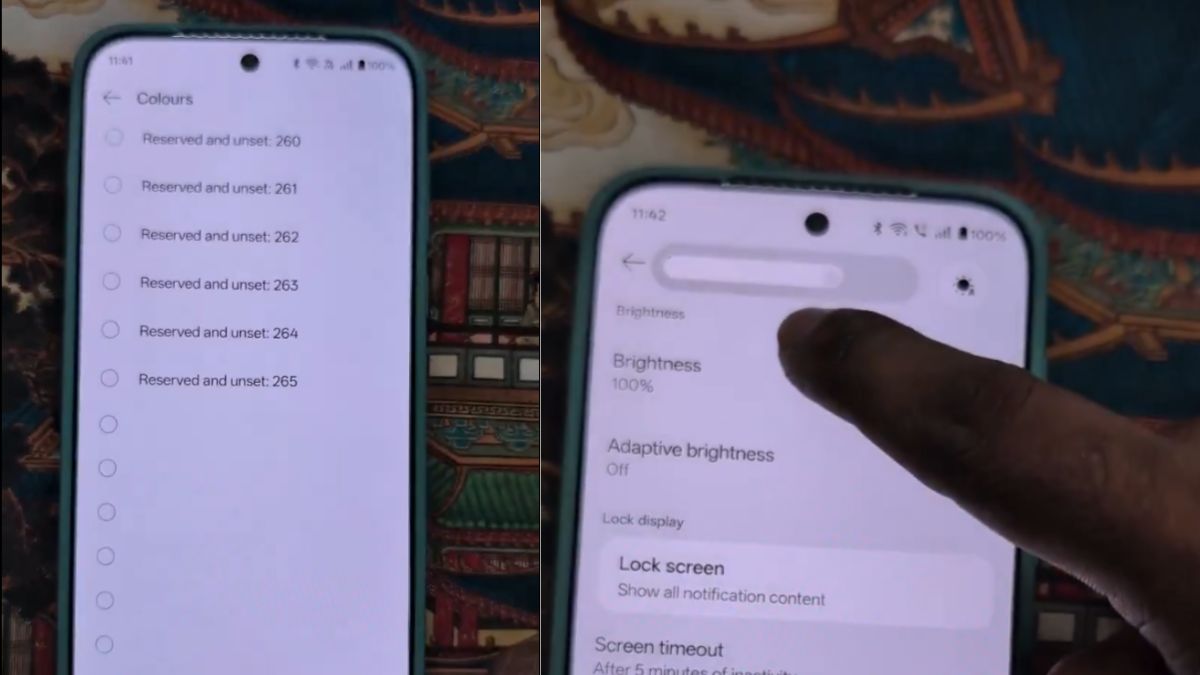
A user of the OnePlus Nord 6 smartphone took to the X platform to report multiple issues he has been facing on his device. The OnePlus Nord 6 user says that his device has several bugs, and he has also shared a video showing two of the issues.
Let’s look more into it.
OnePlus Nord 6 Reportedly Faces Multiple Bugs
A new post shared by a user on the X platform claims that his OnePlus Nord 6 has too many bugs. Out of these, the user has shared a video showing two issues that he is facing on his smartphone. In the video, several colour profiles can be seen listed without any names, which makes it difficult to identify which profile is being selected.
Furthermore, the video also shows that the brightness level indicator on the battery screen is showing incorrect percentage values. As seen in the video, when the user slides the brightness level to 70%, the percentage shown on the screen appears as 90%. Similarly, when the slider is at 30%, the percentage displayed on the screen appears as 70%.
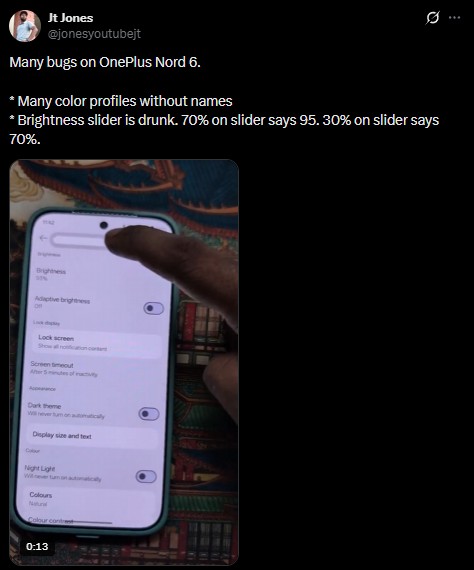
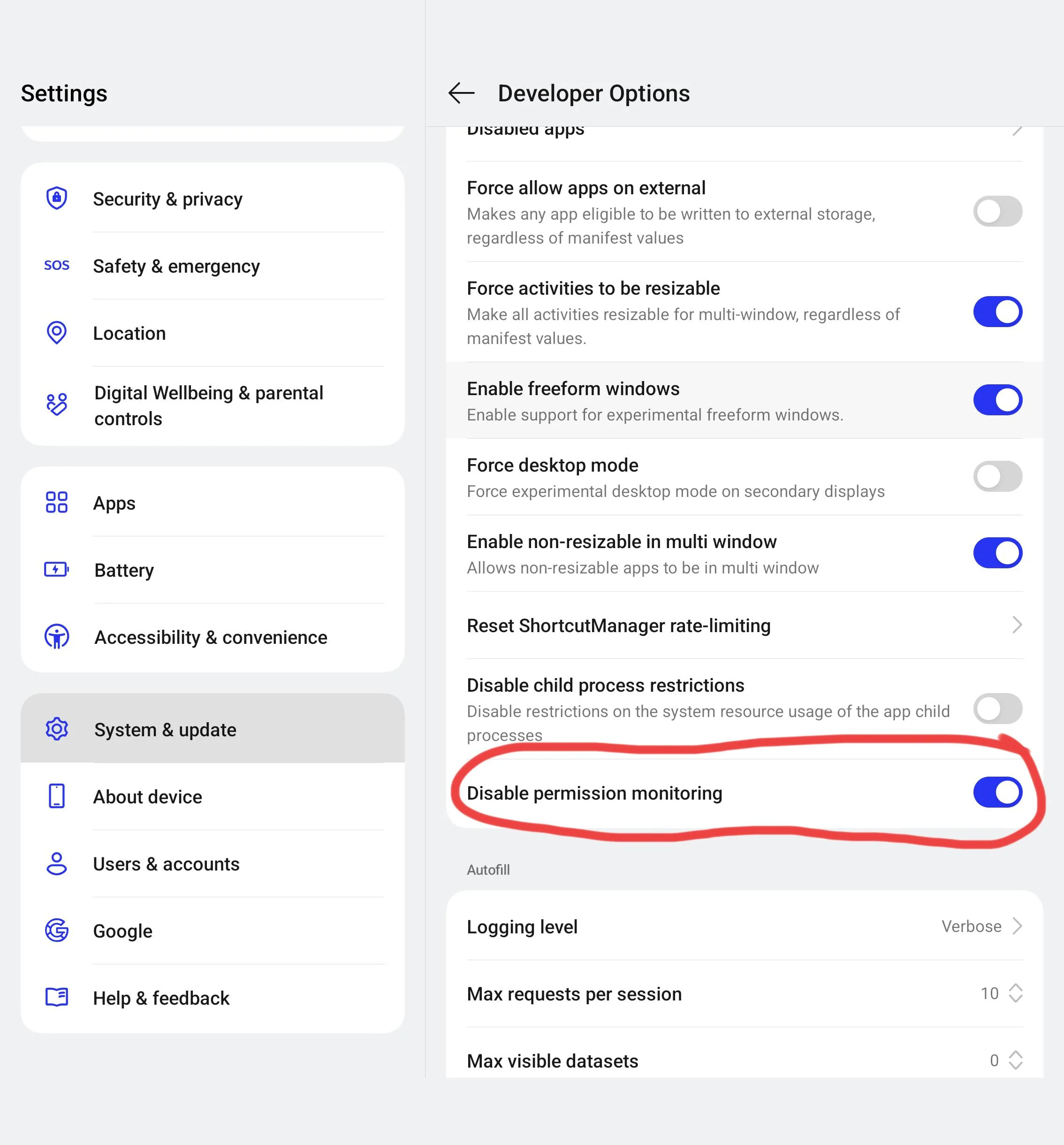
Replying to his post, one user in the comment section offered a simple fix for the issue and asked him to “turn off Android Permission in developer mode”. The same user also suggested him to report the issue via bug reporting. However, the user who shared the video did not mention which software build his OnePlus Nord 6 was running on.
It is still in doubts whether more OnePlus Nord 6 users are being affected by the same issue or not. But if you are among the ones facing this issue, you can first try turning off Android Permission in the developer mode (Android Permission Monitoring), and the best next step would be to report the same to OnePlus via the bug reporting option.
To take a bug report, users can follow the steps mentioned below.
- Go to Settings > About phone.
- Tap Build number 7 times until it says “You are now a developer!”.
- Go back to the main settings menu and select Developer options.
- Toggle USB debugging on.
- Tap Take bug report and confirm.
- Wait for the notification, tap it, and share the .txt and .png log files to your email.
Stay tuned for more updates!
