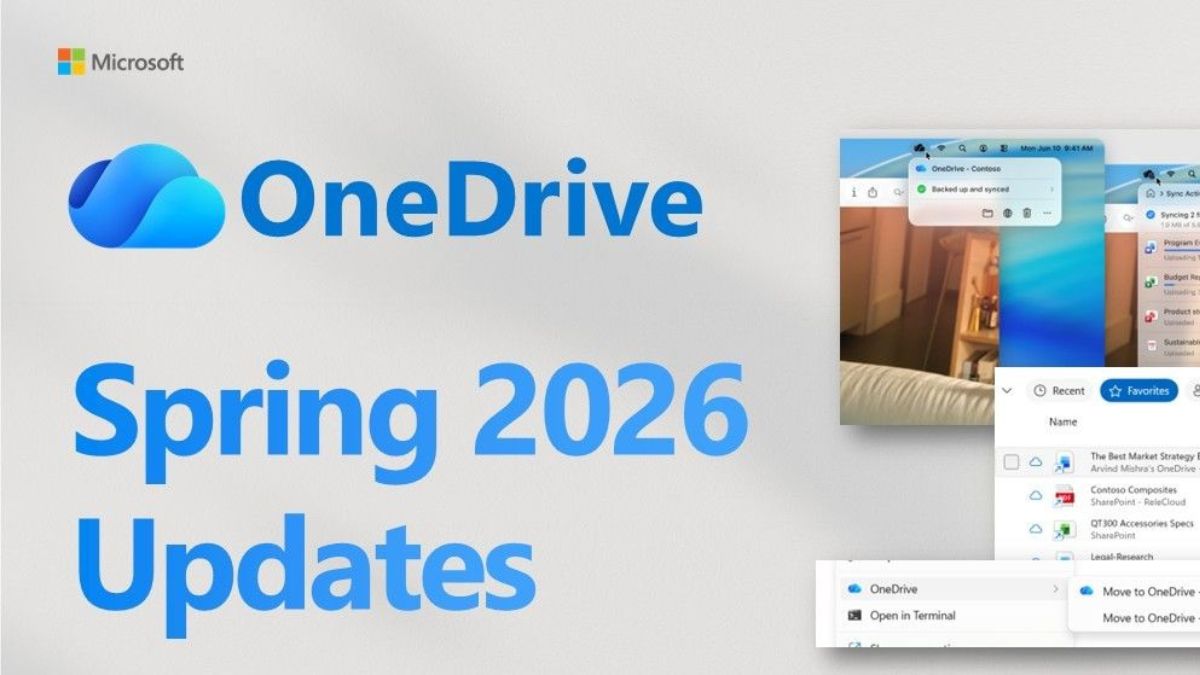
Recently, Microsoft has released new updates for OneDrive that are said to help individuals and teams move from file to finished faster, with greater clarity and confidence that their work is protected and ready wherever it happens.
OneDrive: New updates
Agentic AI for files in SharePoint document libraries
New capabilities are introduced that help organisations capture shared context, create reusable skills for multi-step workflows, and generate documents, presentations, spreadsheets, and other structured outputs from content already stored in SharePoint.
AI experiences at work in OneDrive
With the Copilot icon in OneDrive, you can instantly summarise documents, presentations, PDFs, and images, ask questions about your files, compare versions to spot what changed, recap meeting recordings, and extract key details from whiteboard images. Across capabilities like PDF review on the web, OCR on mobile, semantic search, and Ask Copilot in File Explorer, AI is helping users get to the right content faster.
Markdown support in OneDrive and SharePoint
Markdown file support is now in OneDrive and SharePoint, making it easier for you to create, view, and edit .md file content alongside the rest of your documents, without leaving your browser.
Review PDFs with Copilot in OneDrive and SharePoint for the web
Copilot is now generally available in the OneDrive and SharePoint PDF Viewer. Select text, right-click, and use AI actions from the context menu. You can also write your own prompt if you have a specific question.
OCR for PDFs in OneDrive mobile
Optional Character Recognition (OCR) is now built into OneDrive for Android and iOS mobile apps to help you reuse information, speed up document workflows, and make content easier to find.
Offline Search on OneDrive mobile
With offline search on iPad, you can quickly find files you’ve made available offline by searching by filename, even without an internet connection.
Semantic Search in File Explorer on Copilot+ PCs
With semantic search on Windows, OneDrive users can now find their files by describing what they’re looking for rather than remembering exact file names, whether those files are stored locally or in the cloud. OneDrive makes this possible by surfacing both semantic photo results and lexical document matches from across your entire OneDrive library, right from File Explorer.
Ask Copilot in File Explorer
With the new Ask Copilot hover icon on File Explorer Home, now available in public preview for Windows Insiders, you can get AI insights on any of your recent OneDrive files.
Hero Links
Coming this summer, Hero Links will make collaboration easier and give you more control with a single, unified experience to both share and manage permissions.
Transfer ownership improvements
Rolling out to general availability in the coming weeks, managers can filter files by share status, move content while retaining existing permissions, and take action using an updated email notice.
Updated document library experience in SharePoint
In SharePoint document library, Custom views and filters are now readily available, and a simplified command bar puts your most-used actions within reach. View customisation, including conditional formatting and metadata-based organisation, lives in a single, streamlined menu.
Sync support for up to 1 million items on Windows
Now in public preview, OneDrive Sync now supports syncing up to 1 million items on Windows devices, helping teams manage large document libraries and shared content at scale without compromising access across devices. This preview requires the OneDrive Insiders ring, additional hardware requirements, and recommended configuration settings. Devices that don’t meet these requirements continue to sync at the existing 300,000-item supported limit with no disruption.
Visual refresh for macOS
A refreshed OneDrive sync experience on macOS, with a redesigned activity center and updated system dialogues that feel native on Mac. Built with technologies like SwiftUI, it aligns with modern macOS Liquid Glass design language and provides a cleaner, more responsive way to check sync status, recent activity, and issues that need attention. A simplified layout surfaces the essentials first, with more detail available when you need it.
File previewer refresh for iOS
With the new file previewer in OneDrive for iOS, users can view Word, Excel, and PowerPoint files in the app – no downloads required – with Microsoft 365 security and compliance enforced.
OneDrive command to move a local-only folder to OneDrive
You can now right‑click a folder in File Explorer and move the entire folder to OneDrive, preserving its structure and making it easier to back up large sets of files.
Custom OneDrive folder name GPO to help address max path issues
To reduce Windows file path length issues, IT admins can now set a custom name for the local OneDrive sync root folder on users’ devices. Now generally available, this policy lets organisations define a shorter, organisation-specific folder name while keeping the OneDrive experience consistent for users. The display name shown in File Explorer and the OneDrive Activity Center remains unchanged.
File-level archive in SharePoint
File-level archive in Microsoft 365 Archive lets organisations archive individual files in active SharePoint sites, moving inactive content to lower-cost storage without disrupting the site, now in public preview.
Admin policy for expiring “People in your organisation” links
With the new admin policy for expiring “People in your organisation” links, you can now enable your users to collaborate and ensure that access gets cleaned up automatically. Configure expiration timeframes that align with your organisation’s data governance requirements, whether that’s 30 days, 90 days, or a custom period.