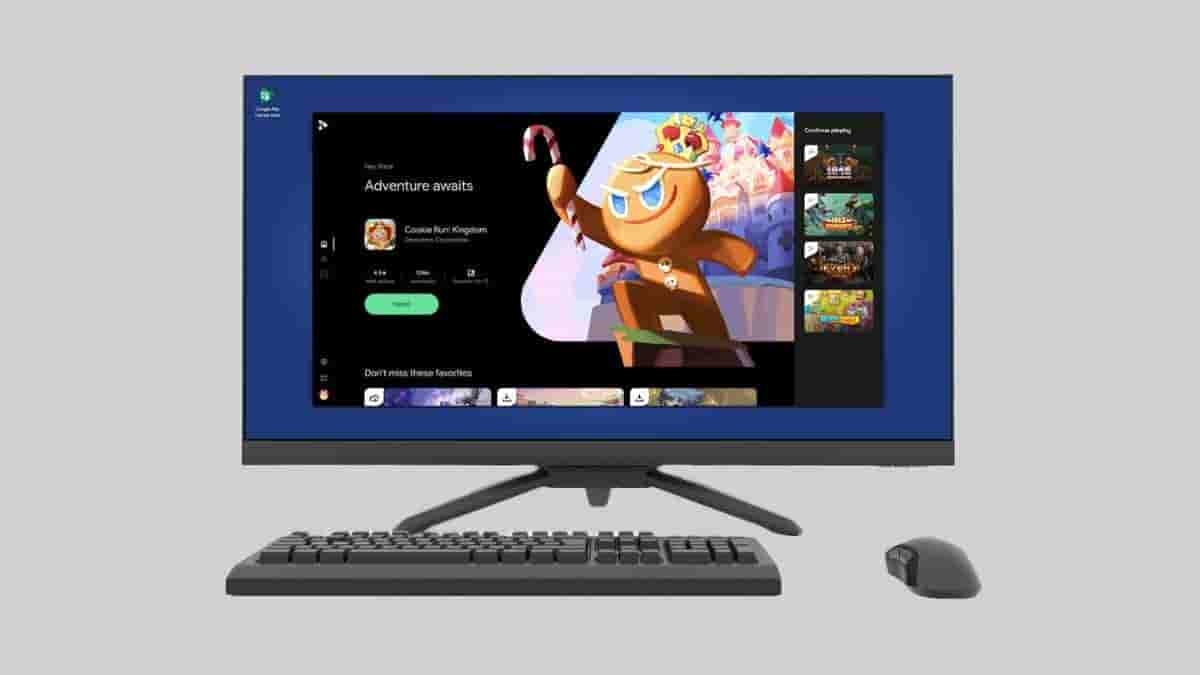
Google is bringing its Android games to larger screens and as part of this, the Google Play Games Beta for PC has been made available in India. Select popular Android games can now be played on larger PC screens.
Here’s more about it.
Google Play Games Beta for PC
The installation process to install and access Google Play Games on your PC device is very easy. Interested gamers out there should simply look for Google Play Games Beta on Google Play Store website on their PCs or they can visit the page via the link given. Click on “Download beta” and wait until the download package gets downloaded. Once it is done, run the installer and follow the necessary instructions.
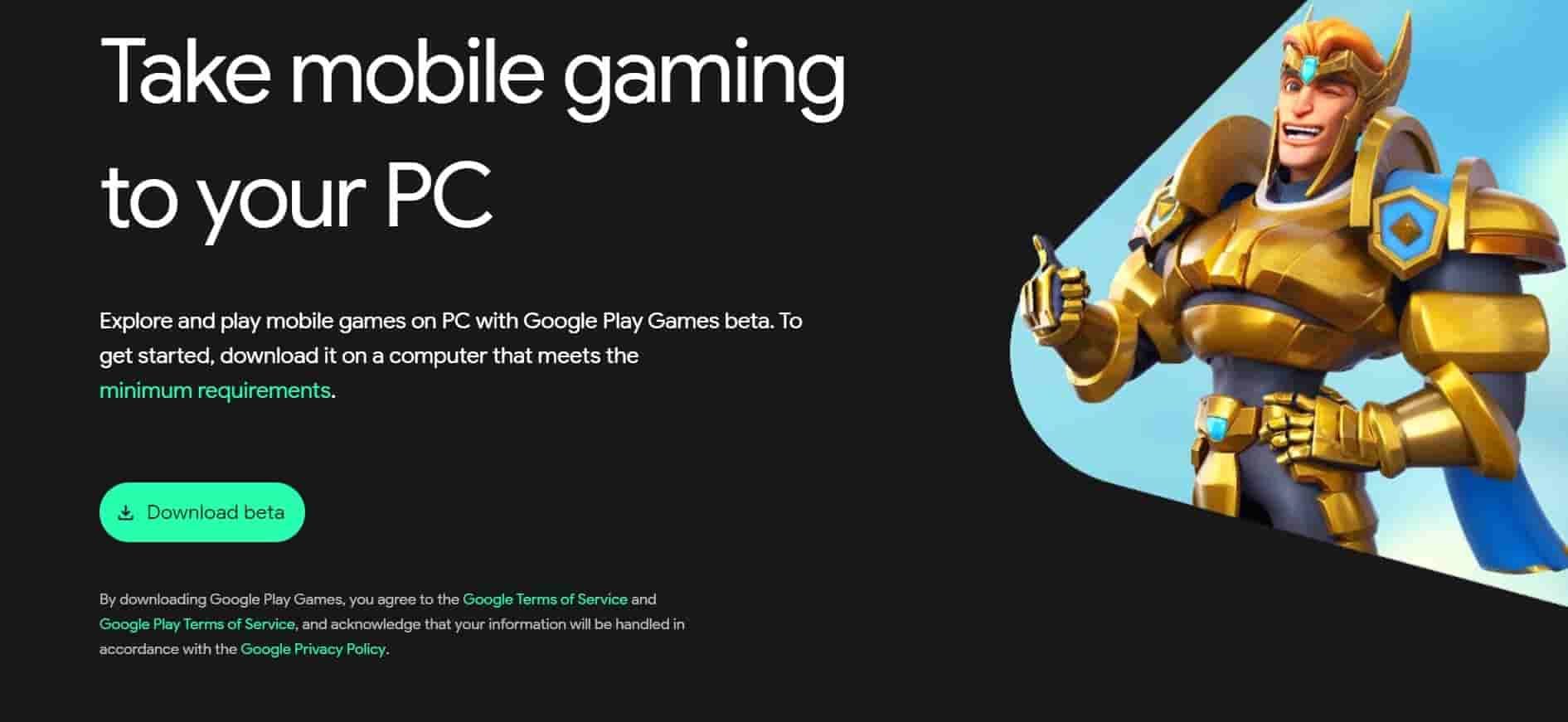
Users must also ensure that their PC device meets the following minimum requirements.
- The PC is running on Windows 10 (v2004) or above
- Has a Solid State Drive (SSD) with 10 GB of available storage space
- Has an Intel UHD Graphics 630 GPU or a comparable GPU
- Has 4 CPU physical cores, while some games would require an Intel CPU
- A total RAM of at least 8GB
As mentioned above, not all the games in Google Play Games can be played on PC and some of the games that can be played includes, Angry Birds 2, Asphalt 9: Legends, Candy Crush Saga, Clash of Clans, Cookie Run: Kingdom, Eversoul, Genshin Impact, Grimvalor, Hitwicket Games, Jetpack Joyride, Last Fortress: Underground, Lords Mobile, Ludo King, Plants vs. Zombies 2, Summoners War and Top War. You’ll be able to play all the mobile games on PC with the help of BlueStacks but note it, Google Play Games Beta for PC is optimized for PC gaming and will ensure the best gaming performance.
As this is the beta version, it is to be understood that the platform is still under development and there is obvious chances of hidden bugs or any other issues. Users may give their feedback and report bugs by selecting the feedback icon given within the app.
Just to add, Google has started to focus more on improving its gaming services, and for those of you who didn’t know, we had previously reported that Google is testing a new gaming feature on YouTube called “Playables”. Read about it here.