

January 2026 Android Security Patch Arrives on OnePlus 15, Nord CE 5 With Other Improvements

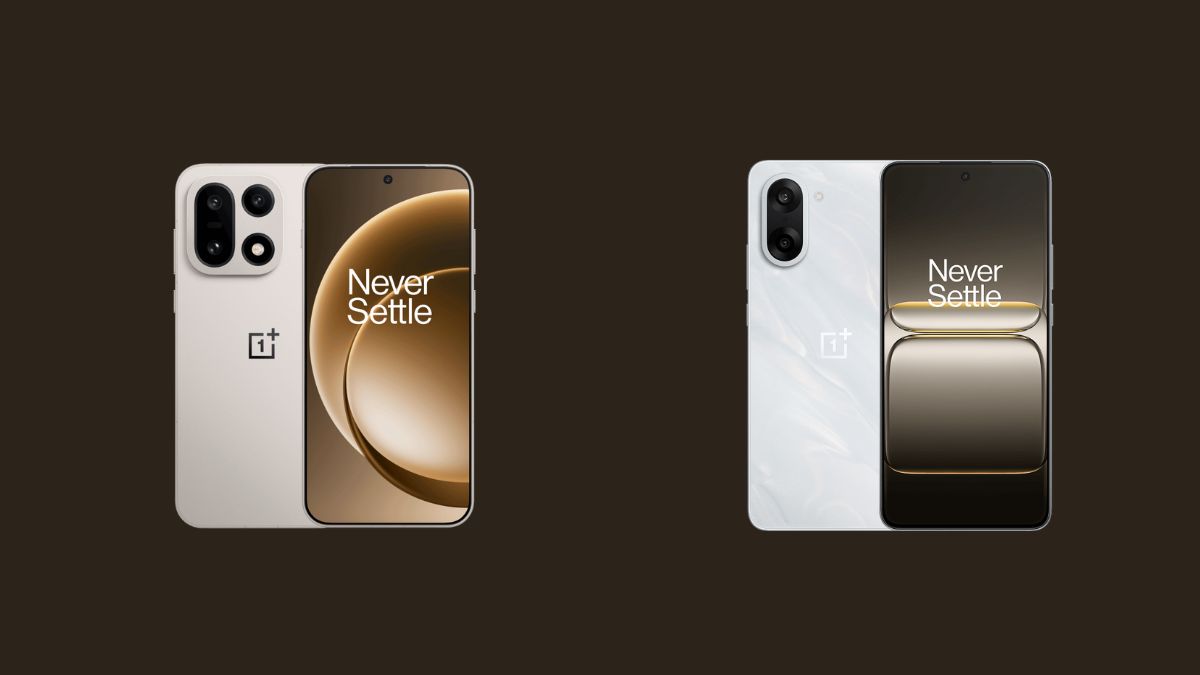
In just a week, OnePlus has started rolling out updates for several of its smartphones. And now, adding to the list are the OnePlus 15 and the OnePlus Nord CE 5, both of which are receiving new OxygenOS updates.
As per the rollout details, the OnePlus 15 is getting the OxygenOS 16.0.3.501 update, while the OnePlus Nord CE 5 is receiving OxygenOS 16.0.2.400. At the moment, this update is limited to users in the India region only, with plans to roll out to other regions as well. However, OnePlus has not announced any specific timeline for the wider rollout at the time of writing.
Speaking more about the update, both smartphones are receiving the January 2026 Android security patch. That said, the OnePlus Nord CE 5 appears to have more additions and feature-level changes compared to the OnePlus 15 update, which is relatively minimal in comparison.
Looking at the version numbers, the update is currently rolling out with build number IN: CPH2717_16.0.2.400(EX01) for the OnePlus Nord CE 5, while the OnePlus 15 is receiving version IN: CPH2745_16.0.3.501(EX01).
Since the rollout has only just begun, there have been no user reports of major issues or bugs associated with these updates so far. Below is the official changelog for both smartphones.
OnePlus 15 OxygenOS 16.0.3.501 Changelog
Delight in details
- Integrates the January 2026 Android security patch to enhance system security.
Security & privacy
- You can now browse files in Private Safe by sliding the side slider.
- You can now search for files from folders in Private Safe.
- You can now share files in Private Safe.
Network connections
- Improves the stability of network connections for a better user experience.
OnePlus Nord CE 5 OxygenOS 16.0.2.400 Changelog
Delight in details
- You can now launch storage cleanup tools directly from Smart Sidebar for easier storage cleanup.
- You can now use automatic straightening when cropping and rotating portrait and architectural photos in the Photos app.
- The video editing function now supports cutting, splitting, multi-clip stitching, music, text, speed adjustment, cropping, and more, making creation easier.
- The filter in the Photos app now supports “Motion Photo”, “Screenshots & screen recordings”, and “Edited” options, making it easier to filter images and videos.
- Improves the thumbnail parsing method in the Photos app to speed up the display of thumbnails in the app.
- After resizing an app icon and adding commonly used shortcut icons, you can now drag-and-drop these shortcut icons to rearrange them.
- You can now drag to resize app clone icons and add shortcuts.
- Improves the activation of the “Circle to Search” feature. In gesture navigation, even if the gesture guide bar is hidden, you can launch the feature by touching and holding the area where the guide bar is usually located.
- Integrates the January 2026 Android security patch to enhance system security.
Security & privacy
- You can now edit images and videos directly in Private Safe, without needing to unlock them.
- After you open the Phone Manager app, a pop-up will appear, prompting you to allow automatic blocklist updates over Wi-Fi and mobile data. If you allow this, the blocklist can be updated promptly, effectively improving detection success rates and protection efficiency.
