

Apple Officially Releases its iOS 26 and macOS Tahoe 26 for Compatible iPhone and Mac Devices

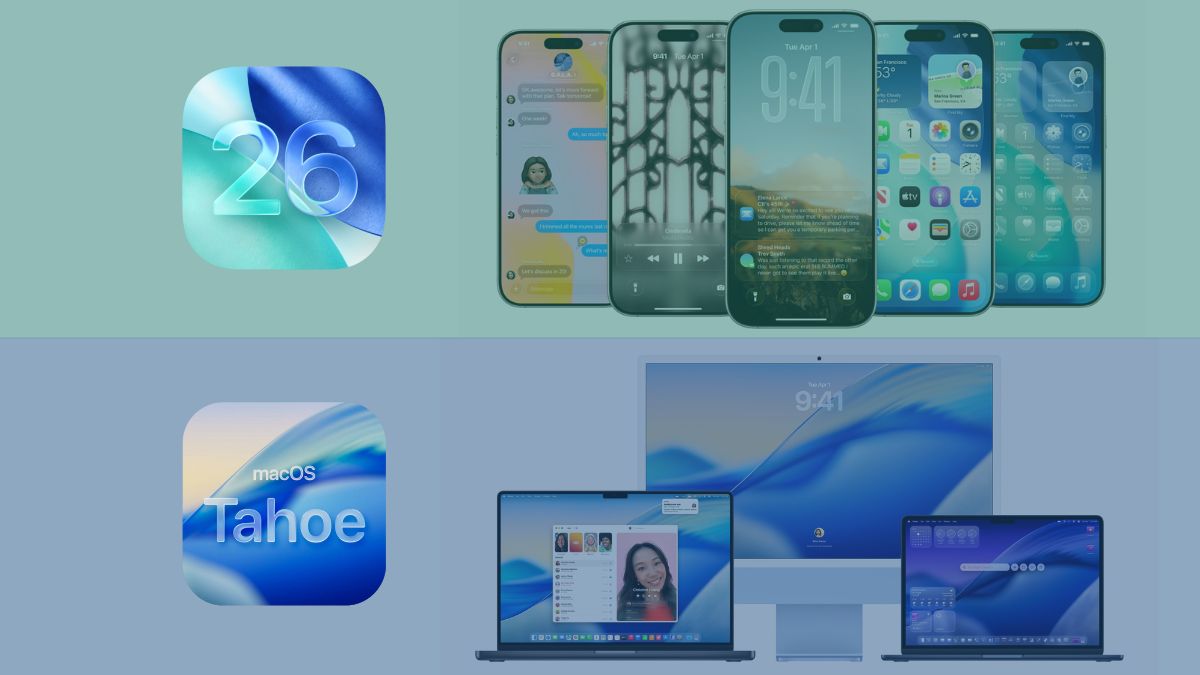
The Cupertino-based tech giant – Apple had unveiled and spoke about its next iOS 26 and macOS Tahoe 26 operating systems back in June 2025 at its WWDC25 event, and recently both of these were reported to arrive soon on compatible devices. As reported, it has now been released and made available to iPhone and Mac users.
Check out the changelogs of Apple’s latest iOS 26 and macOS Tahoe 26 operating systems below.
iOS 26
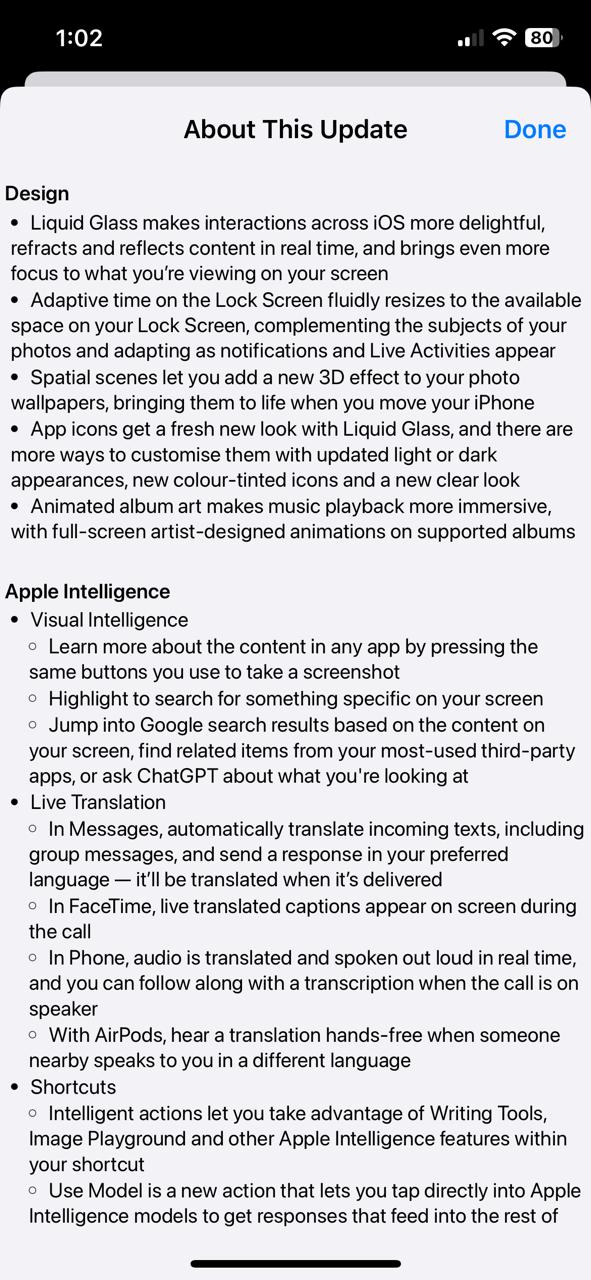
Apple’s latest iOS 26, in terms of design, brings the Liquid Glass design for a more delightful experience, along with added design features like adaptive time on lock screen, new 3D effects on photo wallpapers with spatial scenes, apps with fresh new looks, and animated album art for an immersive music playback experience. On Apple Intelligence, new features and capabilities have also been brought with respect to Visual Intelligence, Live Translation, Shortcuts, and Genmoji & Image Playground.
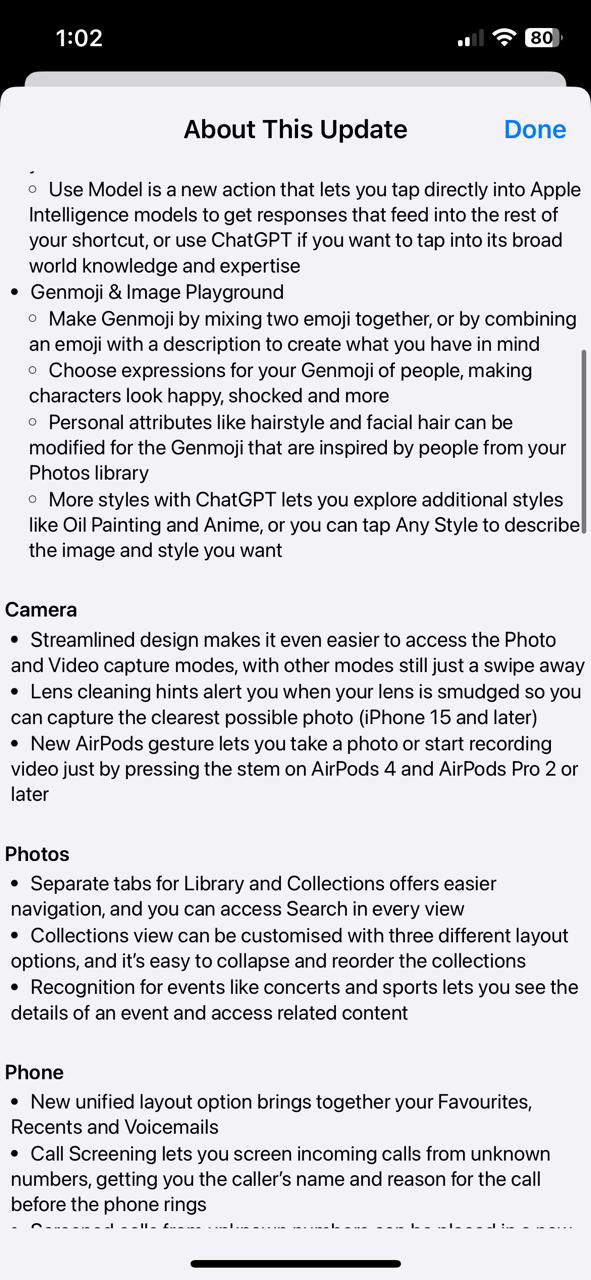
About the camera features, a streamlined design for easy access to Photo and Video capture modes, lens cleaning hints, and a new AirPods gesture for taking photos or recording videos are introduced (AirPods 4, AirPods Pro 2, or later). Within the Photos app, separate tabs for Library and Collections, three different layout options for Collections view, and recognition for events are new features.
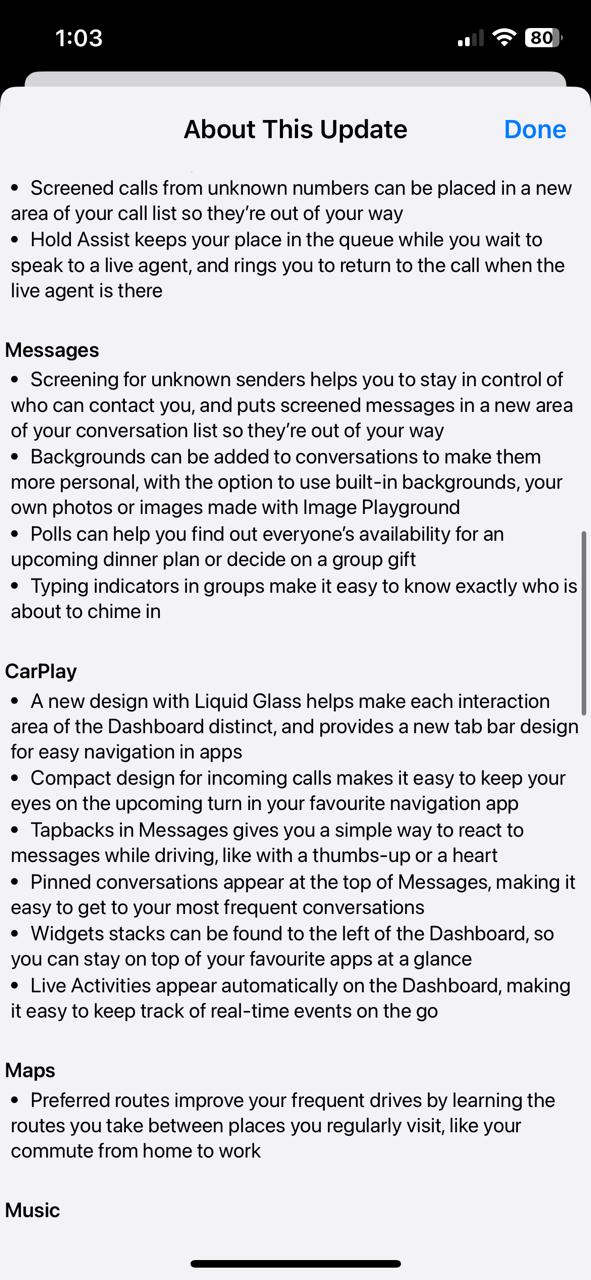
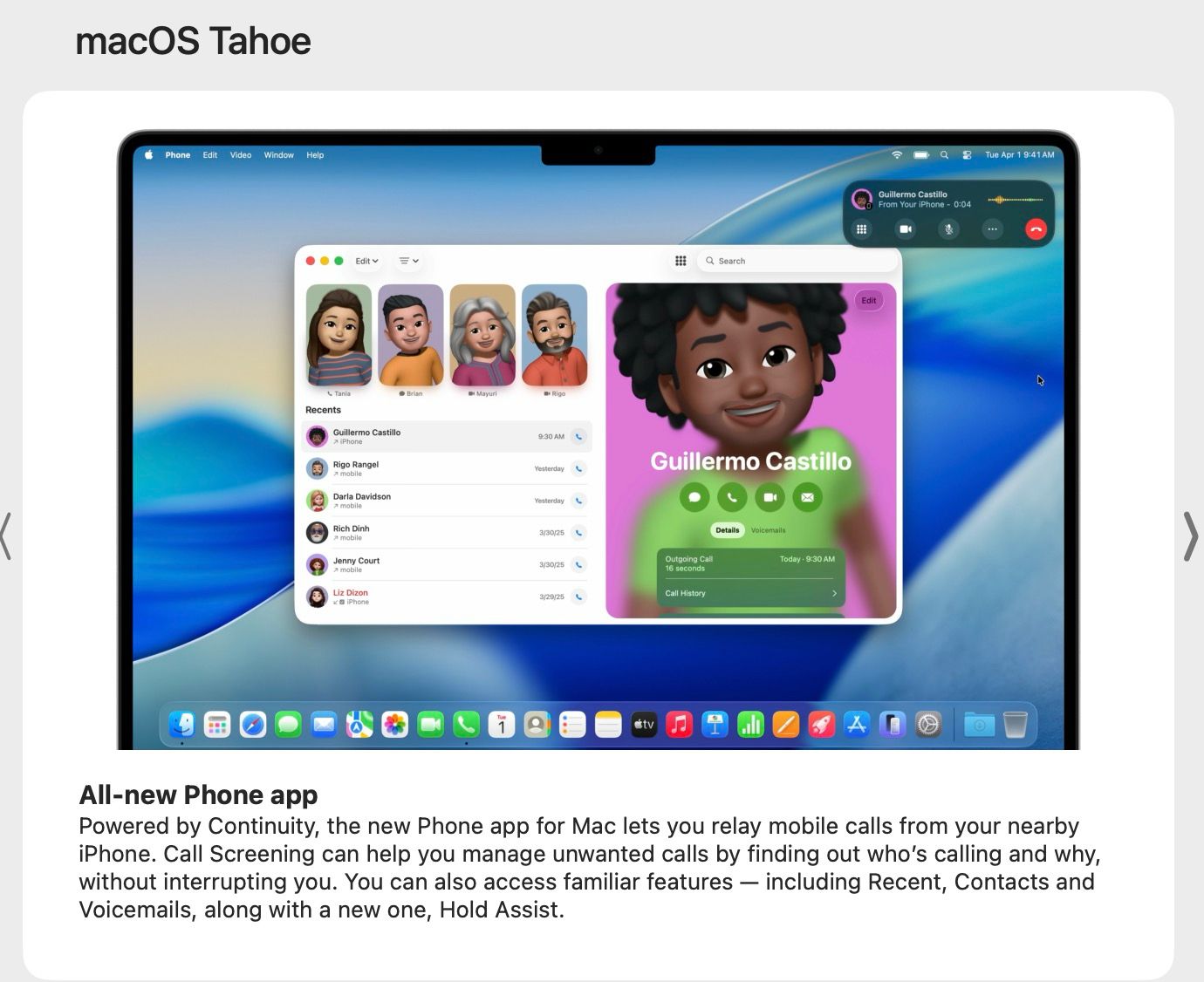
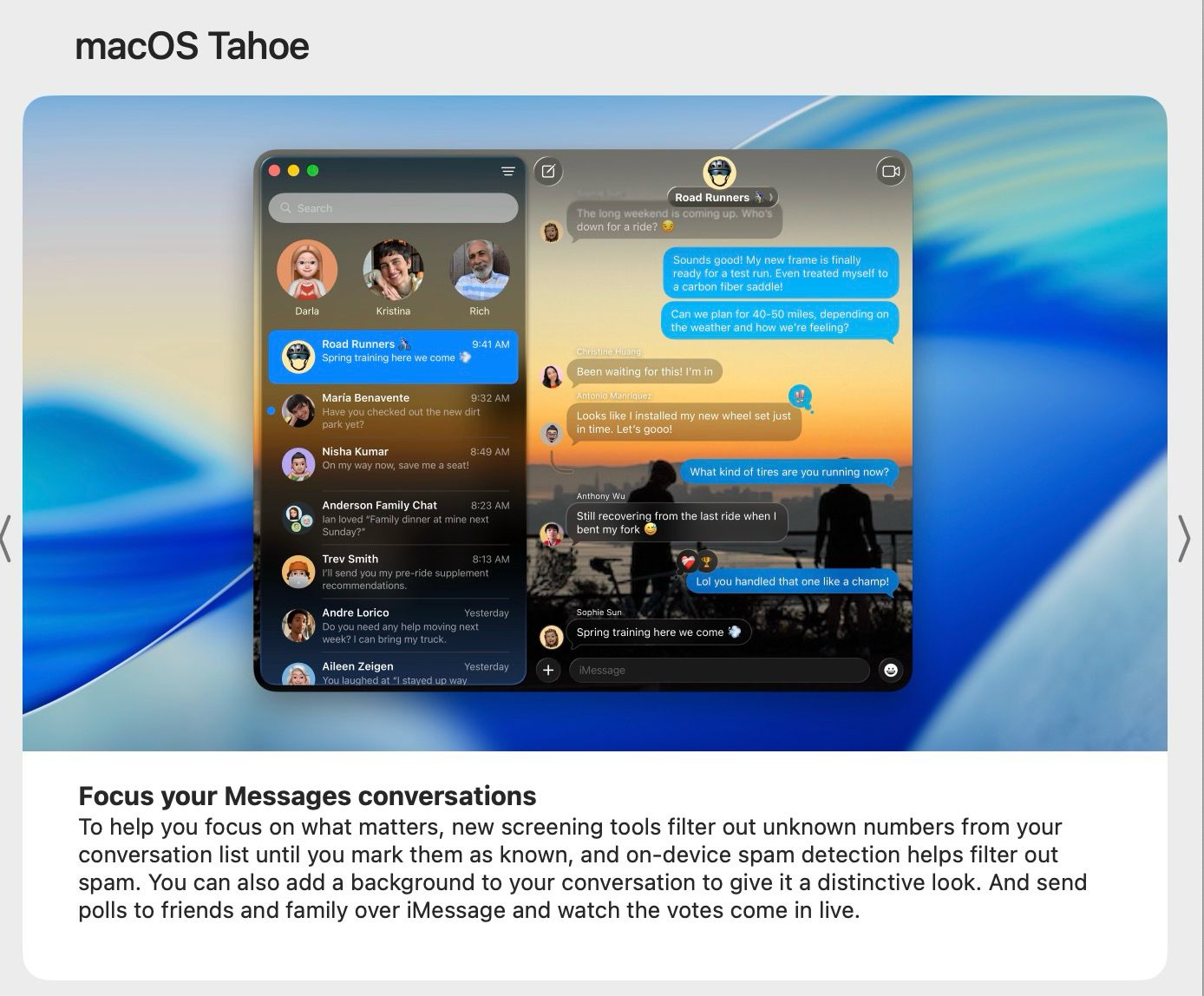
Coming to the Phone app, new unified layout options (combining Favorites, Recents, and Voicemails), Call Screening, and Hold Assist are brought, whereas in the Messages app, features like screening from unknown senders, backgrounds for conversations, polls, and typing indicators in groups are given.
A new Liquid Glass-inspired design has also been brought to Apple’s CarPlay, with compact design for incoming calls, tapbacks in Messages, pinned conversations (appearing at the top), widgets stacks at the left, and automatically appearing Live Activities. Also, on Maps, with preferred routes, the frequent driving experience has been improved.
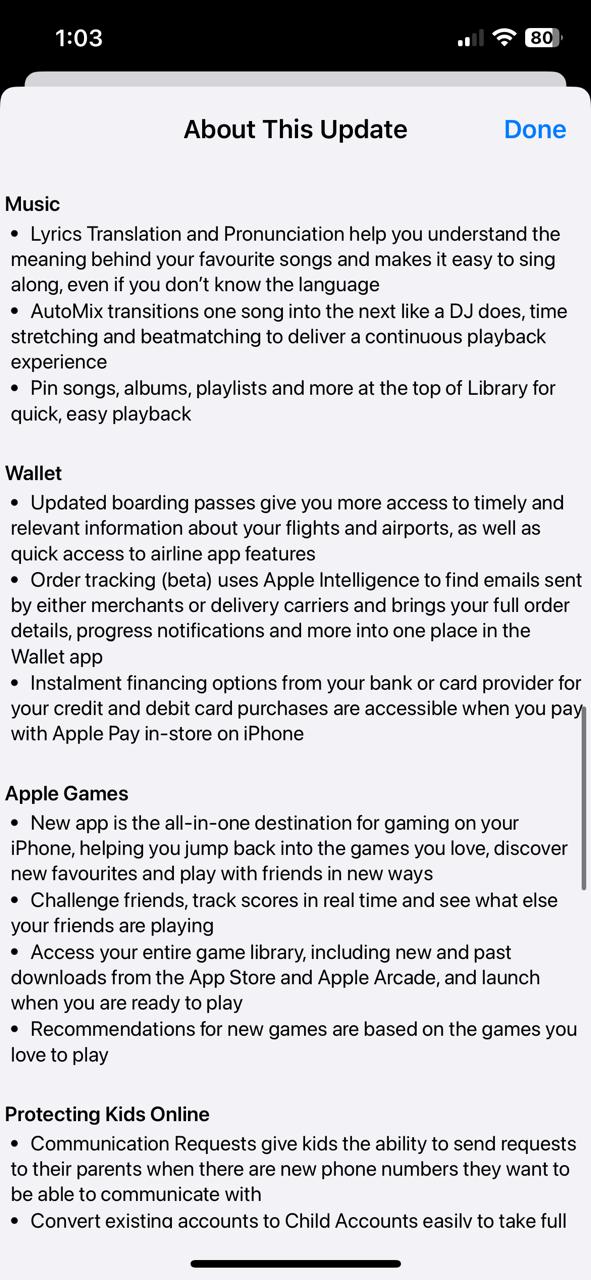
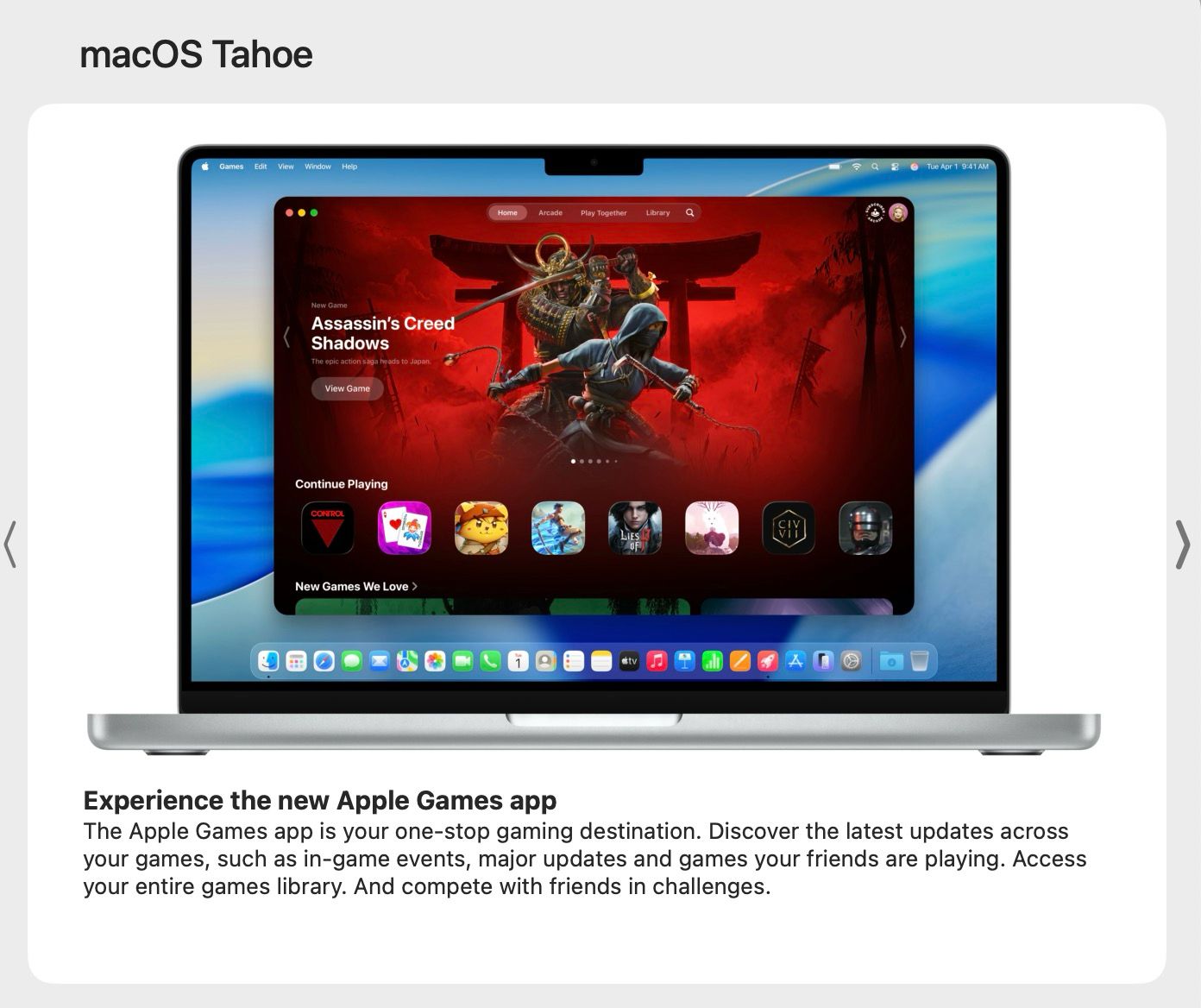
Regarding the entertainment related features, lyrics translation and pronunciation, automix transitions, and pin songs/albums/playlists have been brought within the Music app. The new Apple Games app has also been introduced as an all-in-one destination for iPhone gaming with features like challenge friends, track scores, access to entire game library, and recommendations for games.
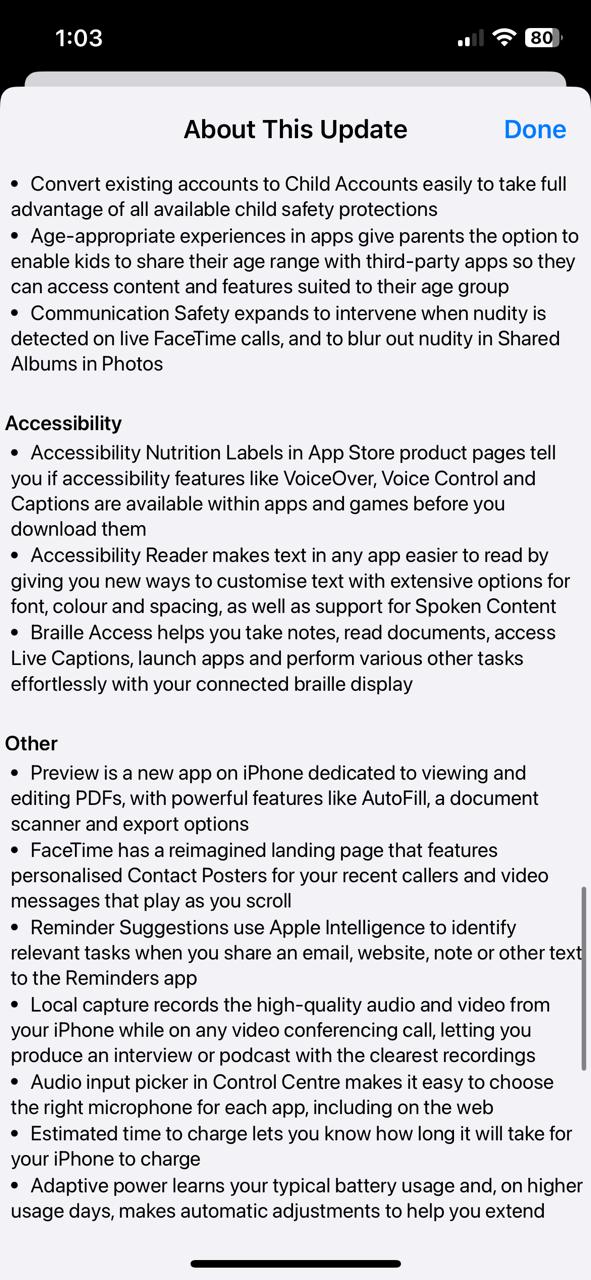
Speaking of payments and security related features, updated boarding passes, order tracking (beta), and installment financing options are added. To ensure kids safety online, communication requests, conversion of existing accounts to child accounts, age-appropriate experience in apps, and communication safety on FaceTime and shared albums have also been added.
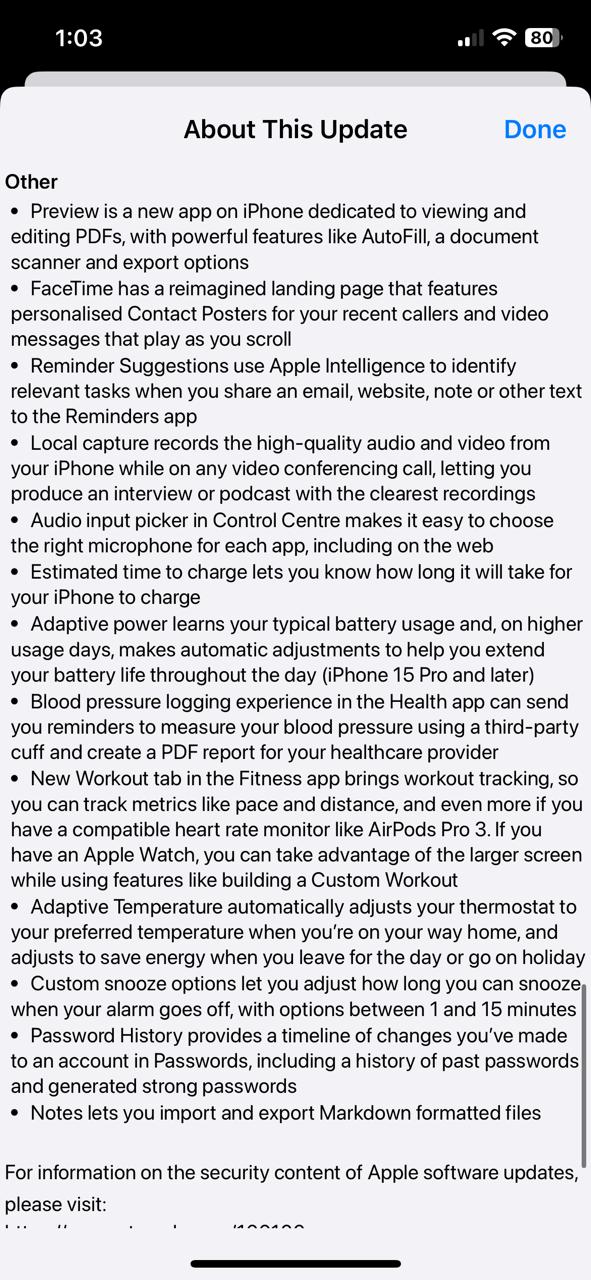
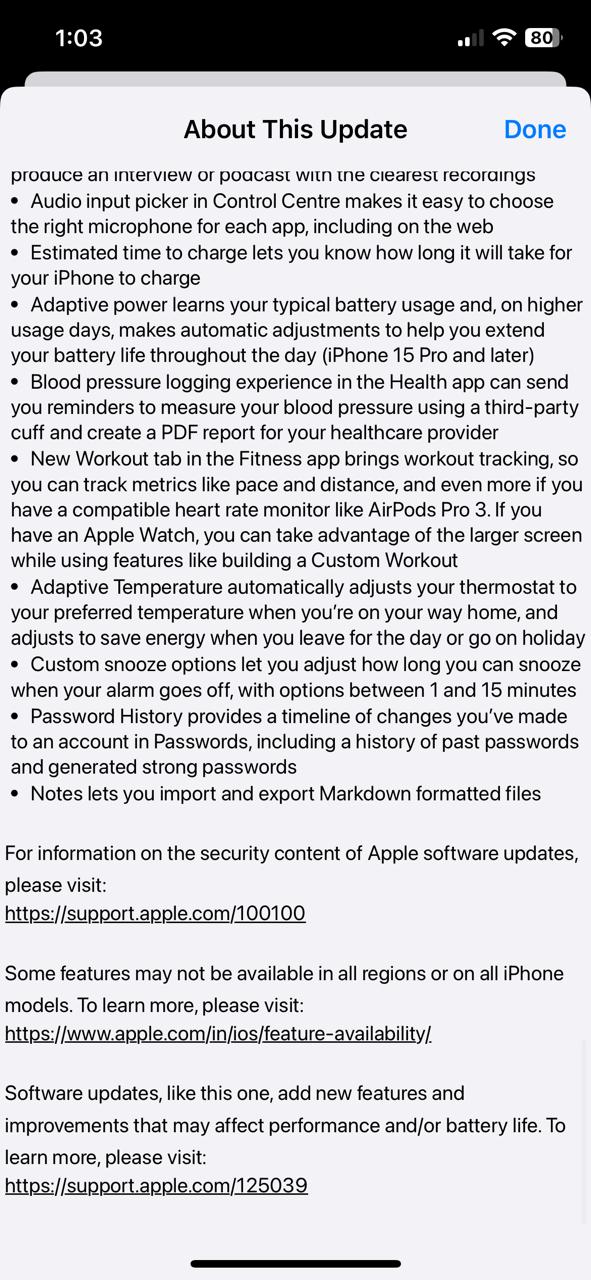
Other features include Accessibility Nutrition Labels, Accessibility Reader, Braille Access, Preview (new app), re-imagined landing page on FaceTime, use of Apple Intelligence by Reminder Suggestions, audio input picker in Control Center, estimated time to charge, adaptive power to determine typical battery usage, BP logging experience in the Health app, new Workout tab in the Fitness app, Adaptive Temperature for automatically adjusting thermostat, custom snooze options, password history, and import/export Markdown formatted files on Notes,
macOS Tahoe 26
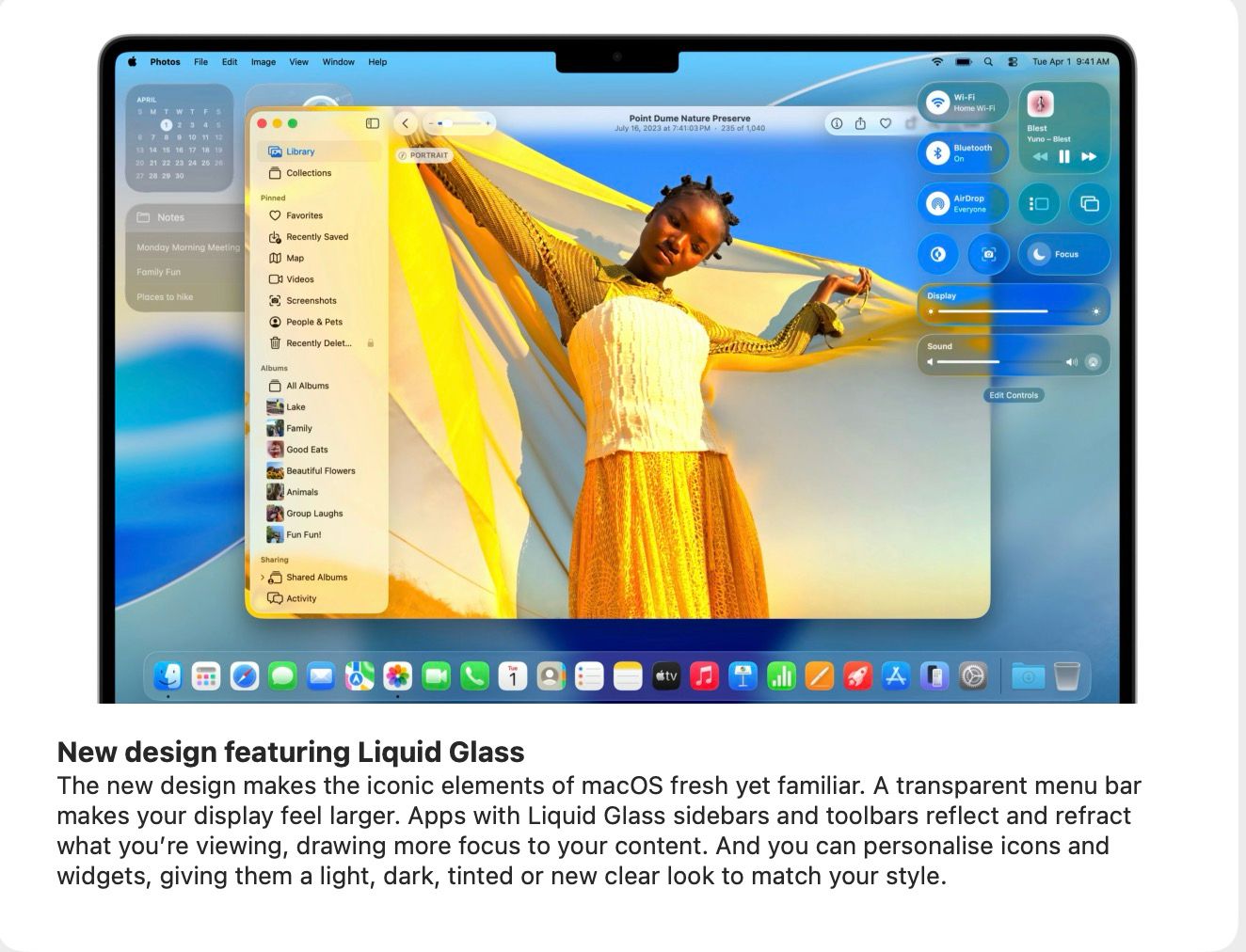
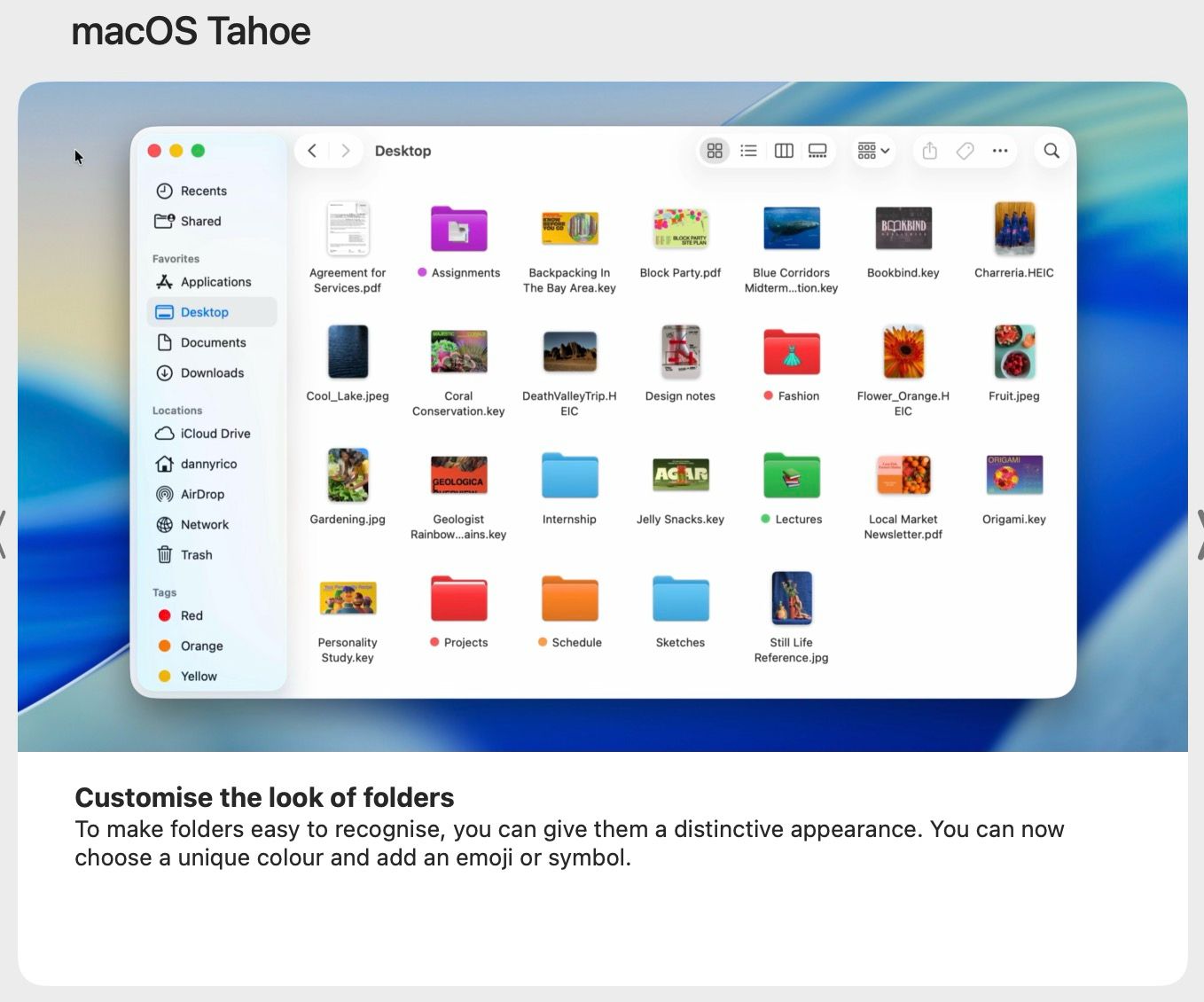
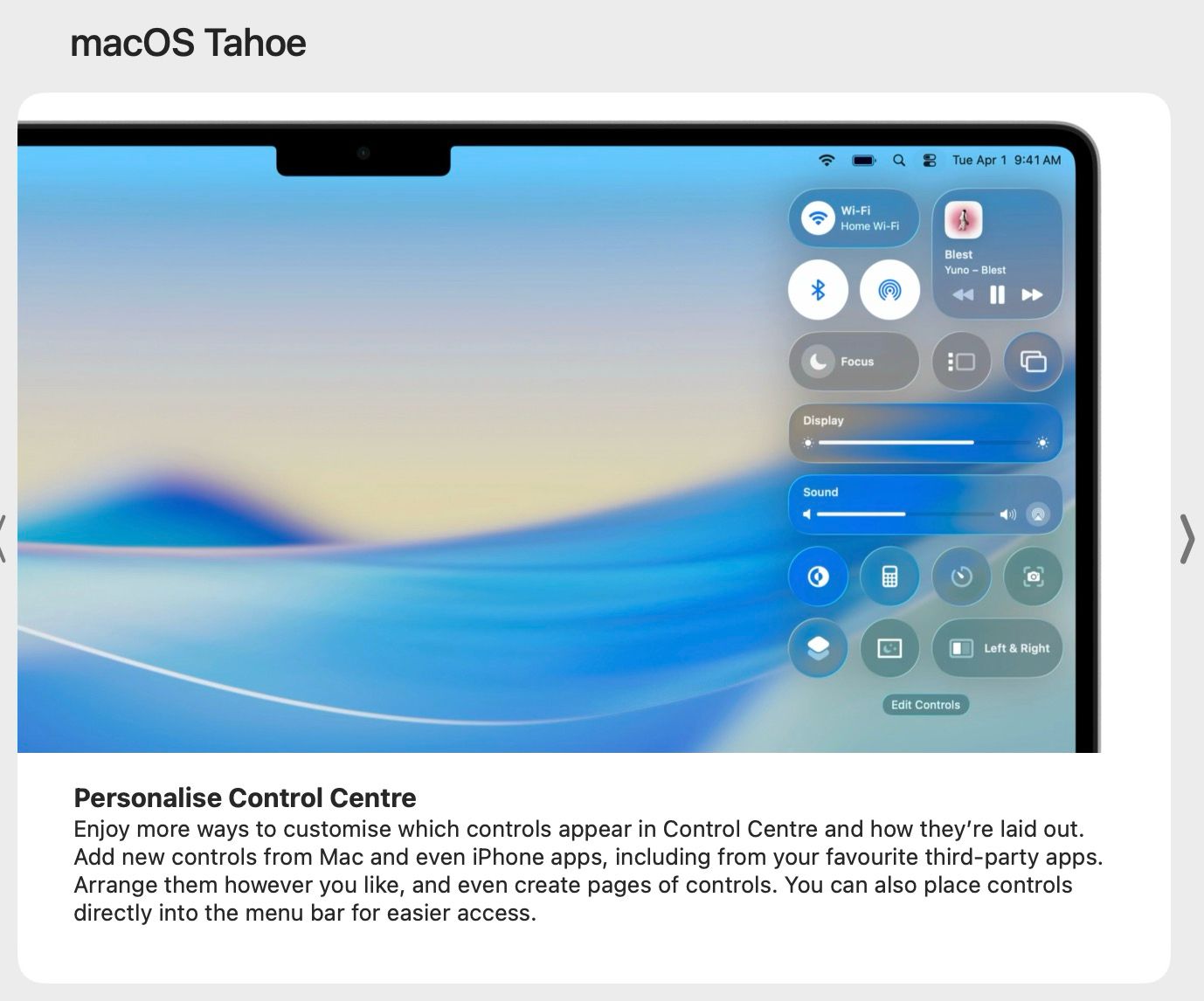
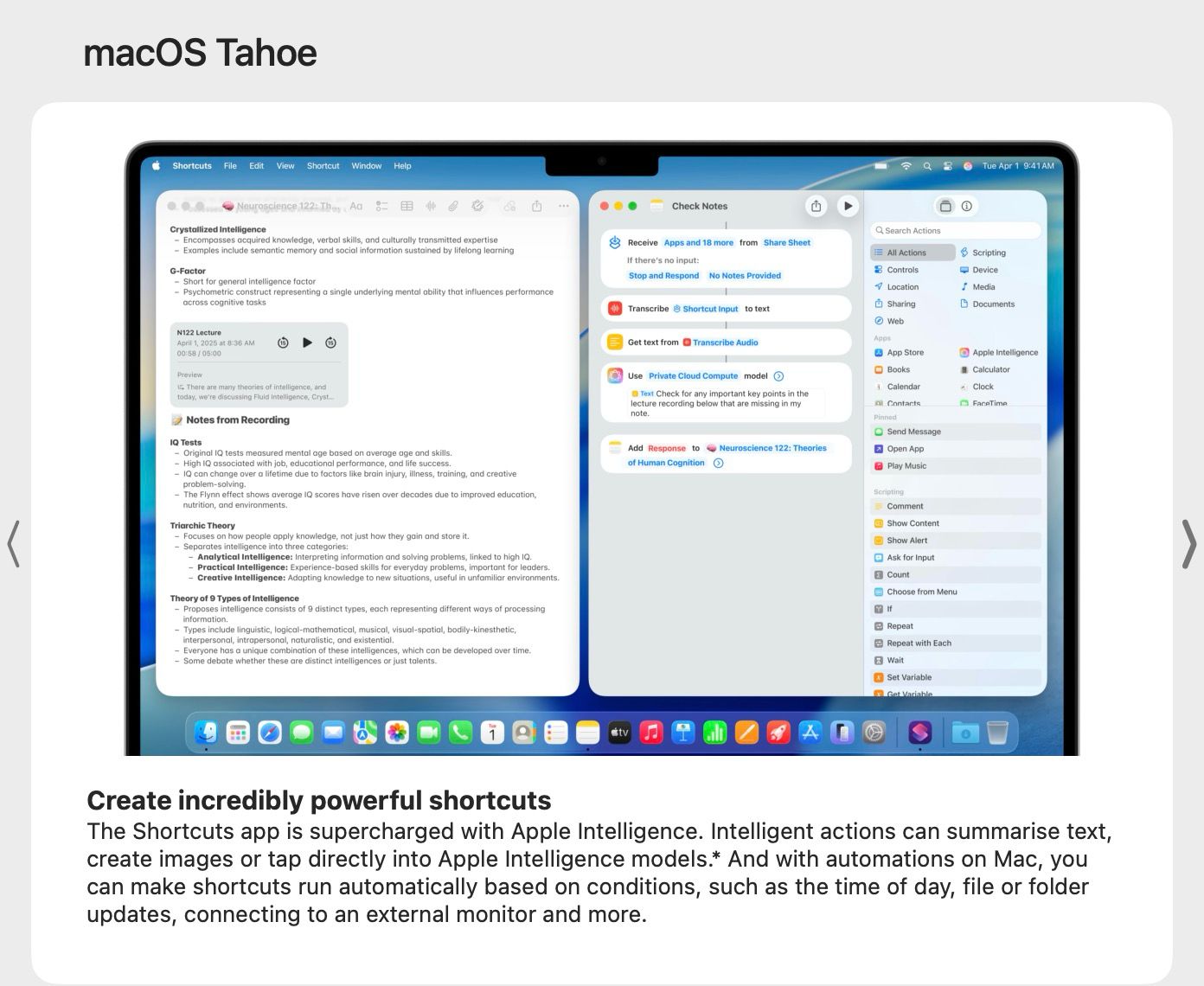
On the latest macOS Tahoe 26 too, Apple has brought a new design featuring Liquid Glass. A transparent menu bar, reflection/refraction on sidebars/toolbars, and personalized icons/widgets are part of it. Users will also be able to customize folders by giving it a unique color as well as added emoji/symbol. More options to customize the Control Center have also been given. Also, with the Shortcuts app that is supercharged with Apple Intelligence, actions like summarizing texts, creating images, or accessing Apple Intelligence models can be performed.
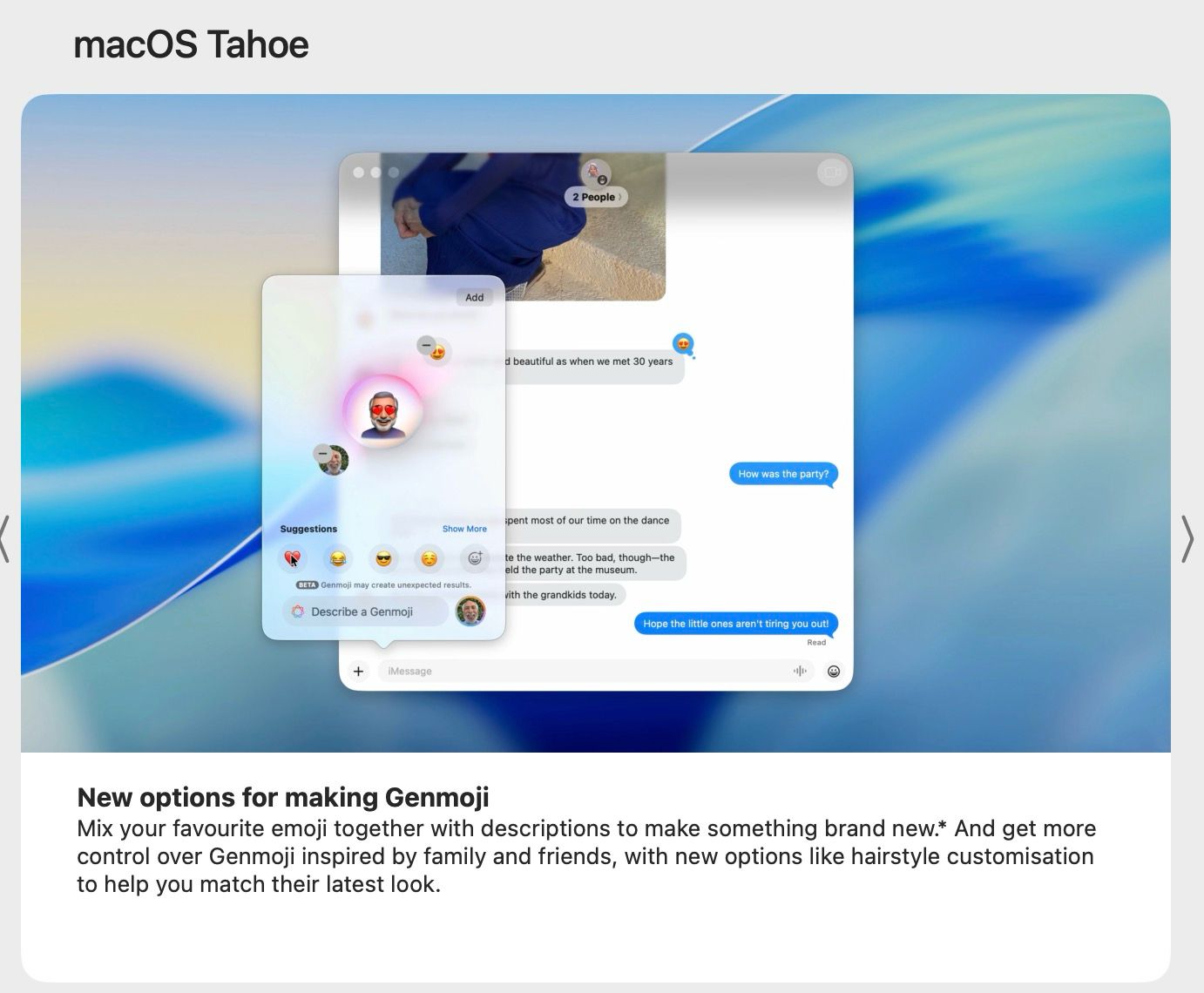
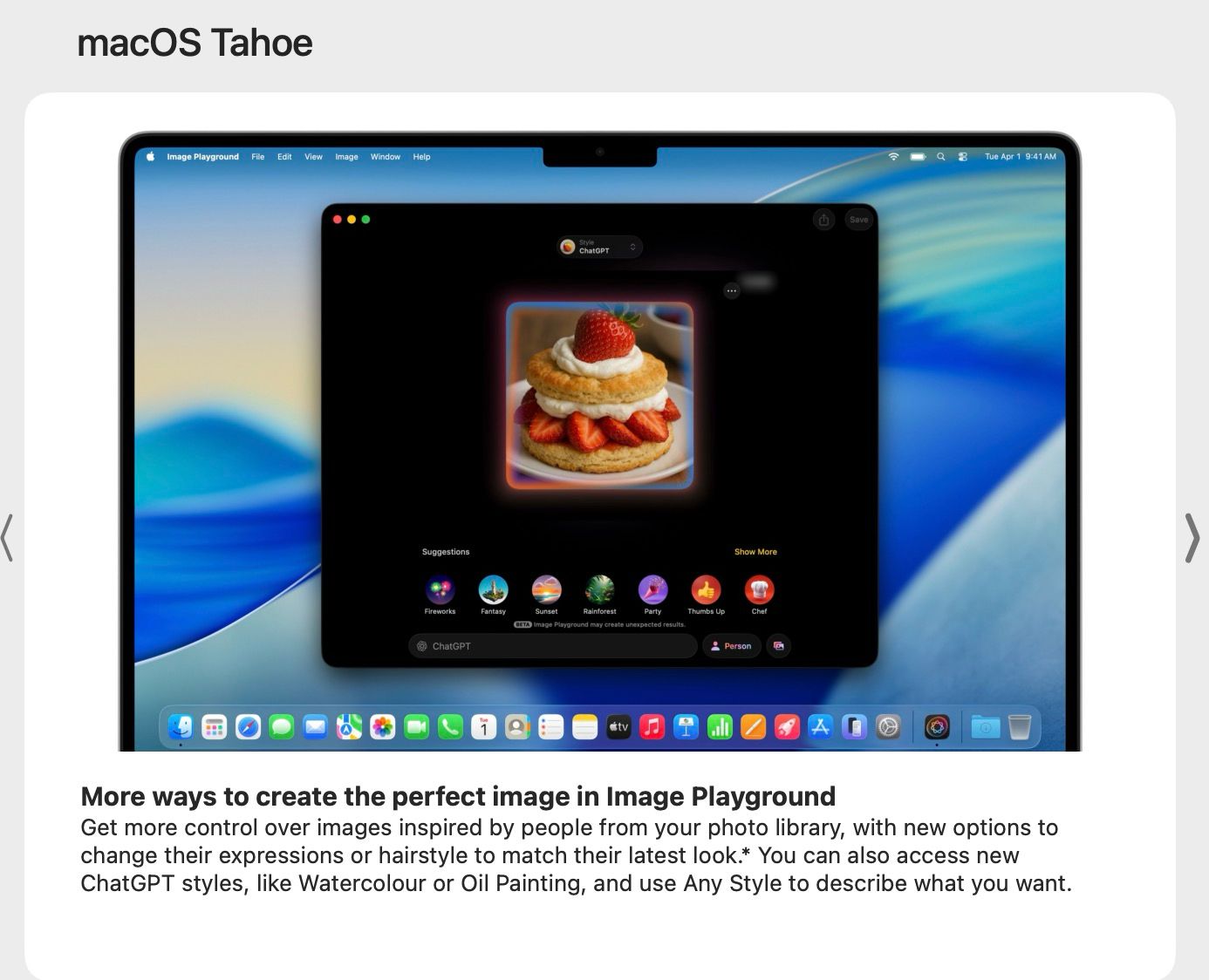
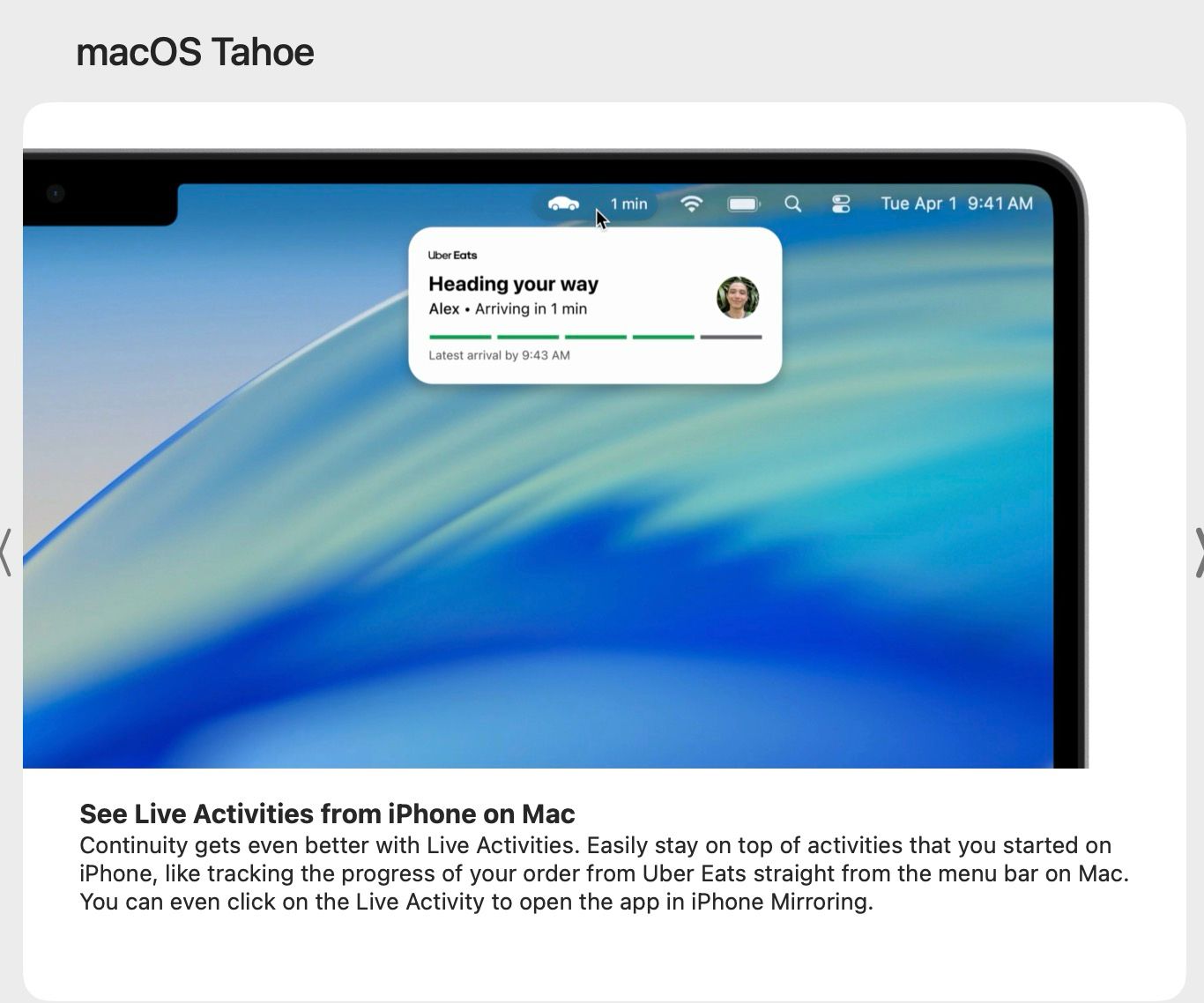
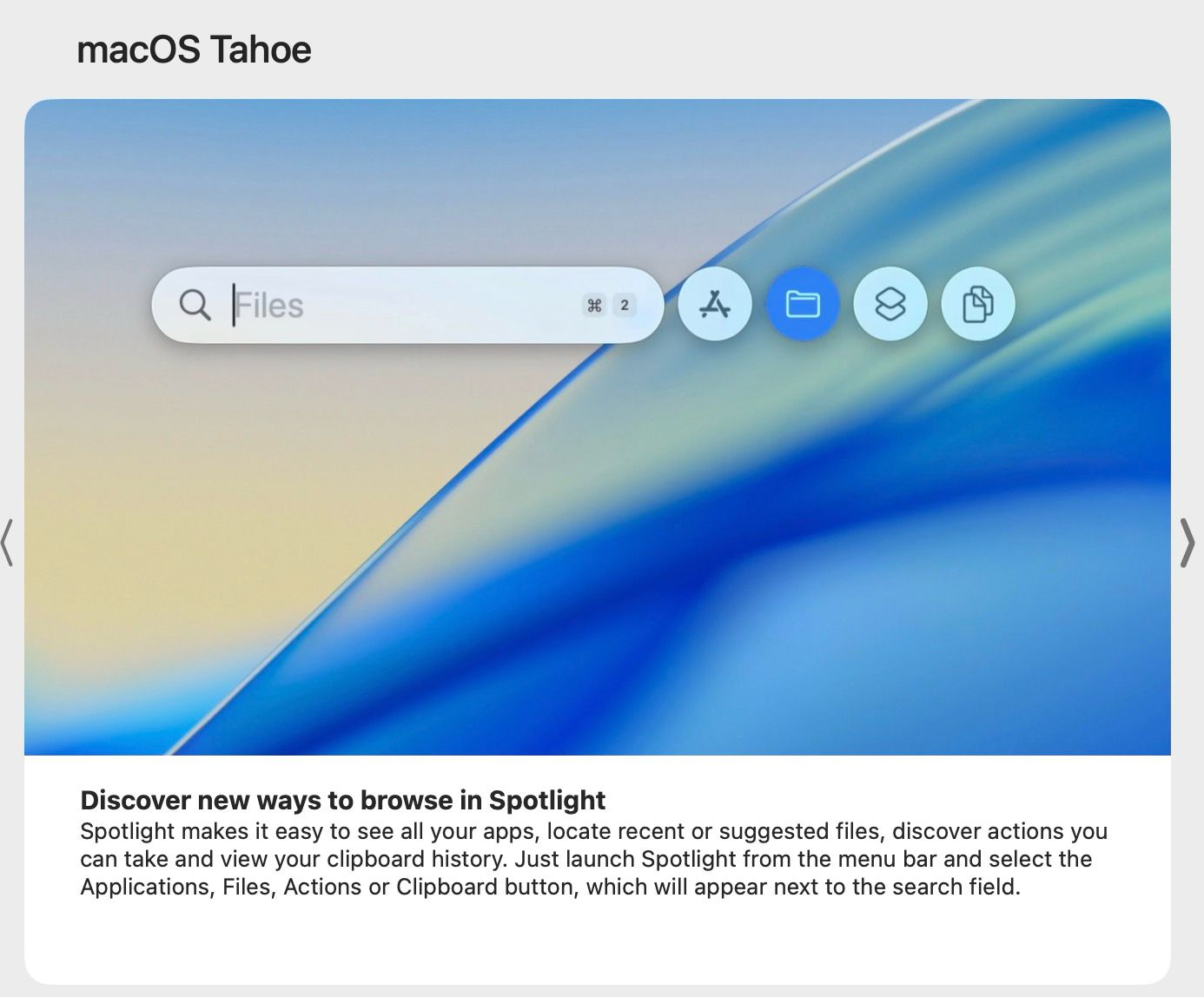
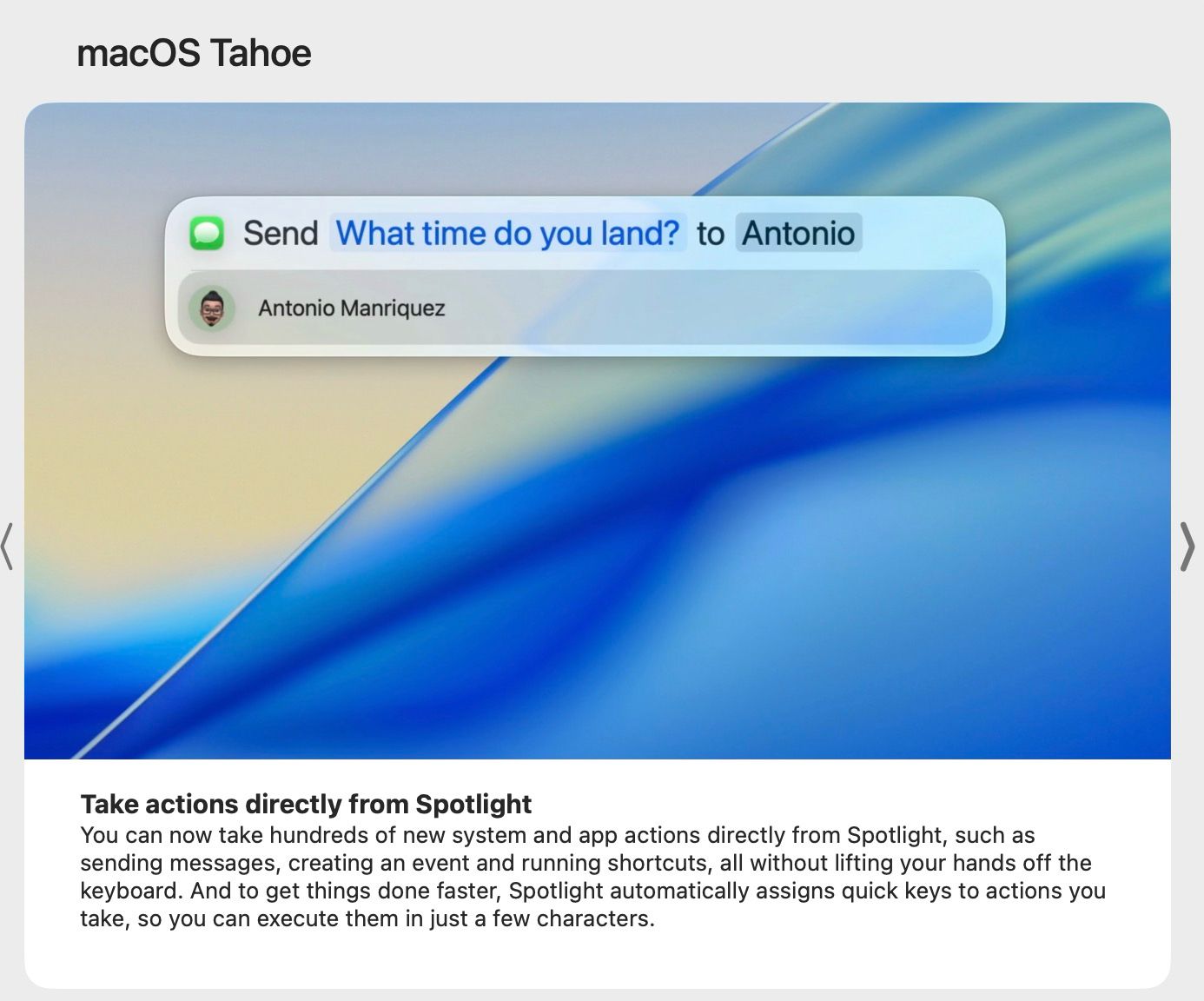
New options to create Genmoji, more ways to create image in Image Playground, Live Activities from iPhone on Mac, new Phone app, new screening tools + background for conversations in Messages, new browsing ways and actions on Spotlight, and the new Apple Games app are other notable features of Apple’s macOS Tahoe 26.
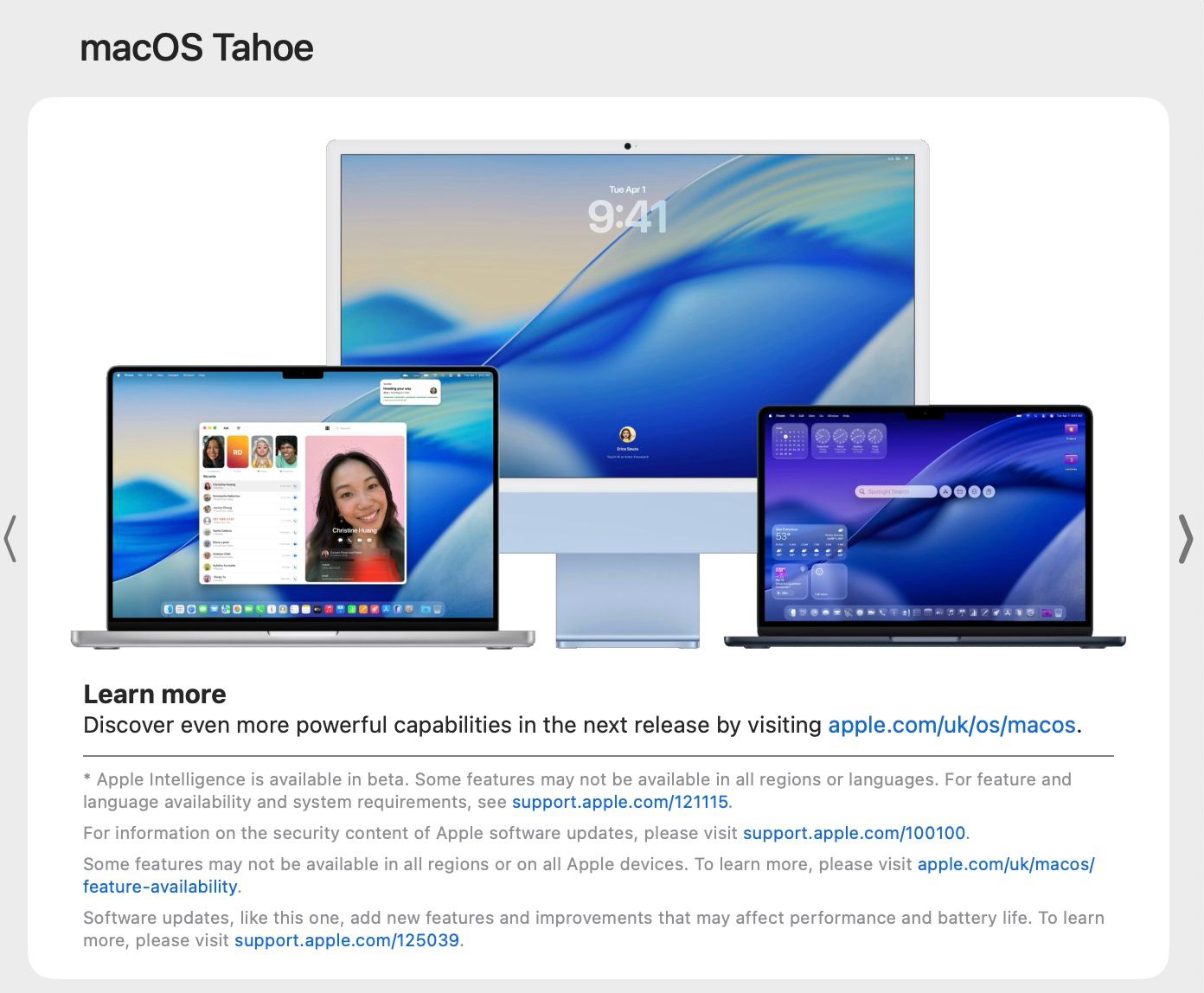
As mentioned, if you are among the users with a compatible iPhone or Mac device, the iOS 26 and macOS Tahoe 26 updates would have already been rolled out. [To note, for Mac users, in order to get the macOS Tahoe 26 update, they will have to update their devices to the macOS Sequoia 15.7 version first.]
