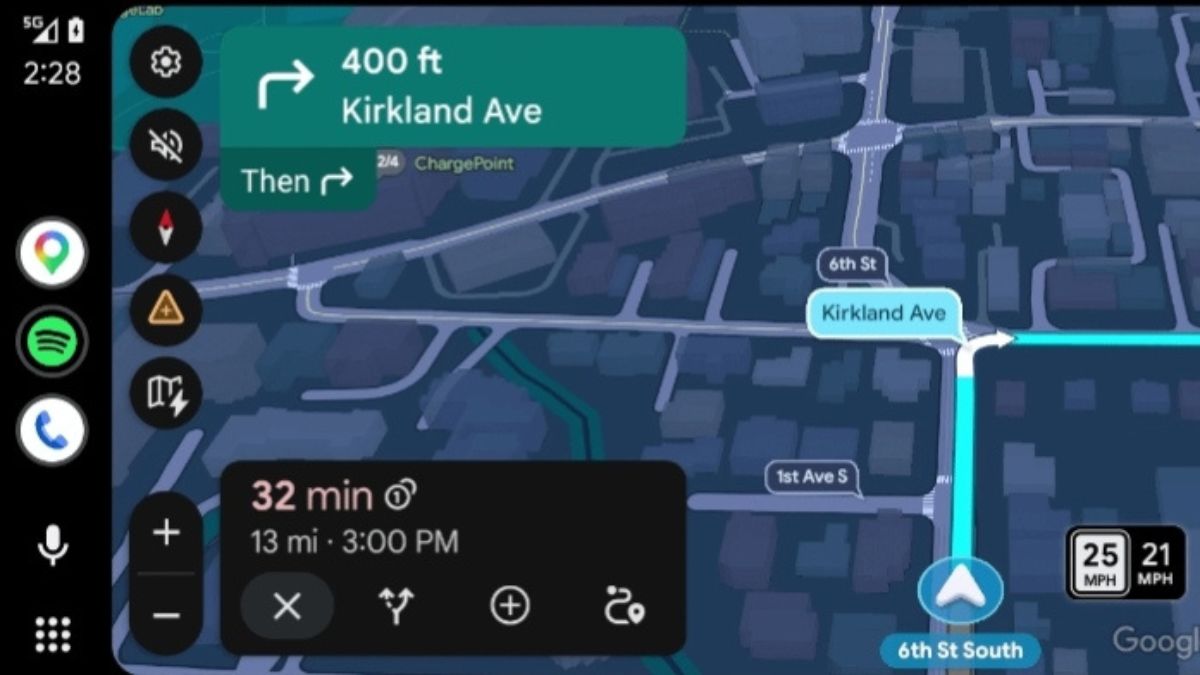
Yesterday, via a Reddit post, Google’s Community Engagement manager shared information about the recently shipped Android Auto updates to improve media playback based on users’ feedback.
Five Android Auto updates
Control any media app on your phone from your car dashboard
In the past, media apps that didn’t have a dedicated Android Auto app would still be able to play audio through your car, but their media controls and album art would be completely hidden on your car display.
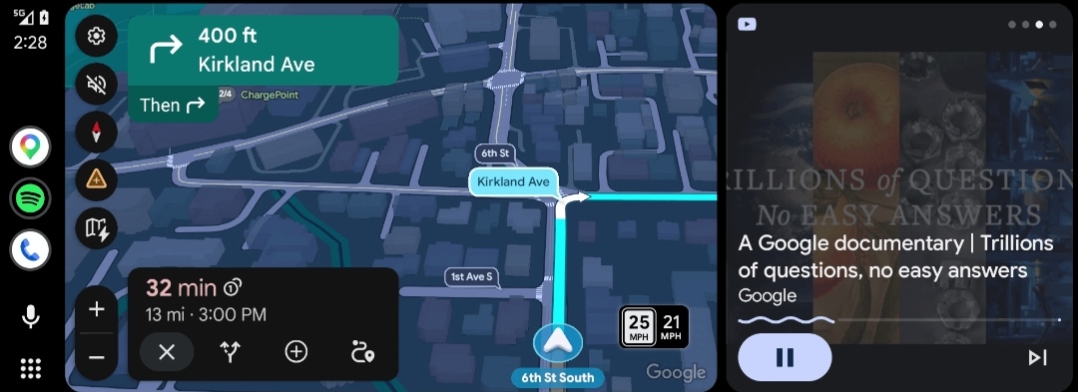
With Google’s recent update, you can now see and control all your favourite media apps from your phone, complete with album art and playback buttons. This includes background audio from YouTube Premium, browser audio streams, and niche media apps.
A more optimised media player UI across all screen sizes
The company has optimised the media player layout so it makes better use of your car’s display. For example, Google has moved the most-used media controls out of the three-dot overflow menu and onto the primary screen so you can get to them with fewer taps. The album art now better fits the size of your car’s display.
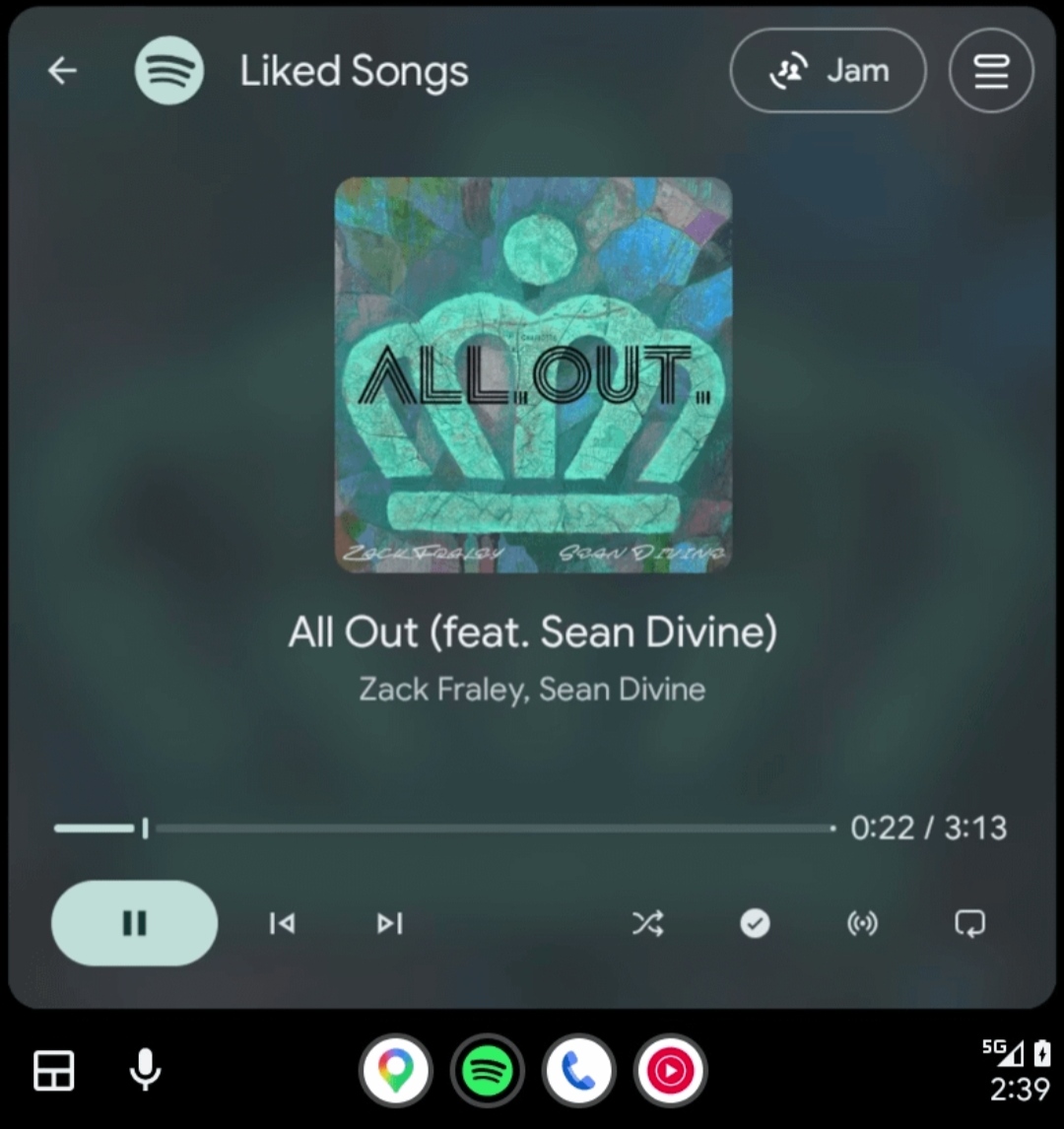
The updated player is available for Spotify, YouTube Music and other media apps. In the next few months, users will see more media apps begin to customise their in-app media player design.
You can now swipe to switch between media and sessions
You can now swipe left or right on the media player to switch between multiple active media sessions.
Improvements to Autoplay
The company has also made a couple of bug fixes so autoplay works more predictably and accurately based on your listening experiences:
- Autoplay app selection: Apps that you haven’t recently or ever used will no longer be selected for autoplay.
- One-tap opt-out: If you prefer manual playback and frequently pause autoplay, Android Auto will notice and provide a convenient one-tap notification to quickly disable autoplay.
- Infotainment startup handling: A fix is rolled out so unsolicited play commands won’t be sent when you have autoplay turned off.
A more glanceable media player
The last change is the updated media player seekbar. Google introduced this updated design to make it easier to see where you are in a track at a glance.
Requirements at a glance
- Android OS: Android 9 (Pie) or higher
- Android Auto App: Most new media features are broadly available starting in Android Auto v17.3 or higher (with certain autoplay fixes dating back to v16.7 / v16.8).
To check your version: Open your phone’s Settings > Apps > Android Auto, or open Android Auto Settings and scroll down to the bottom.