


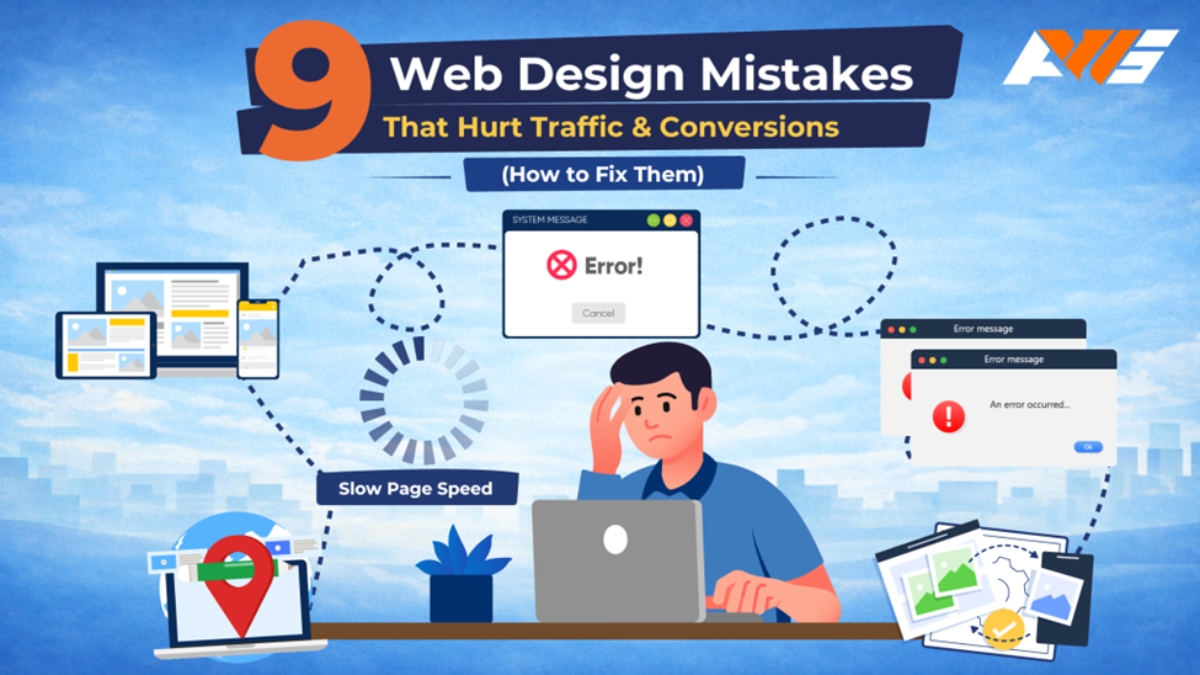
Your website may offer a great product or service, but is it truly designed to attract and convert visitors? A strong offering alone isn’t enough. How your website presents and delivers value plays a critical role– something Aron Web Solutions helps businesses refine every day.
When design decisions fail to support usability and clarity, users are often pushed away before they get a chance to engage. Each design mistake can lead to lost traffic, missed sales, and a damaged brand reputation.
By identifying and fixing these common web design errors, you can create a website that engages users and drives conversions. In this blog, we highlight nine critical mistakes and practical strategies to fix them.
1 Lack of Mobile Responsiveness
Most people use smartphones when visiting a website or making a purchase, yet many brands still overlook the importance of optimizing their sites for multiple platforms. They design a desktop-first mindset, without proper testing on mobile or tablet devices.
The result? Layouts break, elements overlap, content appears unstructured, and text becomes difficult to read. These issues create a poor user experience and frequently cause visitors to abandon the site.
How to fix it:
- Check your website’s performance across different devices and screen sizes.
- Use browser developer tools to simulate various resolutions.
- Test on real mobile and tablet devices whenever possible.
- Use reliable tools like Google Chrome DevTools, Google Mobile-Friendly Test, and Responsive Design Checker.
- Implement flexible grids, proportional scaling, and readable font sizes.
2 Missing Calls-to-Action
A call to action (CTA) encourages users to take a specific step toward a product or service. Effective CTAs guide customers to recognize the value of what you offer by prompting them to complete an action.
Yet businesses overlook its importance and the idea of placing it strategically. If users aren’t guided clearly, how will they know what to do next? This often results in confusion, reduced engagement, and missed conversion opportunities.
How to fix it:
- Define a clear objective for each web page and complement the CTA with that goal.
- Use a direct, action-focused tone that clearly conveys what users should do next.
- Place CTAs where users are most likely to act.
- Ensure CTA design is consistent and easy to see across platforms.
- Test, measure performance, and improve CTAs based on user behavior and results.
3 Slow Page Speed
Poor website speed optimization directly affects user engagement. When a site takes more than three seconds to load, users are less likely to wait and are more inclined to leave.
With shorter attention spans and easy access to multiple alternatives, slow performance instantly drives users away, impacting conversions and revenue.
Common causes include heavy plugins, outdated themes, and unoptimized modules, all of which contribute to performance issues and a weaker user experience.
How to fix it:
- Compress files without losing quality and use modern formats like WebP.
- Remove unnecessary plugins and keep essential ones up to date.
- Simplify CSS, JavaScript, and HTML files so pages load faster.
- Use browser and server caching to speed up repeat visits.
- Distribute your website content across multiple servers to reduce latency.
- Always check updates and optimizations in a staging environment to prevent functionality issues.
4 Cluttered Navigation
Complicated menus, unclear labels, and inconsistent navigation can leave visitors feeling lost and frustrated. When users have trouble finding important pages, products, or information, it harms their experience. This also reduces engagement, increases bounce rates, and drives potential customers to competitors.
Confusing navigation can make a site look unprofessional and untrustworthy, which discourages repeat visits. Additionally, hidden or buried content limits how well marketing campaigns perform since users may never see landing pages, offers, or calls-to-action.
How to fix it:
- Keep navigation simple, logical, and predictable.
- Use clear, descriptive labels for menu items and maintain consistency across all pages.
- For deeper site structures, implement breadcrumb trails and include a search function to help users find content quickly.
- Conduct regular user testing to identify navigation pain points and refine the structure accordingly.
- Prioritizing intuitive navigation improves usability, boosts engagement, and ensures visitors can find what they need effortlessly.
5 Poor SEO Practices
SEO is what makes your website discoverable to users. Even the most well-designed website is ineffective if it doesn’t appear on search engine results pages (SERPs).
SEO friendly web design improves visibility, drives organic traffic, and supports long-term growth by aligning your website with how search engines rank and display content.
How to fix it:
- Implement proper heading structures in your website design.
- Optimize meta titles and descriptions, and use relevant keywords naturally within your content.
- Improve site speed, ensure mobile responsiveness, add alt text to images, and maintain clean, descriptive URLs.
- Regularly audit your site to identify and fix SEO gaps that may limit discoverability.
6 Irrelevant Pop-up Implementation
Pop-ups are graphical overlays that appear on a website, usually after a user spends a certain amount of time on the site.
They’re a great tool for generating leads. In fact, pop-ups are highly effective at driving conversions, highlighting discounts, and growing email lists. However, excessive or irrelevant pop-ups can irritate users.
When using pop-ups, it’s important to understand when, where, and how to implement them effectively.
How to fix it:
- Pop-ups should be displayed only when the user has scrolled 70% of the content of your landing page.
- The design, font size, and colour of pop-ups should match the overall website design.
- Ensure pop-up CTA buttons are easy to understand and encourage users to take a specific action.
- Limit frequency to avoid overwhelming users.
- Ensure pop-ups are easy to close.
7 Unoptimized Images
High-resolution images look great; however, designers often forget to optimise those images. Heavy images impact website loading speed, which frustrates users.
Slow-loading pages not only harm the user experience but also negatively affect SEO, as Google prioritizes faster websites.
How to fix it:
- Compress or resize them before uploading to your website.
- Use reliable image optimization tools such as TinyPNG, ImageOptim, or Squoosh to reduce file size without noticeably affecting quality.
- Ensure images are uploaded in the correct dimensions and use modern formats like WebP where supported.
- Implement lazy loading to improve performance by loading images only when they are needed on the screen.
8 Unstructured and Lengthy Content
Content that lacks structure or is overly long makes it difficult for users to scan and find relevant information. Large blocks of text without headings, bullet points, or visual breaks reduce readability and quickly overwhelm visitors.
As a result, users may disengage, miss key messages, or leave the website without taking action. Poor content structure also affects accessibility and can negatively impact search performance.
How to fix it:
- Use clear headings and subheadings to organize information logically.
- Break long paragraphs into shorter, readable sections.
- Use bullet points or numbered lists to present complex information.
- Remove unnecessary or repetitive content to maintain clarity.
- Keep messaging concise and focused on user intent and key takeaways.
9 Overlooking Security as a Core Priority
Website security is often treated as a technical afterthought rather than a fundamental requirement. Failing to prioritize security exposes websites to data breaches, malware attacks, and unauthorized access, which can damage user trust and business credibility.
Security issues can also result in downtime, data loss, and legal or compliance risks. Prioritizing security not only protects your users but also safeguards your brand reputation and long-term business growth.
How to fix it:
- Implement SSL certificates to ensure secure data transmission
- Keep all software, plugins, and themes up to date to prevent vulnerabilities
- Use strong authentication methods, such as complex passwords and two-factor authentication
- Regularly monitor and audit your website for potential security threats
- Choose secure hosting and maintain routine backups to protect against data loss
Key Takeaway
Avoiding common web design mistakes is essential for driving sustainable traffic and improving conversions. Achieving this, however, goes beyond surface-level fixes; it requires strategy, technical precision, and a deep understanding of user behavior.
This is where Aron Web Solutions adds value. We help businesses translate best practices into measurable results. An award-winning, full-service digital partner, trusted by e-commerce brands, SaaS companies, small businesses, and fast-growing startups. Since 2012, we’ve helped businesses scale through high-performance development, strategic design, and ROI-driven digital marketing – all delivered under one roof.
To help businesses get started, we also offer a free website audit, identifying areas for improvement and actionable strategies to enhance performance, user experience, and conversions. Why wait? Contact us today!
Disclaimer: This content is published in collaboration with PNN and The Tech Outlook and is intended solely for informational purposes. While efforts are made to ensure accuracy, no warranties are provided regarding completeness or reliability. Readers are encouraged to exercise their own judgment before acting on the information.

