

Sony PlayStation Pulse Explore Wireless Earbuds With PlayStation Link Wireless Technology: Here’s How to Connect it to a PS5/PlayStation Portal Remote Player

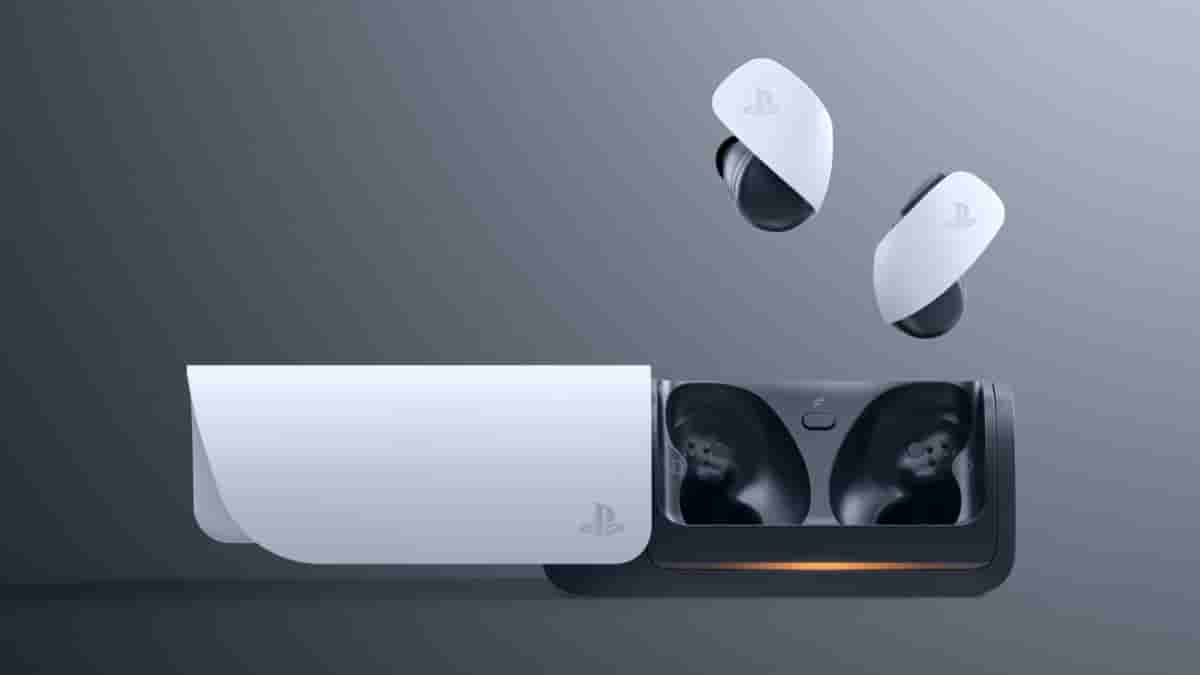
The Japanese tech maker – Sony had introduced its PlayStation Pulse Explore wireless earbuds back in late 2023. This Sony PlayStation-branded audio product makes use of its own PlayStation Link wireless technology and thereby promises both lossless audio and an ultra-low latency experience.
Check out how to connect Sony PlayStation’s Pulse Explore wireless earbuds onto a PS5 or PlayStation Portal Remote Player below.
How to Connect the Pulse Explore Earbuds on PS5/PlayStation Portal Remote Player
To connect the Pulse Explore wireless earbuds, after turning on the PS5/PlayStation Portal Remote Player, first insert the PlayStation Link USB adapter that comes included with the audio product. It also has to be made sure that both the earbuds units are placed inside the charging dock during this process. Just to add, the PlayStation Link USB adapter is already paired with the earbuds right out of the box. Following the insertion, take out the two earbuds out of the charging dock and when it gets connected to the adapter, the status indicator light of the adapter turns into Solid White.
Next, on the screen, search for the earbuds device and pair it. If there is something wrong, the earbuds could be turned off. Click on either of the PlayStation Link button and search for the connection again and complete the pairing. Following this, users will be able to control the volume both via the earbuds and the console. Also, users will be able to find a PS Link Device Nearby notification on the screen itself if another device tries to connect.
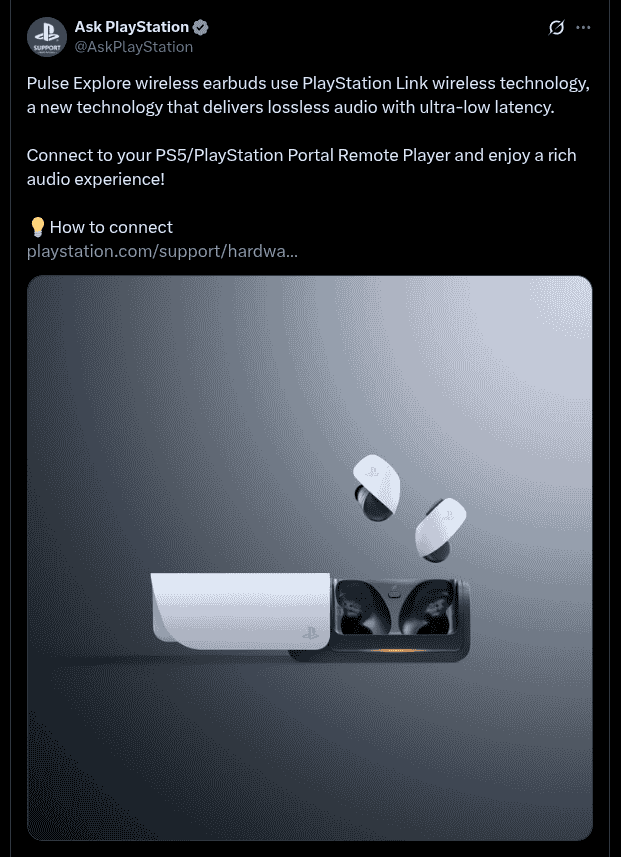
Once the connection process is done, users are good to go and will be able to enjoy a rich audio experience while gaming.
