

Soundpeats Clip 1 Review: Great Comfort, Decent Sound, but App Needs Improvement

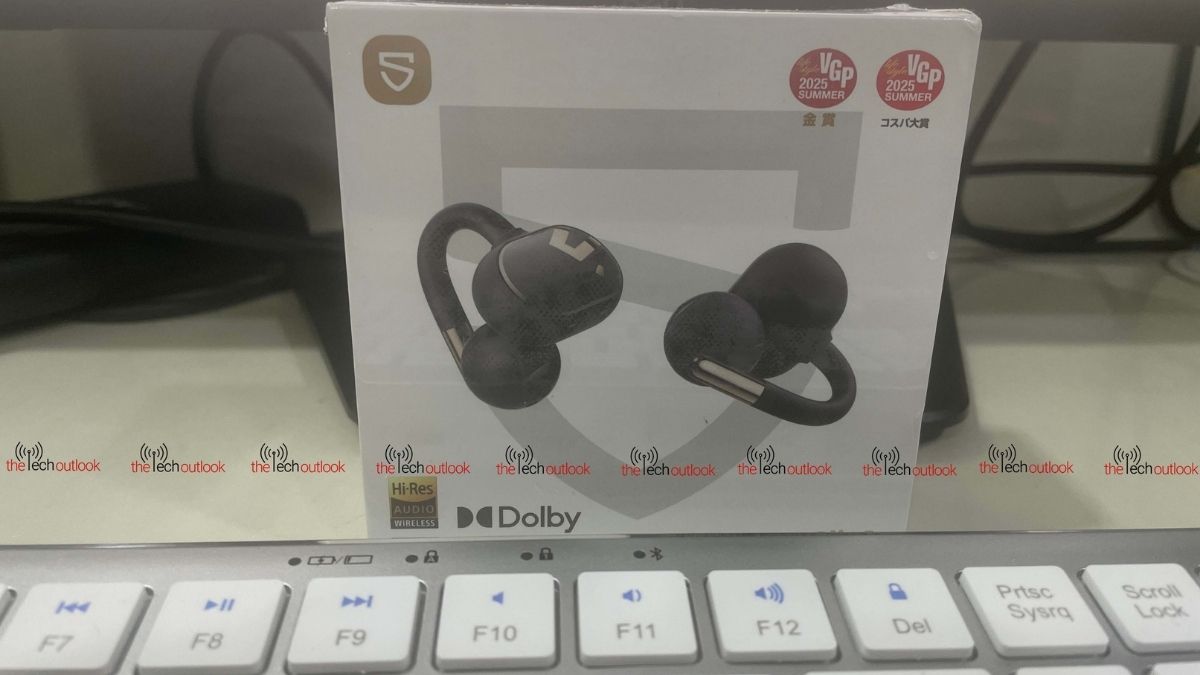
I recently got my hands on the new Soundpeats Clip 1 earbuds and have been using them for about a week. In this review, I’ll share my full experience with their sound quality, along with how well they performed throughout my testing.
Here is more to it.
Design and Packaging
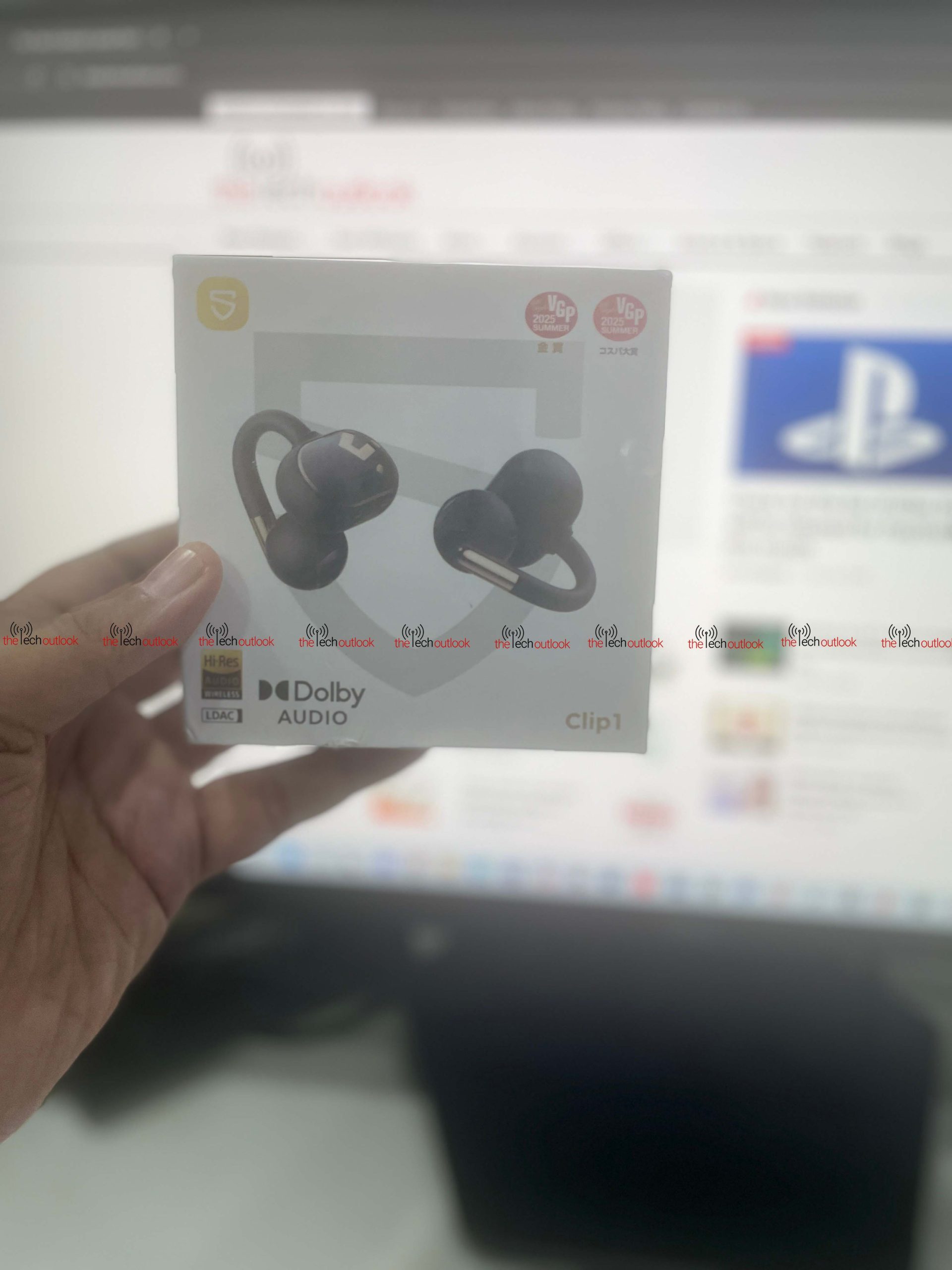
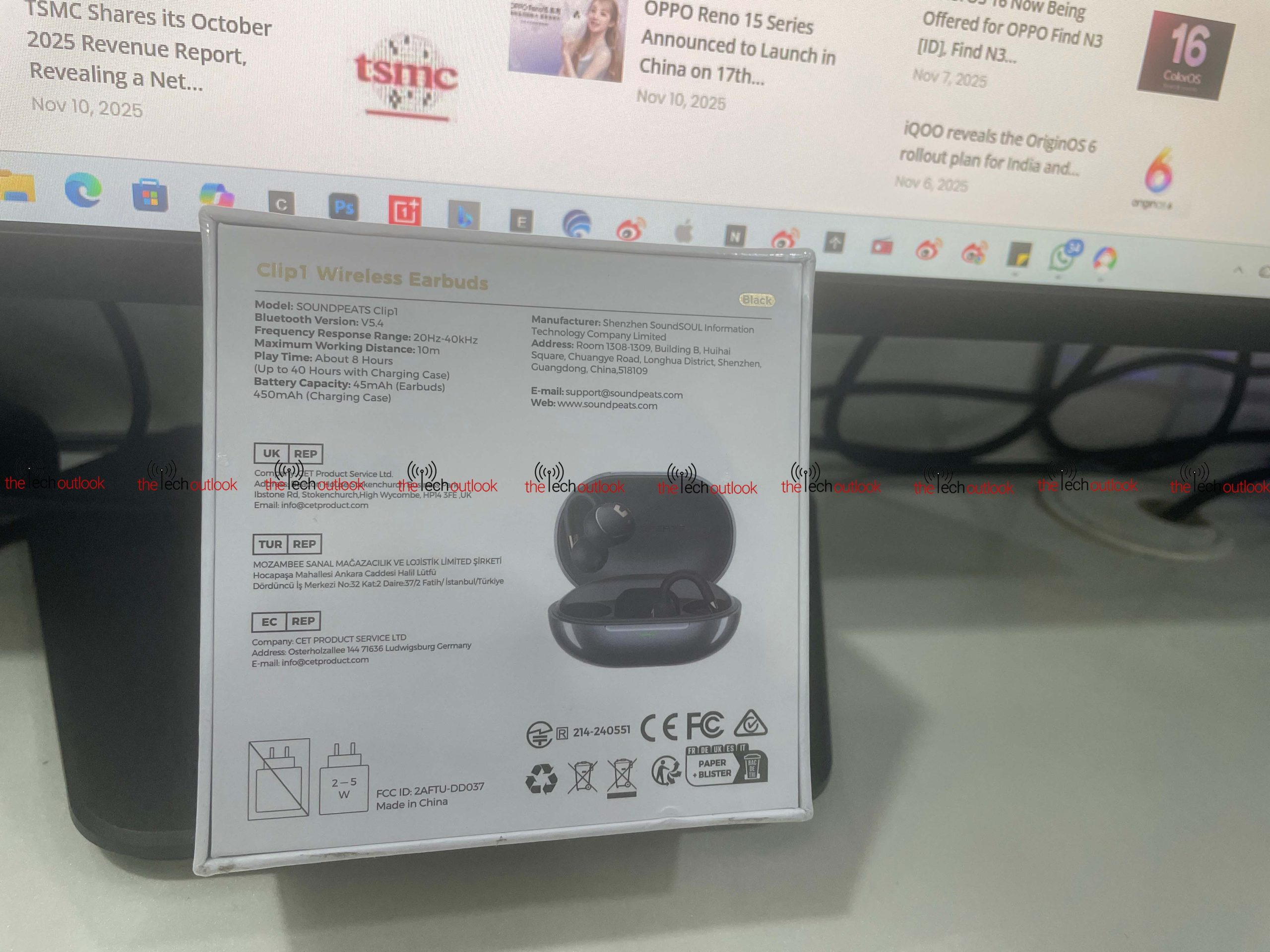
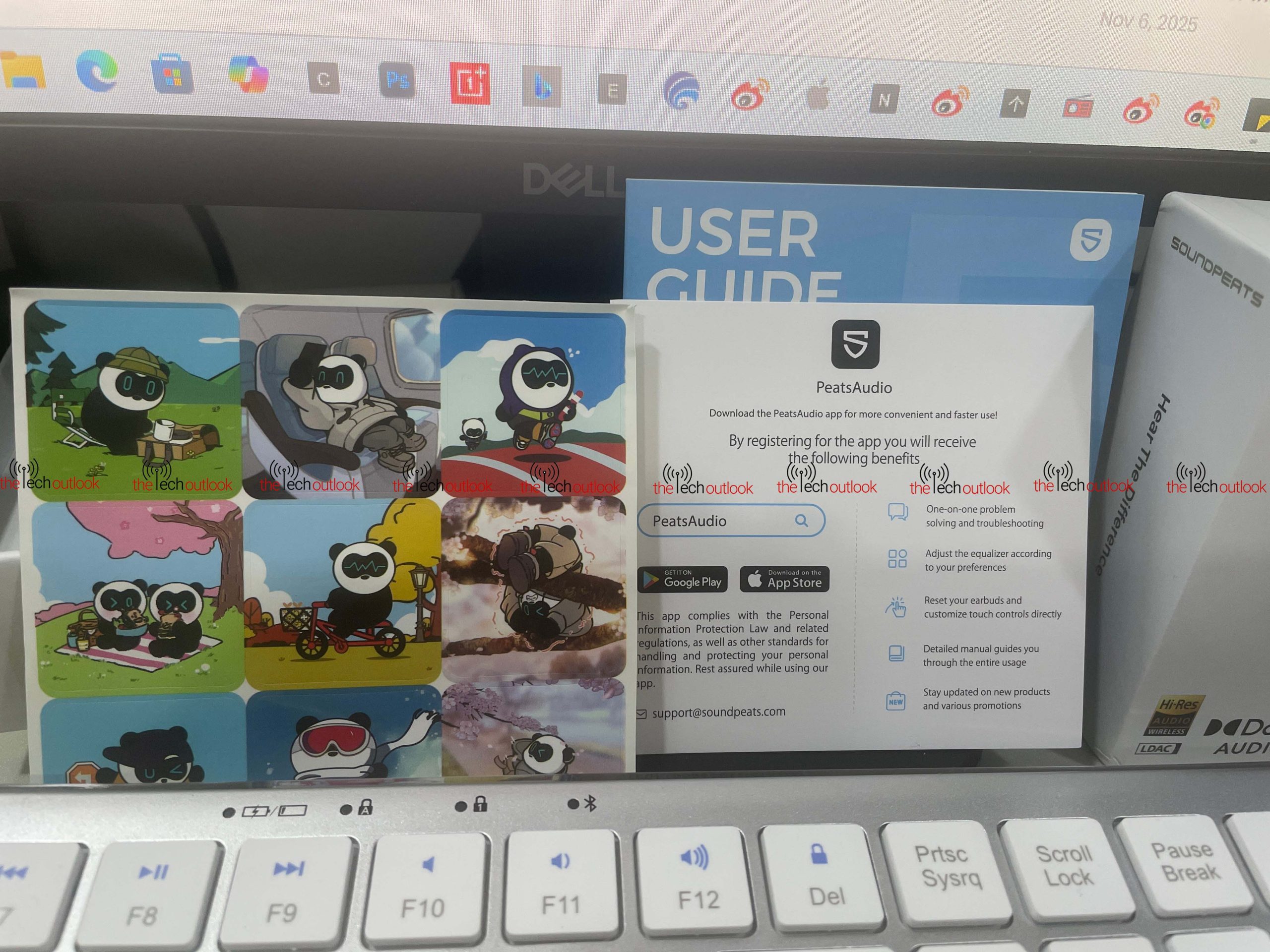
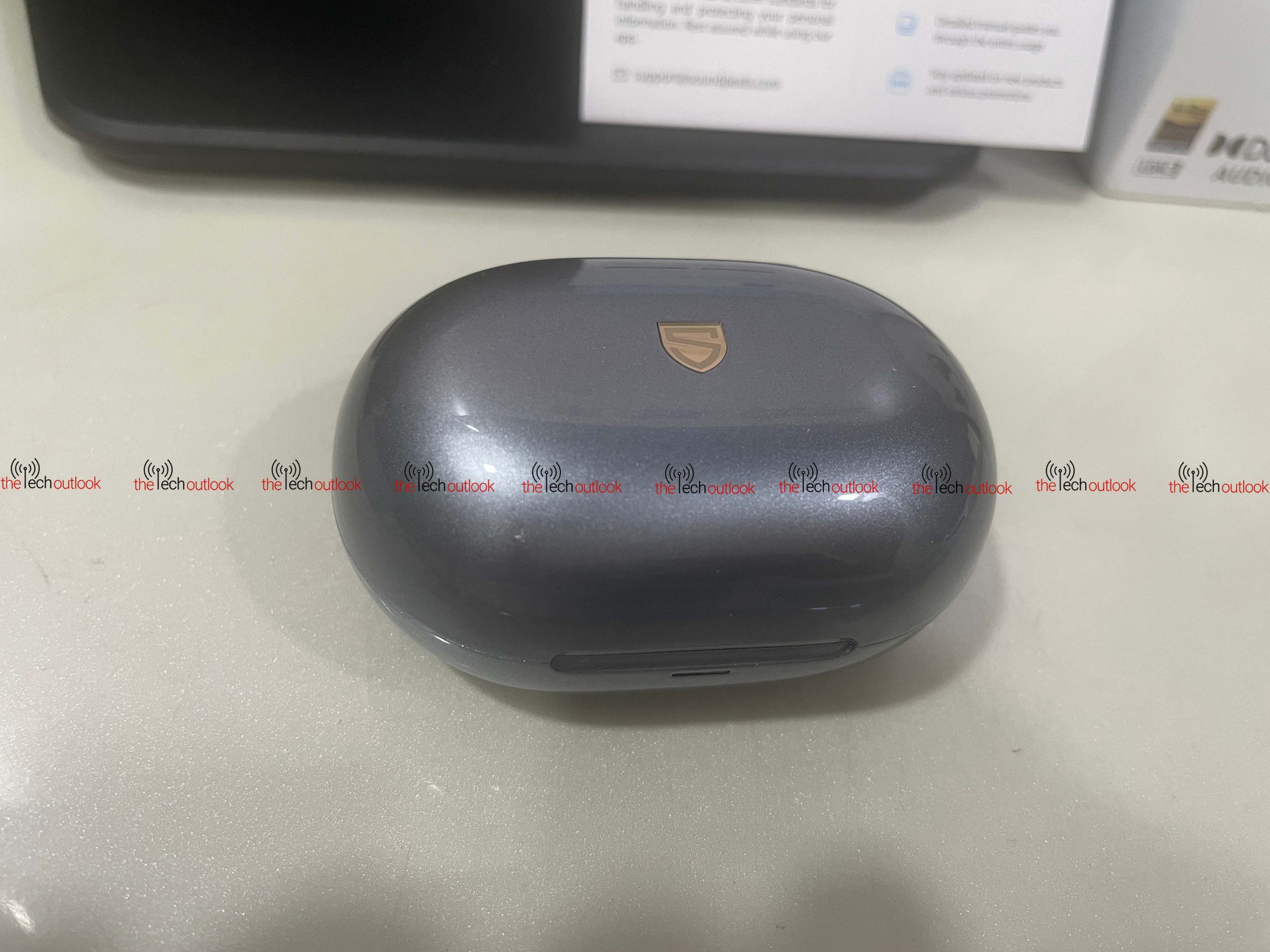
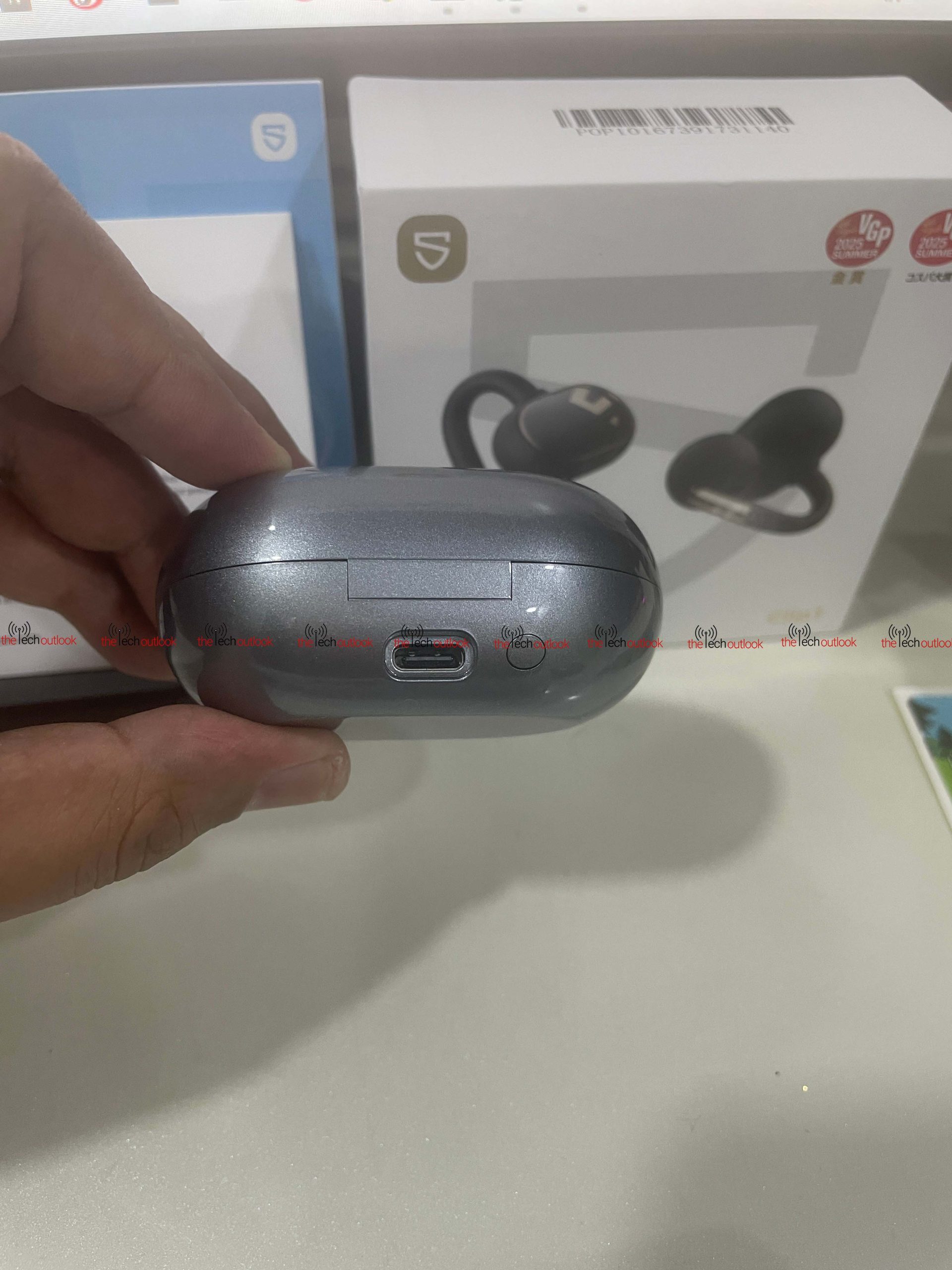
The earbuds come in a white box featuring Dolby Audio, Hi-Res Audio, and LDAC branding on the front. Inside the box, you’ll find the charging case finished in a silverish, glossy tone with the Sounpeats logo in gold on the top. The charging case has an LED indicator on the front, with a USB Type-C port and a button at the back. Inside the box, there was a USB Type C cable and the User manual.
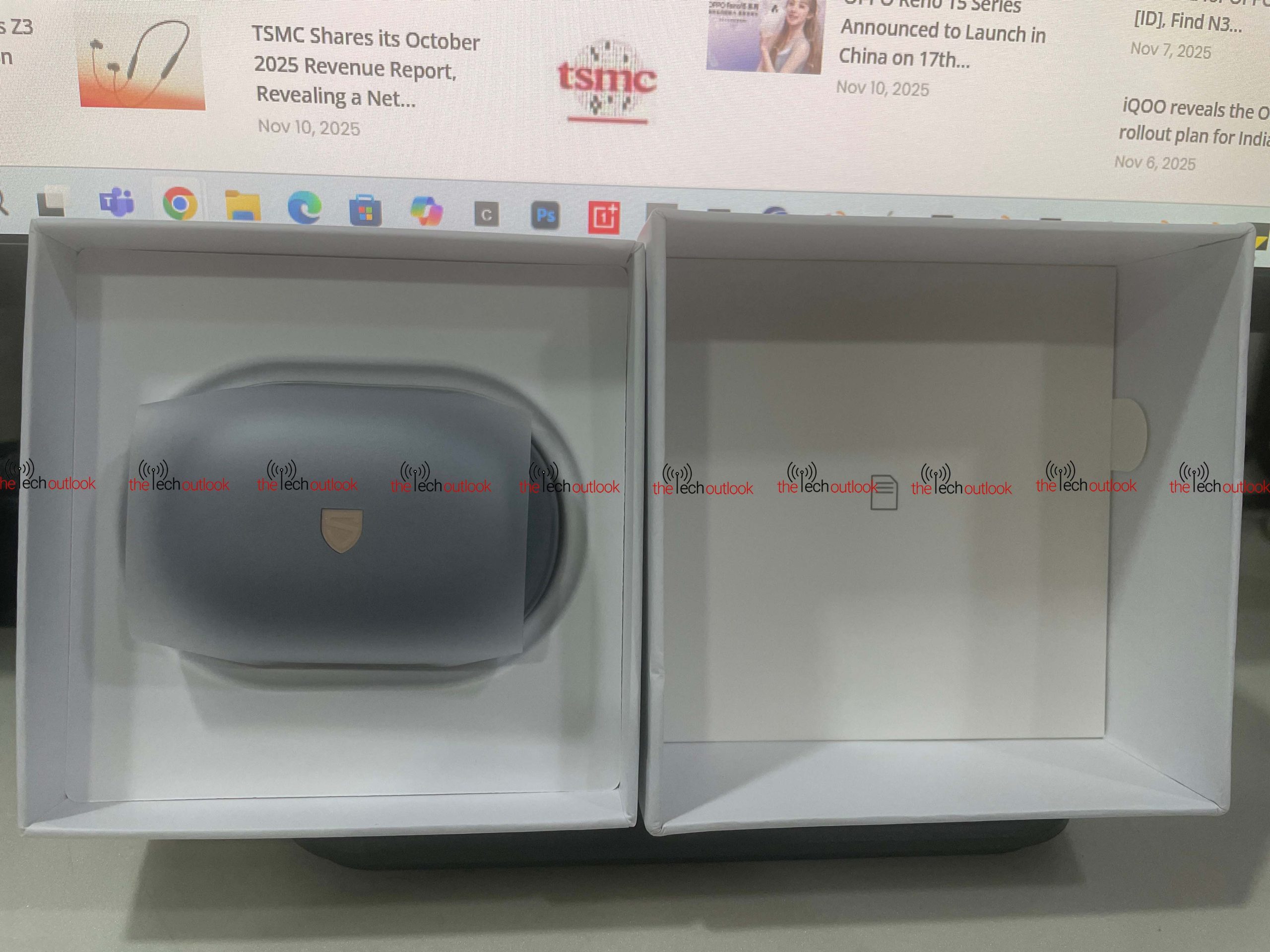
Upon opening the charging case, the two earbuds are neatly placed inside. These earbuds feature a soft loop-style hook that helps secure them comfortably in the ear. The main body has a smooth, rounded design, while the stem carries metallic accents. Sounpeats has used a 0.6 mm memory wire in the earhook, which they call the N-Flex Arch™ structure. In simple terms, the wire bends easily and adjusts to the shape of your ear, helping the earbuds stay in place. It also feels light on the ear and doesn’t create discomfort even when worn for longer durations. The section that sits inside the ear includes a speaker grille, and at the top are openings for the microphones. The outer part’s surface is glossy with a geometric pattern of the Sounpeats logo and also functions as a touch panel. I even tried scratching the case with my nails, but it didn’t leave any marks and still looked shiny.
The earbuds are truly lightweight, weighing just about 5 grams each, while the charging case weighs around 50.5 grams without the earbuds. These Clip buds sit well on the ears, and even while jogging, I never felt like they were going to fall off. Additionally, the earbuds come with an IPX5 waterproof rating, meaning they can withstand light rain. Although there’s no official mention of sweat resistance, they held up perfectly during my workout sessions, even with my heavy sweating, without any issues.
And yes, these earbuds support AutoSense Smart L/R Channel Adaptation. You can place either earbud in either ear, and they instantly detect which side they are on. They then automatically adjust the audio channels with zero delay. I tested this myself, and it worked flawlessly.
Connectivity and Features
To begin with, you’ll need to install the Sounpeats app from either the Play Store or the App Store. After that, you’ll have to sign up if you haven’t already. Since I had previously reviewed the Sounpeats Air 5 Pro, I already had an account, so I simply logged in.
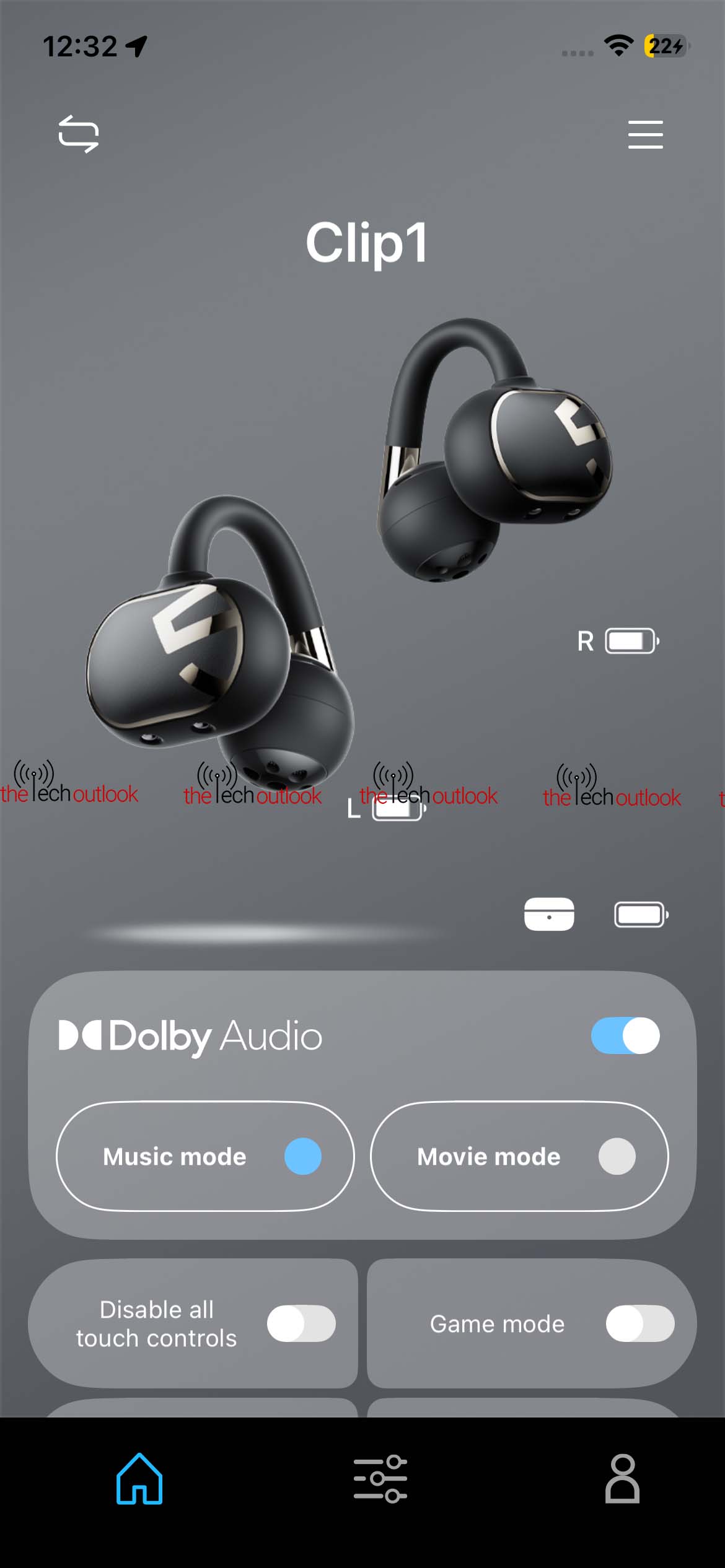
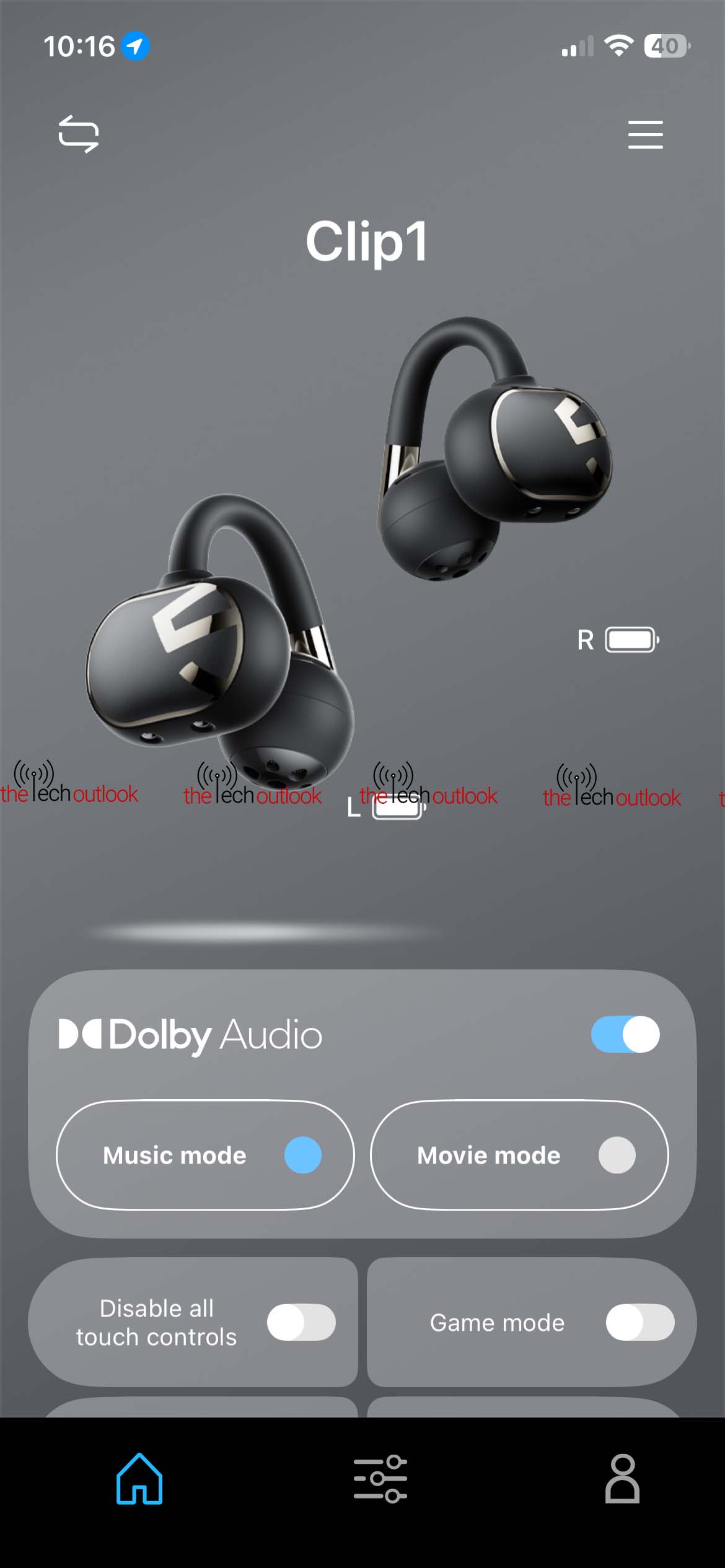
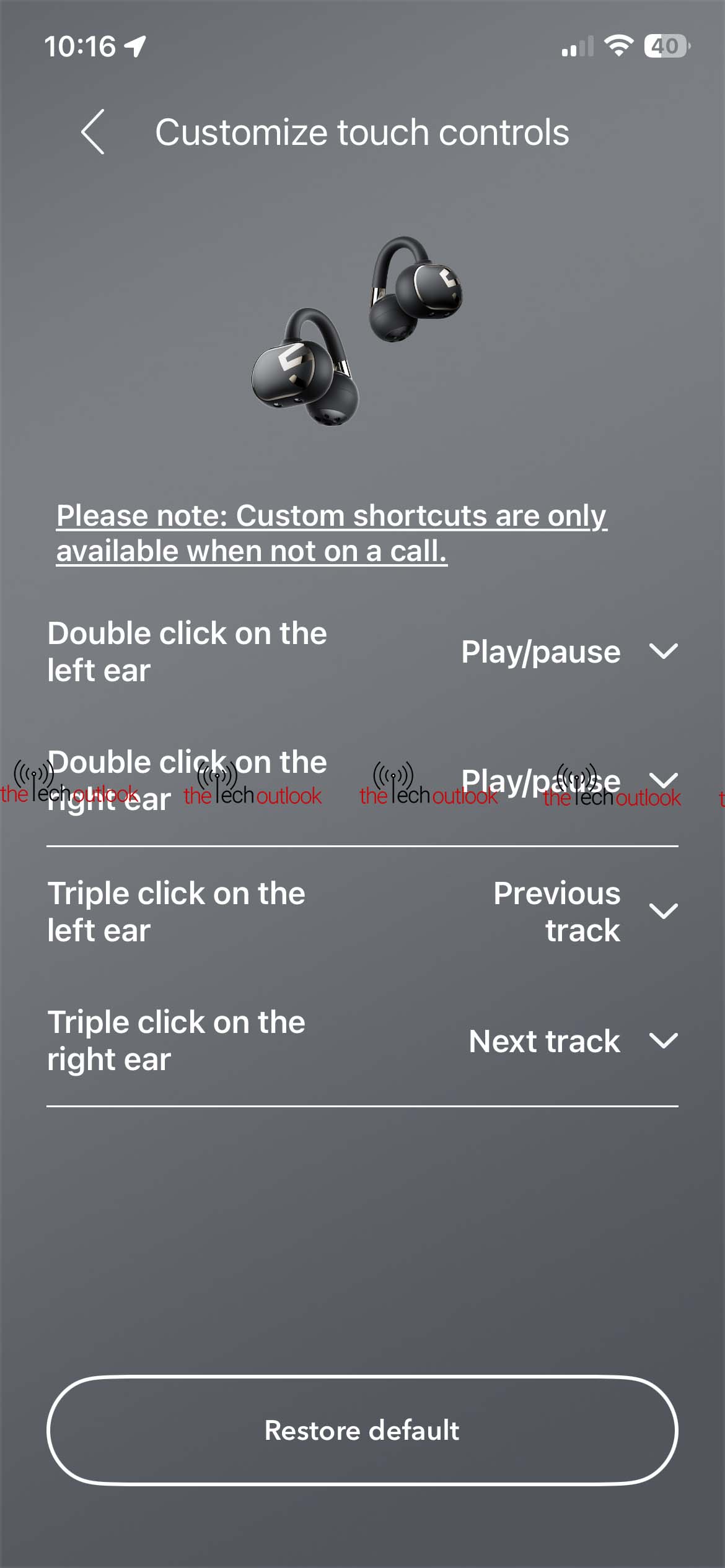
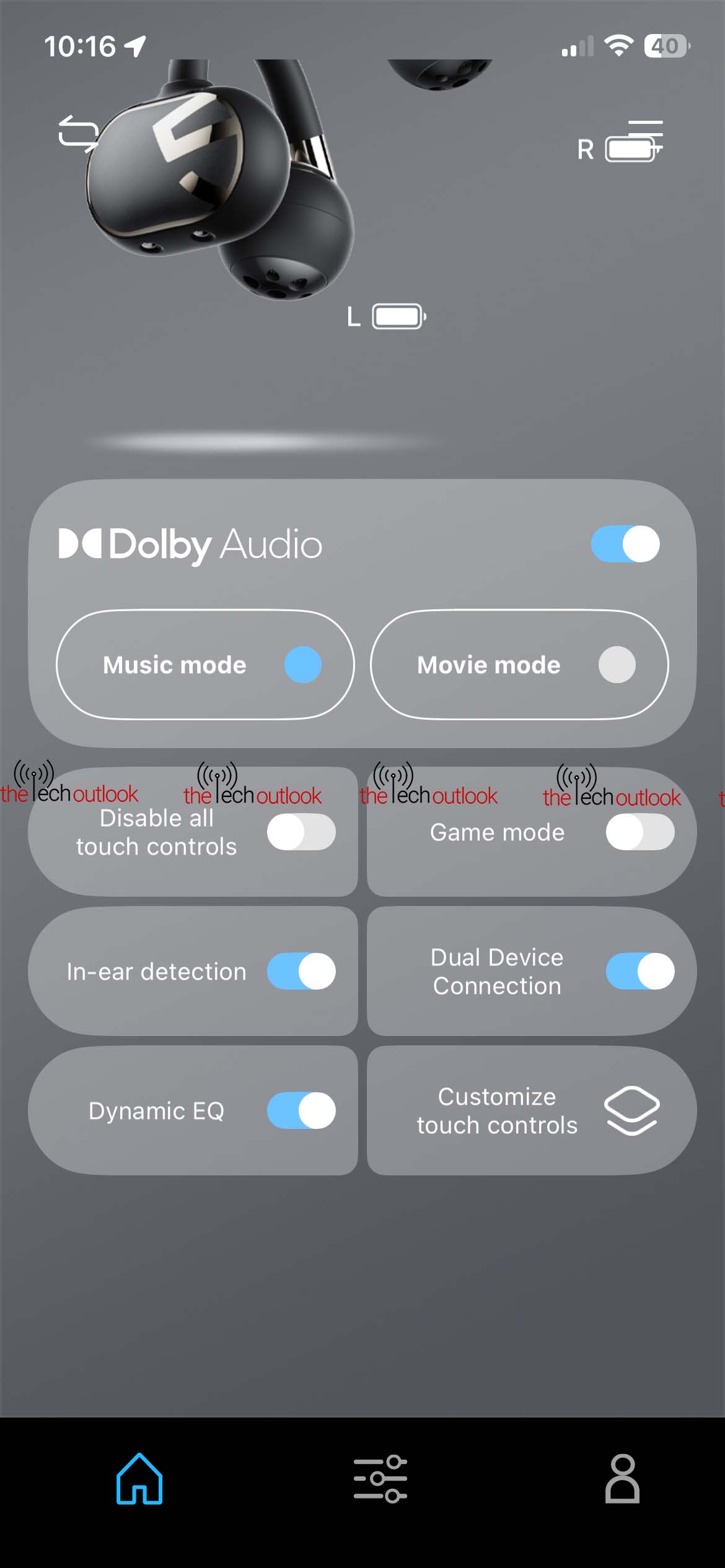
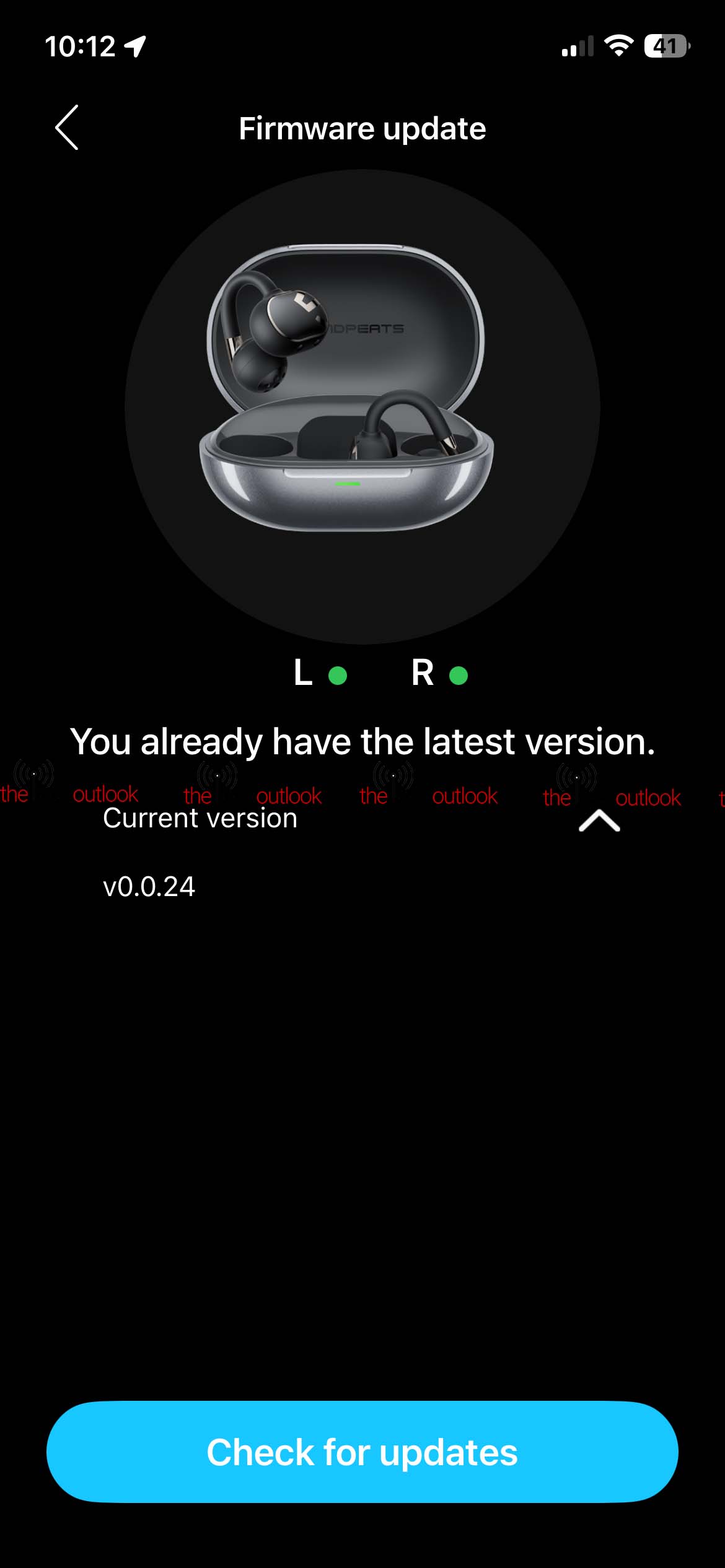
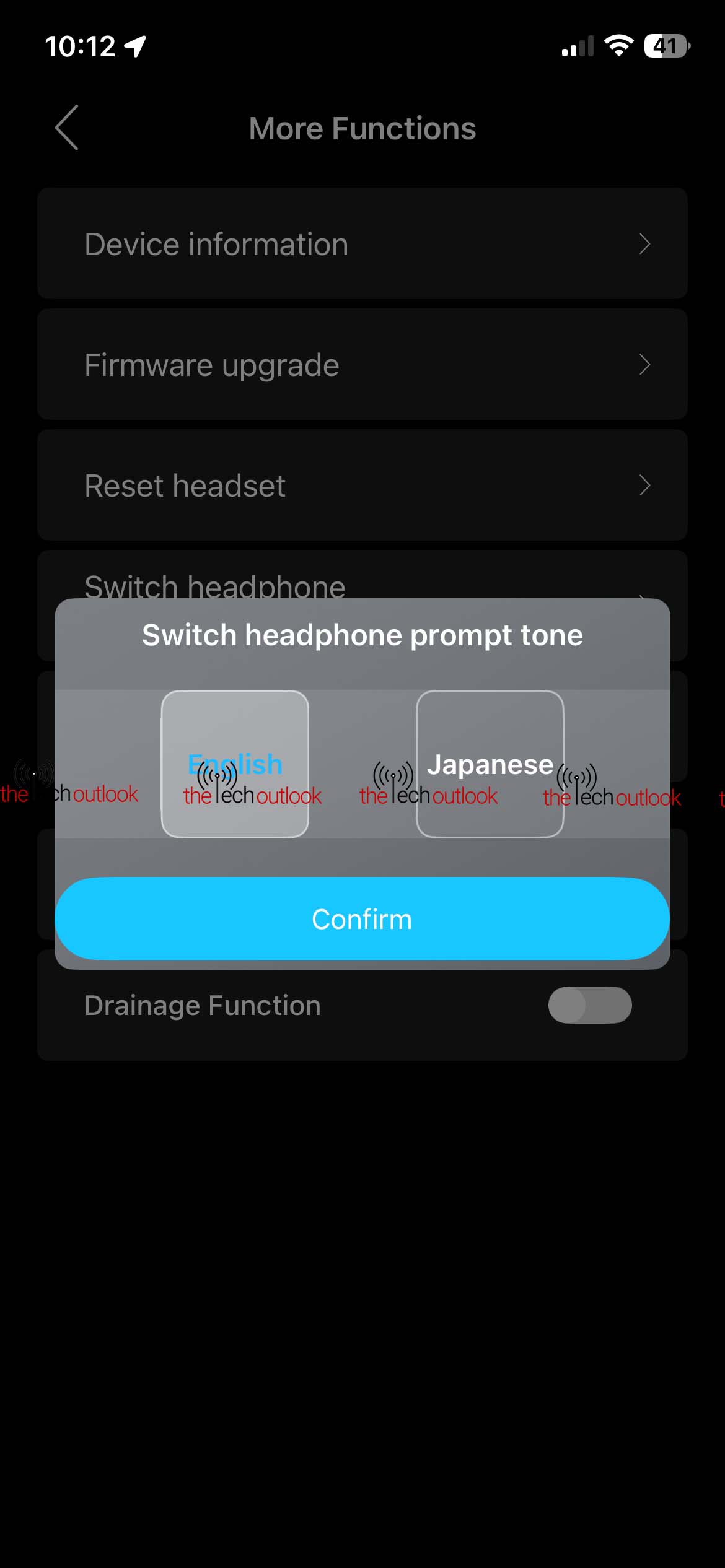
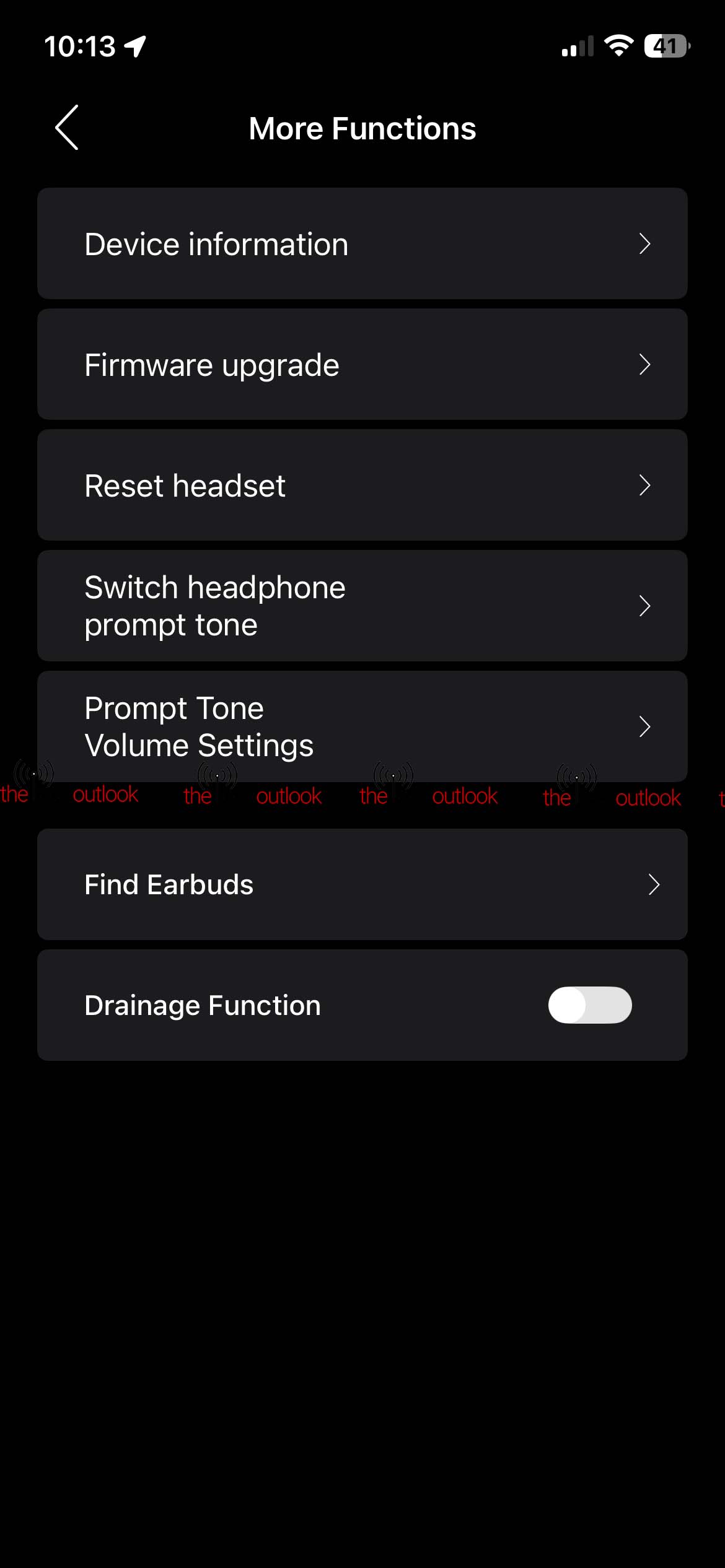
As soon as you open the charging case, the earbuds automatically enter pairing mode, and setting them up on my iPhone 12 was quite easy. Once you’ve connected them via Bluetooth, you can open the Sounpeats app. It will ask you to agree and continue, and then enter the login credentials you used during signup. After that, the home screen appears, showing the earbuds and charging case with their remaining battery levels. However, the app doesn’t show an actual percentage—only a plain bar. It would have been nicer to see the exact percentage, and hopefully Sounpeats adds this in a future update.
The app also includes a “Find My Earphones” feature, which plays a sound on the earbuds if you can’t locate them. But the sound keeps ringing until you manually go into settings and turn it off. It would’ve been better if touching the earbuds stopped the sound, or if you could trigger it again directly from the settings page of the app.
Right on the home screen, you’ll find the toggle for Dolby Audio, which offers two modes: Movie and Music. Personally, I noticed only a slight—almost negligible—difference when switching between the two.
Another feature is in-ear detection, which, when enabled, pauses the music when you remove an earbud and resumes playback once you put it back in.
You can also customise the touch controls or disable them entirely from within the app. Coming to the EQ settings, it includes the DynamicEQ™ Pro algorithm, which optimises sound across genres by making real-time adjustments—boosting frequencies at low volumes to keep them audible or reducing harsh frequencies when needed. Along with this, it offers several preset EQ profiles, and you can create and save your own. However, the Adaptive EQ stood out as the best for me, mainly because I love listening at high volumes, and this feature enhances the sound accordingly.
Since it supports dual connectivity, you can connect two devices simultaneously. But it will only play audio from one device at a time. Once playback stops on the first device, it will automatically switch to the second, and vice versa. Unlike the Sounpeats Air 5 Pro, though, it doesn’t pause the previous device when switching—audio only starts on the current device once the other is inactive.
The earbuds come with Bluetooth 5.4, and during my testing, even when my phone was about 12 feet away, I didn’t face any connectivity issues. I also played Call of Duty with the Game Mode turned on, and I still didn’t experience any noticeable latency, even small in-game sounds like footsteps were clear and timely. And yes, the settings I customised on my iPhone remained the same when I switched to my OnePlus smartphone.
Sound Quality
The earbuds use the BES2710IA chip, 12 mm dual-magnet dynamic drivers with titanium PVD coating, and support LDAC and Hi-Res Audio for high-resolution playback.
With Dynamic EQ turned on, I felt the sound wasn’t as loud. But when I switched to Adaptive EQ, the audio quality improved significantly—the bass became punchier and the vocals clearer. While listening to NGT by KIR, even the small giggle at the beginning of the song was clear.
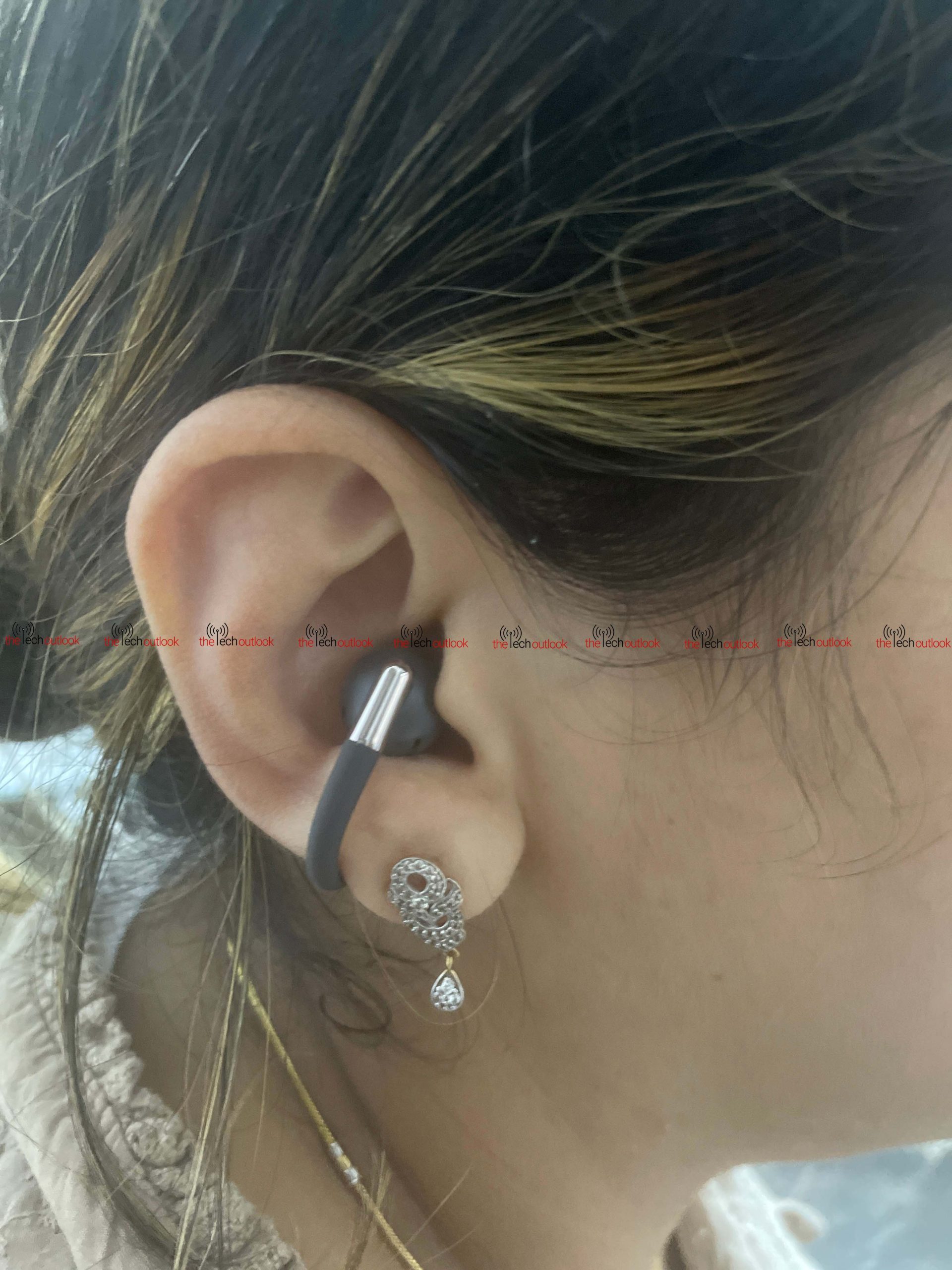
That said, don’t expect very heavy bass. These aren’t in-ear earbuds; they sit outside the ear canal. This is true for all clip-style or open-ear earbuds since they don’t isolate sound as effectively. Still, the bass was decent, and the vocals were crisp and loud.
During calls, I noticed a slight delay in my voice. The other person said my voice sounded crisp and clear, thanks to the special internal C-shaped structure that reduces wind noise. But during long calls—52 minutes + 41 minutes + 30 minutes—I occasionally noticed slight voice garbling when the volume was high.
The earbuds support AAC, SBC, and LDAC codecs. Since the iPhone doesn’t support LDAC or aptX Lossless, I tested LDAC on the OnePlus Nord CE 3 Lite. After enabling it, the music quality noticeably improved with more detail.
Battery
Each earbud has a 45 mAh battery, and the charging case packs a 450 mAh battery. Sounpeats claims up to 8 hours of playback on a single charge. In my usage(with Dolby Audio turned on), I made a total of 123 minutes of calls and started using the earbuds around 11:45 AM. I didn’t use them continuously—I took breaks, checked back later, and even played Call of Duty. By evening, around 6 PM, the battery bar in the app had turned yellow, but there was still some charge left.
Based on my testing, you can expect around 5–6 hours of playback on a single charge. With the charging case, total playback could go up to 32 hours as claimed, but realistically, I think it will be slightly lower.
Charging the earbuds takes about an hour, and the case takes roughly two hours to fully charge.
Final Verdict
After using the Sounpeats Clip 1 for a week, they come across as a practical option for anyone who prefers clip-style, open-ear earbuds. The lightweight build and secure fit are the main positives, and they remain comfortable during regular use as well as activities like jogging or workouts.
Sound quality is good for this open-ear style. You won’t get the deep bass of traditional in-ear earbuds, but the audio is clear, detailed, and gets much better with Adaptive EQ turned on. Switching on LDAC on an Android phone brings out even more clarity and separation in the music. During calls, I didn’t experience any delay in hearing my own voice. The person on the other end did mention a slight distortion a couple of times, but that was likely because we were just a room apart, which can sometimes cause interference or echo.
Feature-wise, Sounpeats has done a commendable job. AutoSense channel switching works perfectly, the touch controls are responsive, and dual-device connectivity is genuinely useful. That said, the app still needs polishing. Not showing the exact battery percentage feels like a basic miss, and the Find My Earphones feature could be more intuitive.
At $70, the Clip 1 sits within the expected range for its design and feature set. It has strengths in comfort and stability, but it also comes with limitations in audio, app functionality, and call consistency. The overall experience aligns with what is typically seen in this category.
