


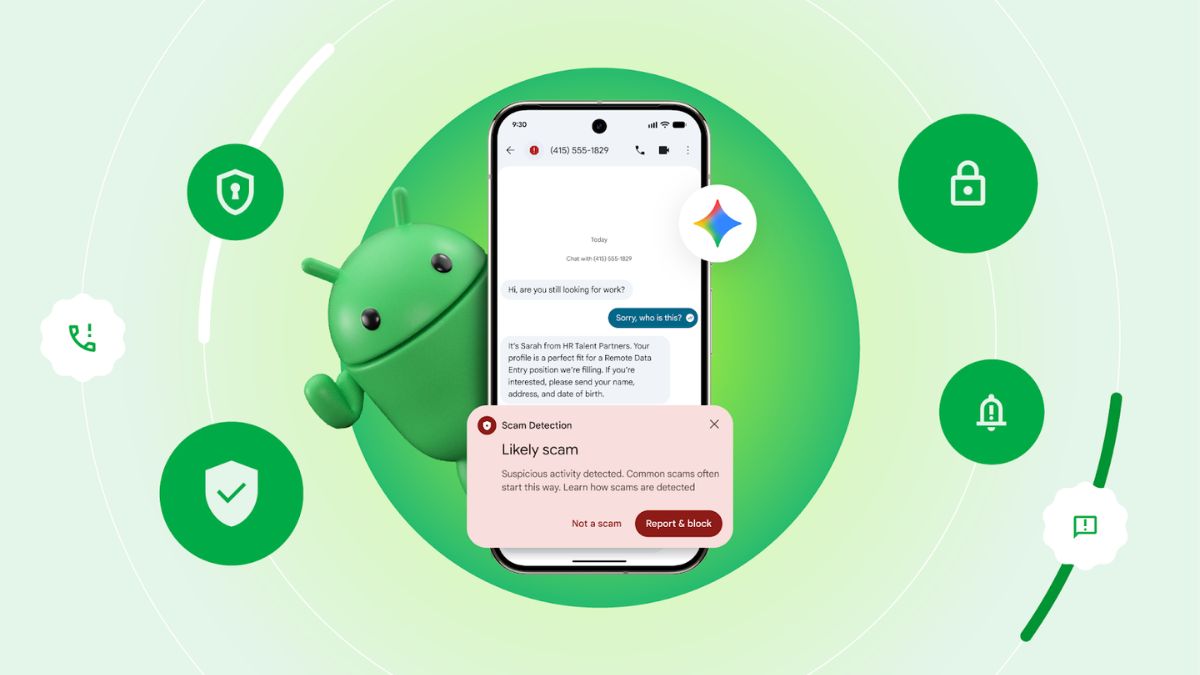
At Samsung’s Galaxy Unpacked event, Google announced that its on-device Scam Detection feature for phone calls is expanding beyond Pixel devices. The feature, which was previously limited to the Google Phone app on Pixel smartphones, is now available in the Samsung Phone app on the Galaxy S26 series in the United States.
Scam Detection is designed to notify users in real time if a call appears suspicious. It analyses conversation patterns commonly associated with fraud and provides audio and haptic alerts, along with an on-screen warning, if a potential scam is detected.
On-device processing with Gemini
On the Galaxy S26 series, Scam Detection uses Google’s Gemini Nano on-device AI model to monitor calls for speech patterns linked to scams. Google says call audio is processed ephemerally, meaning no conversation audio or transcription is recorded, stored on the device, or sent to Google or third parties. The feature is automatically turned off for numbers saved in your contacts.
For example, if a caller asks for payment via gift cards to complete a delivery, users will receive an alert during the call warning that it may be a scam. However, Google notes that Scam Detection is not 100% accurate and scammers frequently change tactics. Users are advised to remain cautious when answering calls from unknown numbers.
The company also clarified that Scam Detection on the Galaxy S26 series currently supports English in the US only. There is no confirmation yet on whether the feature will expand to other regions, languages, or older Samsung devices. Technically, recent high-end Galaxy smartphones already support the AI model required for the feature, but Google has not announced wider availability.
Previously, Scam Detection was available only on Pixel devices. On Pixel 6 and later models in the US, and on Pixel 9 and later devices (excluding Pixel 9a) in Australia, Canada, India, Ireland, and the UK, the feature works within the Google Phone app.
Expanded protection in Google Messages
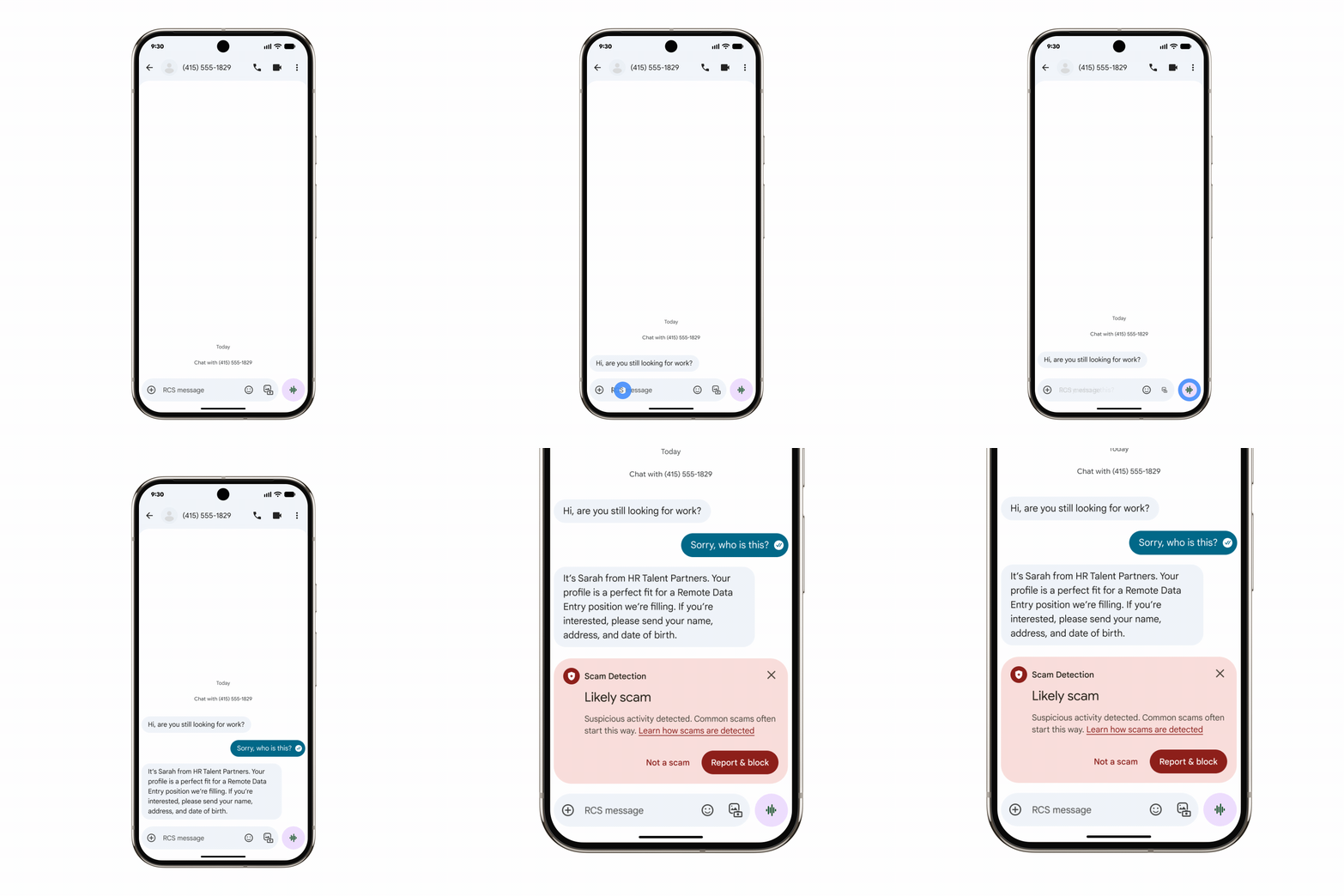
Google also announced improvements to Scam Detection in Google Messages. On the latest Android flagship devices, such as Pixel 10 and the Galaxy S26 series, in the US, Canada, and the UK, the on-device Gemini model is now used for more advanced analysis of complex conversational threats.
According to Google, this enables better detection of subtle patterns used in job offer scams and sophisticated romance baiting scams, sometimes referred to as “pig butchering”. In these schemes, scammers build long-term relationships with victims to gain trust before promoting fraudulent investments. The updated protection in Google Messages is rolling out now in the supported regions.
Google says it plans to bring call-based Scam Detection to more Android OEM’s in the future, but no timeline has been provided.
Below are the steps on how to use this feature on your Pixel Smartphones
Turn on Scam Detection
-
Open the Phone app.
-
Tap More (three dots).
-
Tap Settings.
-
Select Scam Detection.
-
Turn on Scam Detection.
Use Scam Detection during calls
Scam Detection runs automatically in the background for calls that may be suspected scams. If a call is identified as high risk, you will receive a notification, sound alert, and vibration.
To inform all participants that the feature is active, an audible beep will play at the start of the call and repeat every few minutes.
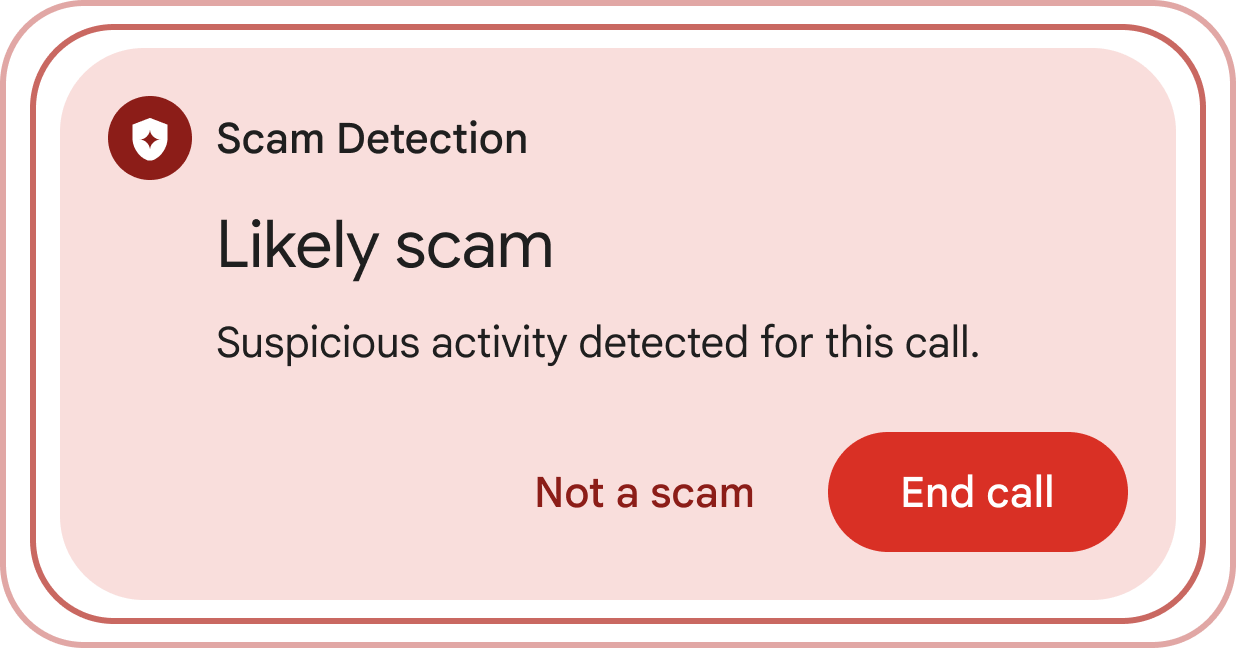
If you receive a Scam Detection alert:
-
Tap Not a scam to dismiss the alert.
-
Tap End call in the notification or at the bottom of the call screen to end the call.
Turn off Scam Detection
Turn off for a single call:
-
During the call, tap More (bottom right of the screen).
-
Tap Scam Detection to disable it for that call only.
Turn off for all calls:
-
Open the Phone app.
-
Tap More, then Settings.
-
Select Scam Detection.
-
Turn off Scam Detection.
