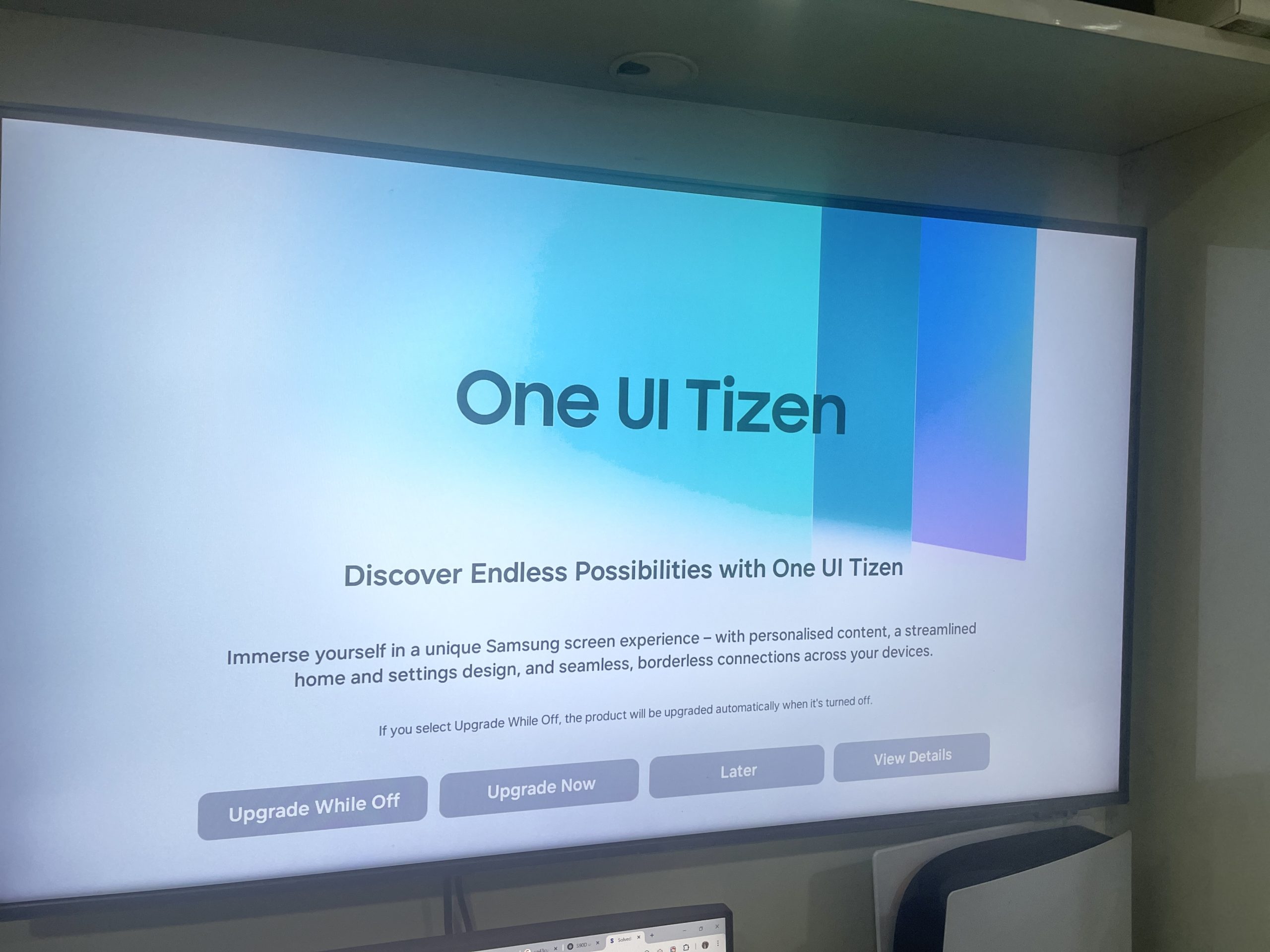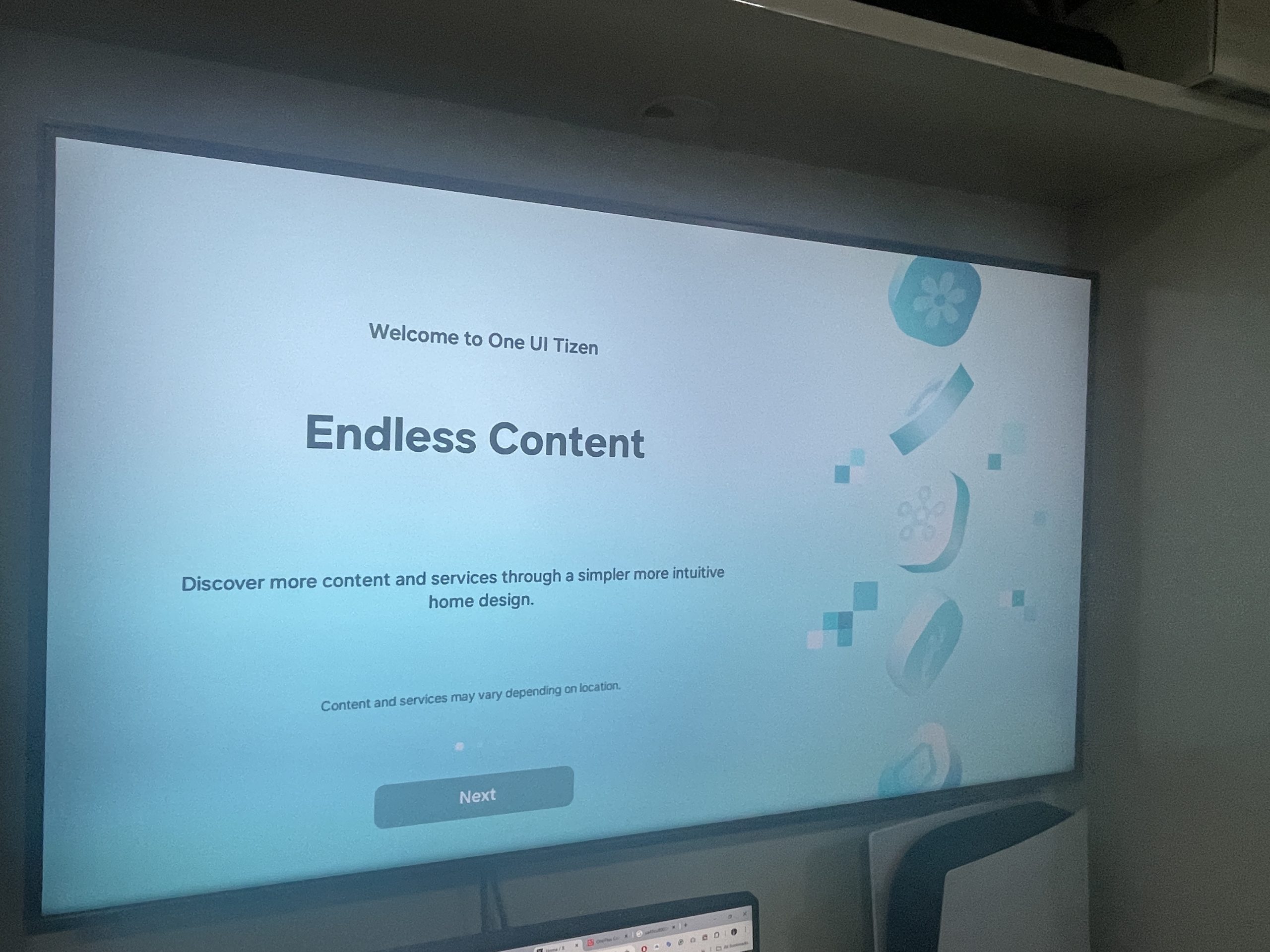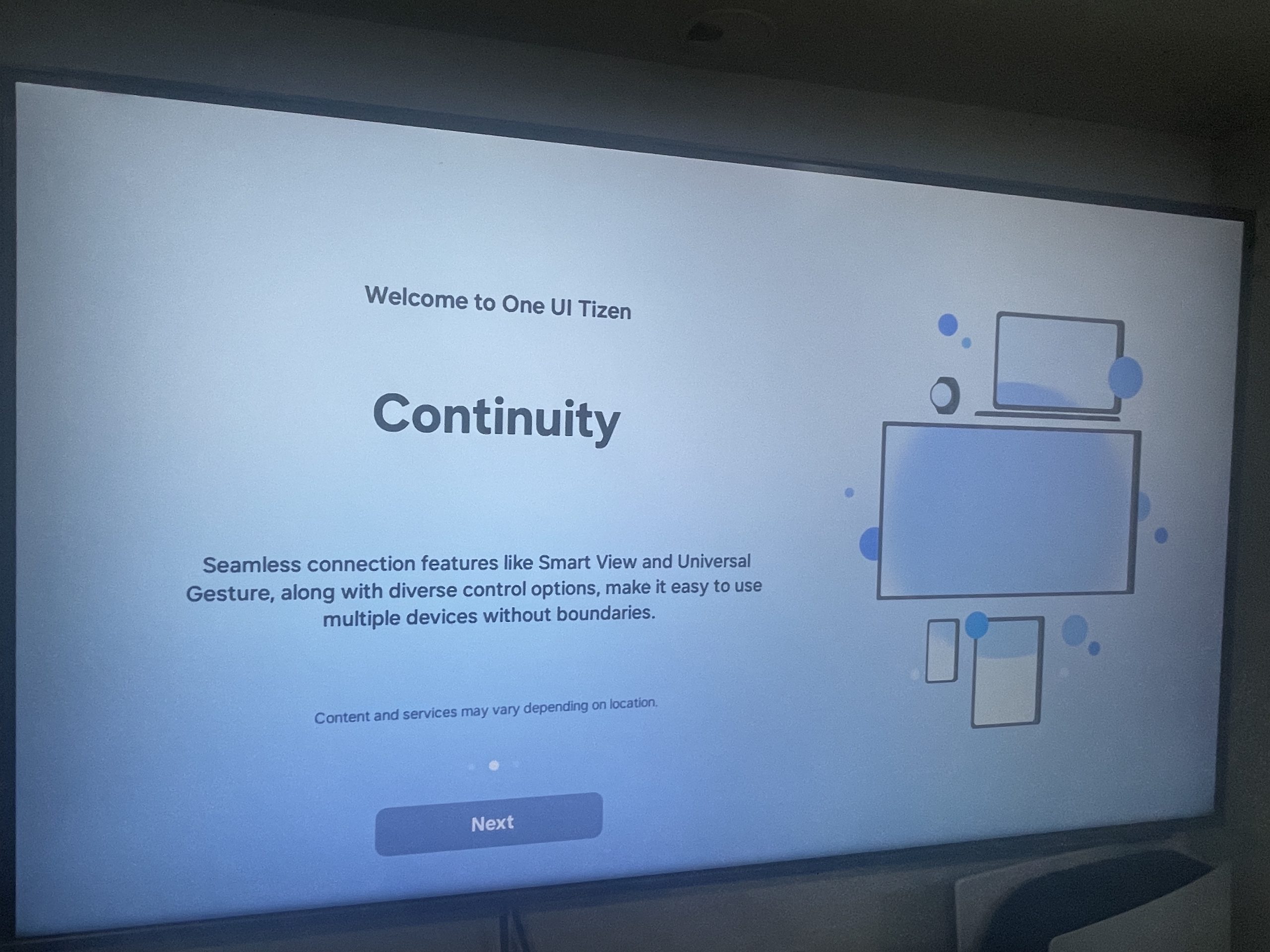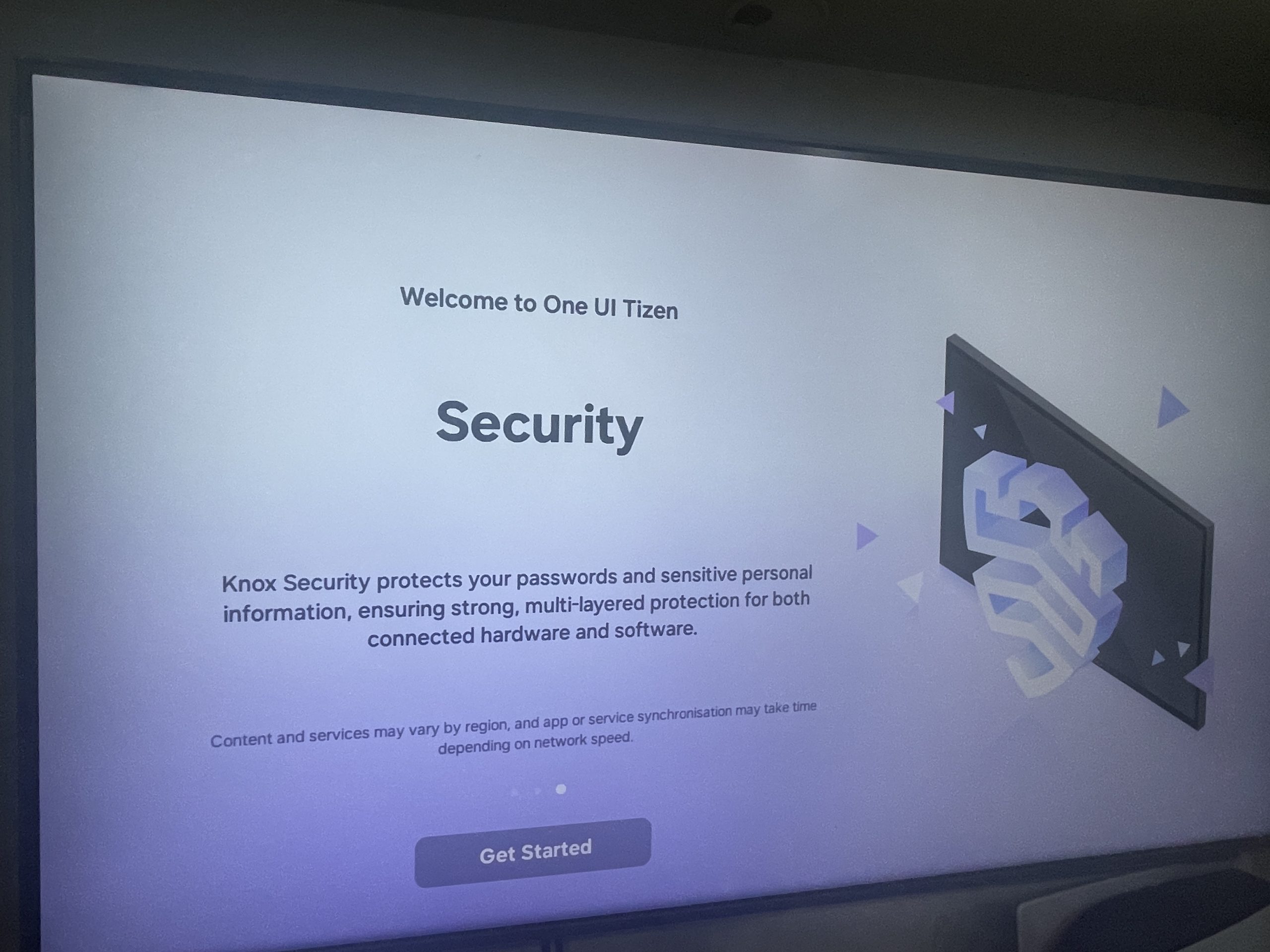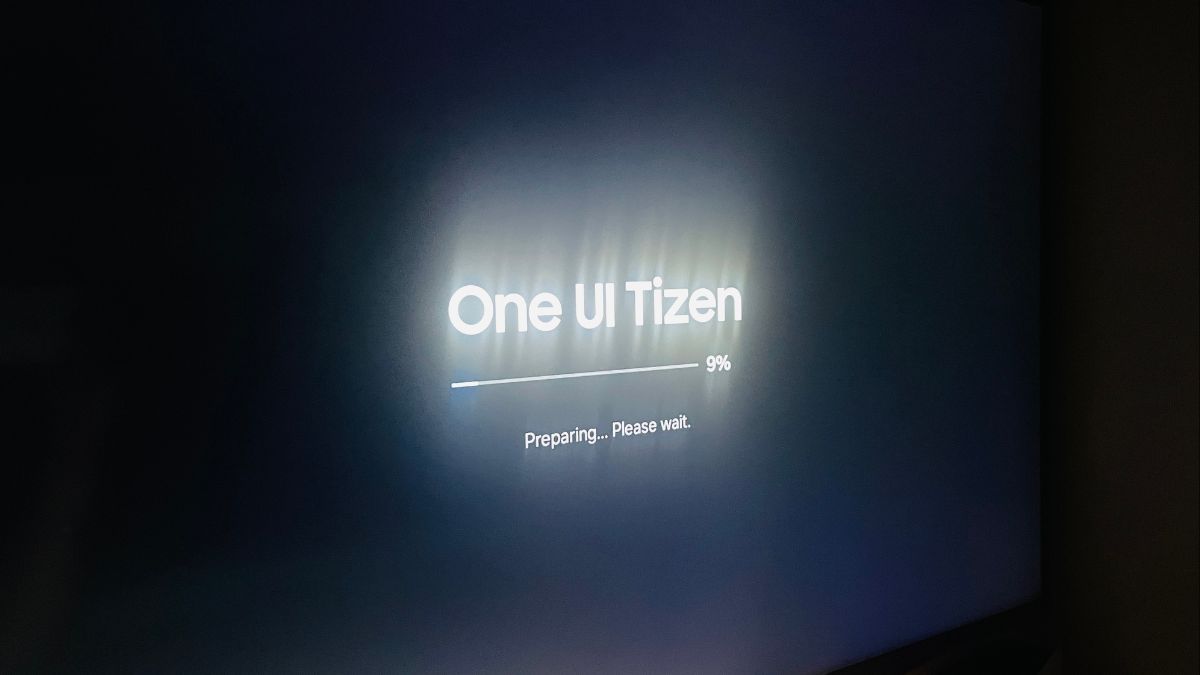
Samsung has started rolling out a major new update for the Samsung CU8000 4K Smart TV in India. This update brings the One UI Tizen OS 9.0 (Version 6500) upgrade, along with a long list of new features and improvements. It is also expected to roll out to other Samsung TVs soon, particularly models from 2023 and newer.
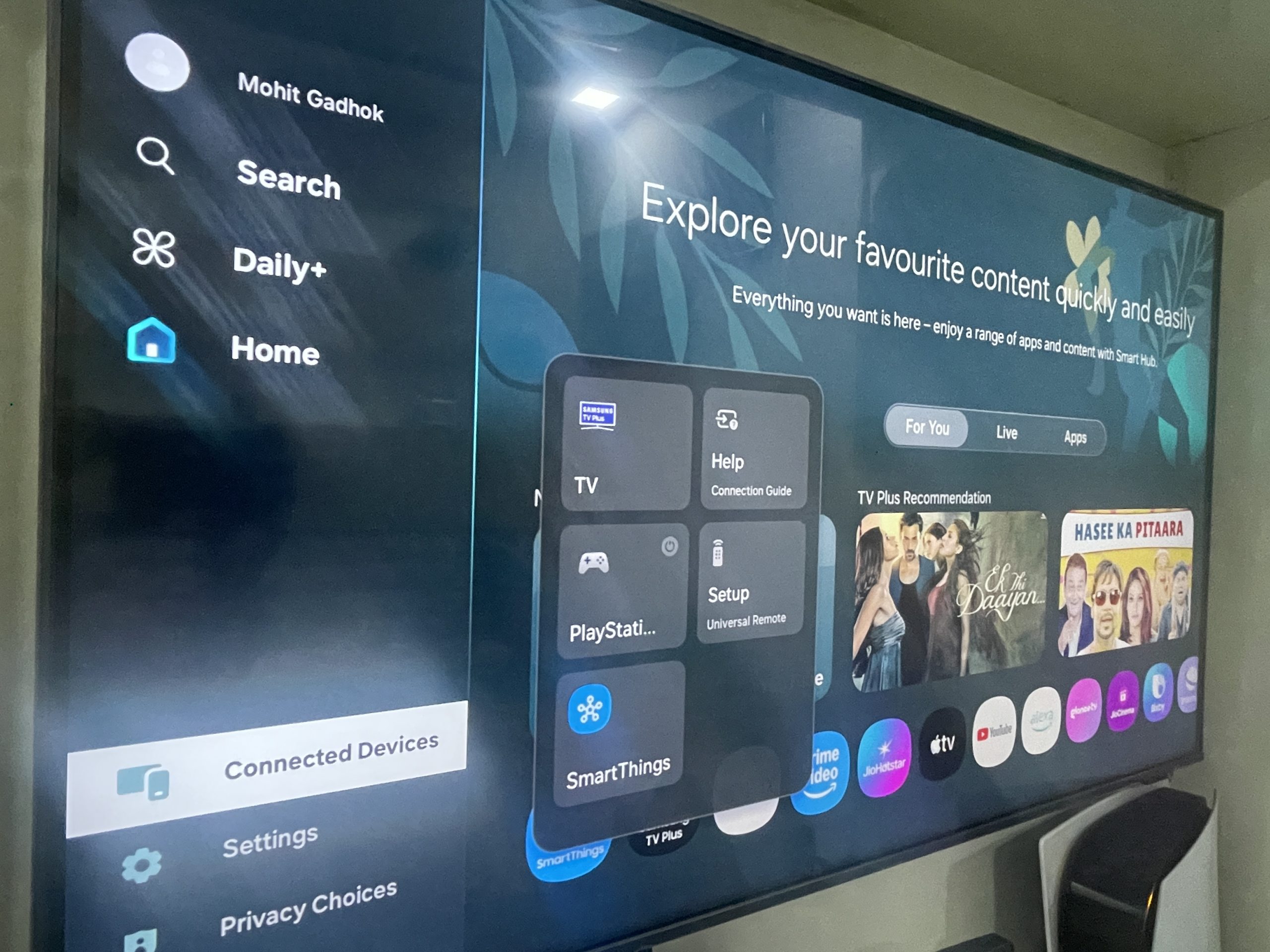
After updating, I also noticed a slight change in the UI layout. Previously, opening the Settings page displayed the options horizontally. Now, the Settings menu opens as a vertical panel, which feels cleaner and smoother compared to the previous One UI Tizen OS 8.0 (Version 1301) experience.
Changelog of One UI Tizen OS 9.0
[Notify Update]
This update introduces several changes and improvements.
The exact features may vary depending on your model and region.
Some features may require signing in with your Samsung account.
Please keep your device updated and check for new software regularly.
Once this OS version is installed, you cannot roll back to the previous version.
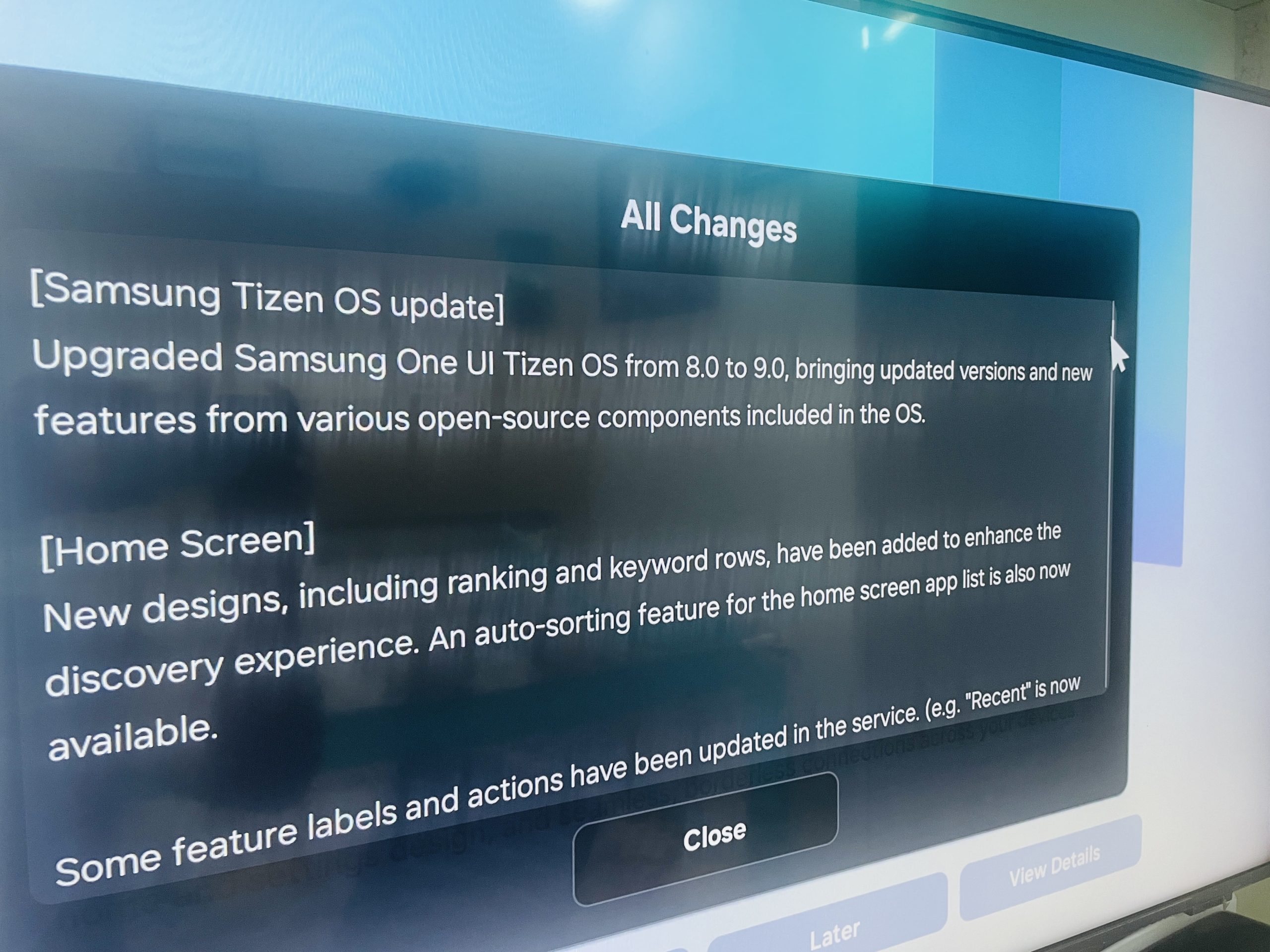
[Samsung Tizen OS Update]
One UI Tizen OS has been upgraded from 8.0 to 9.0, bringing updated components and new features based on open-source improvements.
[Home Screen]
- New designs added, including ranking and keyword rows for improved content discovery.
- Home screen app list now supports auto-sorting.
- Some feature labels have been updated (e.g., “Recent” is now “Now Playing”).
[Gaming Hub]
- Updated layout with the latest UI.
- Personalised content based on the gameplay survey.
- Supported in: Australia, Brazil, Canada, France, Germany, Italy, Korea, Mexico, Spain, the United Kingdom, the United States.
[Samsung Daily+]
Samsung Daily+, offering lifestyle-focused features, has been newly added to the Home category.
[Universal Guide]
- Shortcut added for quick access to lower content rows.
- Supported in: Canada, France, Germany, India, Italy, Korea, Spain, the United Kingdom, and the United States.
[Search]
The search UI has been redesigned, including the on-screen keyboard location, improving navigation and usability.
[Subscription Hub]
- New dashboard for viewing and managing all subscriptions paid via Samsung Checkout.
- Samsung account sign-in required.
- Supported country list available on Samsung’s website.
[Samsung Internet]
Provides a more secure way to send browser data and enables password-less login.
[Workout Tracker]
- Latest widget design applied when connecting a Galaxy Watch logged in with the same Samsung account.
- Detailed usage available in Daily+.
[Workspace]
- Easy Connection to Windows PC now supports up to 4K resolution.
- Password-less login supported via Passkey in Microsoft 365.
[Storage Share]
Allows access to storage on Samsung devices logged into the same Samsung account, enabling browsing of files, photos and videos.
[Smart View]
- Samsung account sign-in required.
- PIN verification may be skipped for devices logged into the same Samsung account.
[Q-Symphony]
- Enhanced stereo configuration and volume controls.
- New pop-up guides help identify speaker connection issues.
[Multi Control]
- Drag and drop files between devices to view photos on the TV.
- Wi-Fi Direct is now supported, removing the need for the same router.
[Mobile Remote]
- Supports virtual remote for apps incompatible with pointing modes.
[Pointer Mode]
- Pointer mode added for quicker screen interaction.
- Press-and-hold actions now supported on the touchpad.
[Number/Option Pad]
- Teletext and recording functions added.
[Universal Gestures]
Use Galaxy Watch gestures to control your TV.
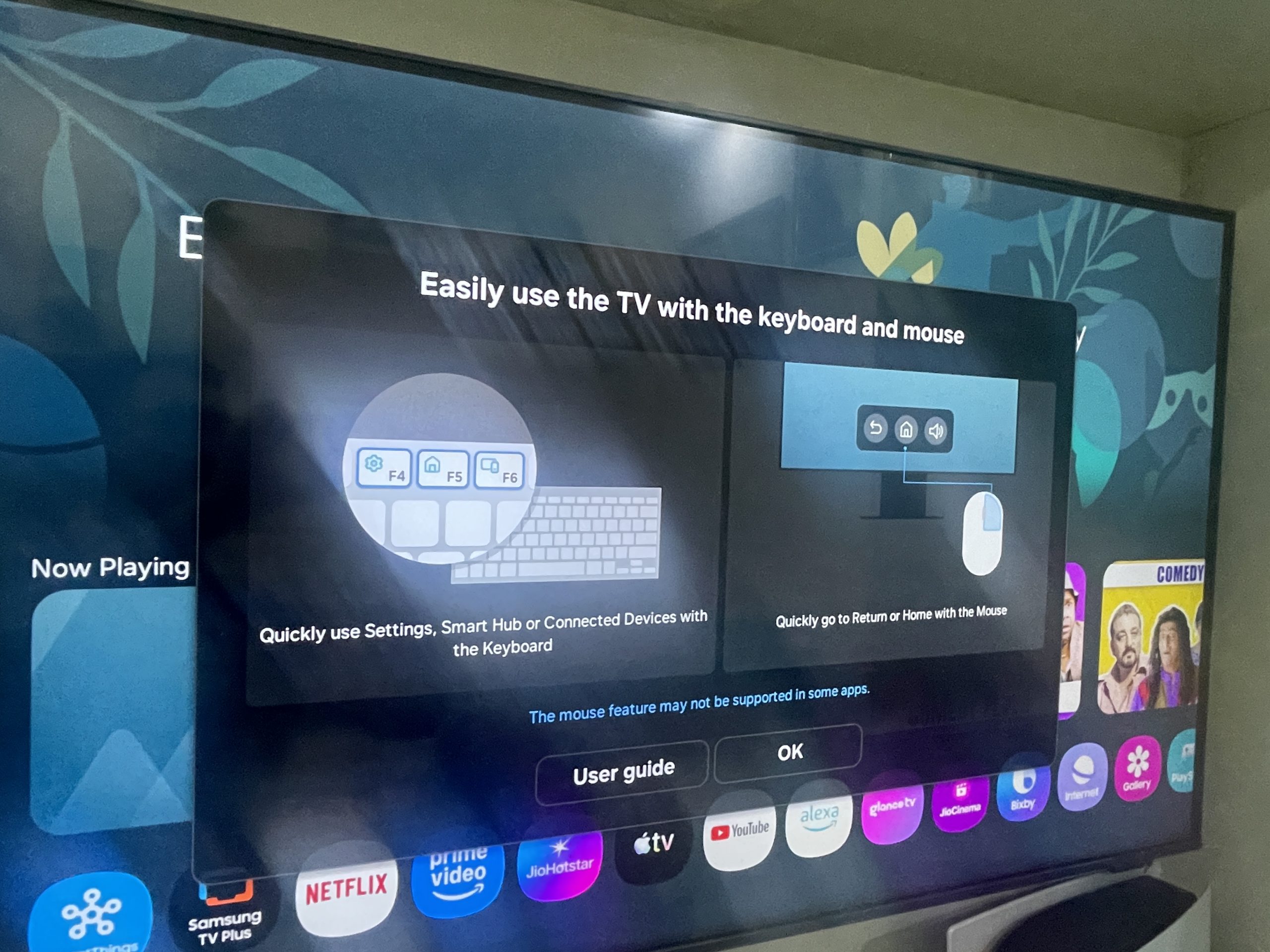
[Keyboard]
- Minimized keyboard added.
- Voice input steps simplified.
- Enlarged text for better readability.
[Connected Devices]
Improved design of the connected devices editing screen.
[Quick Panel]
Pressing the Settings, 123, or Colour buttons gives quick access to:
- Settings
- Virtual numeric pad
- Colour options
- SmartThings
[Settings]
- Latest One UI-style settings design for easier adjustments while watching TV.
- Recently used settings shortcut added.
- Improved settings search.
- Additional advanced features highlighted.
- Accessibility improvements including better High Contrast view and clearer Voice Guide explanations.
- Popup menus now support transparency and size adjustments.
[Network]
Improved wireless network connection behaviour when using Wi-Fi audio devices to prevent sound interruptions.
[Sound]
Resolved an issue that caused occasional sound dropouts.
[Self Diagnosis]
- New Test All feature reduces diagnosis time.
- Improved interface for progress visibility.
[Security]
- Added user PIN step during setup.
- Applied latest open-source security patches.
[Security Centre]
Supports:
- Disabling enhanced data protection
- Recovering encryption keys if your Samsung mobile device is lost or replaced
[Power]
Improved power-on process for more stable start-up.
[Auto Picture Off]
The screen now automatically turns off even if temporarily activated during Picture Off mode.
[Auto Power Saving]
- TV displays up to three warnings before powering off automatically.
- Improved detection of device activity based on Wi-Fi signals.
[Chromium]
Added mobile microphone support and improved remote-control microphone performance.
[Maintenance Mode]
Cloud support added, allowing Maintenance Mode to work without external storage.
Below are several screenshots captured after updating my TV, showcasing the new UI changes introduced with the One UI Tizen OS 9.0 update.