Samsung Galaxy Tab A9+ now receiving stable One UI 8 update based on Android 16 with a 2.8GB download size

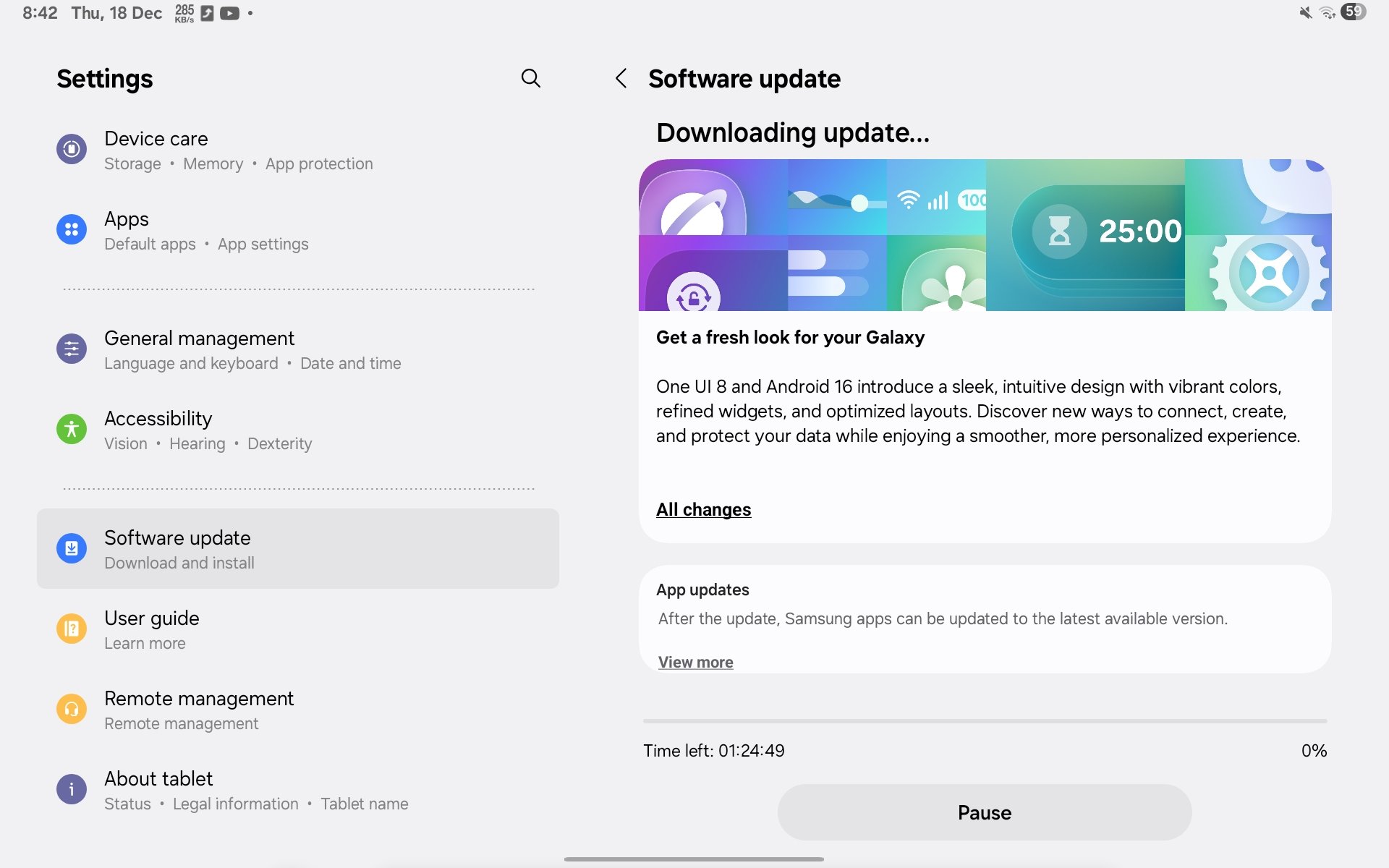
Samsung has now added the Galaxy Tab A9+ to the list of devices receiving the stable One UI 8 update based on Android 16. The update is now rolling out in the Indian region and has a download size of around 2.8GB. It carries the build number X210XXU9EYL5 and, despite arriving in December, includes the October 2025 security patch.
The rollout was first reported by tipster Abhishek Yadav on X, who also shared the complete changelog for the update. According to Samsung’s earlier rollout schedule, the Galaxy Tab A9+ was expected to receive the stable One UI 8 update in November 2025 for India. However, after a delay of about a month, the update is now finally reaching users.
Changelog
Personalization
• Bigger Lock Screen widget area
• New 2×2 widgets
• Horizontal & vertical widget layouts
Productivity & System
• Stock price alerts on Now Bar (Google Finance)
• Improved Quick Share with direct send/receive
• Sticky notes over documents in Samsung Notes
• Faster file search with app-based download filters
• Multi-pane file browsing in My Files
• Redesigned & customizable Samsung Internet
Multitasking & DeX
• New swipe-down Samsung DeX access
• Seamless tablet ↔ DeX switching
• External display support
• Enhanced split screen with partial app view
• 3-app split screen in landscape mode
Calendar & Reminders
• Multi-pane calendar view on large screens
• Create & manage reminders directly in Calendar
• Smart event suggestions in quick add
Samsung Health (Galaxy Watch8 / Watch Ultra)
• Running Coach with personalized training
• Bedtime guidance using sleep data
• Running challenges with friends
• Antioxidant index (carotenoid detection)
• Food logging reminders
• Vascular load tracking with baseline sleep data
Camera & Audio
• Swipe up/down anywhere in Camera to access quick controls
• Galaxy Buds settings accessible directly from tablet Settings
Security & Privacy
• Enhanced Secure Folder with auto-lock & full hiding option
• Knox Matrix auto sign-out for compromised devices
• Show/hide lock-screen notification content control
Accessibility
• Button-based zoom in Assistant menu
• Keyboard-controlled mouse actions
• Enlarged on-screen keyboard option
Modes & Routines
• New preset routines (weather & advanced conditions)
• New routine actions using Clock, Calendar & Samsung Notes data
More Improvements
• Alarm grouping & Home screen alarm widgets
• Per-app pop-up notification styles
• Richer, more realistic Weather visuals