

OnePlus rolls out OxygenOS 15.0.0.840 Update for OnePlus 13 in India with Mind Space feature, two new fonts and more

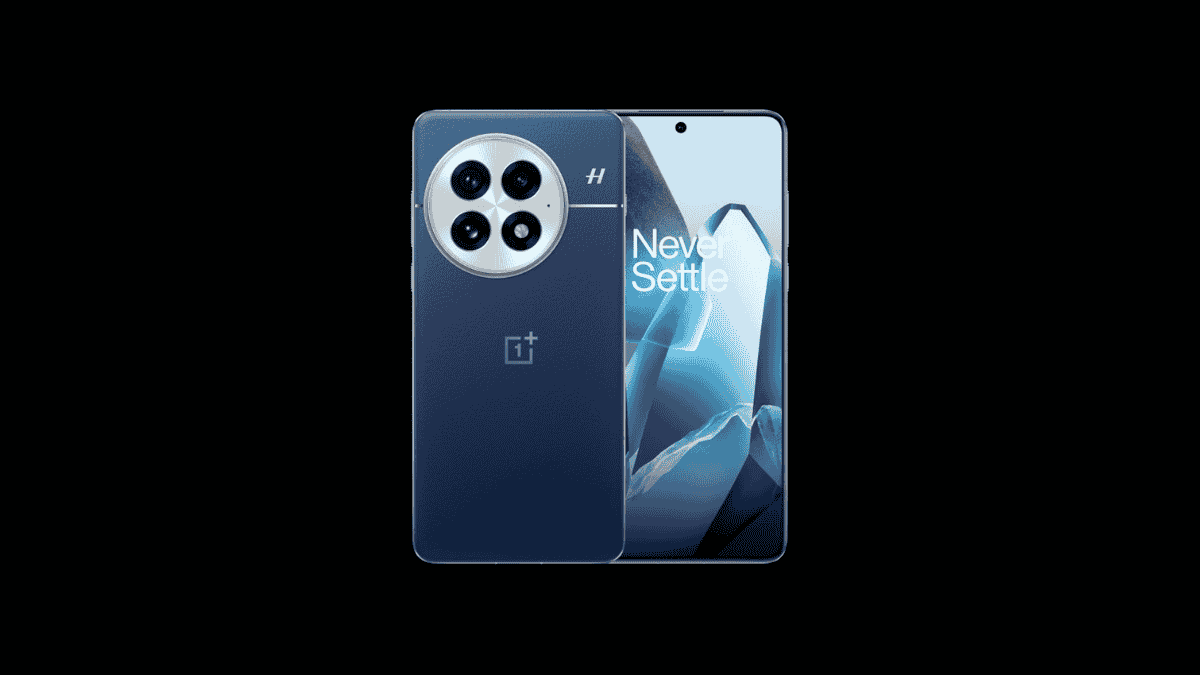
OnePlus has started rolling out a new software update, OxygenOS 15.0.0.840, for OnePlus 13 users. The update is currently rolling out in India in batches with the version number “CPH2649_15.0.0.840(EX01)”. This same update was recently rolled out for the OnePlus 13R in the India region, also.
What’s new?
The update includes the July 2025 Android Security Patch and solves mini window display issues. One major highlight is the new Mind Space feature, which creates an AI-powered space in your phone where you can save screen content as memories. Mind Space helps you manage information by allowing you to save screenshots, notes, or reminders, which are then summarized and automatically archived.
OnePlus improves the camera with a soft light filter for Photo and Portrait modes. The Photos app has AI Perfect Shot, which enhances group photos by enhancing facial details. Video and live photo editing capabilities are improved; you can export a video as a live photo, and high-frame-rate videos, such as 120 fps, do not lose smoothness even after editing. For privacy, you can conceal some albums from the overall photo list. A gradual alarm volume feature is now in the Clock app. You can also now stack widgets of the same size by dragging them together.
The Recorder app also gets additional customizable groups for improved organization, such as a new “In-person recordings” group that automatically records audio from normal, meeting, or interview modes. You can now choose new fonts: OnePlus Sans and One Sans in more languages. Multi-screen control enables you to simultaneously use two apps. Quick Settings now features a quick reboot shortcut for speedy reboots, and mini windows are now better for your workflow.
If you’re an Indian user and want to submit any issues with this update. You can head over to the “Bug Report” section in your OnePlus Community App profile to share any problems you encounter, or simply dial *#800# to access the feedback tool.
As always, the update is being rolled out in stages, so some users may get it before others.
Changelog
Mind Space
- Adds the “Save to Mind Space” feature. You can now add screen content to Mind Space as memories. Memories will be summarized and archived automatically in the app.
Camera
- Adds the soft light filter to Camera’s Portrait and Photo modes. It can help create dreamy and more stunning effects.
Photos
- Adds the AI Perfect Shot feature, which supports recognizing and replacing the facial expressions of the same person in different scenes to create the best shots.
- Adds editing options for videos and live photos. You can now export videos as live photos, or export videos and live photos as photos in high resolution.
- Enhances the customization options on the Photos homepage, allowing you to hide the content of specific albums from the overall photo list.
- Improves the video editing performance. A 120 fps video will remain 120 fps after being edited.
Apps
- Adds the Gradual alarm volume feature, where the alarm volume will increase progressively from low to high. You can find this feature in “Clock – Alarm- Settings – Gradual alarm volume”.
- Recorder now supports customizable grouping, making it easier to manage audio files.
- Adds the In-person recordings group in Recorder. Recordings made in Standard/Meeting/Interview modes are automatically grouped into the In-person recordings category.
System
- You can now choose OnePlus Sans and One Sans as the font in more languages. You can find this feature in “Settings – Display & brightness – Font”.
- When you drag widgets of the same size together, the widgets will be stacked.
- Adds support for multi-screen control, allowing you to display one app in full screen and another in a floating window. Both apps can be operated simultaneously.
- Adds the Temporarily block feature. You can swipe up on a banner notification to temporarily block any further banner notifications from this app when you play games or watch videos. You can find this feature in “Settings – Notifications & Quick Settings – Banners – Temporarily block”.
- Adds a Restart shortcut to Quick Settings, allowing for quicker phone restarts.
- Improves the movement range of mini windows. You can now drag a mini window to the bottom of the screen.
- Integrates the July 2025 Android security patch to enhance system security.
- Fixes a display location issue with mini windows in some scenarios.
