

OnePlus Open and OnePlus 13R Receive OxygenOS 16.0.1.300/16.0.1.302 Updates, Rollout Officially Announced in India


A new update has begun rolling out for the OnePlus Open and OnePlus 13R in India. This rollout is available only for users who are already on OxygenOS 16; those who have not yet updated will first need to upgrade to OxygenOS 16 before they can receive this new version.
The rollout was announced yesterday and is currently limited to the Indian region, with other regions expected to follow soon. The update brings the November 2025 security patch to both the OnePlus Open and OnePlus 13R, along with the AI LinkBoost Network Engine interface, which lets users view the number of network optimisations, reductions in latency, and more. It also includes several bug fixes and a range of new features, which I’ve detailed in the sections below.
Both devices share a similar changelog, though the OnePlus 13R receives a few additional features. These include options to add sunrise and sunset widgets to the Home screen, a combined weather + sunrise/sunset widget, and upgraded support in the Hourly and Daily weather widgets for rainy-weather warning information.
For the OnePlus Open, the update is rolling out with firmware version IN: CPH2551_16.0.1.300(EX01), while the OnePlus 13R is receiving IN: CPH2691_16.0.1.302(EX01). As with all phased rollouts, not everyone will receive the update immediately. It may take a week or two for it to reach all devices, so if you haven’t received it yet, there’s no need to worry — it should arrive soon.
As for availability in other regions, OnePlus has not yet provided a timeline for the global rollout, though it is expected to happen soon.
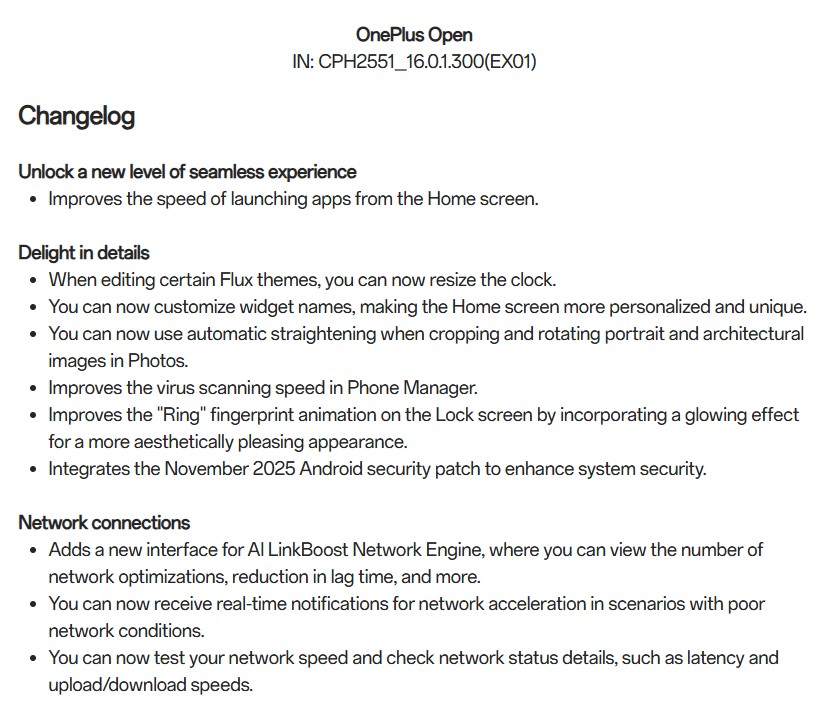
OnePlus Open Changelog OxygenOS 16.0.1.300
Unlock a new level of seamless experience
- Improves the speed of launching apps from the Home screen.
Delight in details
- When editing certain Flux themes, you can now resize the clock.
- You can now customize widget names, making the Home screen more personalized and unique.
- You can now use automatic straightening when cropping and rotating portrait and architectural images in Photos.
- Improves the virus scanning speed in Phone Manager.
- Improves the “Ring” fingerprint animation on the Lock screen by incorporating a glowing effect for a more aesthetically pleasing appearance.
- Integrates the November 2025 Android security patch to enhance system security.
Network connections
- Adds a new interface for Al LinkBoost Network Engine, where you can view the number of network optimizations, reduction in lag time, and more.
- You can now receive real-time notifications for network acceleration in scenarios with poor network conditions.
- You can now test your network speed and check network status details, such as latency and upload/download speeds.
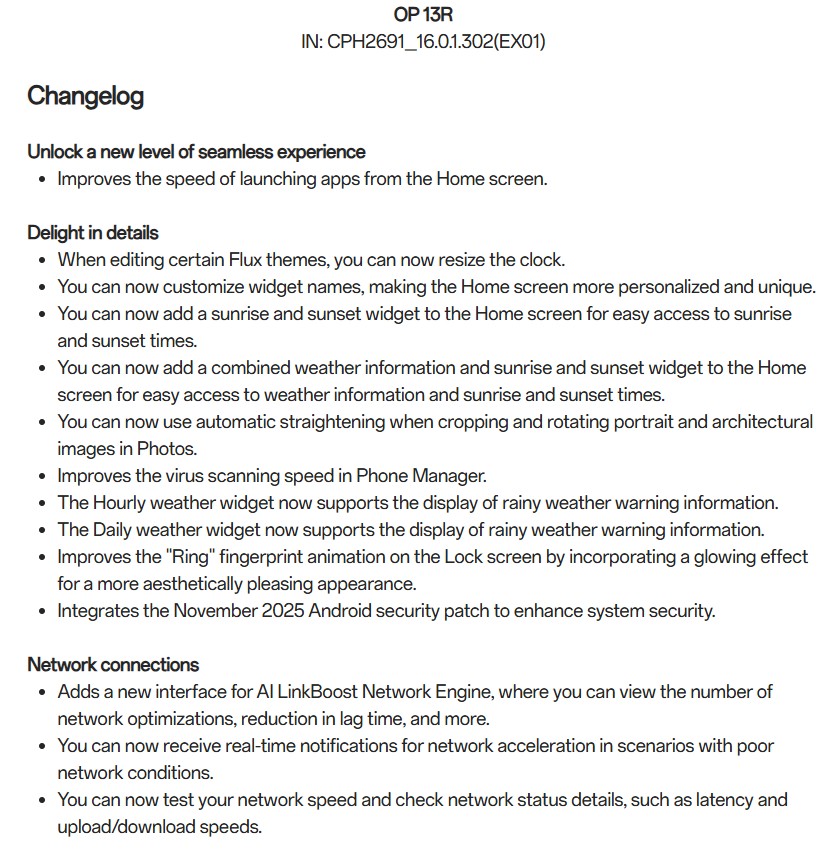
OnePlus 13R Changelog OxygenOS 16.0.1.302
Unlock a new level of seamless experience
- Improves the speed of launching apps from the Home screen.
Delight in details
- When editing certain Flux themes, you can now resize the clock.
- You can now customize widget names, making the Home screen more personalized and unique.
- You can now add a sunrise and sunset widget to the Home screen for easy access to sunrise and sunset times.
- You can now add a combined weather information and sunrise and sunset widget to the Home screen for easy access to weather information and sunrise and sunset times.
- You can now use automatic straightening when cropping and rotating portrait and architectural images in Photos.
- Improves the virus scanning speed in Phone Manager.
- The Hourly weather widget now supports the display of rainy weather warning information.
- The Daily weather widget now supports the display of rainy weather warning information.
- Improves the “Ring” fingerprint animation on the Lock screen by incorporating a glowing effect for a more aesthetically pleasing appearance.
- Integrates the November 2025 Android security patch to enhance system security.
Network connections
- Adds a new interface for AI LinkBoost Network Engine, where you can view the number of network optimizations, reduction in lag time, and more.
- You can now receive real-time notifications for network acceleration in scenarios with poor network conditions.
- You can now test your network speed and check network status details, such as latency and upload/download speeds.
