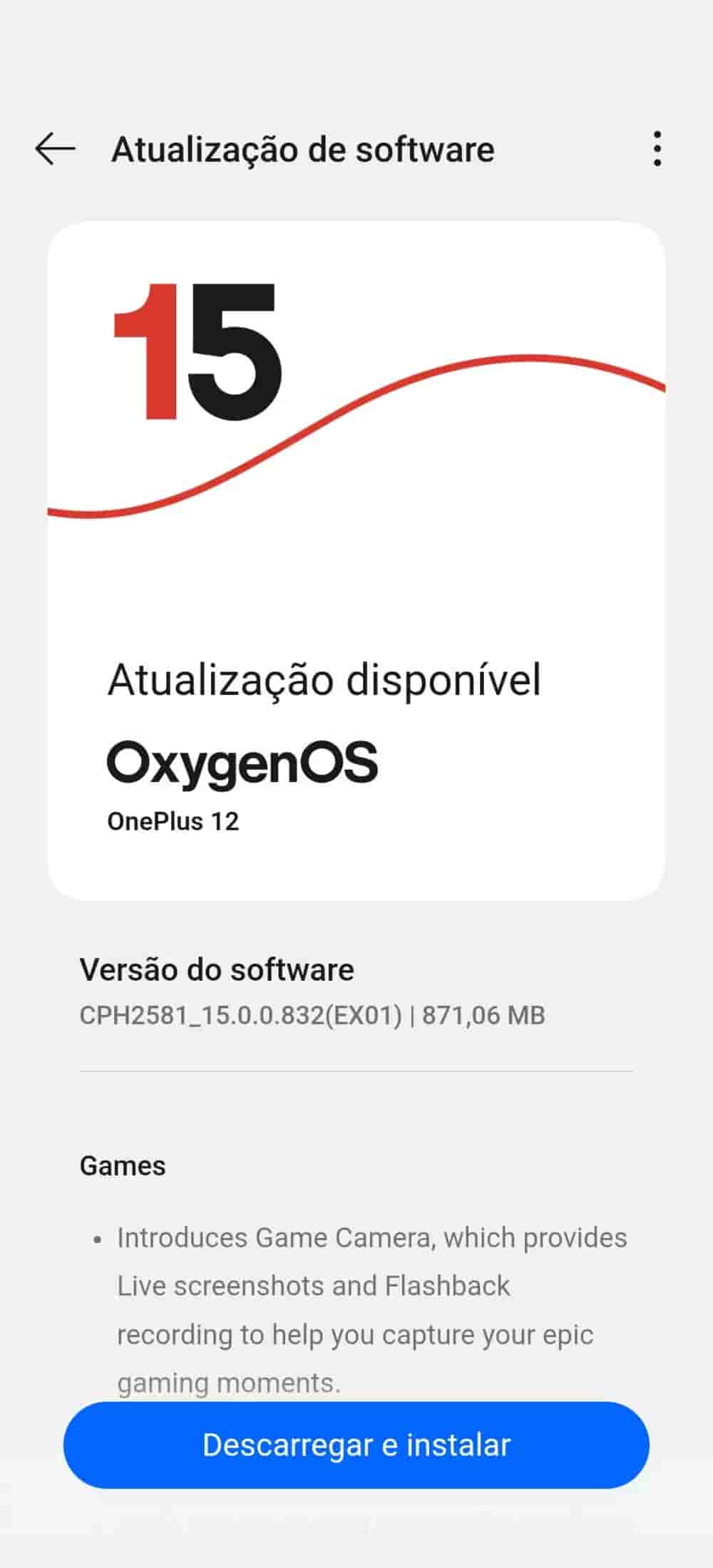
OnePlus is rolling out a new update for the OnePlus 12, and it brings some pretty interesting features along for the ride. The OxygenOS 15.0.0.832 update is now making its way to users in India, Europe, and global regions, arriving in batches. At around 871 MB, it’s a sizeable update — and it’s not just about bug fixes.
From new gaming tools to remote PC control and system-level improvements, this update aims to polish the user experience while adding some genuinely useful features.
What’s New in OxygenOS 15.0.0.832?
One of the highlight additions is the new Game Camera feature. It allows you to capture live screenshots and flashback recordings during gameplay — ideal for anyone who likes to share or revisit those clutch gaming moments.
On the productivity side, OnePlus is adding remote control support for Windows PCs, letting you access and manage your PC files directly from your phone. Whether you’re working remotely or need to grab something from your desktop on the go, this is a welcome feature.
There’s also a new Speaker Cleaner tool built in, which uses sound vibrations to clear out dust from your phone’s speakers. You’ll find it under Phone Manager > Tools > More > Accessibility & convenience.
The update further introduces drag-and-drop functionality in third-party apps, enabling easier interaction with text and images using gestures. The Settings app search has been improved too, now allowing fuzzy searches and app-specific queries.
Other system updates include better responsiveness of floating windows, smoother animations when exiting the notification drawer, and improved stacking of notifications — which now display a summary count of what’s hidden. The June 2025 Android security patch is also bundled in.
Battery Performance: Users Share Mixed Feedback
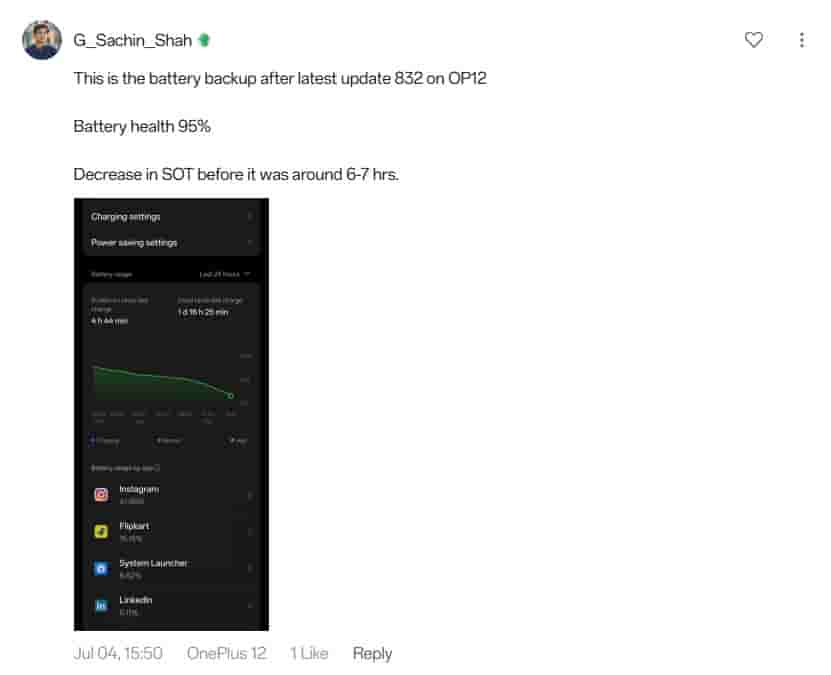
Battery performance after the update has drawn mixed reactions from users. One user (@G_Sachin_Shah) reported a noticeable drop in screen-on time, down to around 4h 44m from the earlier 6–7 hours, despite having 95% battery health.
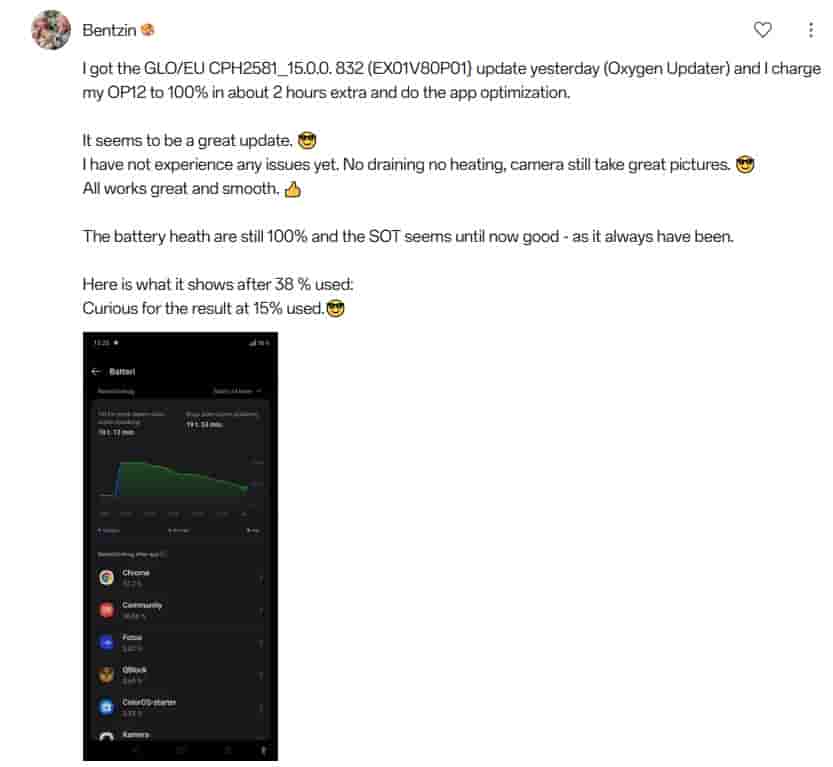
On the flip side, another user (@Bentzin), who installed the same 832 build via Oxygen Updater, praised the update. With 100% battery health, they experienced no heating or unusual drain, with a screen-on time of nearly 2 hours at just 38% battery used, suggesting the update holds up well so far in their case.