

OnePlus 11 users in India now receiving OxygenOS 16.0.2.400 update with December 2025 security patch

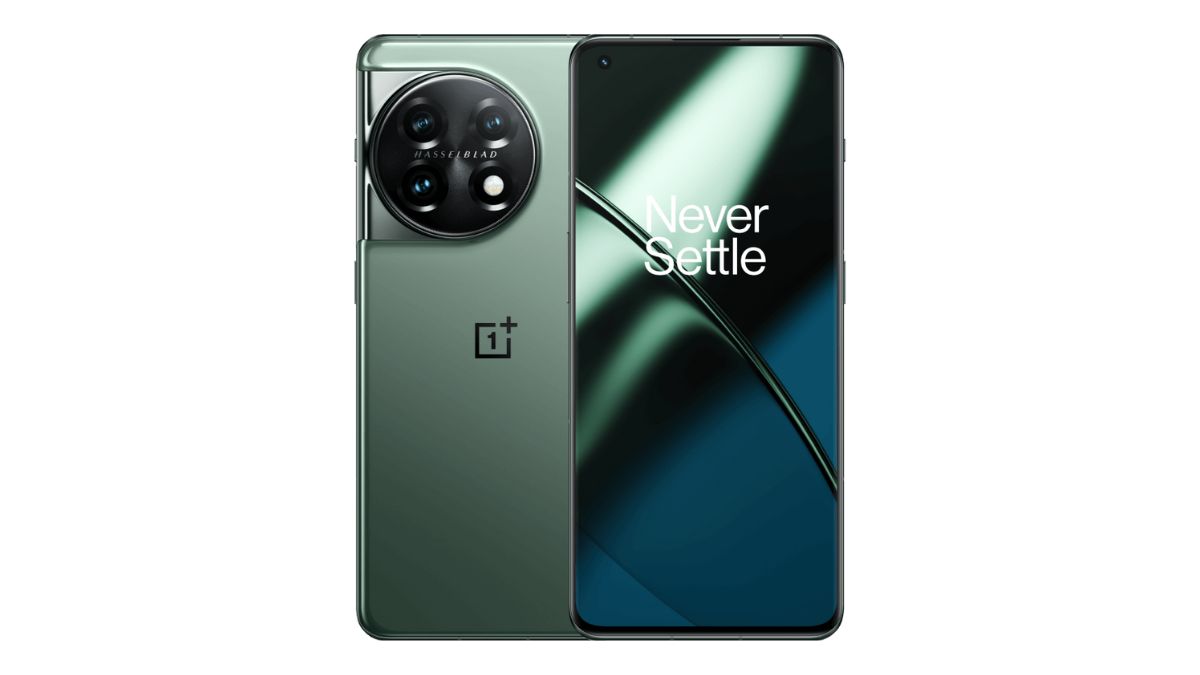
In early December, OnePlus rolled out the stable OxygenOS 16 update for OnePlus 11 users. Now, OnePlus has begun releasing another update for the OnePlus 11 users, which includes the December 2025 security patch with the version number “IN: CPH2447_16.0.2.400(EX01)”. In addition to the security patch, this update brings several new features. Notably, the video editing function has been enhanced with support for cutting, splitting, multi-clip stitching, music, text, speed adjustment, cropping, and more. Alongside this, OxygenOS 16.0.2.400 brings several other improvements and features, which you can find in the changelog below.
At the moment, the update is being rolled out in the Indian region and is expected to reach other regions soon. Since this is the first day of the rollout, there is currently no user feedback available. Users in India who receive the update early can submit feedback by dialing *#800# to access the feedback tool and report any issues they may encounter.
OnePlus has also clarified that users who are still on OxygenOS 15 will need to upgrade to OxygenOS 16 first in order to receive this update.
OnePlus 11 OxygenOS 16.0.2.400 Changelog
Effortless AI at every moment
- You can now launch storage cleanup tools directly from Smart Sidebar for easier storage cleanup.
Delight in details
- You can now use automatic straightening when cropping and rotating portrait and architectural photos in the Photos app.
- The video editing function now supports cutting, splitting, multi-clip stitching, music, text, speed adjustment, cropping, and more, making creation easier.
- After resizing an app icon and adding commonly used shortcut icons, you can now drag-and-drop these shortcut icons to rearrange them.
- The filter in the Photos app now supports “Motion Photo”, “Screenshots & screen recordings”, and “Edited” options, making it easier to filter images and videos.
- You can now drag to resize app clone icons and add shortcuts.
- You can now stack 2×1 widgets on the Home screen, improving space utilization.
- Improves the activation of the “Circle to Search” feature. In gesture navigation, even if the gesture guide bar is hidden, you can launch the feature by touching and holding the area where the guide bar is usually located.
- Improves the thumbnail parsing method in the Photos app to speed up the display of thumbnails in the app.
- Integrates the December 2025 Android security patch to enhance system security.
Security & privacy
- You can now edit images and videos directly in Private Safe, without needing to unlock them.
- After you open the Phone Manager app, a pop-up will appear, prompting you to allow automatic blocklist updates over Wi-Fi and mobile data. If you allow this, the blocklist can be updated promptly, effectively improving detection success rates and protection efficiency.
