


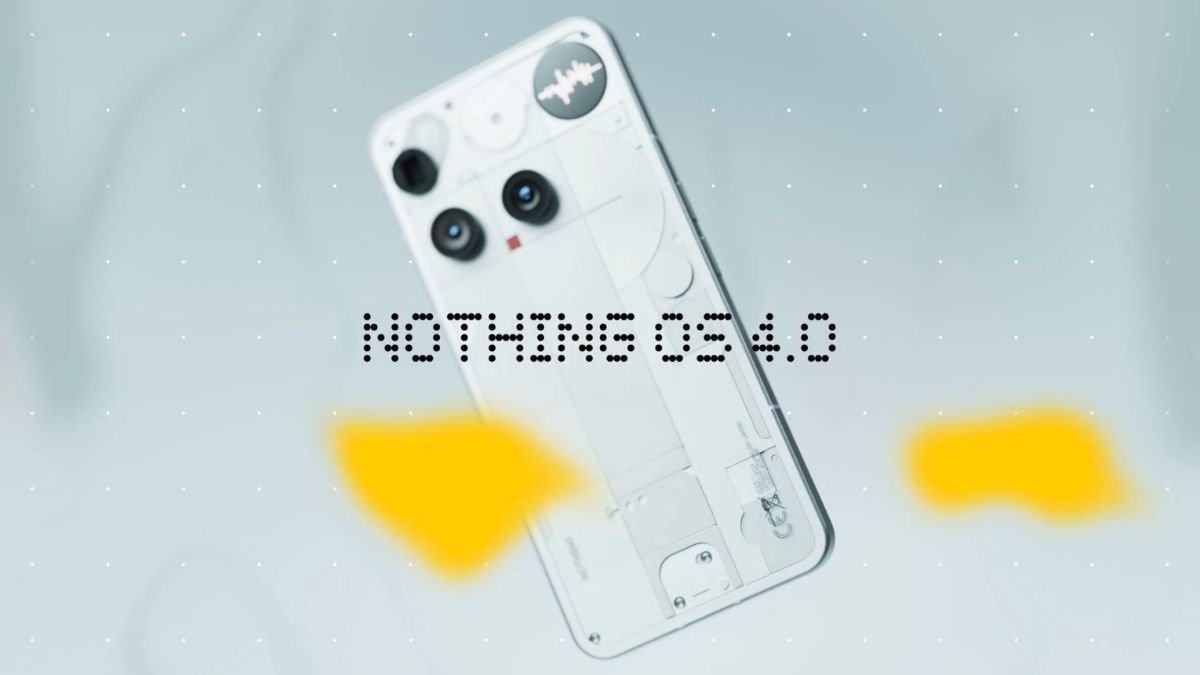
Nothing has announced the stable rollout of Nothing OS 4.0 for the Nothing Phone (3), starting today. In its community post, it has confirmed that this stable update will reach the rest of the Nothing smartphone lineup over the coming weeks, but didn’t share the exact list.
However, Nothing Phone (3a) Lite users will need to wait a bit longer. The stable Nothing OS 4.0 update for this model is scheduled to begin early next year, although the exact date has not been revealed.
CMF smartphone users can also expect the stable Nothing OS 4.0 update by the end of this year for the CMF Phone (1) (last OS upgrade) and CMF Phone (2) Pro.
Here is what is new in the Nothing OS 4.0
Nothing OS 4.0 introduces several changes to the system’s visuals, animations, and features. Animations now move more smoothly, and system physics have been adjusted to feel more natural. Visual elements across the interface have been standardised. App icons and status bar icons have been updated with a cleaner design, and new clock styles are available on the lock screen. Haptic feedback is now provided when the volume reaches its minimum or maximum level.
The update includes features aimed at improving focus and everyday use. Glyph Progress now supports more apps for showing ride updates, delivery progress, and timers. Pop-up View allows two floating apps to be open at the same time. Extra Dark Mode offers deeper blacks for more comfortable viewing in low light. Users can hide apps from the app drawer without moving them to Private Space. Additional widget sizes are available for Weather, Pedometer, and Screen Time. The System and Apps Dashboard shows which apps are running in the background and provides a simple way to optimise performance. Universal Search can be filtered to show more specific results.
Playground introduces tools for creating custom widgets through simple chat-based instructions using AI. A Widget Drawer is available to organise all created and collected widgets in one place.
The update adds clearer privacy controls. AI Status Hints show when an AI model is active, and an AI Usage Dashboard helps users track how often AI features are used.
Phone (3) receives extra features. Glyph Mirror Selfie allows users to take a reflective photo using the Glyph Interface. Flip to Glyph now offers a choice between Vibrate and Silent modes. Pocket Mode automatically disables the Glyph Matrix when the phone is in a pocket. Two new Glyph Toys, Hourglass and Lunar Cycle, are also included.
Essential Memory expands the existing Essential Space and Essential Search features. Items saved in Essential Space can now be recognised and recalled through natural questions. For example, if a saved item is tagged with “April events,” asking about upcoming events can bring it back. This feature will be available in an upcoming update to Essential Space.
