

Nothing officially rolls out Nothing OS 4.0 Open Beta for Phone (3), Phone (2), Phone (2a), and Phone (2a) Plus

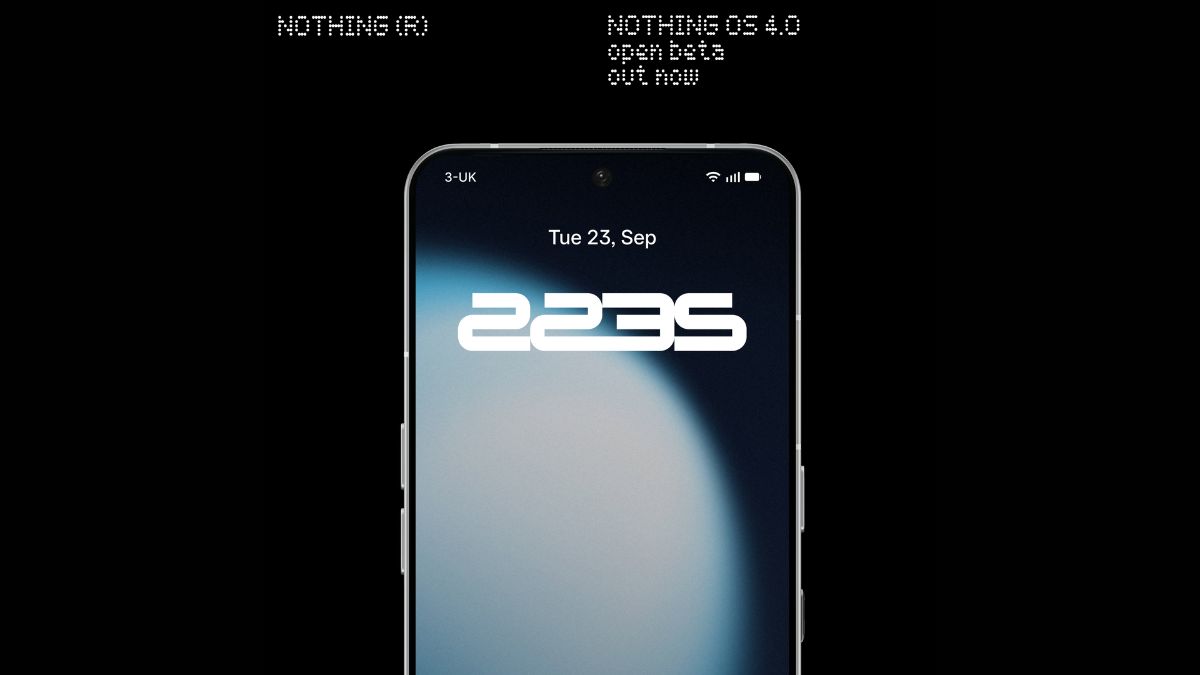
When Nothing first announced the Nothing OS 4.0 closed beta for the Phone (3), it promised that the open beta would arrive in September. True to its word, the company has now begun rolling out the Nothing OS 4.0 Open Beta, based on Android 16, launched right at the tail end of the month.
The update was expected for the Phone (3), but Nothing has also made it available for the Phone (2), Phone (2a), and Phone (2a) Plus.
On the Phone (3), this update introduces the AI usage dashboard in Essential Space, which provides greater transparency over large model activity. It also delivers general improvements and bug fixes, including better lock screen and Always-on Display, optimised brightness behaviour, enhanced camera stability, improved Bluetooth stability and compatibility, stronger Wi-Fi connectivity, and overall system stability enhancements.
For the Phone (2), Phone (2a), and Phone (2a) Plus, the update adds the “Stretch” camera preset created in collaboration with photographer Jordan Hemingway. This preset enhances photos with rich shadows and extended highlights, offering a more distinctive look directly in the Camera app. Additionally, system-level app optimisation has been introduced to improve app startup speeds, accessible via Settings > Apps > App optimisation.
Other new features across devices include a Pop-up View with two floating icons for faster switching, two new lock screen clock faces, support for 2×2 Quick Settings tiles, and an Extra Dark Mode available under Settings > Display > Dark theme > Extra dark mode.
Essential Apps are now live as well. Users can create widgets with AI and share them in Playground, alongside Camera Presets and EQ Profiles. With Nothing OS 4.0, the Phone (3) supports up to six widgets, while other models are limited to two, a temporary cap implemented to ensure smooth performance.
Before installing, users should check that their device versions match the following builds:
Phone (3): Metroid-V3.5-250911-2112
Phone (2): Pong-V3.2-250917-1451
Phone (2a): Pacman-V3.2-250904-1648
Phone (2a) Plus: PacmanPro-V3.2-250904-1704
To join the open beta, download the Beta Updates Hub .apk (via Nothing Community) and install it from your Downloads folder. Then, go to Settings > System > Nothing Beta Hub and tap “Join Beta” to sign up. After successful registration, tap “Go to Update” to upgrade. If the button fails, you can manually check for updates by navigating to Settings > System > System updates.
Nothing will be accepting applications for the open beta until October 14th, after which no new registrations will be allowed. However, it is always recommended to avoid installing beta software on your primary device, as beta versions are often unstable and may cause unexpected issues.
