


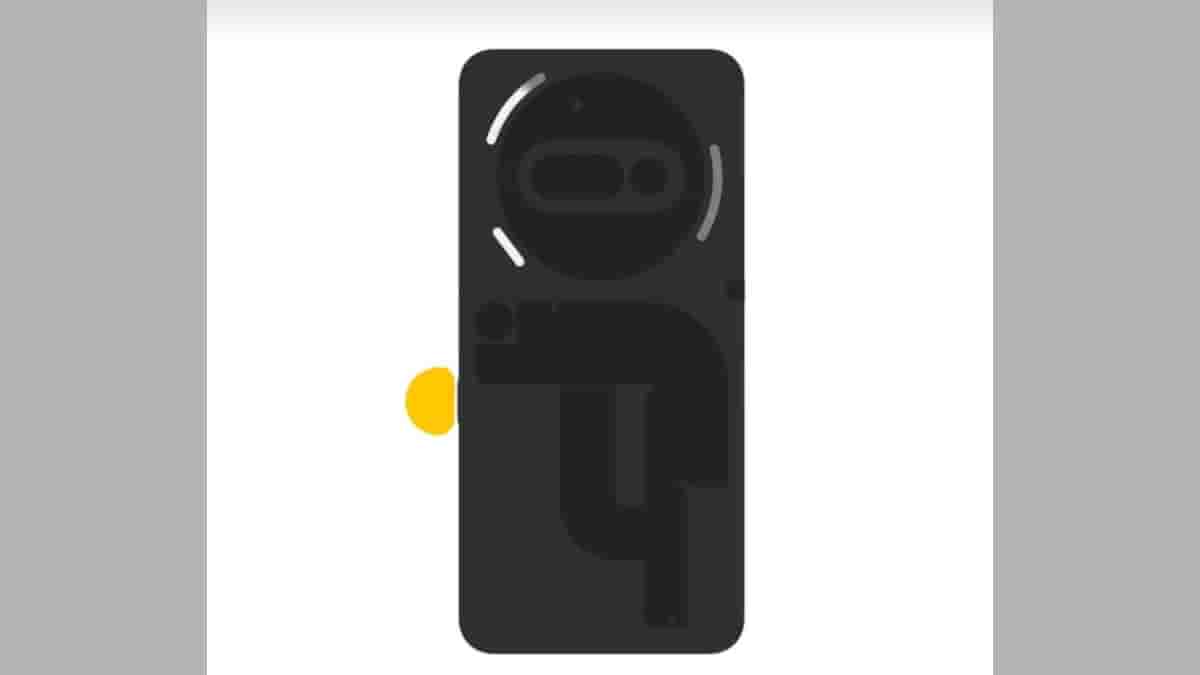
Recently launched Nothing Phone (3) arrived with an amazing Flip-to-Record feature that lets users record important meetings or conversations just by flipping the device and pressing the Essential key. It was said that soon this feature will be available to other Nothing devices as well.
As promised, Flip-to-Record is now available on Essential Space for Nothing Phone (3a) and Nothing Phone (3a) Pro smartphones.
Flip to Record lands on Phone (3a) Series 🫡
Essential Space now hears who's speaking, turns meetings into transcripts, and crafts summaries – action items included! Stay in the flow 📷 pic.twitter.com/tjJoiL1nCe
— Essential (@essential) August 1, 2025
To get this feature, the smartphones require an OTA update over Wi-Fi or mobile data (Build: Asteroids-V3.2-250717-1803).
How to install the update?
- Go to System
- Click on System updates
- Tap on Download and Install
How does Flip-to-Record work?
A new glyph light pattern signals recording in real time. Essential Space then takes it from there: recognizing different voices in meetings, transcribing conversations, and generating AI-powered summaries, complete with actionable to-dos.
- Place your phone face down, long-press the Essential Key to start recording
- During recording, short-press the Essential Key for AI highlights
- Long-press the Essential Key to stop recording
This new update will enhance user interaction with AI-powered transcription and summarization capabilities for meetings and notes. Last month, a new update was released for Essential Space in Nothing Phone (3), which allowed users to export any Flip to Record meeting note as an Image, PDF, or Markdown and share or save locally. This feature could be made available in the Phone (3a) series as well, in the future.
Stay tuned with The Tech Outlook for more latest tech updates.
