


When Nothing Phone (3) made its debut, it arrived with a new Flip-to-Record feature that allowed users to record important meetings or conversations just by flipping the device and pressing the Essential key. At the beginning of this month, this feature was made available to the Phone (3a) series as well.
The company also released a new update for Phone (3), where the users were allowed to export any Flip-to-Record meeting note as an Image, PDF, or Markdown and share or save locally. Well, Essential Space has now received a new upgrade for the Flip-to-Record feature.
Essential Space just dropped another update based on YOUR feedback! 🔥
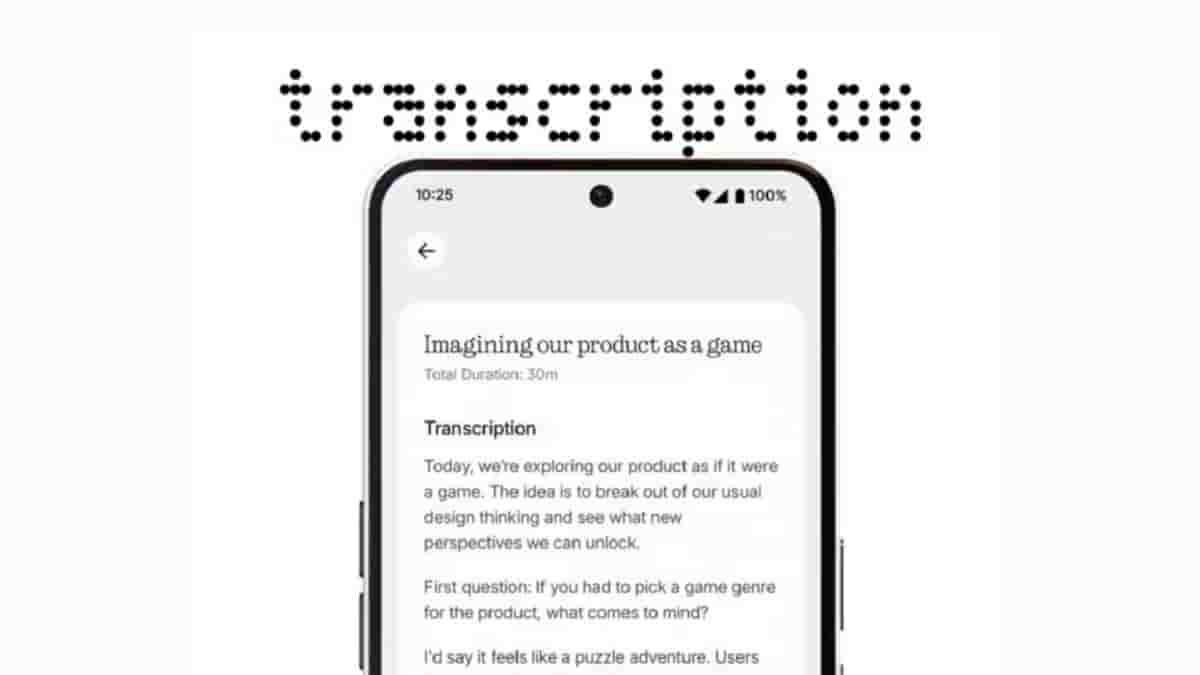
New: Flip-to-Record now generates complete transcripts! 🤝
1/ 🎙️ Record any conversation 2/ 📝 Get instant, full transcripts – not just summaries.
Turn every conversation into text you can review and… pic.twitter.com/id3UQcVPUh
— Essential (@essential) August 26, 2025
Based on the user feedback, Flip-to-Record now generates complete transcripts. All you need to do is just record any conversation and get instant, full transcripts of the conversations, and not just summaries. You can then review the transcript and use it for various purposes, such as creating text-based notes or sharing.
How to get the update?
If auto-update is enabled on your phone, no software update is needed. Just connect to Wi-Fi, and watch Essential Space update automatically via the Google Play Store. If the auto-update is disabled, visit the Google Play Store to update Essential Space manually.
Do note that this update is currently available exclusively on Phone (3) and is said to be rolled out to other models in future updates.
