


Apple has now officially released the iOS 26.2 and macOS Tahoe 26.2 updates, and both bring several new features along with some bug fixes.
Here is what is new.
Let me start with the iOS 26.2 update, which I received on my iPhone 12. The update size is around 1.39GB, and honestly, it took about 12–15 minutes for the whole process to complete. At one point, I even thought the update might have gotten stuck, but I didn’t do anything and just let it run. So, if you face the same situation, it’s always best to leave it alone and let the update do its thing.
Checking the changelog shows that a lot of new features have been added with this update. iOS 26.2 is available for iPhone 11 and newer models.
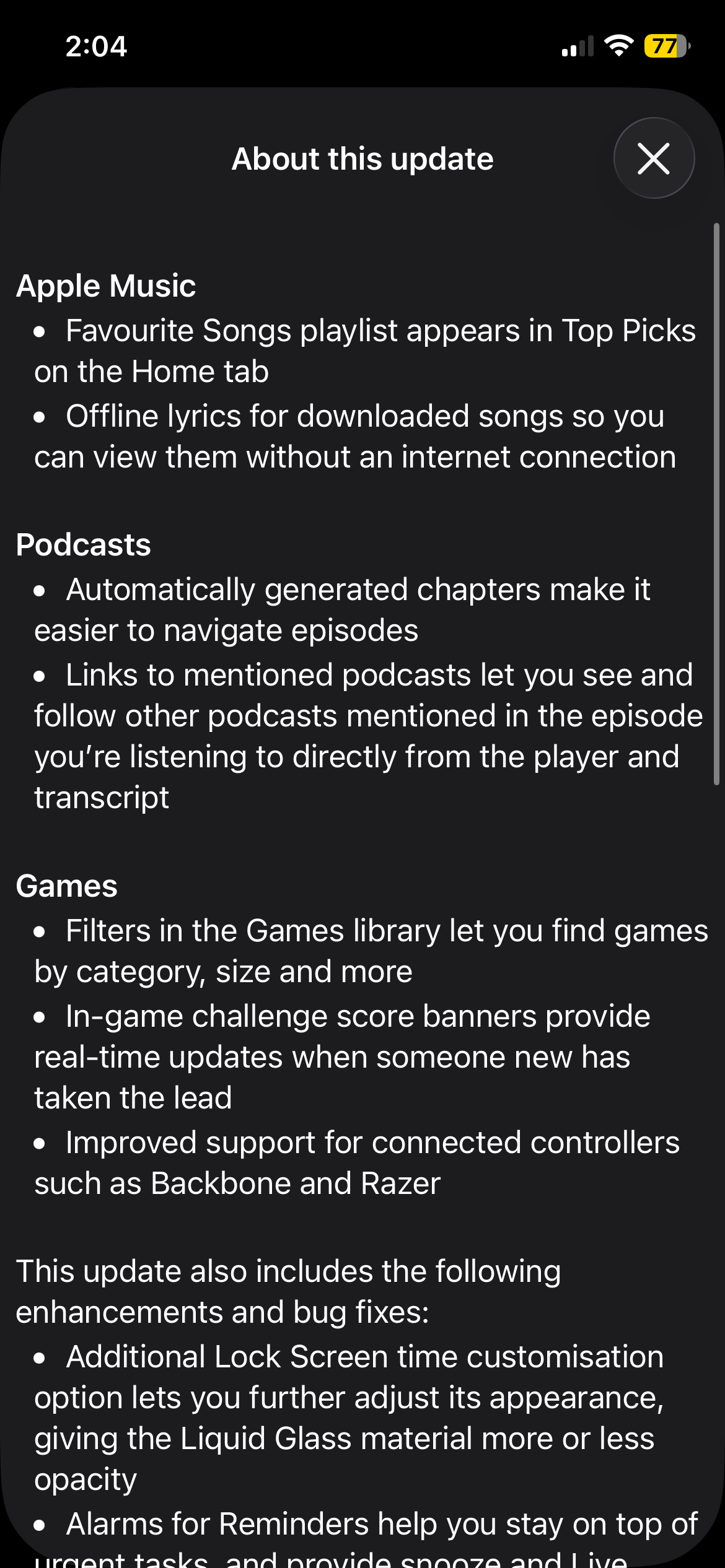
Apple Music
-
Favourite Songs playlist now appears in Top Picks on the Home tab
-
Offline lyrics available for downloaded songs, letting you view them without an internet connection
Podcasts
-
Automatically generated chapters make episodes easier to navigate
-
Links to mentioned podcasts allow you to view and follow podcasts directly from the player and transcript
Games
-
Filters in the Games library help you find games by category, size, and more
-
In-game challenge score banners provide real-time updates when someone takes the lead
-
Improved controller support, including Backbone and Razer controllers
Other enhancements & bug fixes
-
Additional Lock Screen time customisation lets you adjust the Liquid Glass material’s opacity
-
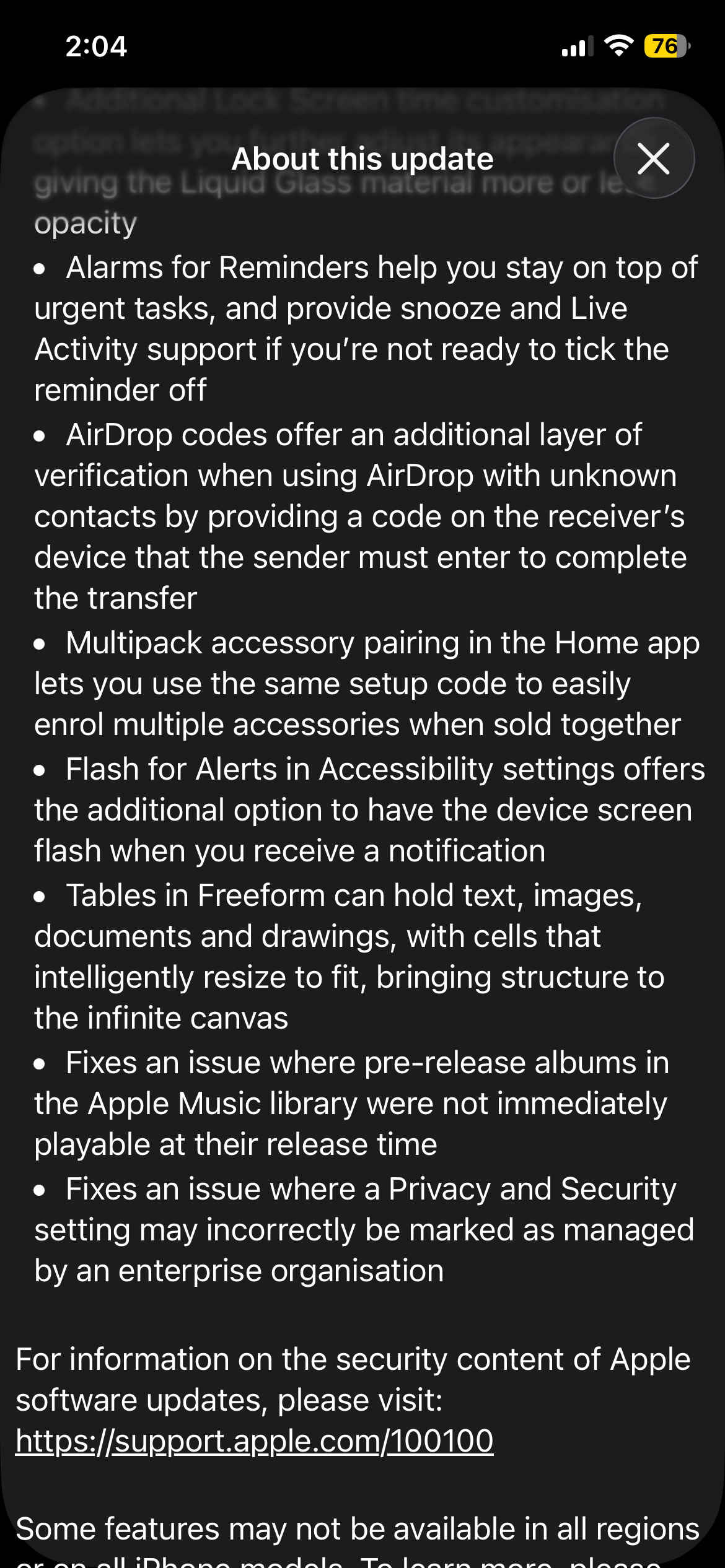
Alarms for Reminders help manage urgent tasks, with snooze and Live Activity support
-
AirDrop codes add an extra verification step when sharing with unknown contacts
-
Multipack accessory pairing in the Home app allows multiple accessories to be enrolled using one setup code
-
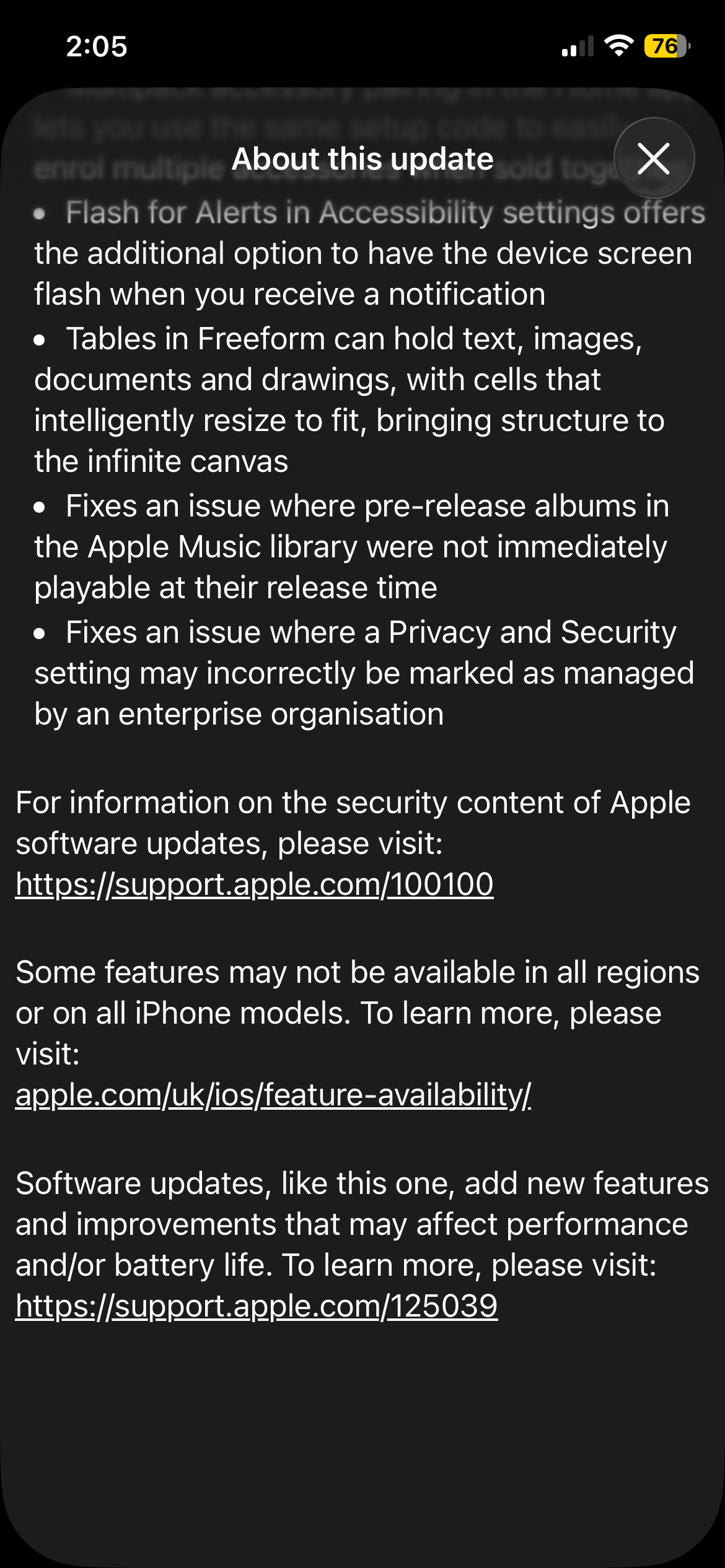
Flash for Alerts option lets the screen flash when notifications are received
-
Tables in Freeform can hold text, images, documents, and drawings, with cells that intelligently resize
-
Fixes an issue where pre-release Apple Music albums weren’t immediately playable at release time
-
Fixes an issue where Privacy & Security settings could be incorrectly marked as managed by an organisation
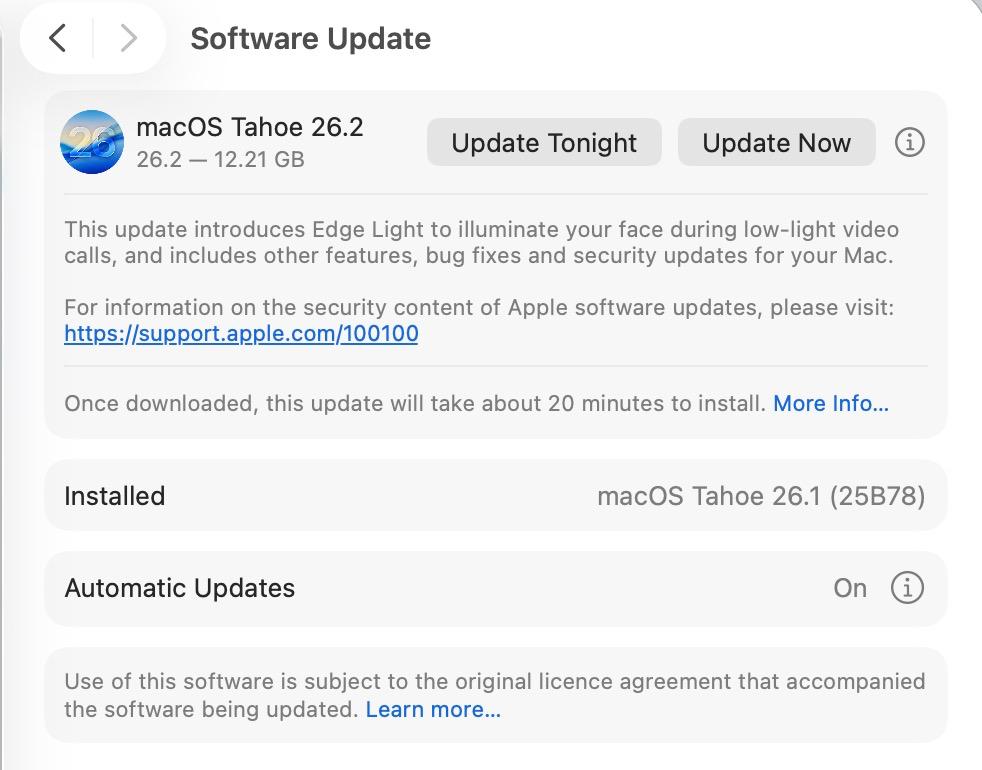
Now moving on to macOS Tahoe 26.2, the update size is around 12.21GB, and it took roughly 5 minutes to install, which is much quicker compared to the update on the iPhone 12.
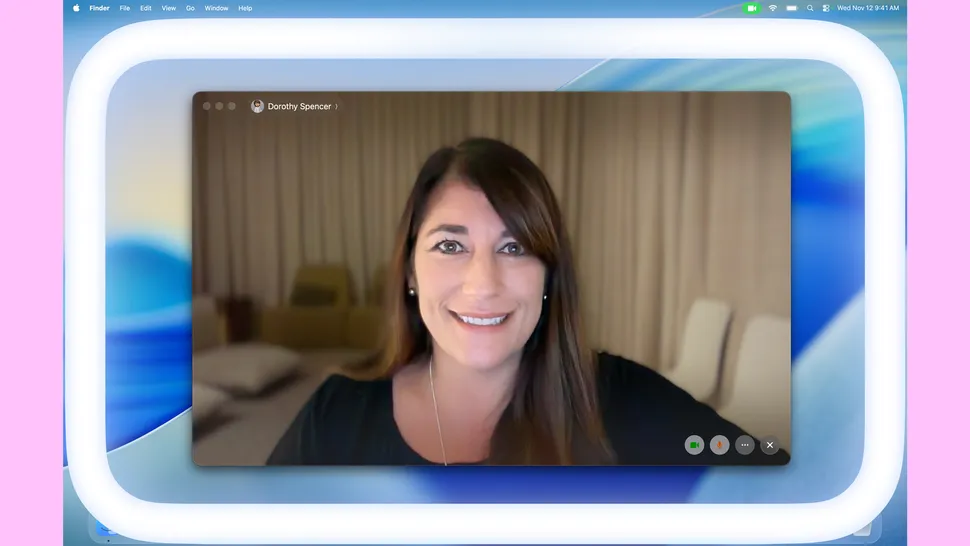
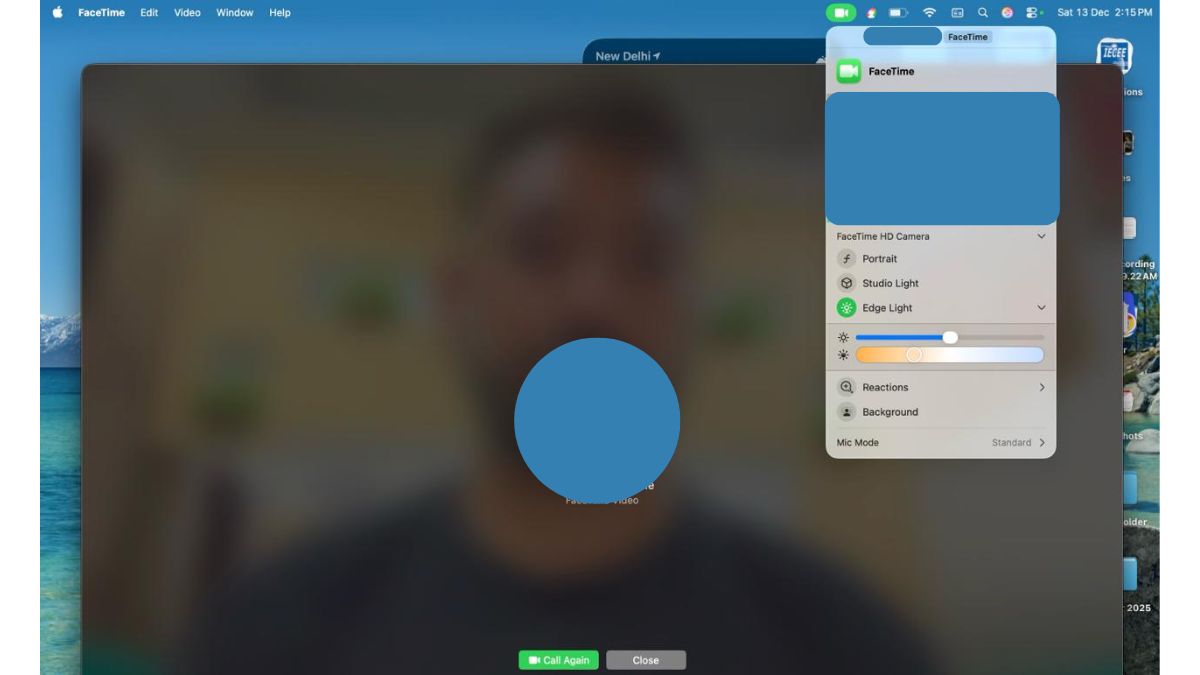
This update introduces Edge Light, which adds a virtual ring light to the Mac’s display to illuminate your face during low-light video calls. When you hover the cursor over the ring light, that specific portion of the effect becomes dimmed, allowing you to access what’s underneath it quickly. This feature is available only on Mac models with Apple Silicon, and it can automatically enable itself on post-2024 Macs when the system detects a dark environment.
Furthermore, this is not limited to FaceTime; you can also do this in other applications such as Teams, Google Meet, and many more.
macOS Tahoe 26.2 also brings the Urgent Reminders feature. This allows users to toggle an “Urgent” option while setting up a reminder, which then triggers the standard system alarm.
