


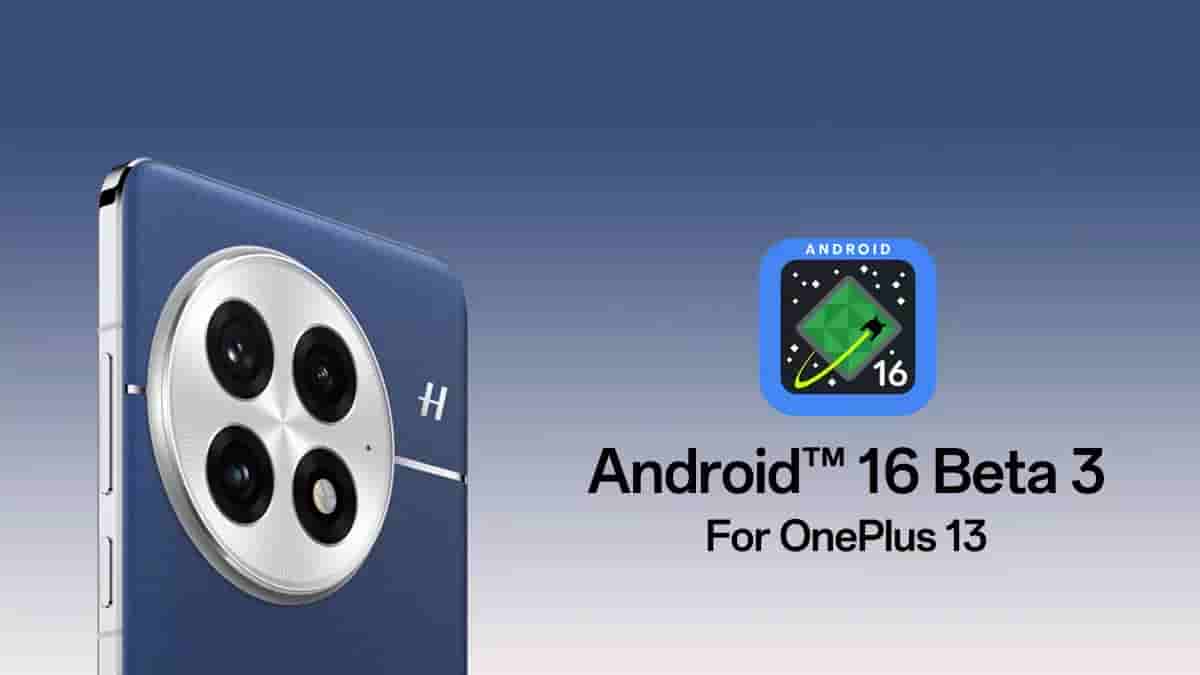
OnePlus – the Chinese smartphone and other consumer electronics maker has now opened the Android 16 beta 3 program for its OnePlus 13 smartphone users. This build however is best suited for developers and early adopters, and users with little/no experience flashing custom ROMs and users who makes use of their OnePlus 13 device as a daily driver are not recommended to install it.
Read more about it below.
OnePlus 13 – Android 16 Beta 3 Program
With this new Android 16 Beta 3 build, OnePlus 13 smartphone users are revealed to get multiple improvements and upgrades in terms of user experience, compatibility, security and privacy, as well as performance and power consumption. But it should be noted that there are certain known issues and since it is a beta build, it may carry more unknown ones too.
About the changes in user experience, the predictive back navigation updates will let users enable predictive back system animations in gesture navigation – like ‘return to home navigation’ animation. It can be done using the PRIORITY_SYSTEM_NAVIGATION_OBSERVER. Additionally, finishAndRemoveTaskCallback() and moveTaskToBackCallback can be used to trigger specific animations as well as play corresponding animations while the back gestures are invoked. Progress-centric notification features are also part of the user experience related improvments, and these features will enable users to keep a track on end-to-end processes such as delivery, travel, and more. The Photo Picker feature has received improvements that include Embedded Photo Picker and Cloud Search in Photo Picker.
On the compatibility side, health-related sensor permissions management has been unified – with ‘BODY_SENSOR’ permission migrated as the ‘Health Data Sharing’ permission group. The elegantTextHeight attribute has also been deprecated. Moreover, the Adaptive Layout feature will let the device adapt full-screen display – both in portrait and landscape, and will ignore fixed aspect ratio and orientation restrictions.
About the security and privacy related changes, Application’s Own Photos – where users can deselect pre-selected options and Safer Intents – a phased security plan that will enhance Android intent resolution mechanism’s security, are part of the security and privacy changes. A new ‘KeyStoreManager’ class also allows granting and revoking key access by app UID.
Finally coming to the performance and power consumption improvements, system-triggered performance profiling has been introduced to the ProfilingManager. Speaking more, getCpuHeadroom and getGpuHeadroom APIs have been introduced to SystemHealthManager, and performance of games and apps can thus be optimized – especially in ADPF (Android Dynamic Performance Framework) APIs.
Regarding the known issues in this Android 16 beta 3 build, users may face crashes and unresponsiveness in certain system apps and settings, black screen issue may arise while making use of the camera, no sound delivery when connected to other devices for playing audios or videos, display abnormalities with message notifications, and third-party app compatibility issues are a few of it. On top of all these, bricking risk is also there and users are advised to be cautious.
Installation Process
In the European and Indian regions, users can get it by locally installing. After downloading the latest ROM upgrade zip package, copy it to the phone storage. Enable the Developer Mode and navigate to Settings > About device > Up to date > Click top-right button > Local install > select the installation package > Extract > Upgrade > System upgrade. Following the successful upgrade completion, restart the device.
For North American users, after downloading and copying the latest ROM upgrade zip package onto the phone storage, install the APK app file given on the respective update server. Open the app > click on the top-right gear icon > navigate to the zip package and select it. After completing the installation, restart the device.
Do note that users must ensure that all their user data are backed up as this update will be wiping out the device storage. Minimum 30% battery life and minimum 4GB of storage must be ensured. Carrier versions of the device won’t be compatible with the update. The device must also run on either v15.0.0703 or lower, and users with versions above it will have to downgrade the device.
