


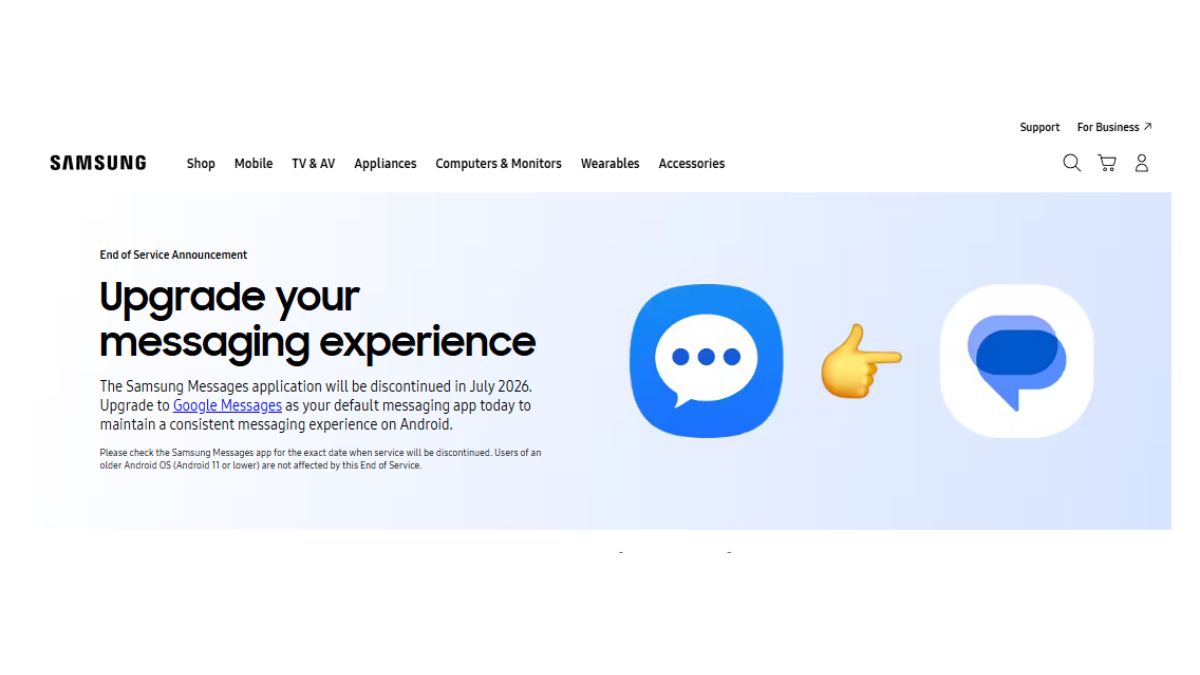
Samsung has updated its support page, confirming the discontinuation of the Samsung Messages app, and the brand has stated that this will take place in the month of July 2026.
Read more about it below.
Samsung Messages App History
Samsung redesigned the app back in 2018 alongside the introduction of One UI, and later also introduced RCS support, enabling features such as read receipts and high-quality media sharing. However, the RCS functionality depended on carrier support, which led to inconsistencies. In 2022, Samsung began shifting towards Google Messages, starting with the Galaxy S22 series in select markets, with the aim of improving compatibility across Android devices. While the Samsung Messages app remained available during the transition period, Google Messages became the default messaging application.
Things changed in 2024, when Samsung stopped pre-installing its messaging application on newer devices in certain regions, beginning with its foldable models. This was also observed on newer devices such as the Galaxy S26 series as well, where the application is no longer available for download.
It’s Impact
As confirmed, the Samsung Messages app will be discontinued in the month of July 2026. However, users on older Android versions, particularly Android 11 or lower, can continue using the application, as these users are not affected by this end of service. For Samsung devices released before 2022, switching messaging applications may temporarily interrupt ongoing RCS conversations. These conversations can resume once both users switch to Google Messages, while SMS and MMS services will continue to function without interruption.
Another impact of this discontinuation will be on older smartwatches running Tizen OS, particularly models launched before the Samsung Galaxy Watch4, as these devices do not support Google Messages. As a result, these watches will no longer display full message conversation history after the discontinuation. However, users will still be able to read and send basic text messages on these devices.
How to Switch from Samsung Messages to Google Messages?
- Open or download the Google Messages application. When opened for the first time, a prompt will appear stating: “To use Messages, make it your default SMS app.”
- Tap on the ‘Set default SMS app’ option.
- Select Google Messages from the list of available applications.
- Tap on ‘Set as default’ to complete the process.
- Google Messages will now be set as the default messaging application.
For users on Android 12 or Android 13, the Google Messages application icon may not automatically appear in the home screen dock after switching. After installing the application, follow the steps below:
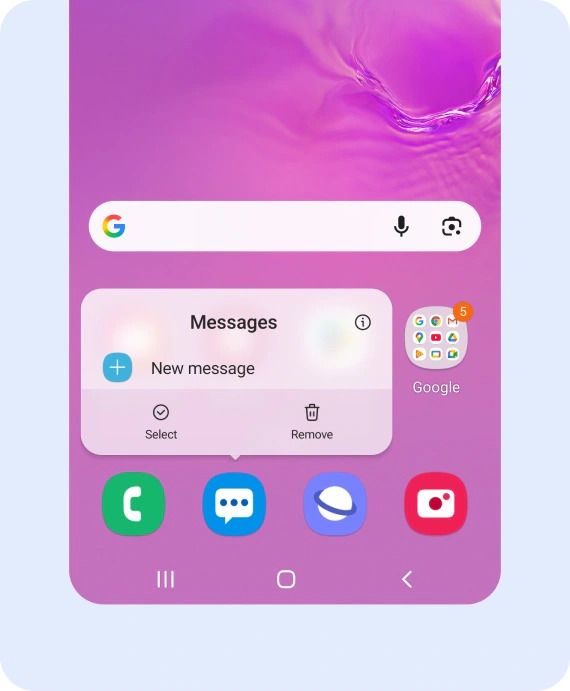
- Step 1
Long press the Samsung Messages icon in the home screen dock and select ‘Remove’.
![]()
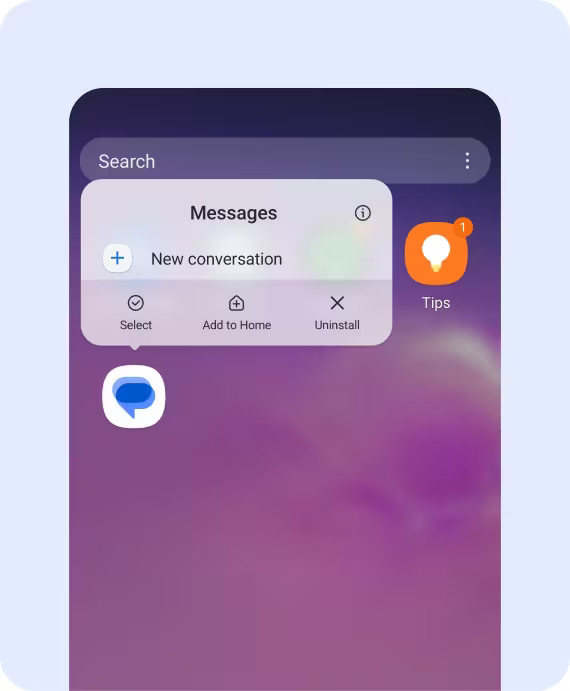
- Step 2
Locate the Google Messages app icon, long press it, and select ‘Add to Home’.
![]()
- Step 3
Manually drag the Google Messages icon into the home screen dock.
![]()
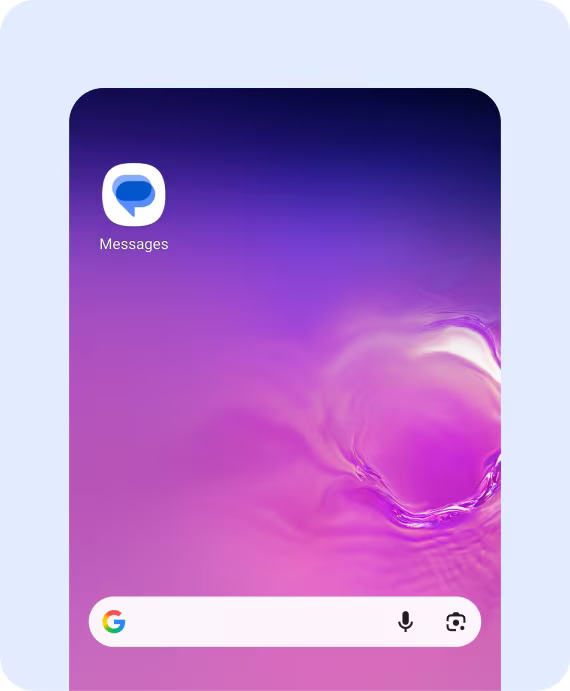
- Step 4
The Google Messages application icon will now be placed in the home screen dock.
![]()
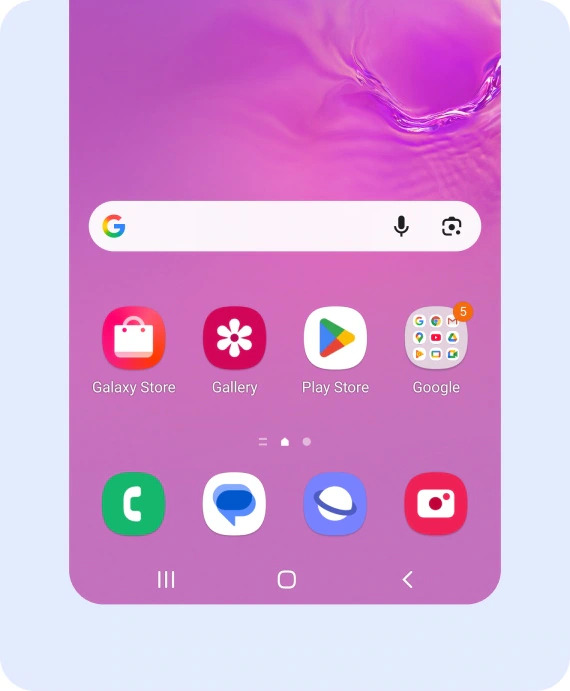
After the discontinuation in July 2026, the Samsung Messages application will no longer be available for download via the Galaxy Store.
