


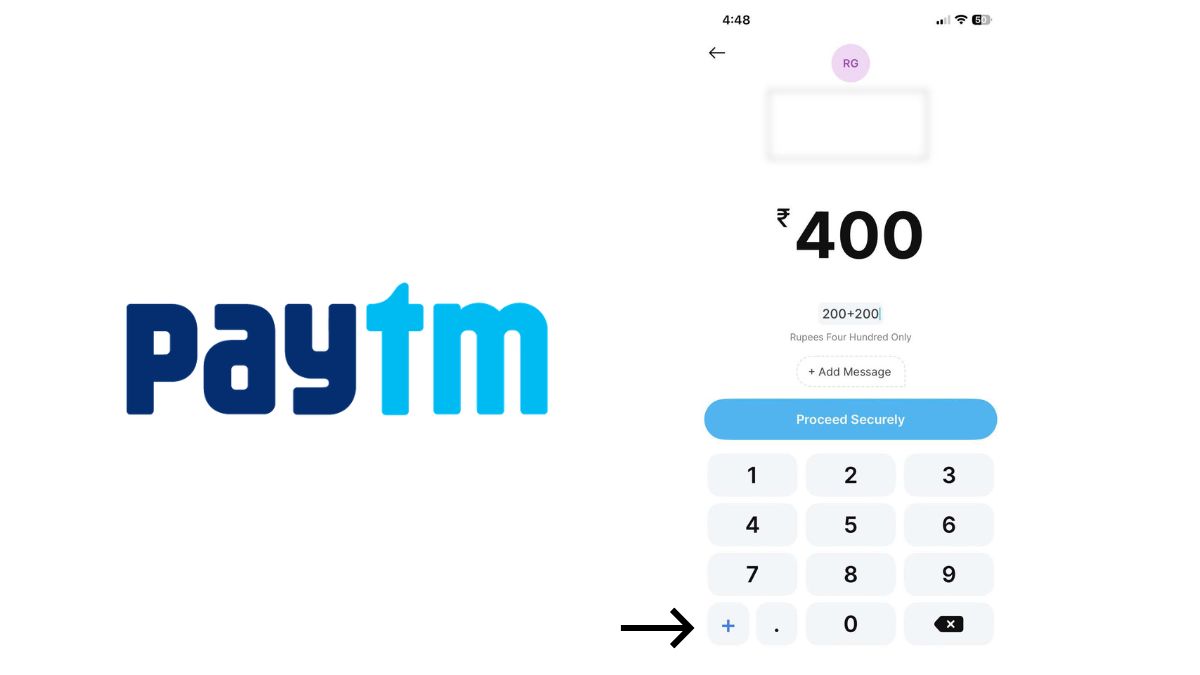
PayTM, one of India’s leading digital payment apps, has now introduced a new feature through which users will not have to go through the hassle of calculating while making payments.
Here is more to it.
PayTM adds inbuilt calculator to the payment screen
In a press release, PayTM has announced that it has added a calculator inside the payment screen so users can add multiple amounts before making a payment. Through this new feature, suppose you are at a grocery shop buying your daily errands, and you buy multiple items, which sometimes require you to open the calculator. This new feature will do the job for you. However, in my opinion, this is not going to be used by a lot of users since, in this era of online shopping, most apps already give you the total. But it may be useful for some who still rely on offline shopping.
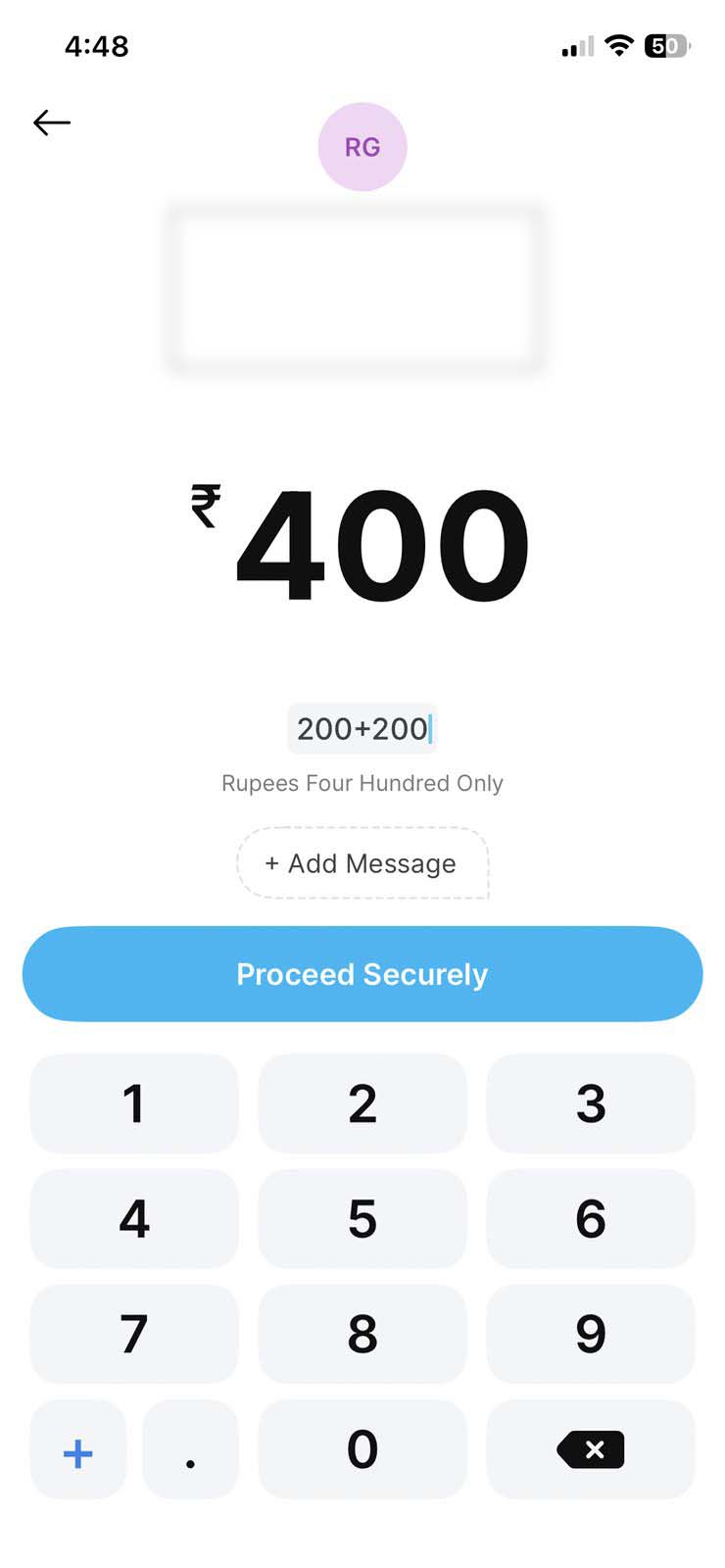
Speaking about this feature, a PayTM spokesperson said, “Our approach has always been to build practical solutions around everyday payment needs. We have introduced this built-in calculator within the payment screen to simplify the process of adding up amounts before paying while also displaying the total in figures and in words for improved accuracy.”
Here is how you can use Paytm’s built-in calculator
● Open the Paytm app
● Scan a QR code or select the contact/enter the UPI ID to begin the payment
● On the amount entry screen, tap the “+” icon to add multiple values consecutively
● The total updates automatically as each value is added and is displayed in figures and in words
● Once the final amount is calculated, proceed to pay and enter the UPI PIN to complete the payment
