

Gmail Emoji Reactions Will Be Enabled by Default for All Google Workspace Users: Effective From the 9th of February, 2026

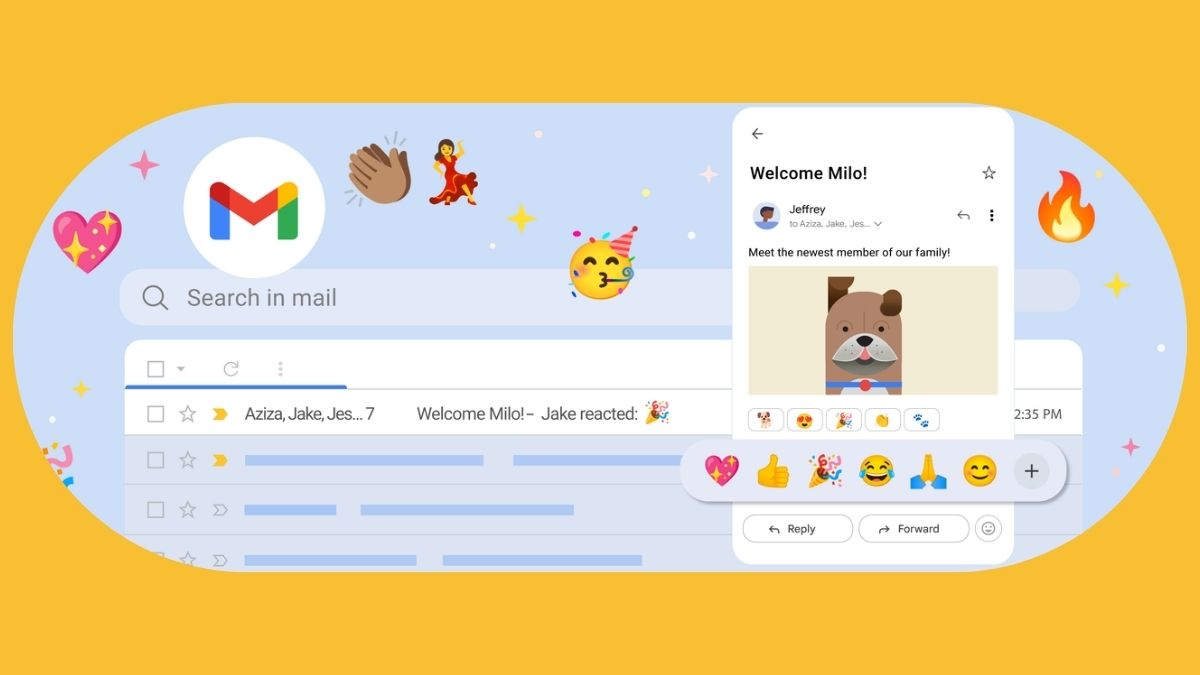
The California-based tech giant – Google has now announced that it is planning to make the Gmail emoji reactions capability a default feature for all of its Workspace users. Two months later, the change will be coming into effect.
Read more about it below.
Google Workspace – Gmail Emoji Reactions Soon Going to be Active for All Users, Unless Turned Off
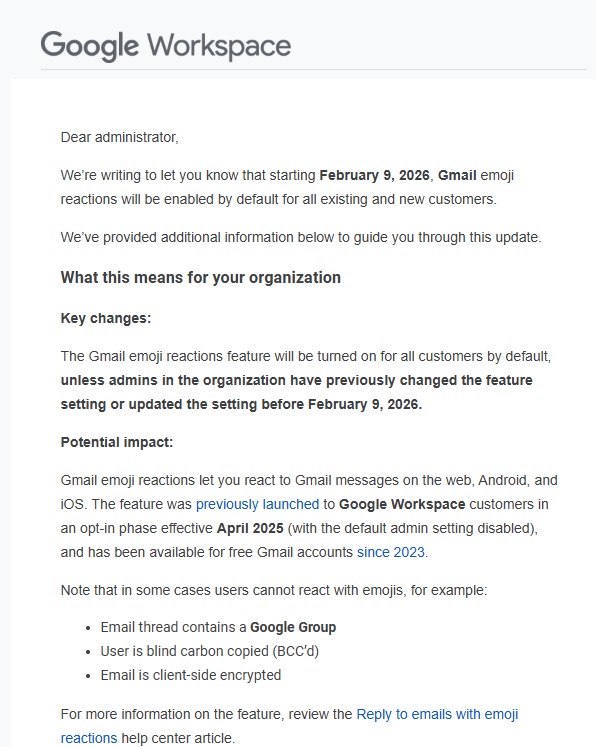
As per what has been announced by the brand, starting from the 9th of February 2026, the Gmail emoji reactions will be made an enabled feature by default, and this change will be applicable to all the existing and new Google Workspace users. This means, unless and until the admins manually change it prior to 9th February 2026, existing Workspace users will be automatically offered the capability, while newer users will be able to start using it directly after registering.
Speaking more, the Gmail emoji reactions capability was launched on Google Workspace back in April 2025, and it was then an opt-in feature. For free Gmail account users, it has been live since 2023 as well. With this feature, on Gmail, users are being offered the support to react to Gmail messages with emojis, and it can be accessed on the web, Android, as well as iOS versions of the Google service. Notably, there are a few instances where emojis cannot be used, and these include scenarios when the thread contains a Google Group, the user is BCC’d (blind carbon copies), or when the email is client-side encrypted.
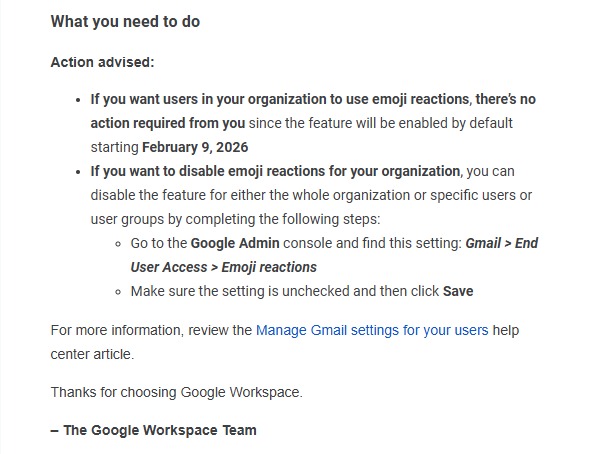
For admins, if they are okay with the feature going live, there isn’t anything to be done and it will be active from 9th February 2026 automatically. But if admins prefer not to have it live, the feature can be disabled (for the whole organization, for specific users, or for user groups). To disable it, go to Google Admin console > ‘Gmail’ > ‘End User Access’ > ‘Emoji reactions’. After unticking the box, tap on ‘Save’ to make the change permanent.
