


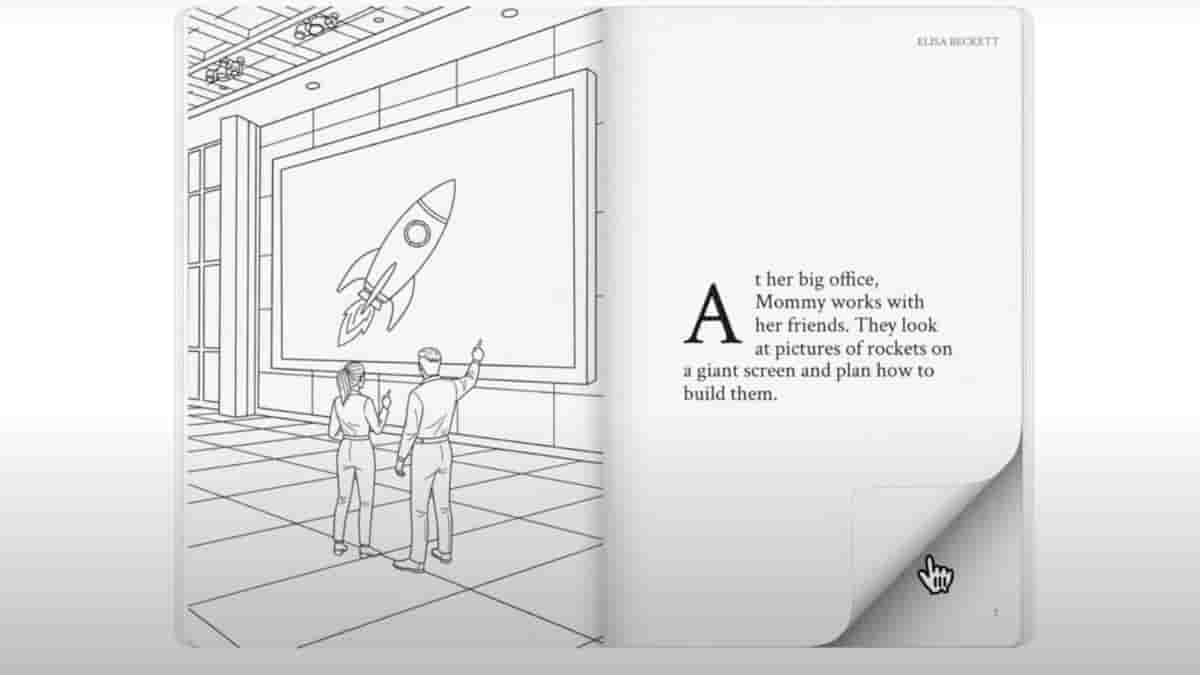
Google is now amping up the AI game with the launch of Storybook on Google Gemini. Currently in the experimental phase, you can ask Gemini to create a storybook by giving just a few hints, and it will generate a complete book. Not only that, but it also adds illustrations and even creates a cover page, just like a regular novel or children’s book. While currently limited to 10 pages, Storybook supports over 45 languages and is accessible globally on both desktop and mobile.
One of the best features is that you can listen to the story. While it reads the story aloud (you also have an option to listen in a lower-pitched voice), the narration isn’t monotonous; it actually sounds like someone is telling you a story, complete with voice modulation. Additionally, you can print the entire book, including the cover and illustrations. However, when I tried printing, it didn’t seem to work for some reason. Also, the print option is only available if you created the story using your own account.
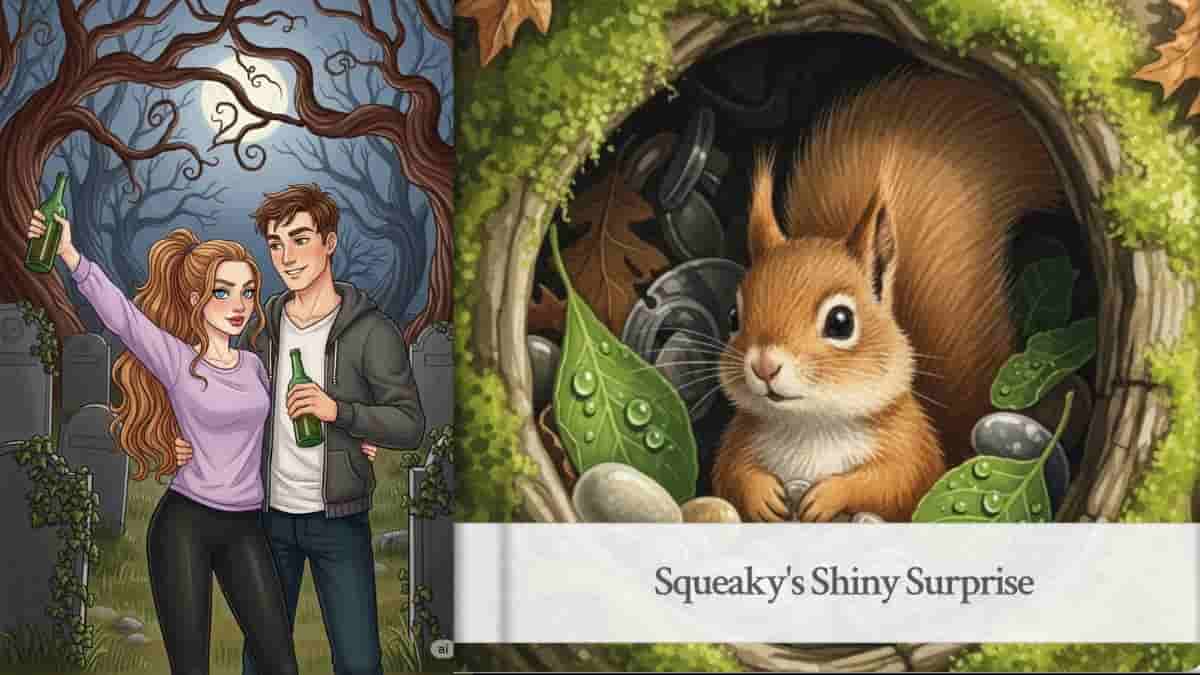
For fun, I asked it to create a horror story about friends drinking in a cemetery, and here’s the link to it. I also had it generate a bedtime story for kids, which it titled Squeaky’s Sunny Surprise.
Another great feature is that if someone isn’t very tech-savvy, you can simply share a link to the storybook you created. The best part? It doesn’t even require a login to view the story when accessed through the shared link.
